 EN
EN IT Italiano
 ES Español
 FR Français
 DE Deutsch
Description
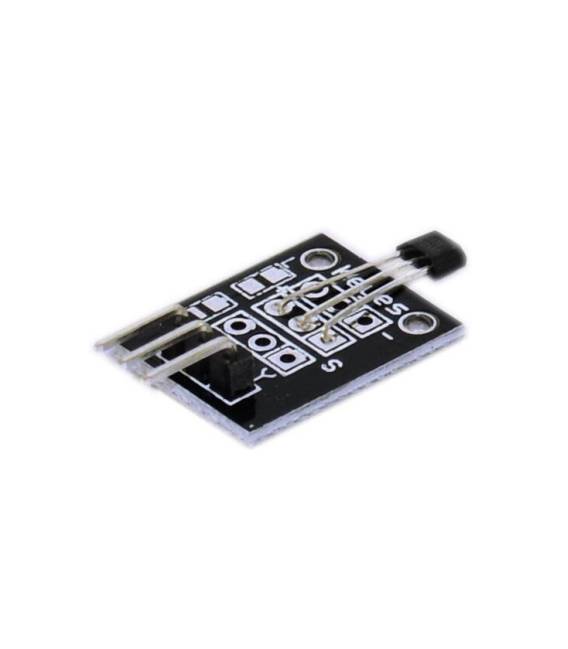
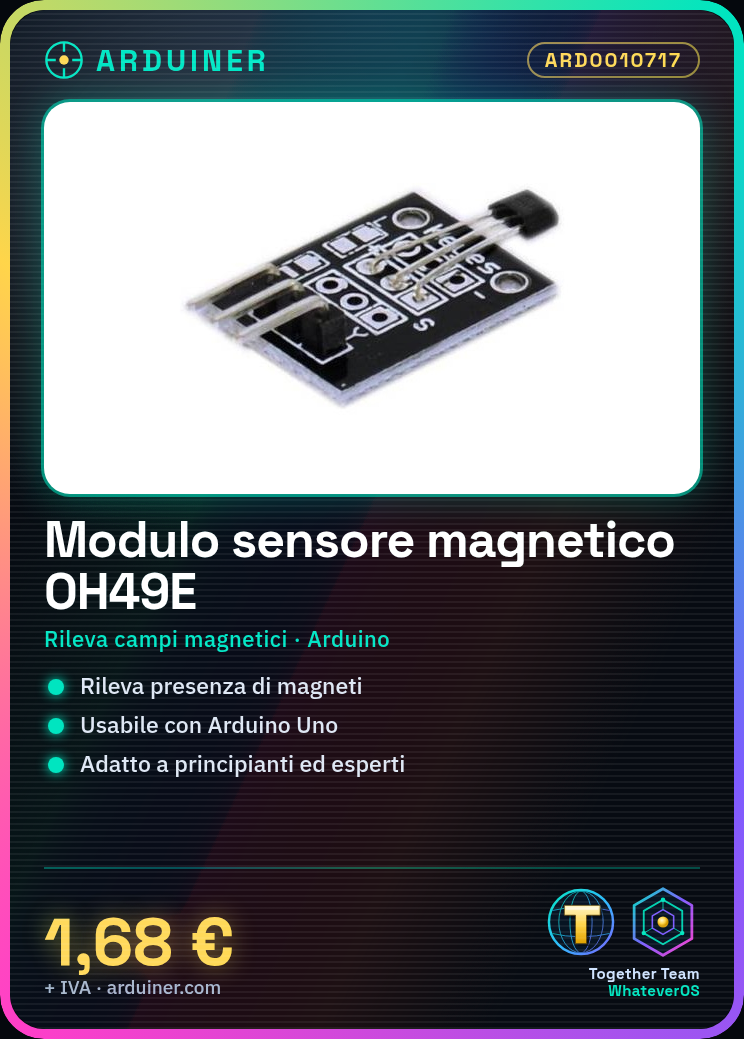
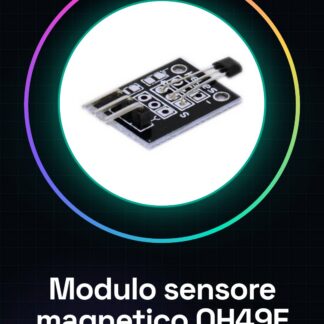
What is it The Magnetic Sensor Module OH49E KY-035 is a component designed for Arduino to detect the presence or absence of magnetic fields. Suitable for both beginners and experts, it offers a simple and cost-effective solution for various applications. Features Magnetic Sensor Module OH49E KY-035 Detects magnetic fields What is it used for Ideal for smart door projects, home security systems, or counters. You can connect the sensor to a door and use it to send notifications when it is opened. Tutorial: How to Use Magnetic Sensor Module KY-035 The Magnetic Sensor Module OH49E KY-035 is a simple and cost-effective component that allows you to detect the presence or absence of a magnetic field. Ideal for beginners who want to create projects like smart doors, home security systems, or counters. What does it need Arduino Uno Magnetic field (small magnets) Jumper cables Steps Connect the KY-035 module to digital pin 2 of the Arduino using a jumper cable. Check that the module’s power supply is adequate (refer to the datasheet). Write and upload the provided Arduino sketch in this tutorial. Bring a small magnet close to the sensor to test detection. Observe the output on the Arduino Serial Monitor. Example code void setup() { Serial.begin(9600); pinMode(2, INPUT); } void loop() { int sensorValue = digitalRead(2); if (sensorValue == HIGH) { Serial.println(“Magnet detected”); } else { Serial.println(“No magnet”); } } Mini-project Create a home security system that sends a notification when the door is opened. Connect the magnetic sensor to the door and use an online notification service. Common errors Ensure correct polarity of the connection. Check correct power supply for the module (refer to the datasheet). Ensure the magnetic field is sufficient to activate the sensor. Resolve any electronic interference issues. Recommended accessories Arduino Uno R3 Jumper cables pack Small magnets (set) LCD 16×2

Reviews
There are no reviews yet.