 EN
 IT Italiano
 ES Español
 FR Français
 DE Deutsch
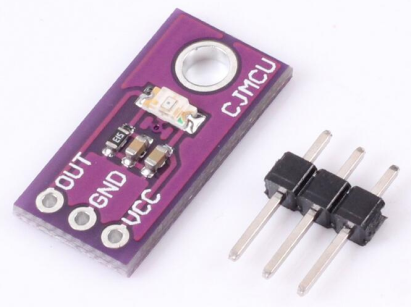
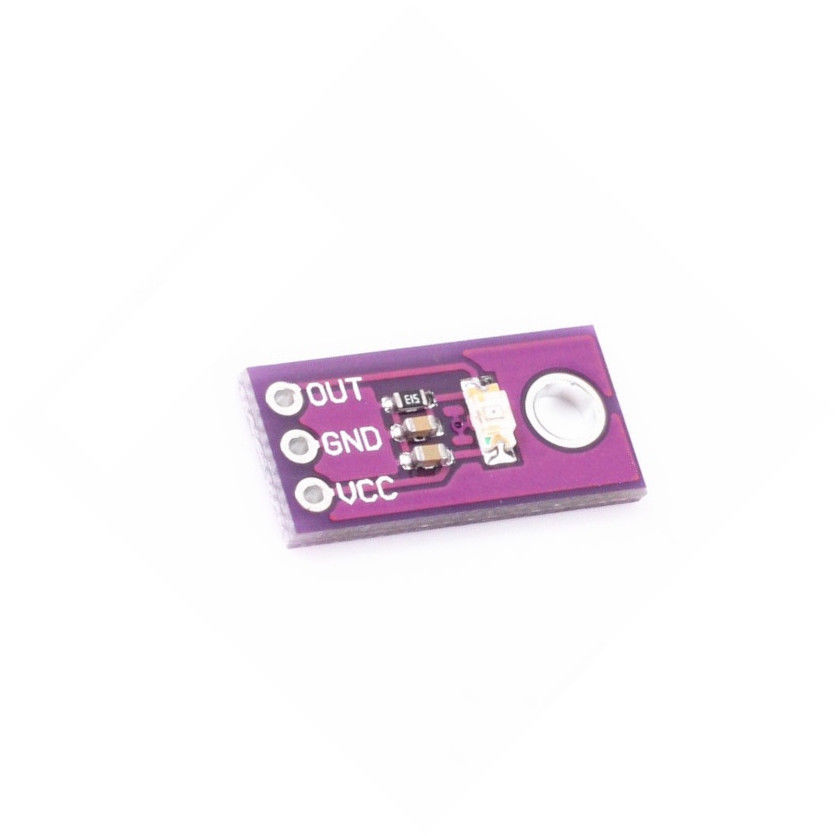
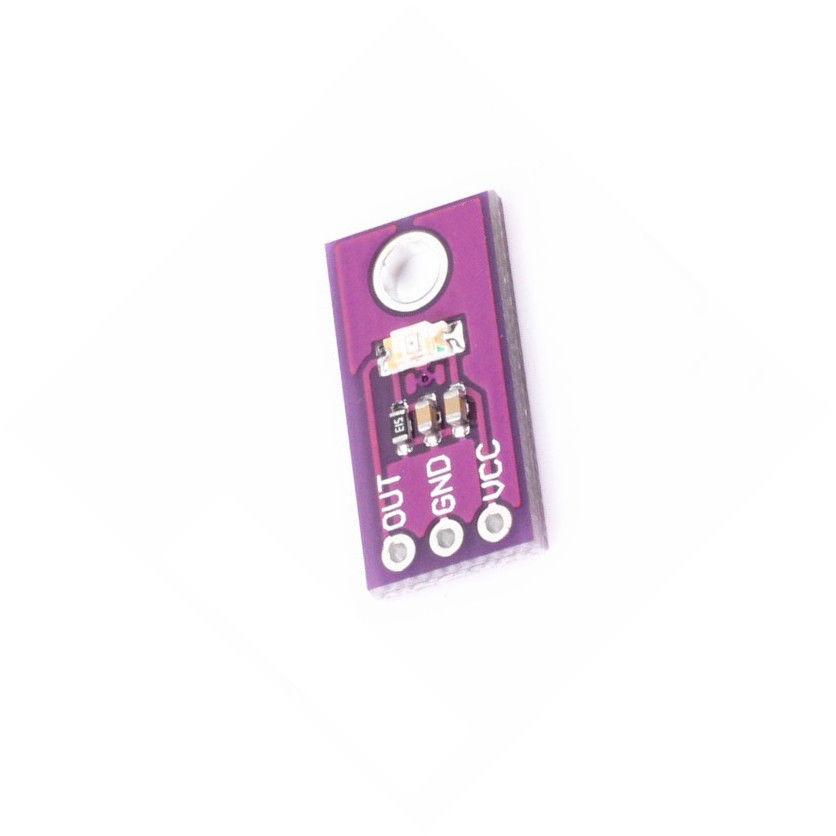
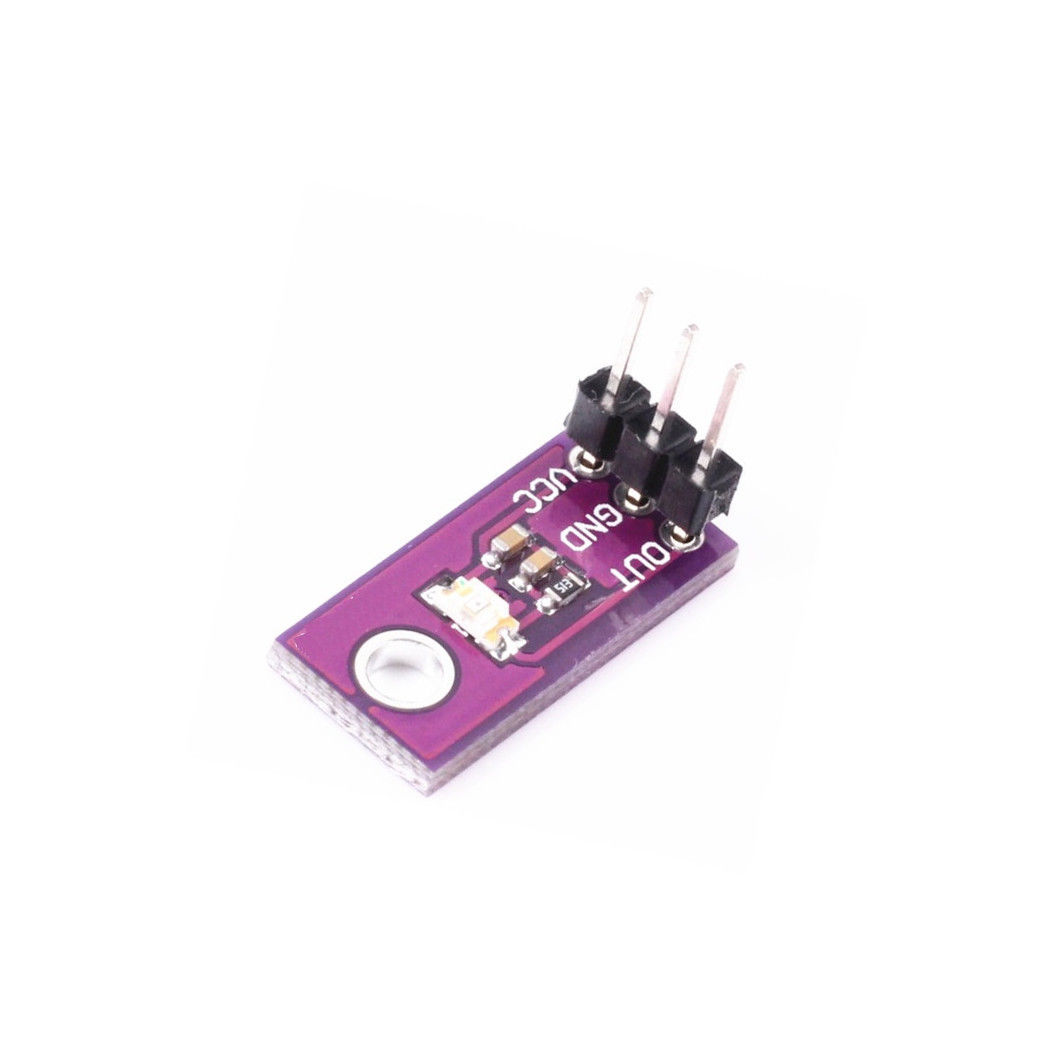
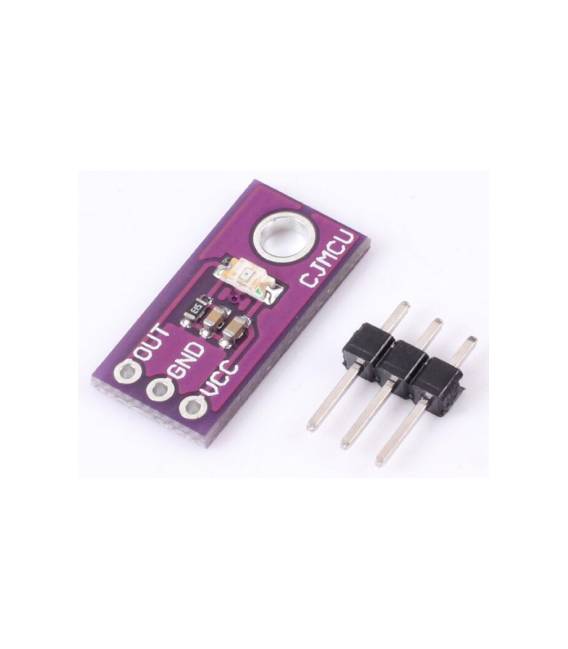
Description
What it is
The LX1972 Light Sensor Module is an analog light sensor designed for DIY and maker projects. This module allows for precise measurement of ambient light, making it useful for various applications that require light level monitoring.
Features
- Analog Light Sensor LX1972
- Ideally suited for DIY and maker projects
What it is for
The LX1972 sensor is usable in applications such as ambient light monitoring, creating automated lighting systems, or any other project that requires light measurement. It is compatible with Arduino and other microcontrollers.
Tutorial: How to use LX1972
The analog light sensor LX1972 is ideal for automated lighting projects and environmental monitoring. Useful for beginners and intermediate makers.
What you need
- Arduino or compatible microcontroller
- Connection cable
- 10kΩ resistor
- Optional protection short
Steps
- 1. Connect the sensor to the microcontroller using VCC and GND.
- 2. Connect the resistor between VCC and the sensor input pin.
- 3. Connect the sensor output pin to the microcontroller’s analog pin.
- 4. Add a protection short between VCC and GND if necessary.
- 5. Load the following code onto the microcontroller.
- 6. Check the light values read by the sensor.
- 7. Adapt the code for your project.
- 8. Test the project.
Example code
```void loop() { int sensorValue = analogRead(A0); Serial.println(sensorValue);}```Mini project
Create an illumination system that turns on/off based on ambient light every 30 minutes.
Common mistakes
- Forget to connect VCC and GND.
- Do not use the pull-up/pull-down resistor.
- Connect the sensor output pin to a digital pin instead of an analog pin.
- Omit electrical protection.
Recommended accessories
- Arduino Nano
- USB cable
- LCD display
- Relay
Frequently asked questions
How can I customize the code?
Modify the pins and values read from the sensor in the code.
Does the sensor work with Arduino Uno?
Yes, but it uses an analog pin.
What light values do I receive?
Values from 0 to 1023, where 0 is dark and 1023 is bright.
Does the sensor work with batteries?
Check the datasheet, it may require continuous power.
Reviews
There are no reviews yet.