 EN
 IT Italiano
 ES Español
 FR Français
 DE Deutsch

Description
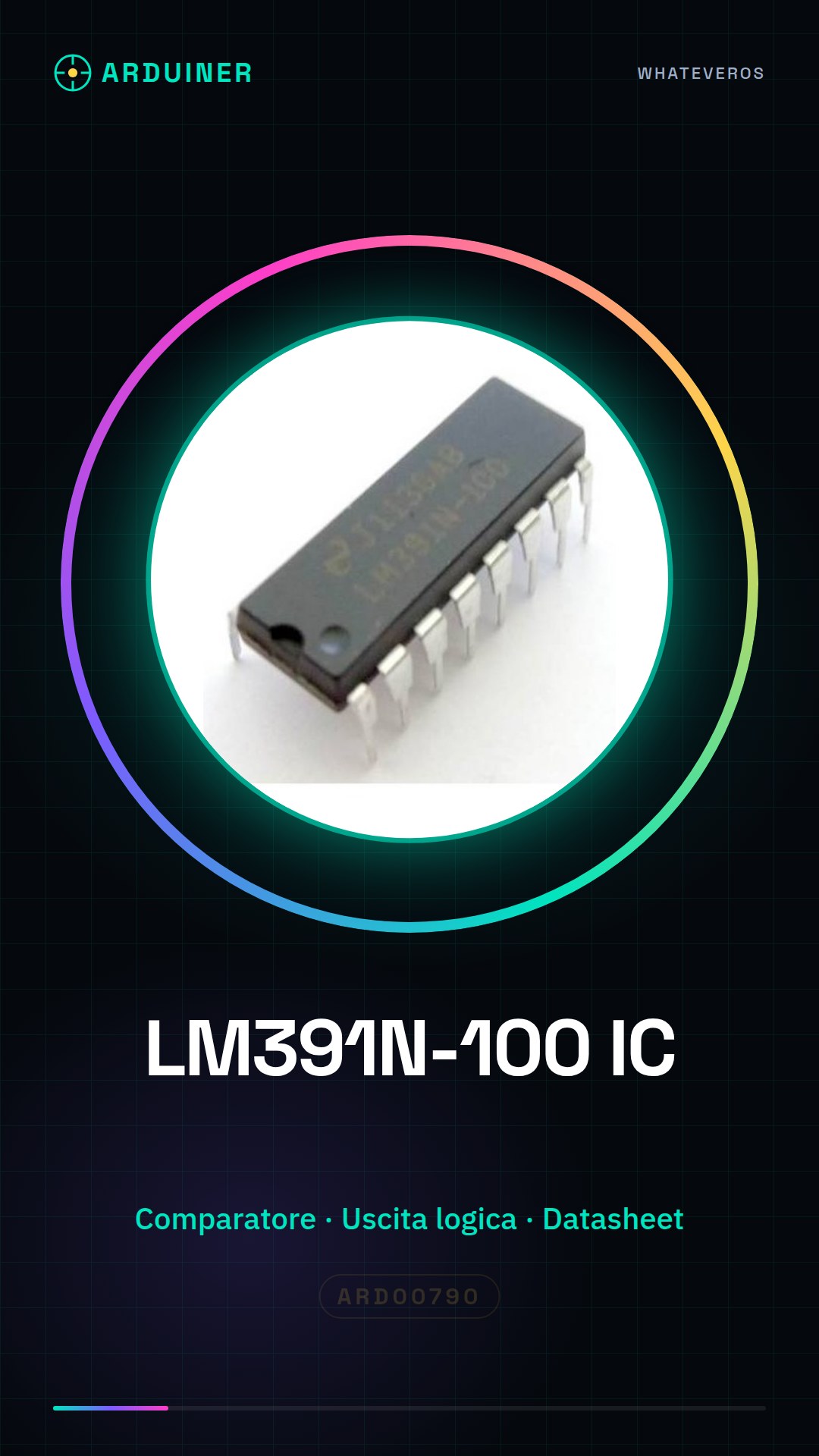
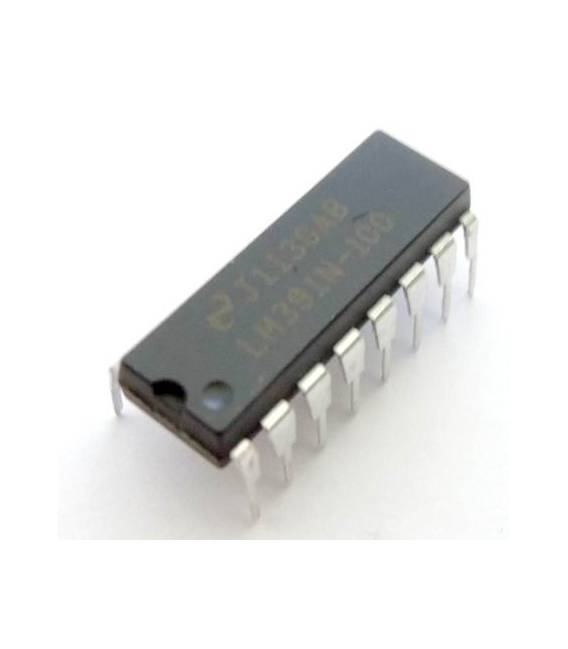
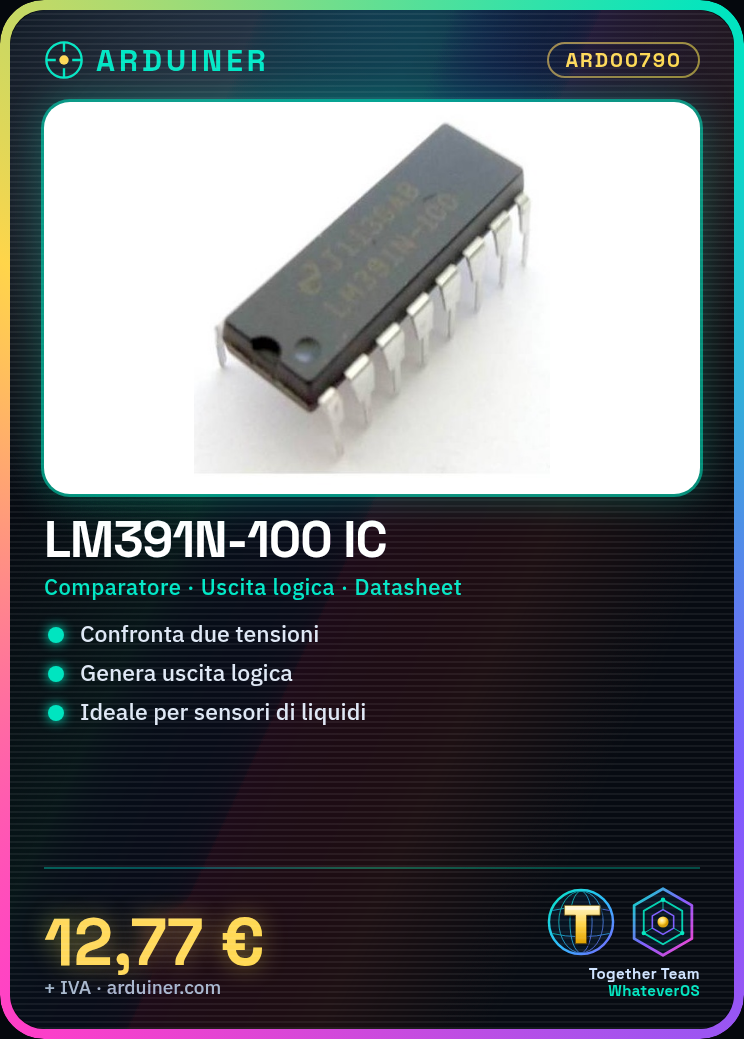
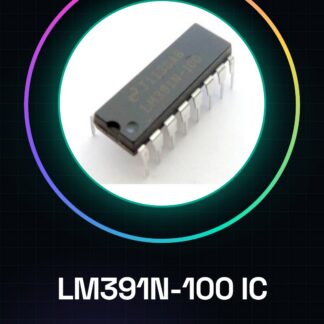
LM391N-100 IC Integrated Circuits
Tutorial: How to Use LM391N-100 IC
The LM391N-100 component is an operational comparator used to compare two voltages and generate a logical output based on the result. It is ideal for analog electronics projects such as temperature sensors or liquid level detectors.
What you need
- Arduino Uno
- Resistors
- Capacitors
- Connectors
Steps
- Check the circuit power supply voltage (check the datasheet).
- Connect the positive input (+) to the signal you want to compare.
- Connect the negative input (-) to the reference voltage.
- Check the resistance and capacitor to use for stabilizing unused pins (check the datasheet).
- Connect the output to the Arduino digital pin.
- Write the Arduino sketch to read the output of the operational comparator.
Example code
void setup() {
  pinMode(OUTPUT_PIN, INPUT);
}

void loop() {
  int output = digitalRead(OUTPUT_PIN);
  Serial.println(output);
}
Mini project
Build a liquid level sensor using the LM391N-100 to signal when a container reaches a certain height.
Common mistakes
- Do not verify the correct supply voltage on the datasheet.
- Connect the comparator output to an analog pin instead of a digital pin.
- Use inadequate resistors or capacitors to stabilize unused pins.
Recommended accessories
- Arduino Uno
- Resistor and capacitor kit
- Prototype connections
- Breadboard
Frequently asked questions
What is the supply voltage of the LM391N-100?
Check the datasheet.
How do you connect the output to the Arduino circuit?
Connect the output to a digital pin of the Arduino.
Reviews
There are no reviews yet.