 EN
 IT Italiano
 ES Español
 FR Français
 DE Deutsch
Description
What it is
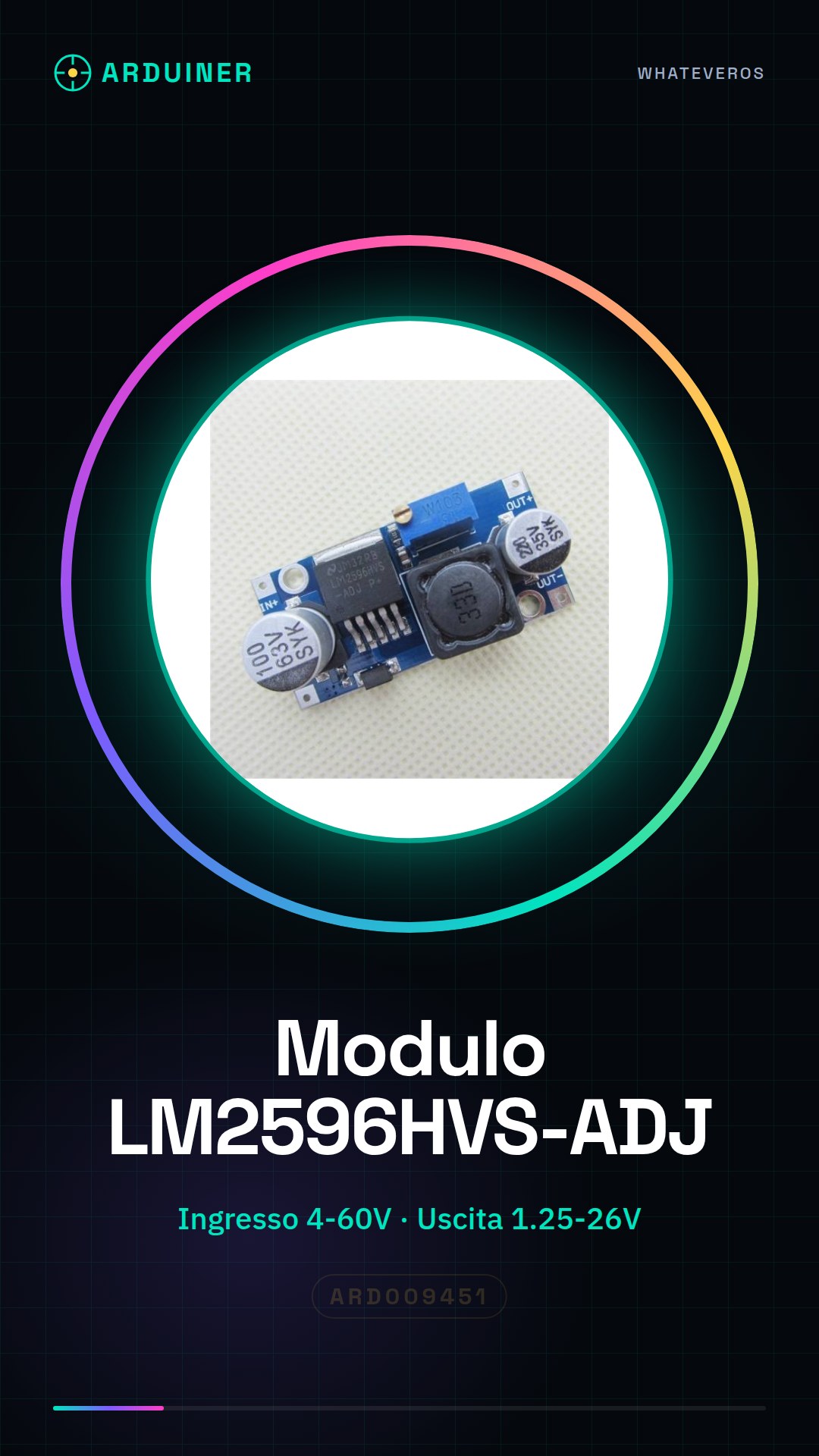
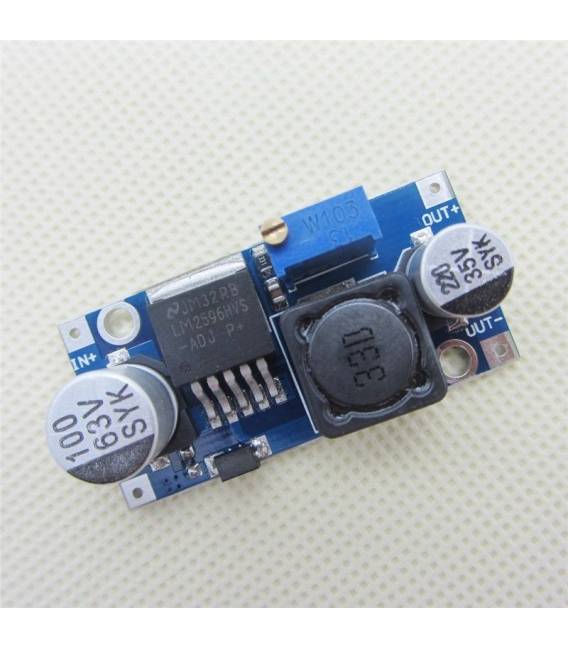
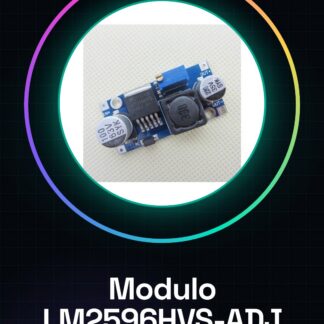
The LM2596HVS-ADJ module is a step-down voltage converter that reduces the input voltage to a stable output voltage. It is designed to provide regulated power supply in various electronic applications, such as Arduino projects, sensors, and portable devices.
Features
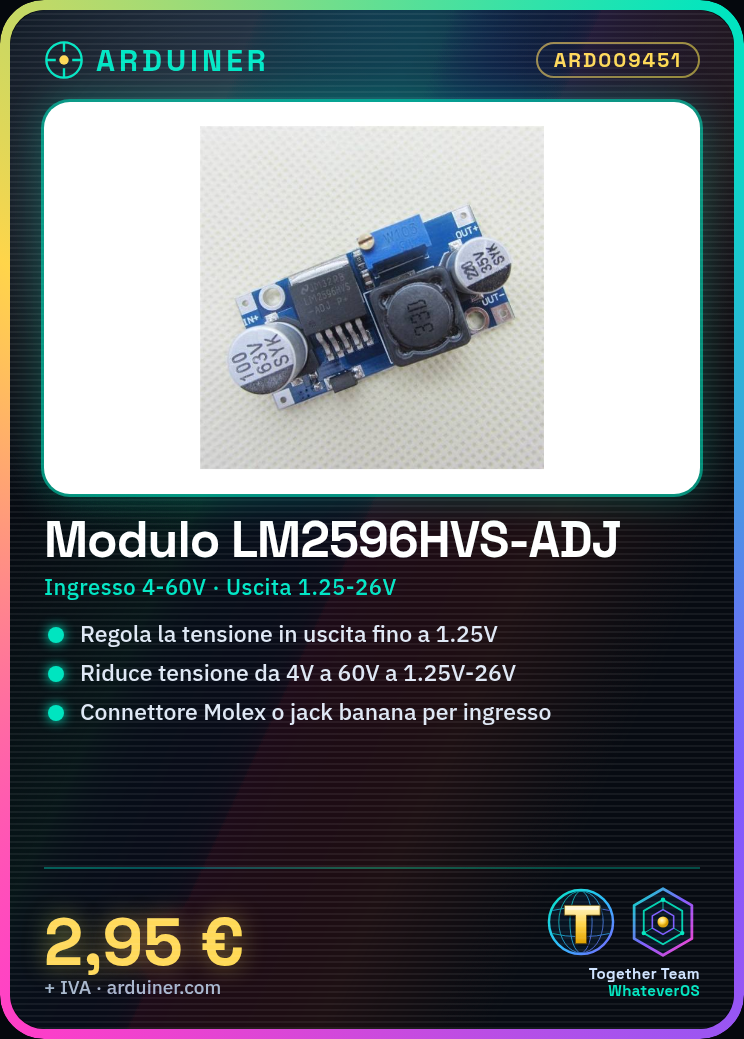
- Input voltage from 4V to 60V
- Adjustable output voltage from 1.25V to 26V
What it is for
The LM2596HVS-ADJ module is ideal for powering electronic devices that require a stable and adjustable voltage. It can be used in Arduino projects, 3D printing, or any other electronic device that needs a step-down voltage converter.
Tutorial: How to use LM2596HVS-ADJ Step Down Converter Module
The LM2596HVS-ADJ module is a step-down voltage converter used to reduce the input voltage to a stable output voltage. Ideal for Arduino projects, sensors, and portable devices that require regulated power.
What you need
- LM2596HVS-ADJ module
- Arduino Uno or compatible
- Molex connectors or banana jacks
- multimeter
Steps
- Check the input voltage of the module with a multimeter. The voltage should be between 4V and 60V.
- Connect the Molex connector to the positive terminal of the power input, ensuring it is securely fastened.
- Use a jumper to connect the module’s adjustment pin to a digital output of the Arduino (for example, PIN 9).
- Adjust the potentiometer on the LM2596HVS-ADJ module until the desired output voltage between 1.25V and 26V is achieved.
- Connect a multimeter in series with the converter’s output to verify that the output voltage is stable.
- Check the supply voltage using a multimeter.
- If necessary, adjust the regulation until you get the desired voltage.
- Test the converter output on a test component such as an LED or a sensor.
Mini project
Create an Arduino-controlled lighting system that uses the LM2596HVS-ADJ module to power a series of RGB LEDs. Adjust the converter voltage to optimize the lighting.
Common mistakes
- Do not check the input voltage before use.
- Incorrect or poorly connected connectors.
- Inaccurate potentiometer adjustment causing unstable output voltage.
- Ignore temperature specifications and thermal dissipation.
Recommended accessories
- Molex Connector
- Banana Jack
- Multimeter
- RGB LED
Frequently asked questions
How can I adjust the output voltage?
Use a potentiometer connected to the adjustment pin of the LM2596HVS-ADJ module and adjust the value until you obtain the desired voltage.
My converter is emitting electronic noises.
Check if the noise filters are correctly connected and that the power input is stable.

Reviews
There are no reviews yet.