 EN
 IT Italiano
 ES Español
 FR Français
 DE Deutsch
Description
What it is
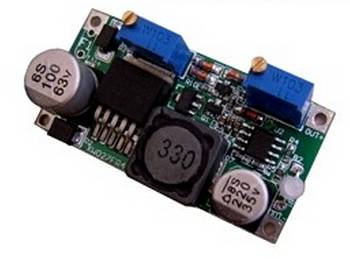
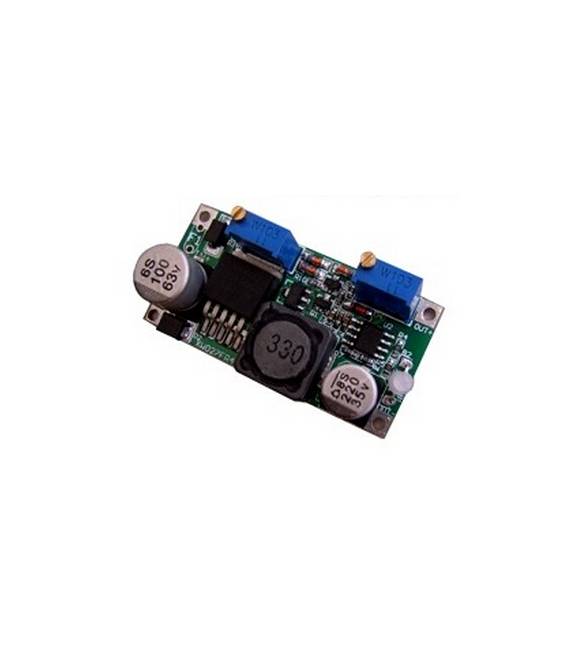
The LM2596HVS-AD step-down module is a voltage converter that allows reducing the input voltage to a desired output value. It is ideal for powering electronic circuits that require a lower voltage than the main power supply.
Features
- LM2596HVS-AD Step-Down Voltage Converter
- SKU: ARD0011201
- Price: 4.84 €
- Category: Pre-order
What it is for
This module is useful for regulating the power supply of Arduino and other microcontrollers, saving energy and improving system stability. It can be used to power sensors, LEDs, and other electronic components that require a lower voltage than the main power supply.
Tutorial: How to Use the LM2596HVS-AD Step-Down Module
This module allows reducing the power supply voltage in Arduino, useful for saving batteries and improving system stability.
What you need
- Step-Down Module LM2596HVS-AD
- Arduino
- 5V Battery or Power Supply
- Power Cable
Steps
- Check the datasheet for the desired output voltage specifications.
- Connect the power cable to the module’s input.
- Connect the module’s output to the Vcc and GND of your Arduino.
- Verify the output voltage with a multimeter.
- If necessary, adjust the voltage with the trimp potetetor resistor.
- Upload a simple code to control the voltage.
- Check that everything works correctly.
- Mount the module on a prototype board.
Example code
```
void setup() {
  Serial.begin(9600);
  while (!Serial);
}

void loop() {
  int vcc = analogRead(A0);
  float voltage = vcc * (5.0 / 1024.0) * 2.0;
  Serial.println(voltage);
  delay(1000);
}
```
Mini project
Build a simple voltage monitor with the Arduino and the LM2596HVS-AD module.
Common mistakes
- Incorrectly adjusting the output voltage.
- Incorrectly connecting the power supply.
- Omitting the initial test with a multimeter.
- Not using a trimp potetetor resistor for adjustment.
Recommended accessories
- Trimp Potetetor Resistor
- Multimeter
- Power supply cable
- 3.7V battery
Frequently asked questions
How to adjust the output voltage?
Use a trimp potetetor resistor to adjust the output voltage.
What are the output voltage specifications?
Check the datasheet for exact specifications, but generally it ranges from 1.2V to 30V.
Can I use a different input voltage than 5V?
Yes, but check the datasheet for the maximum input voltage.



Reviews
There are no reviews yet.