 EN
 IT Italiano
 ES Español
 FR Français
 DE Deutsch
Description
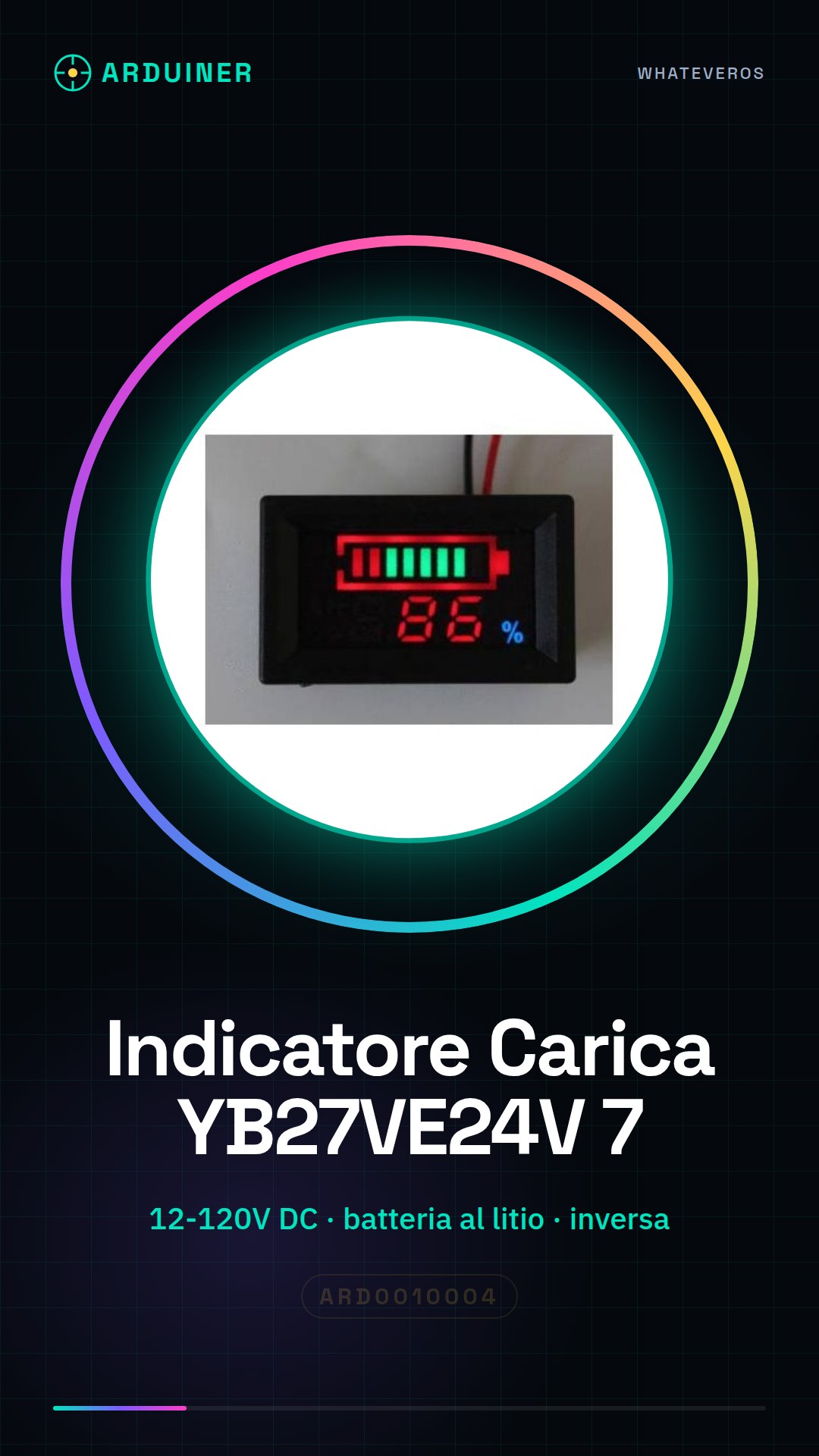
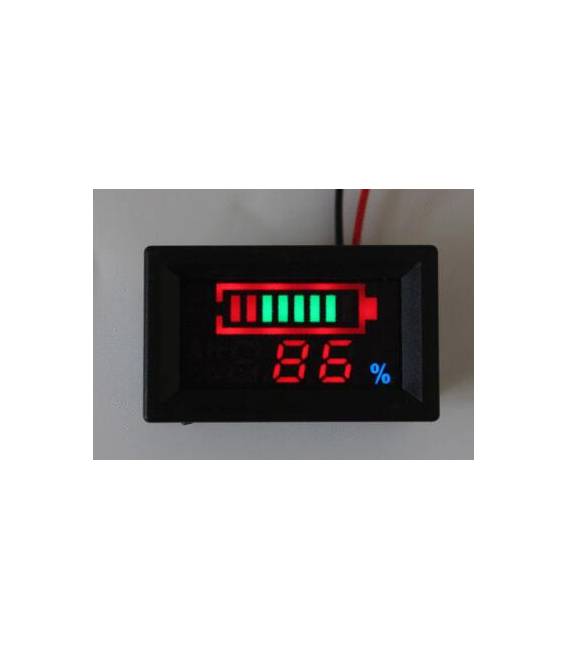
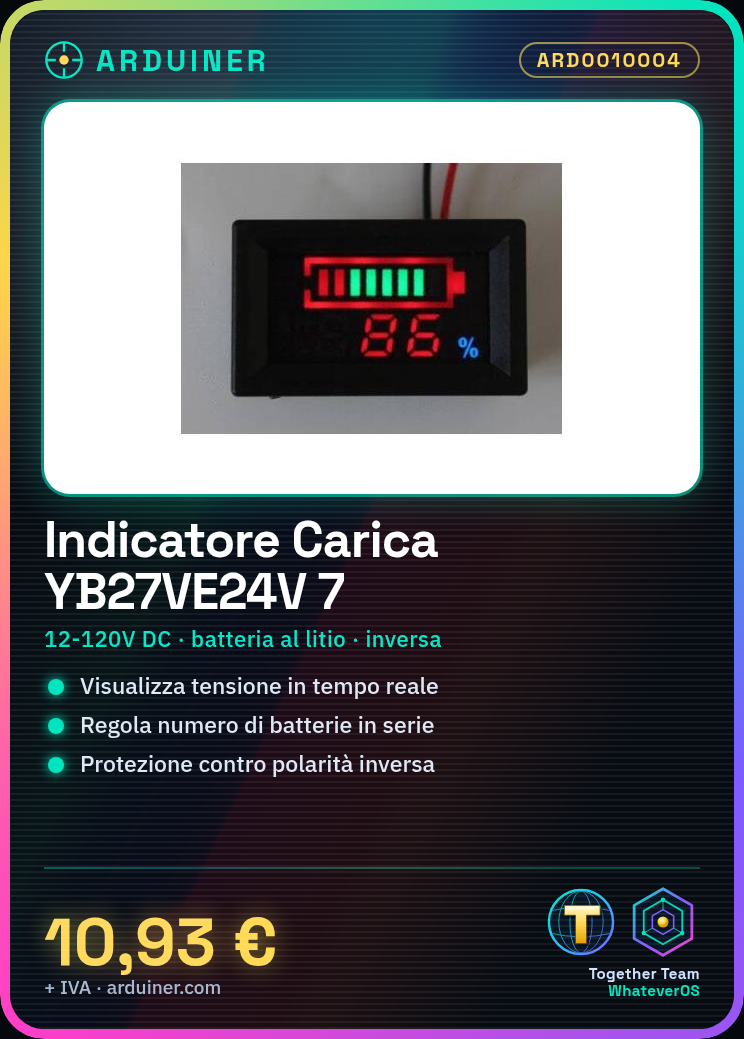
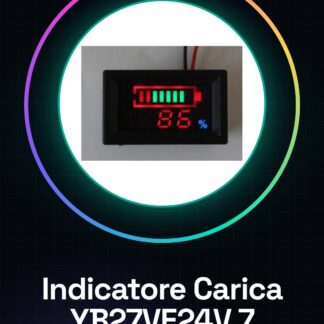
Li-ion Battery Charge Indicator Series YB27VE24V 7
This table can be set by pressing the battery type: lead-acid batteries, lithium batteries, nickel-metal hydride batteries, but also by pressing the button to set the number of batteries (batteries in series)
This meter is suitable for: 12 V, 24 V, 36 V, 48 V, 60 V, 72 V, 84 V, 96 V batteries, electric car, battery pack, vehicle scale, electric lift truck, electric vehicle, car battery, mobile battery equipment, etc., can also be used for other voltages, power testing
This meter can be tested to show real-time voltage, power, and power percentage
Optional display mode: single voltage display; single power percentage display; voltage, power cycle percentage display (default setting)
Two-wire system, wide power supply voltage, wide test voltage: DC6-120 V, wiring is simple and convenient
With reverse protection function, reverse does not burn
Function of
Tutorial: How to use YB27VE24V Battery Monitor
The YB27VE24V battery monitor for lithium elements is an essential device for monitoring the battery status in electronic projects. This component helps ensure that your battery does not completely discharge or overheat during charging, protecting your device.
What you need
- Arduino Uno
- USB A-MicroB cable
- Compatible LiPo battery
Steps
- Connect the YB27VE24V charge indicator to the Arduino circuit. Check the datasheet for the correct connection points.
- Connect the LiPo battery to the charge indicator, following the instructions in the datasheet.
- Connect the Arduino to a computer via the USB A-MicroB cable.
- Upload the Arduino sketch that will monitor the charge indicator signals.
- Verify the correct communication between the Arduino and the charge indicator by checking the LEDs on the module.
- Monitor the battery level through the Arduino serial monitor software.
- If necessary, adjust the charging parameters through the software.
- Protect the circuit from overtemperature and overcharging by following the instructions in the datasheet.
Example code
void setup() {
  Serial.begin(9600);
}

void loop() {
  // Leggi i dati dall'indicatore di carica e invia al computer tramite serial monitor.
}
Mini project
Create an alarm system that warns when the battery reaches the critical level. Set a minimum threshold for battery power using the YB27VE24V charger indicator and Arduino.
Common mistakes
- Connect the battery incorrectly (reversed polarity).
- Do not verify the charging parameters on the datasheet of the YB27VE24V charger indicator.
- Ignore the over-temperature warning during battery charging.
- Use an incompatible voltage with the battery and charger indicator.
Recommended accessories
- Arduino Uno
- LiPo 18650 Battery
- USB A-MicroB Cable
- RGB LED for charge status visualization
Frequently asked questions
How can I monitor the battery temperature?
Use the integrated sensor of the YB27VE24V charger indicator and read the data via Arduino.
What are the safe voltages for the battery?
Check the datasheet to obtain the correct minimum and maximum voltage values to protect the battery.
Reviews
There are no reviews yet.