 EN
 IT Italiano
 ES Español
 FR Français
 DE Deutsch

Description
What it is
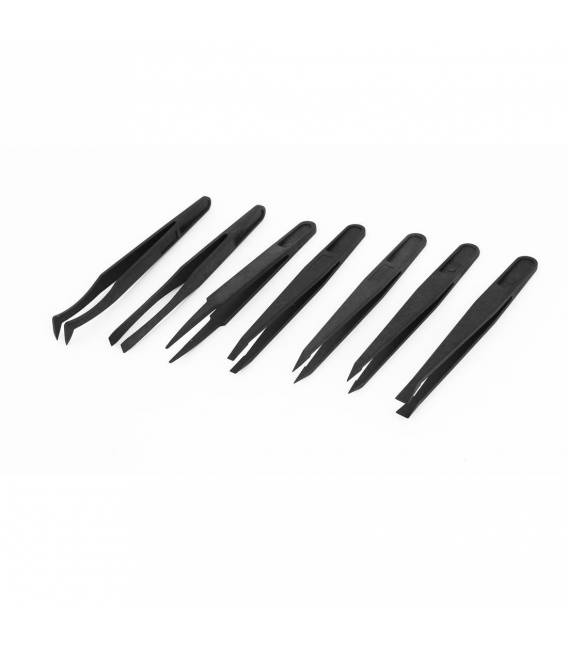
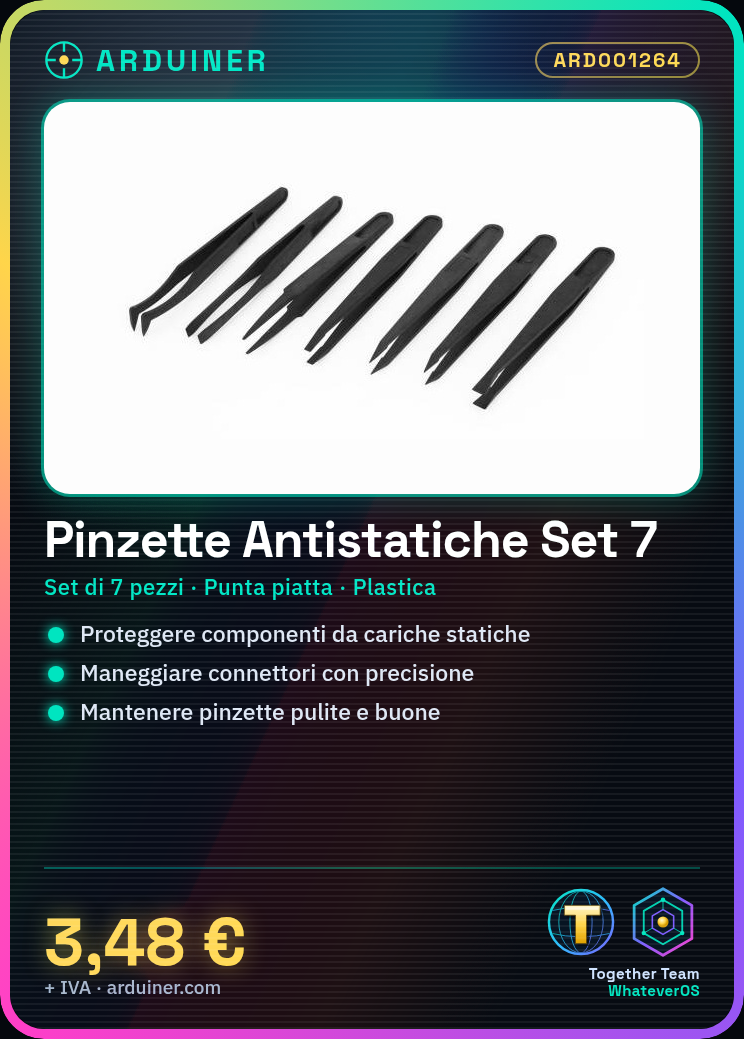
The static-free flat tip tweezers set is a collection of essential tools for those working with electrostatic-sensitive electronic components.
Features
- Set of 7 pieces
- Static-free plastic tweezers
- Flat tip
What it is for
Intuitively, these tweezers are ideal for the maintenance and assembly of electrostatic-sensitive circuits. Check the datasheet for further product-specific details.
Tutorial: How to Use Static-Free Plastic Tweezers
Static-free plastic tweezers are essential for those working with electrostatic-sensitive electronic components. This set of 7 pieces will help protect your circuits during maintenance or assembly.
What you need
- Protect electronic components from static charges
- Handle small objects and connectors with precision
Steps
- Check that all tweezers are clean and free of signs of corrosion.
- Select the pliers most suitable for the size of the component or object to handle.
- Use the pliers to gently grasp components, avoiding direct contact with fingers.
- Remember to use an anti-static mat when working with sensitive components.
- Handle electronic connectors such as jumpers or 3D print connectors with precision.
- Keep the pliers clean and in good condition to prevent corrosion.
Mini project
Create a personal maintenance kit: organize all your anti-static pliers along with other tools such as probes, rotary cutters, and an anti-static mat in a portable box.
Common mistakes
- Use them without an anti-static mat.
- Do not clean the pliers regularly.
- Use the wrong pliers for the component, risking to damage it.
Recommended accessories
- Anti-Static Mat
- Electronic Maintenance Kit
- Rotating Head Pliers
- Rotary Cutter
Frequently asked questions
How can I clean anti-static pliers?
Use a damp cloth and dry it thoroughly before using it.
Which components are more sensitive to electrostaticity?
IC, RAM, sensors, and any component with integrated capacitors.

Reviews
There are no reviews yet.