 EN
 IT Italiano
 ES Español
 FR Français
 DE Deutsch
Description
What it is
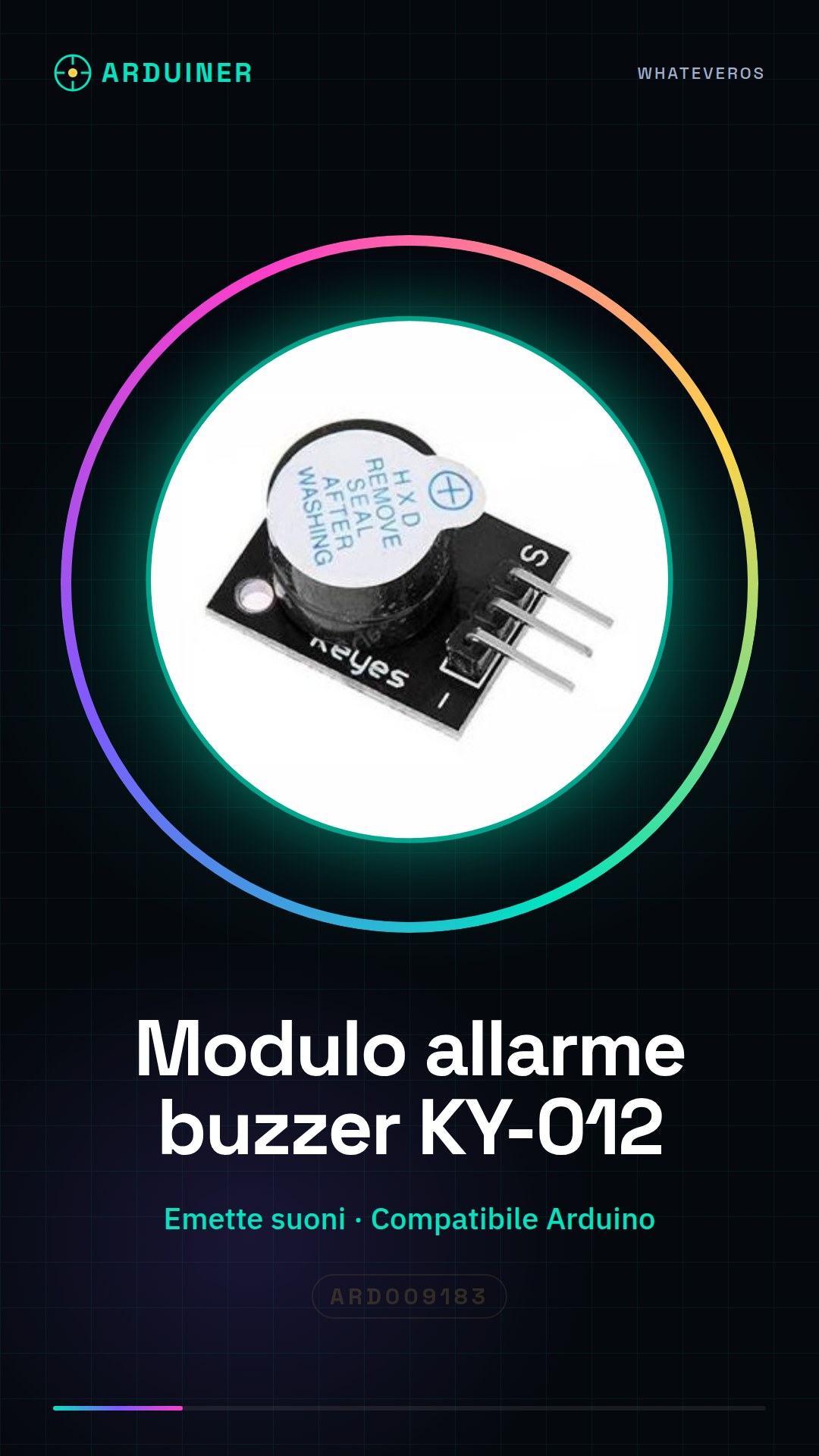
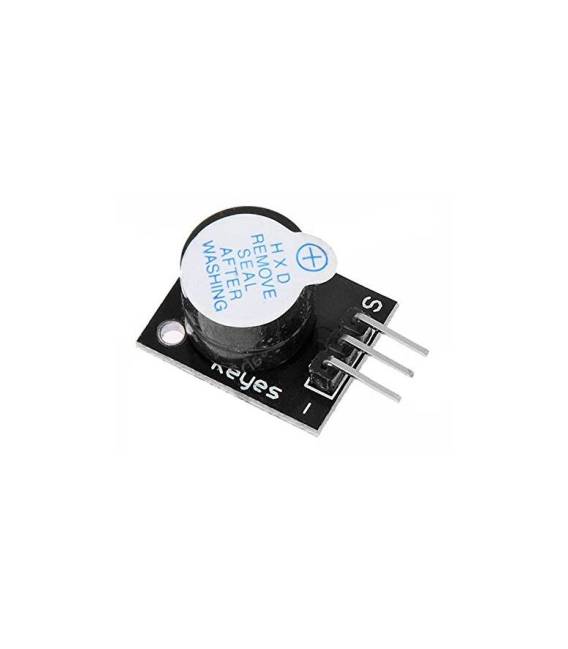
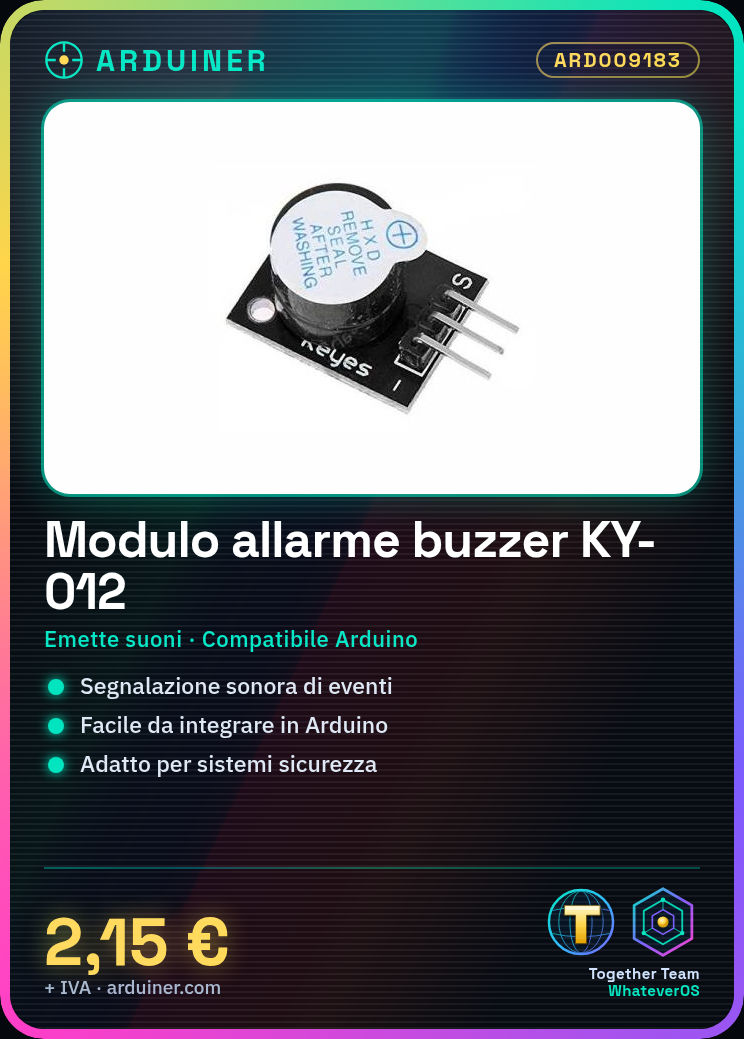
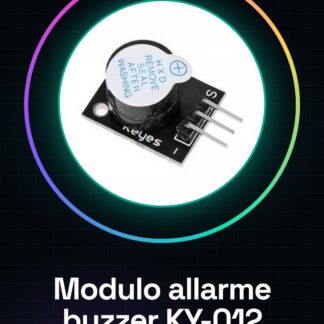
The KY-012 black alarm buzzer module is a component for Arduino that emits warning sounds. It is ideal for projects that require a sound alert, such as home security systems or interactive gadgets.
Features
- KY-012 black alarm buzzer module
- Ideally suited for Arduino and PC printer projects
What it is for
It is used to create a simple alarm system that emits sounds when a specific condition is detected (e.g., door opening). It is compatible with Arduino and can be used in PC printer projects.
Tutorial: How to use KY-012 alarm buzzer module
The KY-012 alarm buzzer module is a simple and versatile component that emits sounds to alert specific events. Ideal for Arduino projects such as home security systems or interactive gadgets.
What you need
- Arduino uno/nano
- USB connection
- Jumper lead
Steps
- Connect the KY-012 buzzer module to the digital interface of the Arduino using a jumper wire.
- Download and install the Arduino IDE on PC or Mac.
- Open the Arduino IDE, create a new sketch and set the board as Arduino Uno/Nano.
- Add the following code to test the KY-012 buzzer module.
- Compile and upload the sketch to your Arduino.
- Check that the KY-012 buzzer module is emitting sounds when the Arduino sends logic HIGH signals.
- Modify the frequency and duration of the beep to customize the alarm.
- Test different alarm conditions in your Arduino project.
Example code
void setup() {
pinMode(13, OUTPUT);
}

void loop() {
tone(13, 500, 200); // Emetti un beep a 500 Hz per 200 ms
delay(500);
}
Mini project
Create a simple alarm system that emits sounds when a specific condition is detected (e.g., door opening).
Common mistakes
- The KY-012 buzzer module does not respond.
- The beep frequency is too high or too low to be heard clearly.
- The logic signals sent from the Arduino do not activate the KY-012 buzzer module.
- Power issues causing intermittent operation of the KY-012 buzzer module.
Recommended accessories
- USB connection for Arduino Uno/Nano
- Set of various jumper wires
- Motion or door sensors
Frequently asked questions
How can I change the beep frequency?
Modify the frequency value in the tone() code to change the note.
Can the KY-012 buzzer module be powered by a battery?
Check the datasheet to see if the module is compatible with external power.
Reviews
There are no reviews yet.