 EN
 IT Italiano
 ES Español
 FR Français
 DE Deutsch
Description
Technical Specifications
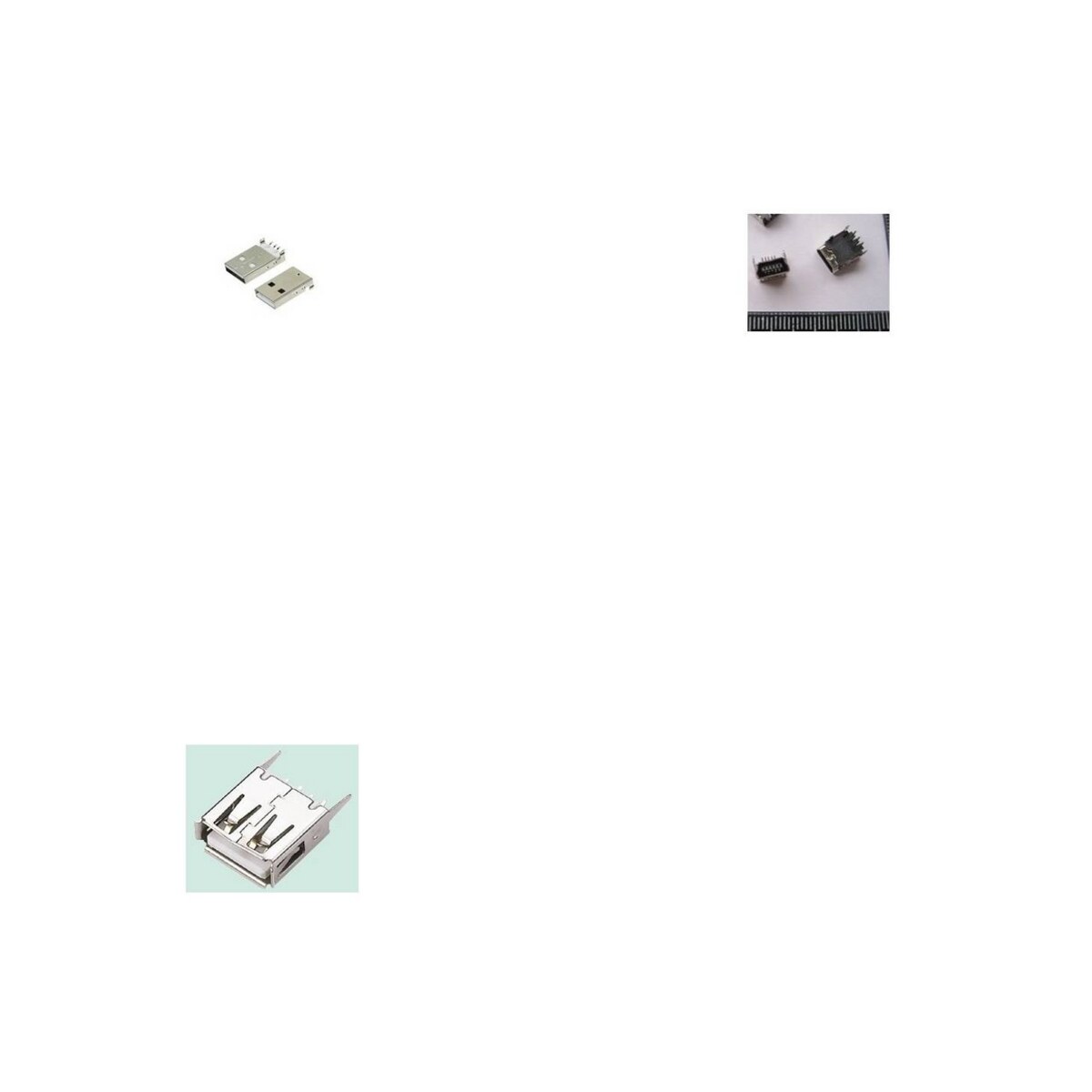
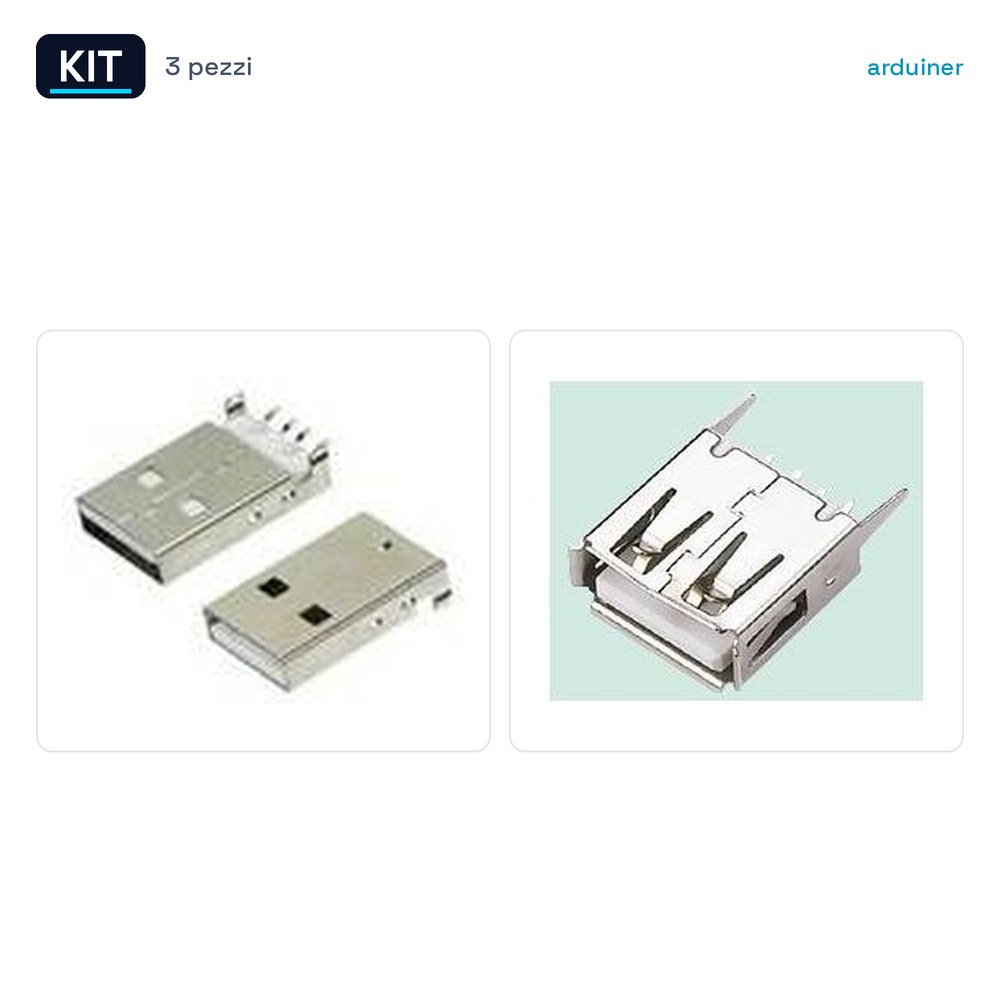
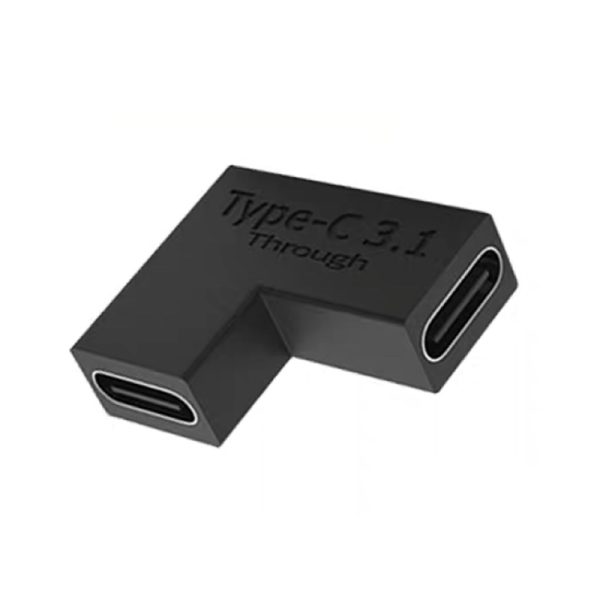
The 6-Piece USB A Male Socket Bent 180 Degrees, 6-Piece Mini USB and 6-Piece USB Interface, 180, USB, USB Vertical Block Kit is a set of USB connectors designed to facilitate electronic connections between various devices. These connectors are used to connect USB devices to each other or to extend the length of the USB cable to allow greater flexibility in the arrangement of components. Each connector features a bent socket that allows for space optimization and more efficient cable management.
The USB A Male socket bent 180 degrees connector allows connecting a USB device to another electronic unit, while the Mini USB connector and the vertical USB Block interface offer alternative connection solutions for specific applications. These connectors are suitable for electronic prototyping projects, device testing, and development.
Using these connectors requires careful selection of the connector type and orientation of the bent socket based on the specific project requirements. It is important to verify that the connectors are compatible with the devices and that the electrical voltage is appropriate to prevent damage to components.
Key Specifications
| Parameter | Value |
| Model | Kit of 6 Pieces USB A Male socket bent 180 degrees, 6 Pieces Mini USB Connector, 6 pieces USB Block Interface, 180, USB, Vertical USB Block |
| Quantity | 6 pieces for USB A Male connector, 6 pieces for Mini USB connector, 6 pieces for Vertical USB Block interface |
| Interface | USB A Male, Mini USB, Vertical USB Block |
| Orientation | Socket bent 180 degrees |
| Container | N/D (see manufacturer’s technical sheet) |
| Dimensions | N/D (see manufacturer’s technical sheet) |
| Voltage | N/D (see manufacturer’s technical sheet) |
| Current | N/D (see manufacturer’s technical sheet) |
Installation and Usage
- Check that the connectors are compatible with the devices to be connected.
- Connect the USB A Male connector to the source device.
- Connect the Mini USB connector to the destination device.
- Connect the Vertical USB Block interface between the two connectors.
- Check electrical connection with a multimeter.
Compatibility and Requirements
- These connectors are compatible with a wide range of devices that use the USB interface.
- For use with Arduino or other microcontrollers, ensure that the connectors are compatible with the USB ports of the device.
- A USB cable or another connector is required to connect the devices.
Limitations and Important Notes
- These connectors are not designed for high voltage or high current applications.
- The orientation of the bent socket requires attention to avoid cable damage.
- Compatibility with devices depends on the presence of compatible USB sockets.
- Ensure that the electrical voltage is adequate to prevent damage to components.
Troubleshooting
The connector does not connect properly.
Probable cause: The bent socket may be damaged or not oriented correctly.
Solution: Check the orientation of the bent socket and replace the connector if necessary.
The electrical connection is intermittent.
Probable cause: The internal contacts of the connector may be dirty or damaged.
Solution: Clean the internal contacts of the connector and replace it if necessary.
The device does not respond after connection.
Probable cause: The electrical voltage may not be adequate or the connector may be damaged.
Solution: Check the electrical voltage and replace the connector if necessary.
The connector comes loose easily.
Probable cause: The connector may not be securely fastened or may be damaged.
Solution: Check the connector’s securement and replace it if necessary.
Use cases
Parking sensor for the garage
Objective: Connect a distance sensor to a microcontroller to monitor parking occupancy.
What’s needed: USB A Male Connector, Mini USB Connector, Vertical USB Block Interface.
Steps: 1) Connect the distance sensor to the microcontroller. 2) Connect the microcontroller to the computer via the USB A Male Connector. 3) Connect the Vertical USB Block Interface between the microcontroller and the distance sensor.
Expected result: The system monitors parking occupancy and sends data to the computer.
Remote monitoring of an electrical installation
Objective: Connect a voltage sensor to a microcontroller to monitor the voltage level of the installation.
What’s needed: USB A Male Connector, Mini USB Connector, Vertical USB Block Interface.
Steps: 1) Connect the voltage sensor to the microcontroller. 2) Connect the microcontroller to the computer via the USB A Male connector. 3) Connect the USB Block vertical interface between the microcontroller and the voltage sensor.
Expected result: The system monitors the voltage level of the circuit and sends data to the computer.
Home security system
Objective: Connect a motion sensor to a microcontroller to activate an alarm.
What is needed: USB A Male connector, Mini USB connector, USB Block vertical interface.
Steps: 1) Connect the motion sensor to the microcontroller. 2) Connect the microcontroller to the computer via the USB A Male connector. 3) Connect the USB Block vertical interface between the microcontroller and the motion sensor.
Expected result: The system activates the alarm when motion is detected.
Climate Control System
Objective: Connect a temperature sensor to a microcontroller to monitor weather conditions.
What’s needed: USB A Male Connector, Mini USB Connector, Vertical USB Block Interface.
Steps: 1) Connect the temperature sensor to the microcontroller. 2) Connect the microcontroller to the computer via the USB A Male Connector. 3) Connect the Vertical USB Block Interface between the microcontroller and the temperature sensor.
Expected result: The system monitors weather conditions and sends data to the computer.
Traffic Control System
Objective: Connect a traffic sensor to a microcontroller to monitor vehicle flow.
What’s needed: USB A Male Connector, Mini USB Connector, Vertical USB Block Interface.
Steps: 1) Connect the traffic sensor to the microcontroller. 2) Connect the microcontroller to the computer via the USB A Male connector. 3) Connect the USB Block vertical interface between the microcontroller and the traffic sensor.
Expected result: The system monitors the flow of vehicles and sends data to the computer.
Pedestrian Traffic Control System
Objective: Connect a motion sensor to a microcontroller to activate a pedestrian crossing signal.
What’s needed: USB A Male connector, Mini USB connector, USB Block vertical interface.
Steps: 1) Connect the motion sensor to the microcontroller. 2) Connect the microcontroller to the computer via the USB A Male connector. 3) Connect the USB Block vertical interface between the microcontroller and the motion sensor.
Expected result: The system activates the pedestrian crossing signal when motion is detected.
Bicycle traffic control system
Objective: Connect a traffic sensor to a microcontroller to monitor the flow of bicycles.
What’s needed: USB A Male Connector, Mini USB Connector, Vertical USB Block Interface.
Steps: 1) Connect the traffic sensor to the microcontroller. 2) Connect the microcontroller to the computer via the USB A Male Connector. 3) Connect the Vertical USB Block Interface between the microcontroller and the traffic sensor.
Expected result: The system monitors the flow of bicycles and sends data to the computer.
Nighttime pedestrian traffic control system
Objective: Connect a motion sensor to a microcontroller to activate a nighttime pedestrian crossing signal.
Needed: USB A Male Connector, Mini USB Connector, Vertical USB Block Interface.
Steps: 1) Connect the motion detector to the microcontroller. 2) Connect the microcontroller to the computer via the USB A Male Connector. 3) Connect the Vertical USB Block Interface between the microcontroller and the motion detector.
Expected Result: The system activates the pedestrian crossing night crossing signal when motion is detected.
In the package
- 6 pieces for USB A Male Connector, 6 pieces for Mini USB Connector, 6 pieces for Vertical USB Block Interface
Complete the project
- 12 Pieces White Bent 90 Degrees USB A Male Socket Connectors: These connectors are useful for extending the length of the USB cable.
- 2 Pieces 5P Bent 180 Degrees Mini USB Female Connectors with Straight Legs: These connectors are useful for connecting USB devices to each other.
- 4 Pieces USB Type B Female Connector 90 Degree Bent: These connectors are useful for connecting USB devices to microcontrollers.
- 6 Pieces USB-A Female Connector 90 Degree Bent: These connectors are useful for connecting USB devices to DC power supplies.
- 5 Pieces Mini USB Female Socket 5P SMD: These connectors are useful for connecting USB devices to electronic sensors.
Technical FAQs
The connector does not connect properly?
Check the orientation of the bent socket and replace the connector if necessary.
Is the electrical connection intermittent?
Clean the internal contacts of the connector and replace it if necessary.
The device does not respond after connection?
Check the electrical voltage and replace the connector if necessary.
Does the connector come loose easily?
Check the connector crack and replace the connector if necessary.
Reviews
There are no reviews yet.