 EN
 IT Italiano
 ES Español
 FR Français
 DE Deutsch
Description
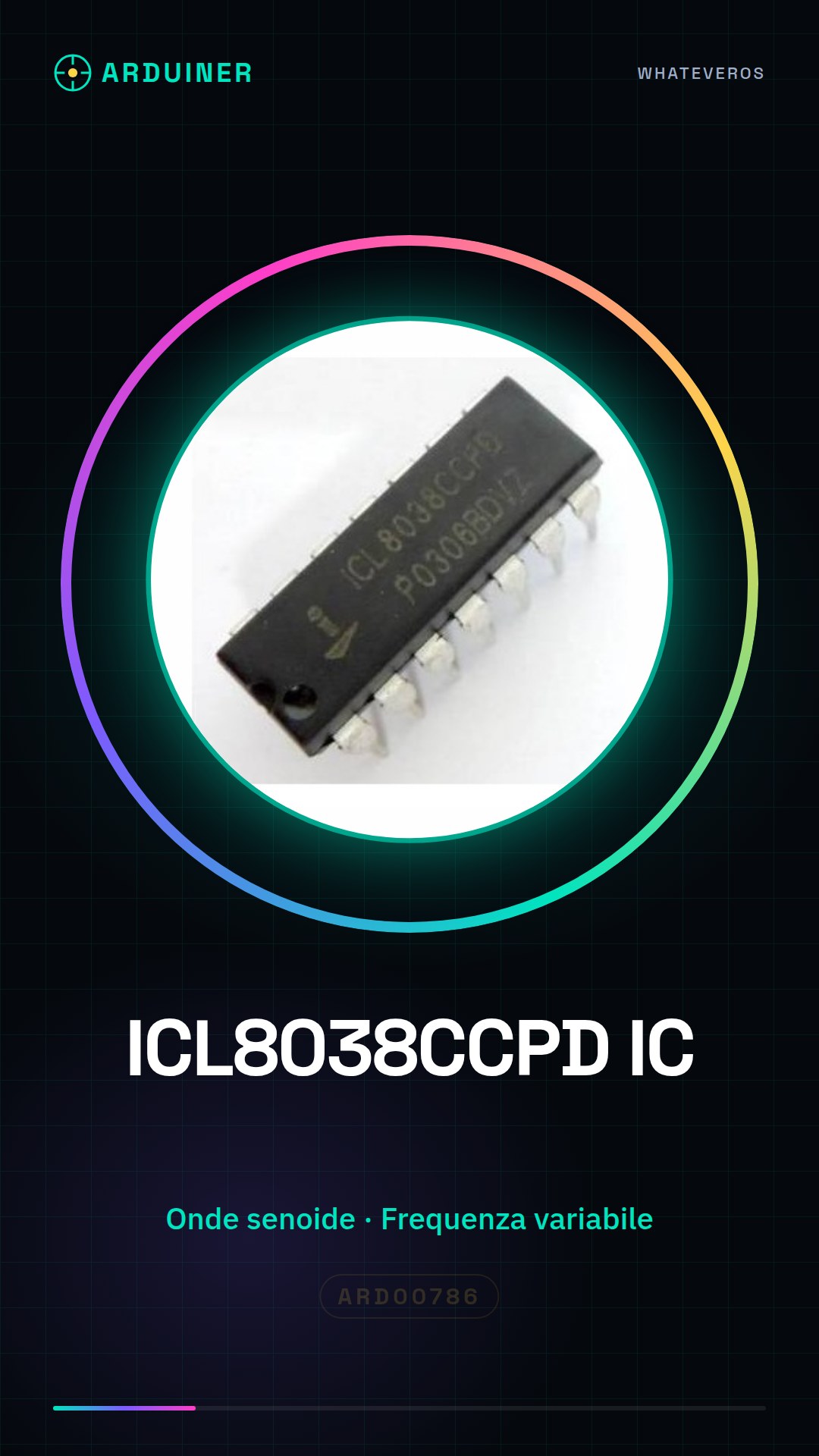
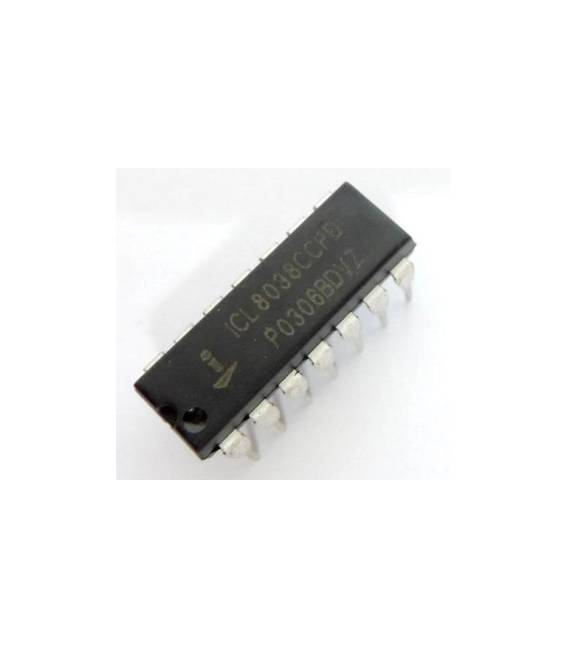
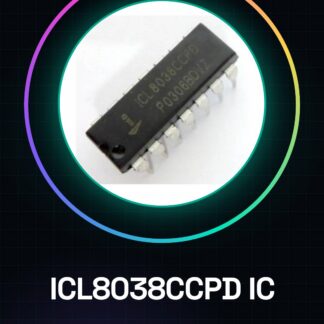
ICL8038CCPD Integrated Circuits
Tutorial: How to Use ICL8038CCPD IC
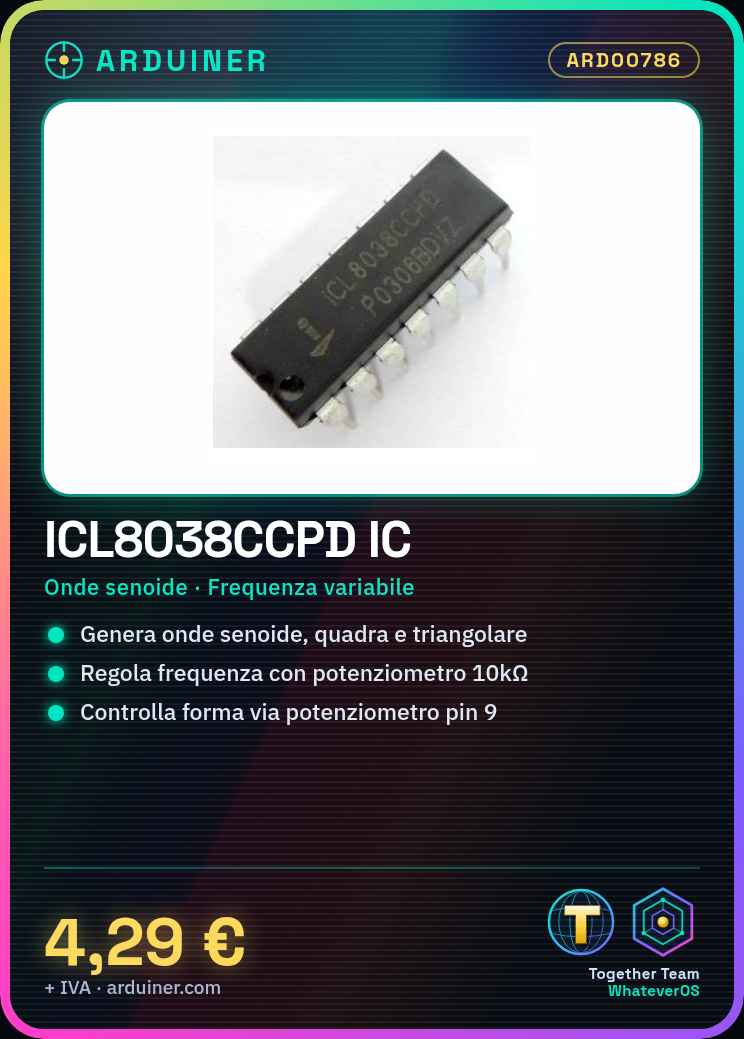
The ICL8038CCPD is an integrated circuit used to generate signals of various shapes (sine wave, square, triangular) and frequencies. Ideal for makers working on automatic tuning or signal generator projects.
What you need
- Arduino Uno
- Breadboard
- Jumper wires
- Variable resistors
Steps
- Connect pin 1 of the ICL8038CCPD to the GND of the Arduino.
- Connect pin 2 to the Vcc (5V) of the Arduino.
- Connect pin 4 to the potentiometer to adjust the frequency.
- Connect pins 5 and 6 to the desired input signals.
- Use a capacitor between pins 7 and 8 to establish signal amplification.
- Connect pin 9 to the potentiometer to adjust the signal shape (sine wave, square or triangular).
- Connect pin 10 to the GND of the Arduino to disable the IC when not in use.
- Check all connections and power up the project.
Example code
void setup() {
}

void loop() {
}
Mini project
Create a signal generator that can emit square waves, sine waves, or triangular waves with adjustable frequencies.
Common mistakes
- Do not connect the potentiometer correctly.
- Forget to add capacitors for signal amplification.
- Use an inappropriate voltage (not 5V).
- Omit disabling the IC when it is not in use.
Recommended accessories
- Arduino Uno R3
- Breadboard with 400 tie points
- Various colored jumper wires
- 10kΩ potentiometer
Frequently asked questions
What types of signals can the ICL8038CCPD generate?
It can generate square waves, sine waves, and triangular waves.
How do you adjust the signal frequency?
Use a potentiometer connected to pin 4 to adjust the frequency.
Reviews
There are no reviews yet.