 EN
 IT Italiano
 ES Español
 FR Français
 DE Deutsch
Description
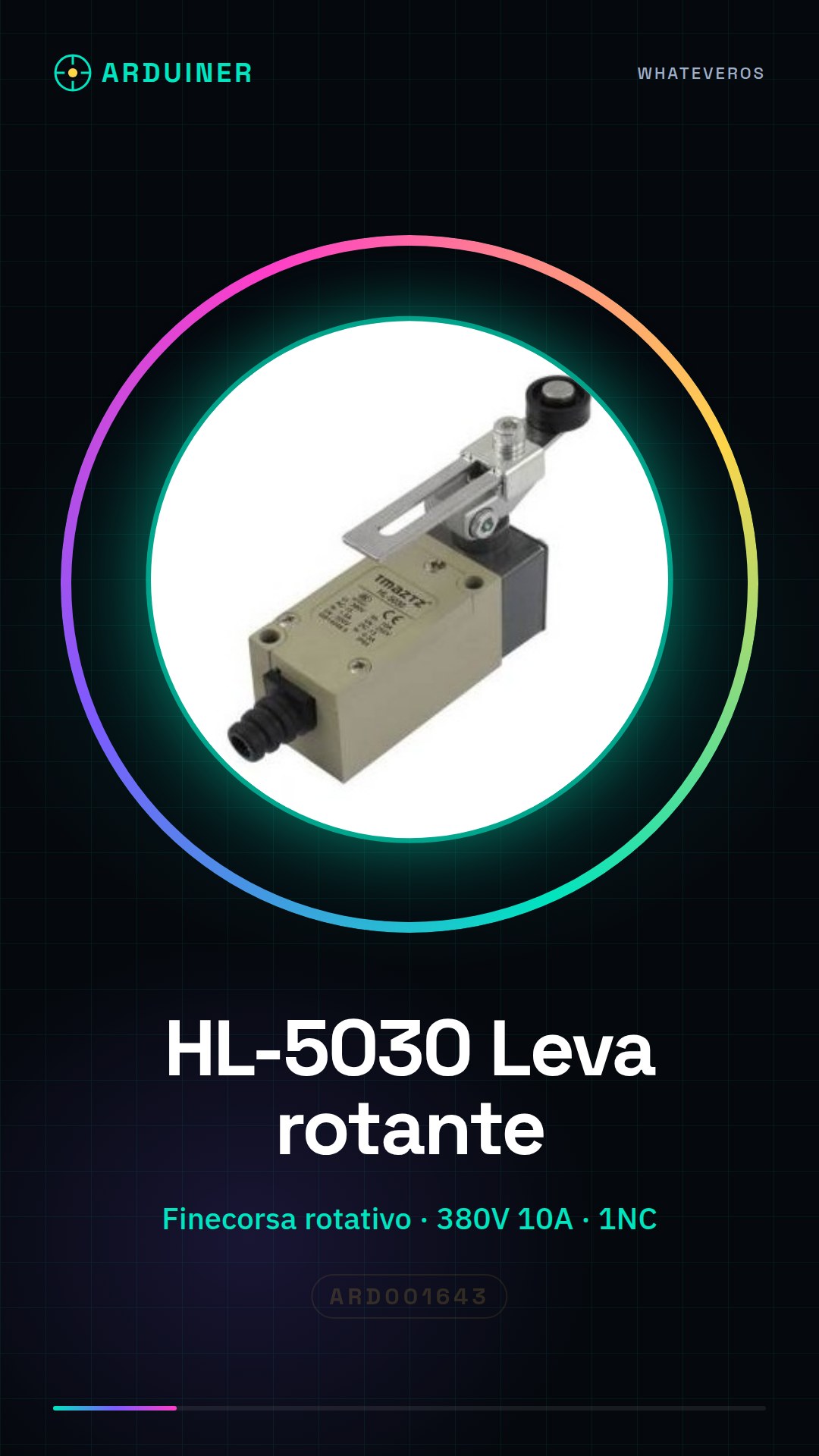
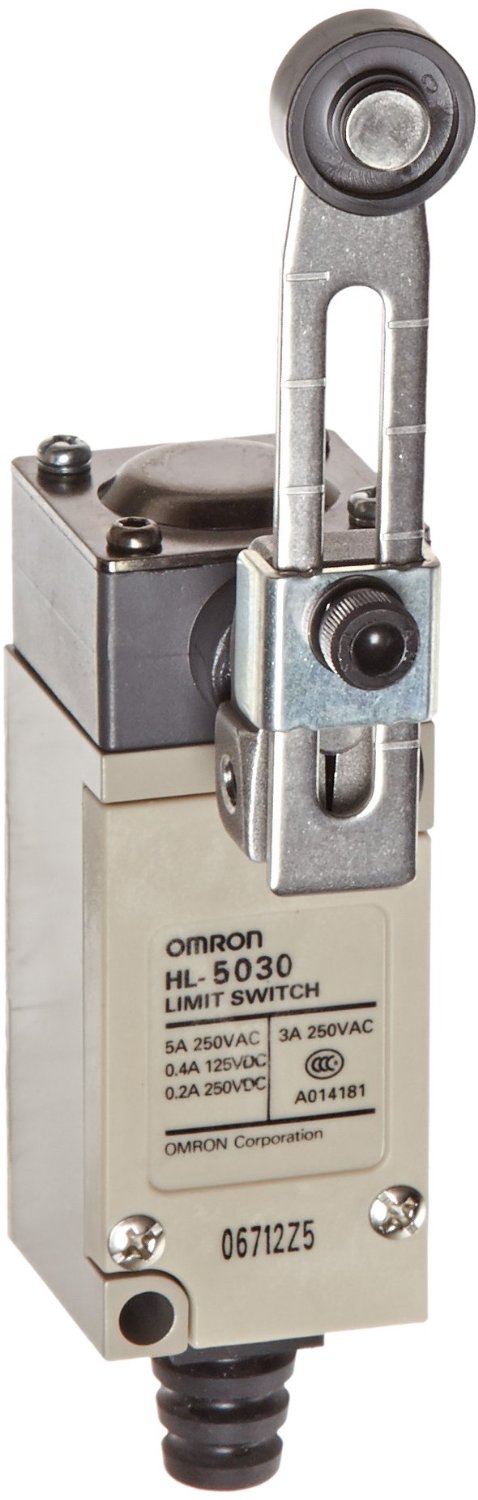
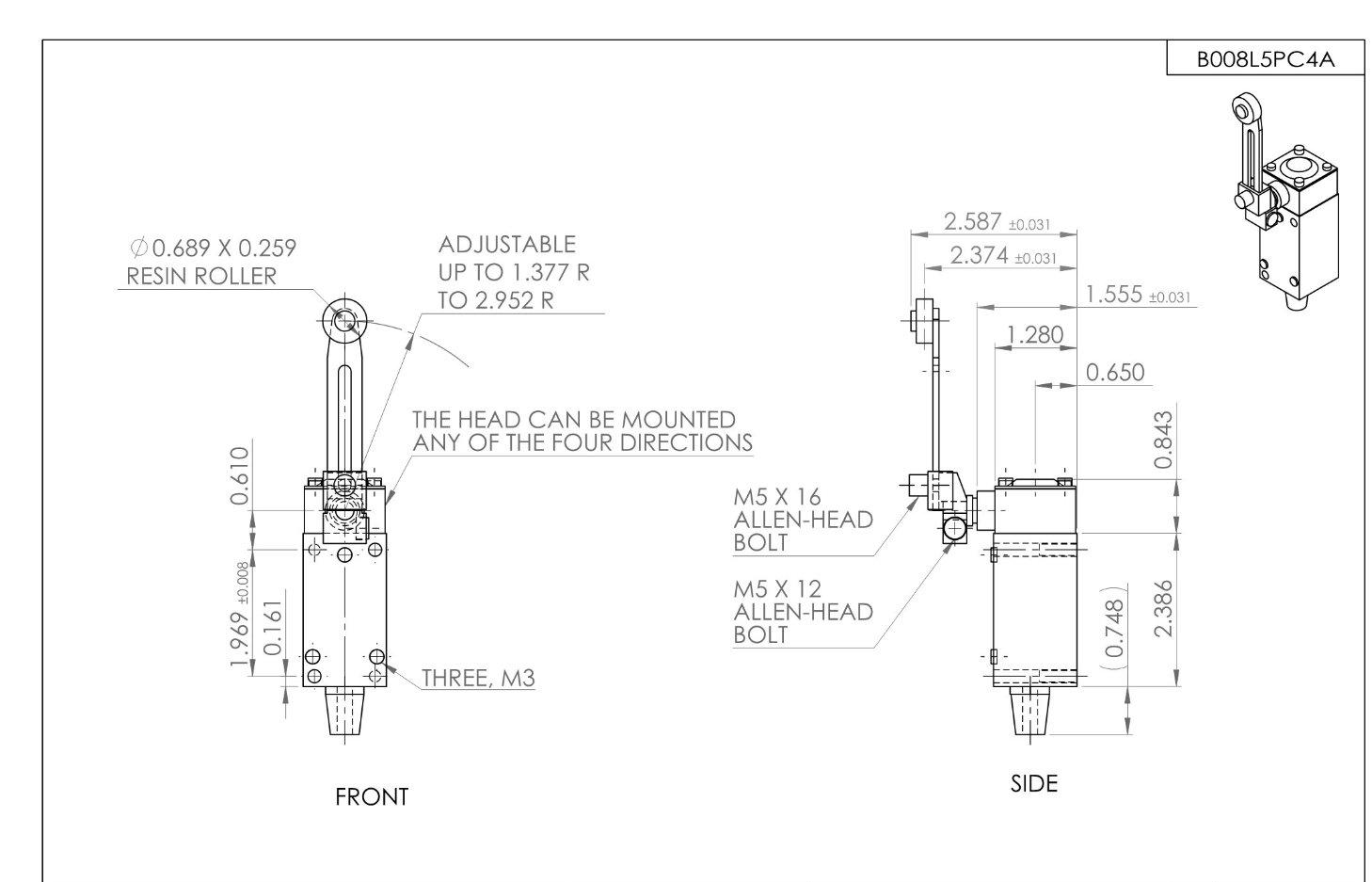
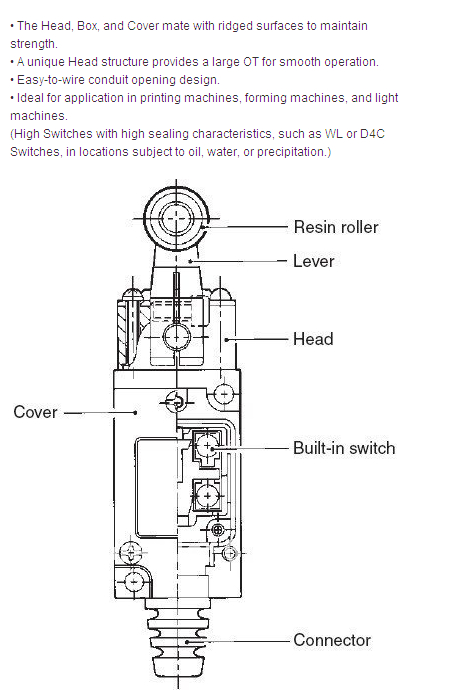
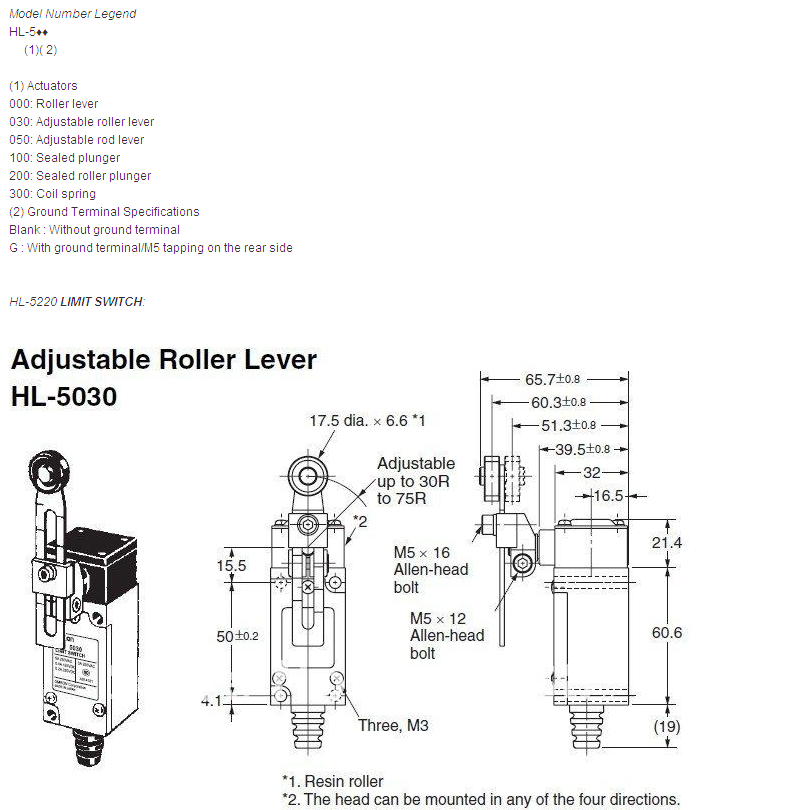
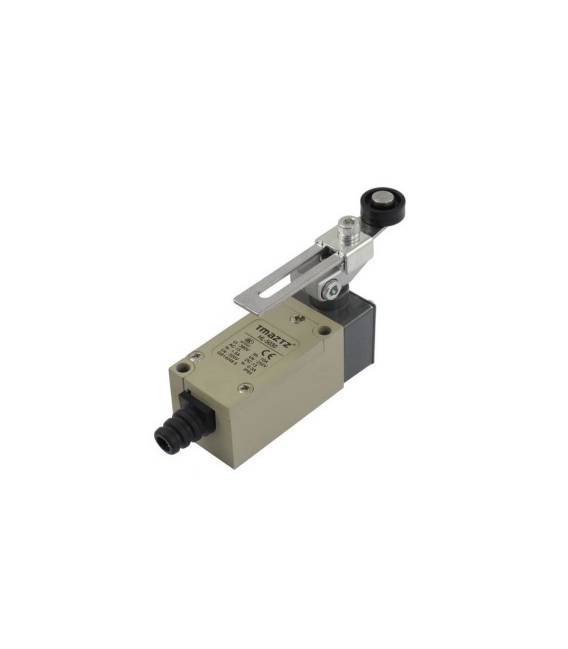
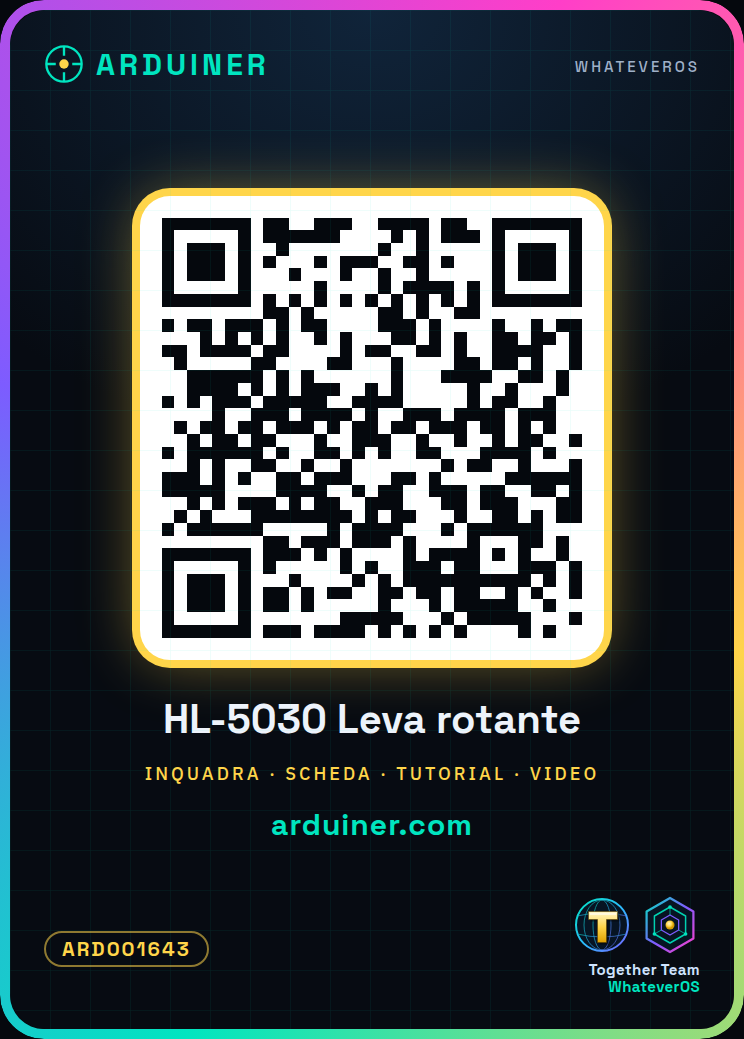
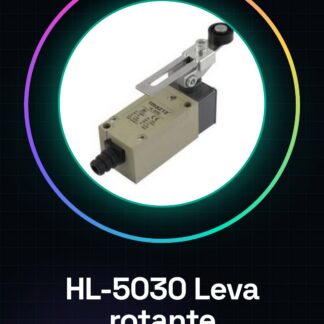
HL-5030 Rotary Cam Adjustable Limit Switch 380V 10A
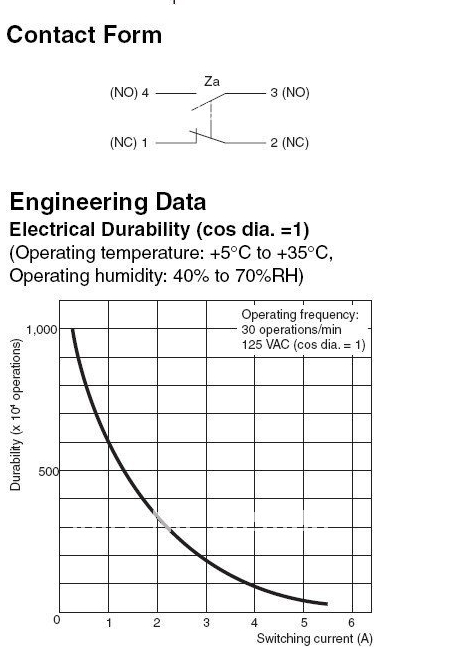
Product Name: Limit Switch; Model Number: HL-5030; Actuator Operation: Momentary; Actuator Type: Adjustable Cam Lever with Roller; Contact Type: 1NC + 1
Tutorial: How to Use HL-5030 Adjustable Rotary Lever
The HL-5030 rotary lever is a momentary contact switch used for temporary actions in electronic circuits. Ideal for home automation projects, prototypes, and control systems.
What you need
- Arduino Uno
- Connectors
- Insulated Wire
Steps
- Install the HL-5030 rotary lever on a stable mounting.
- Connect the insulated wire to the contacts of the rotary lever (check the datasheet).
- Connect the opposite end of the wire to the input pin of the Arduino (check the datasheet).
- Download and upload the provided Arduino sketch.
- Press the lever to test the functionality.
Example code
void setup() {
  pinMode(2, INPUT);
}

void loop() {
  if (digitalRead(2) == HIGH) {
    Serial.println("Pulsante premuto");
  }
}
Mini project
Create a home security system that sends a notification when the lever is pressed.
Common mistakes
- Incorrect cable connections
- Incorrect Arduino pin configuration
- Button does not work due to insufficient insulation
Recommended accessories
- Arduino Uno R3
- Prototype connections
- 20cm insulated cable
Frequently asked questions
Can the HL-5030 button be used with Raspberry Pi?
Yes, but you will need to adapt the Arduino sketch in Python or C++.
What is the maximum operating voltage of the HL-5030 button?
Check the datasheet.
Reviews
There are no reviews yet.