 EN
 IT Italiano
 ES Español
 FR Français
 DE Deutsch
Description
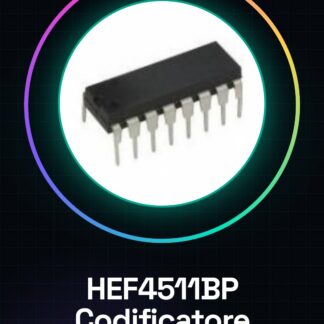
Tutorial: How to Use HEF4511BP
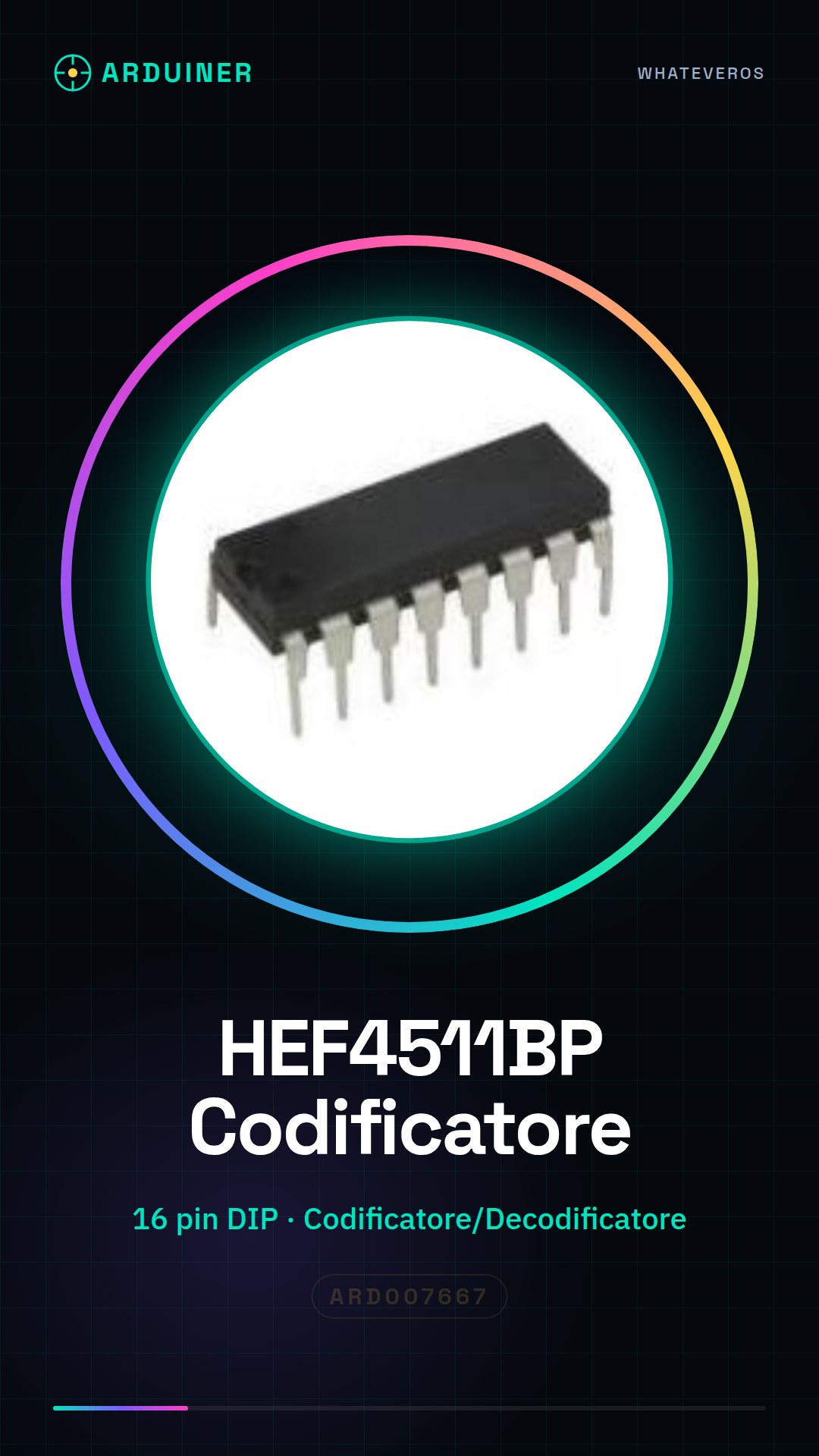
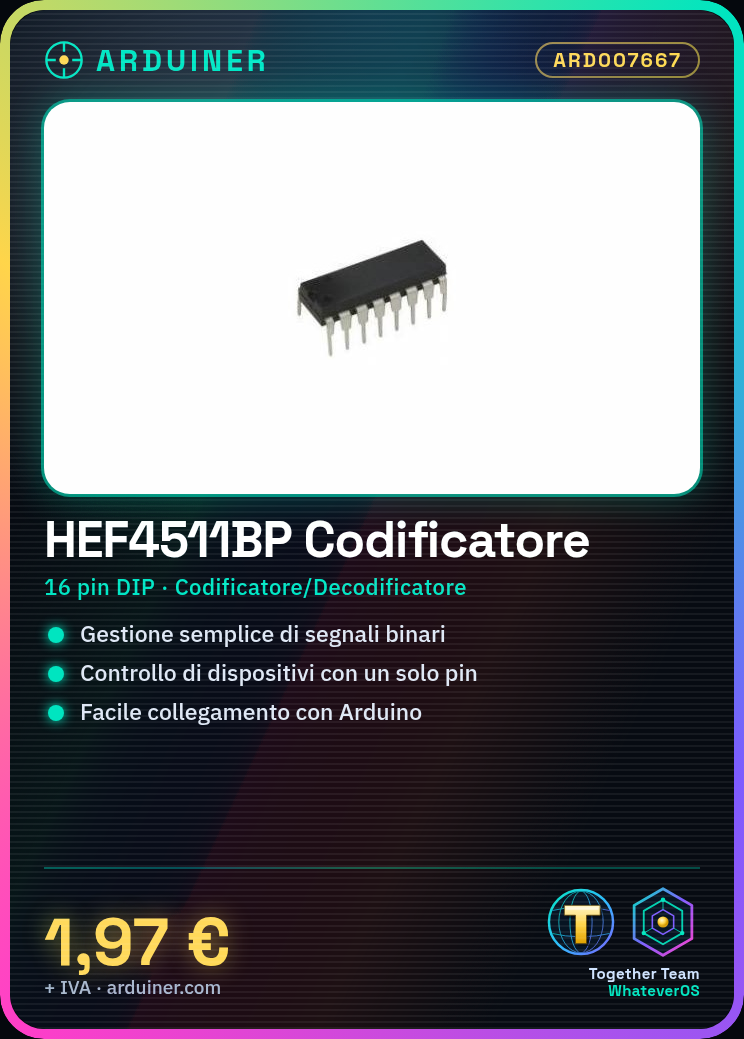
The HEF4511BP encoder and decoder is ideal for projects requiring binary signal management. Useful for beginners and intermediates.
What you need
- HEF4511BP
- Arduino
- Resistors (10kΩ)
- Test Lead
Steps
- 1. Installation: Connect pins 1 and 16 (GND) to Arduino GND.
- 2. Connect pins 2 and 15 (VCC) to Arduino 5V.
- 3. Connect pins 3-5 (A0-A2) to three Arduino pins (A0, A1, A2).
- 4. Connect pins 6-8 (B0-B2) to three Arduino pins (B0, B1, B2).
- 5. Connect pins 9-11 (C0-C2) to three Arduino pins (C0, C1, C2).
- 6. Connect pins 12-14 (D0-D2) to three Arduino pins (D0, D1, D2).
- 7. Connect pins 13-15 (E0-E2) to three Arduino pins (E0, E1, E2).
- 8. Test the example code.
Example code
void loop() { for (int i = 0; i < 8; i++) { if (digitalRead(i) == HIGH) { Serial.println(i); } }}Mini project
Create a simple multiplexer/demultiplexer to control multiple devices with a single pin.
Common mistakes
- Connect GND and VCC backwards.
- Forget to connect the selection pins.
- Use incorrect Arduino pins.
- Ignore the datasheet check.
Recommended accessories
- Arduino UNO
- Pull-up resistors
- 16×2 LCD Display
Frequently asked questions
How does the multiplexer work?
The multiplexer selects one of the input lines and connects it to the output bus based on the selection signals.
Can I use this component with Arduino Mega?
Yes, but make sure to correctly connect the selection pins.
What are the voltage limits for this component?
Check the datasheet for maximum and minimum voltage values.
Can it work with a microcontroller other than Arduino?
Yes, but it may require different connections.
Reviews
There are no reviews yet.