 EN
 IT Italiano
 ES Español
 FR Français
 DE Deutsch
Description
What it is
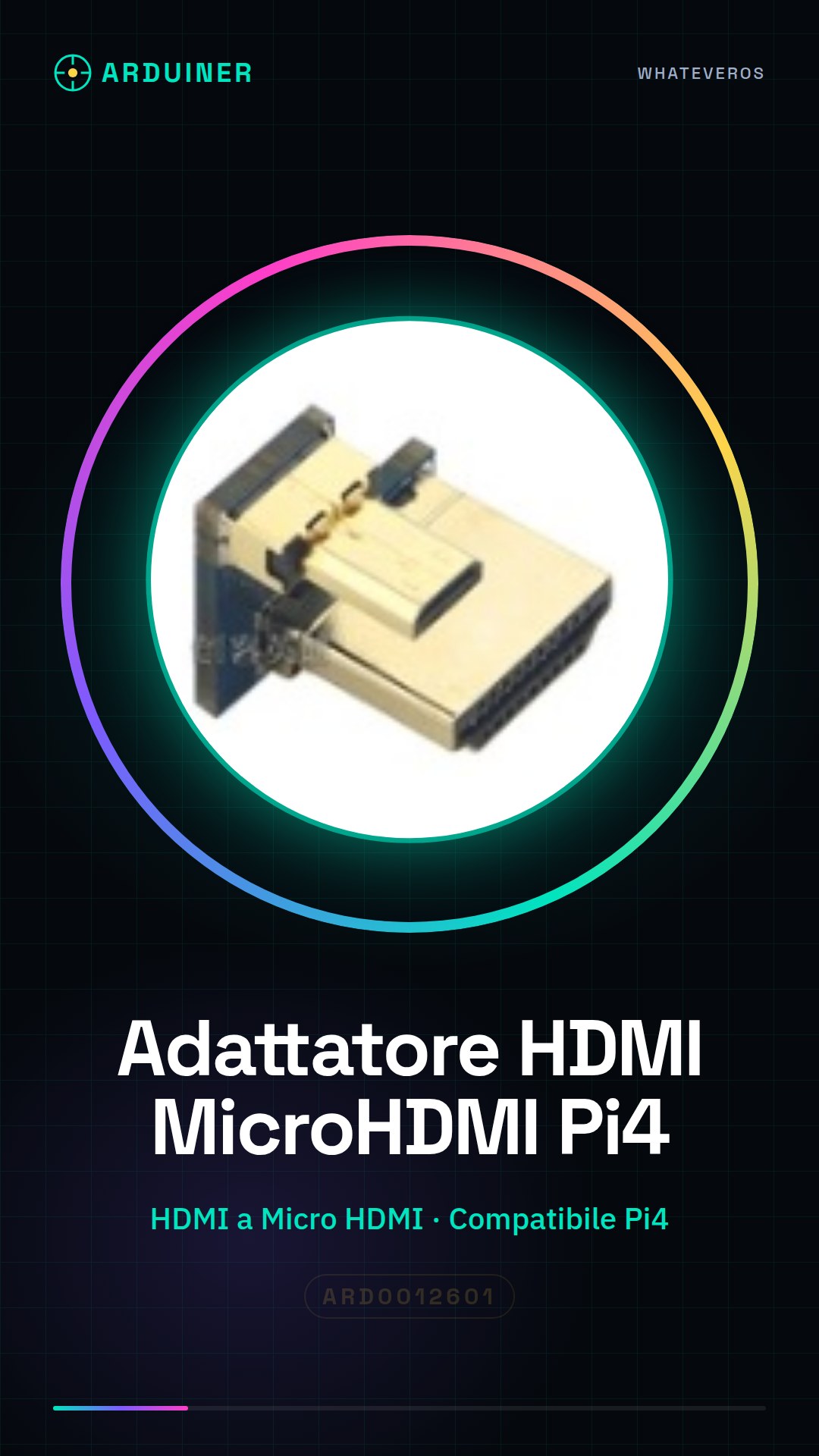
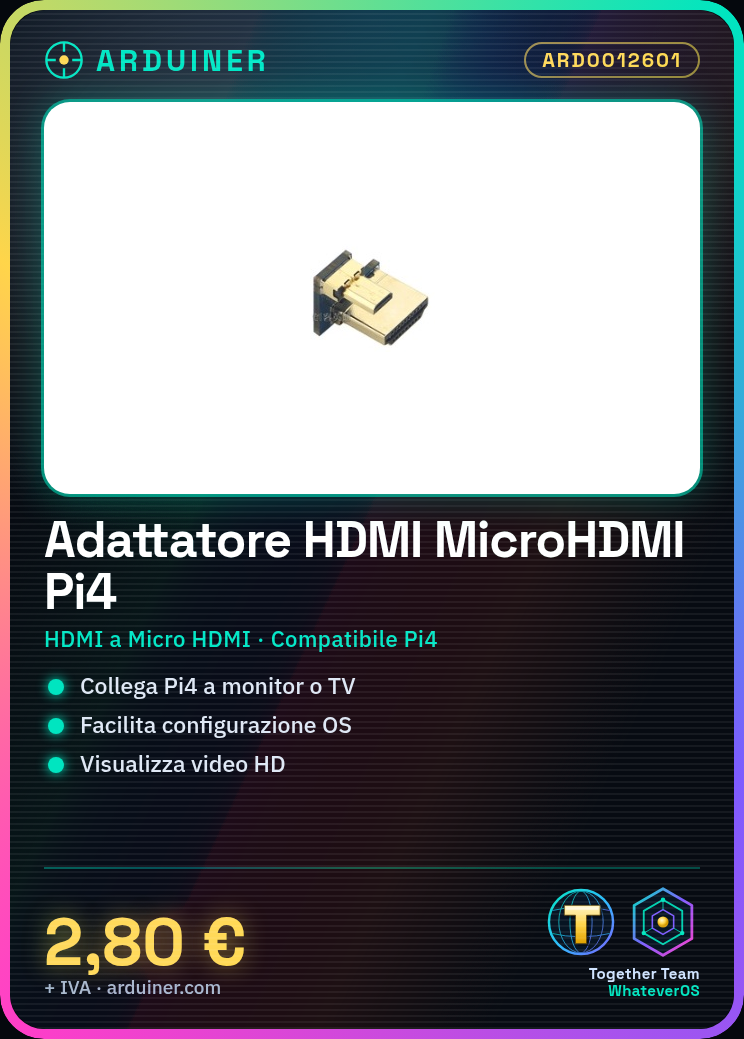
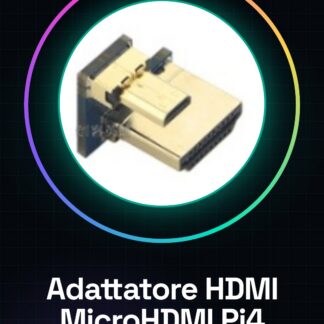
The HDMI to Micro HDMI male adapter for Raspberry Pi 4 is a device that allows you to easily connect the Raspberry Pi 4 laptop to monitors or TVs with an HDMI input. This adapter makes it easier to configure the operating system and install applications.
Features
- Connection Type: HDMI to Micro HDMI male
- Compatible with Raspberry Pi 4
What it is for
The adapter is used to connect the Raspberry Pi 4 to a monitor or TV via the HDMI input, making it simpler to view high-definition images and videos. It is ideal for beginners who want to set up the Raspberry Pi as a desktop computer without connection complications.
Tutorial: How to use HDMI / MICRO HDMI Male Adapter for Raspberry Pi 4
This HDMI to micro-HDMI adapter is designed to easily connect a monitor or TV with an HDMI input to the Raspberry Pi 4 laptop, making it more convenient to view high-definition images and videos. It is ideal for beginners who want to use the Raspberry Pi as a desktop computer without connection complications.
What you need
- Raspberry Pi 4
- HDMI cable to be purchased separately
- Monitor or TV with HDMI input
Steps
- Check that your monitor or TV has an available HDMI input.
- Position the Raspberry Pi 4 for connection.
- Insert the HDMI / MICRO HDMI adapter into the Raspberry Pi 4 laptop.
- Connect the HDMI cable to the adapter on the laptop and to the HDMI input of the monitor or TV.
- Power on the Raspberry Pi 4 and verify that the connection is stable.
- If necessary, configure resolution settings through the graphical interface or console.
Mini project
Connect your Raspberry Pi 4 to a monitor via an HDMI cable to configure the Raspbian operating system and install applications such as Chromium for web browsing.
Common mistakes
- Do not verify the compatibility of the HDMI cable.
- Omit checking that the adapter is correctly inserted into the Raspberry Pi 4.
- Configure a video resolution that is not supported by the monitor or TV.
Recommended accessories
- Ethernet cable
- Raspberry Pi protection kit
- External Wi-Fi antenna
- USB-C power supply
Frequently asked questions
Is this adapter compatible with other Raspberry Pi models?
Check the product datasheet to see if the micro-HDMI connector is also present on other models.
What are the dimensions of the adapter?
Check the product datasheet to obtain accuracy in measurements.
Reviews
There are no reviews yet.