 EN
EN IT Italiano
 ES Español
 FR Français
 DE Deutsch
Description
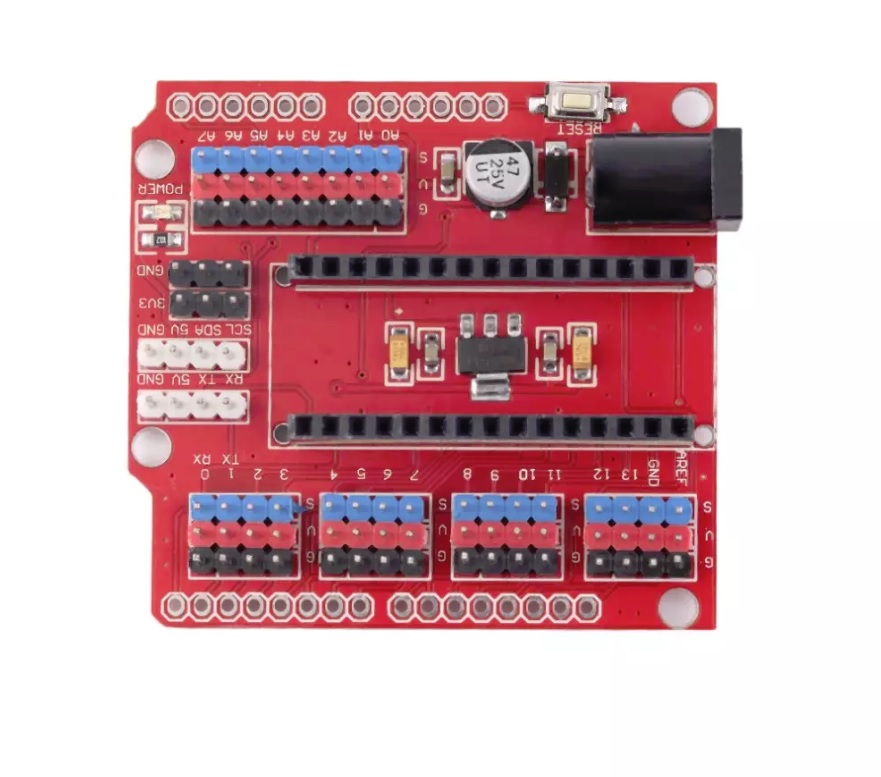
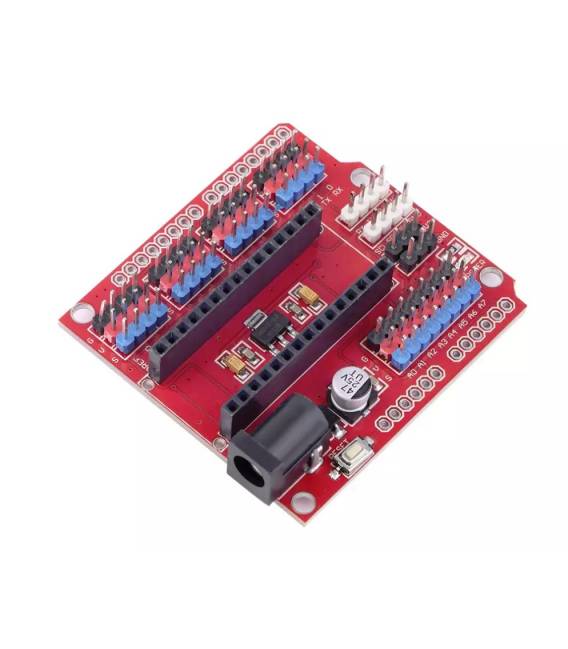
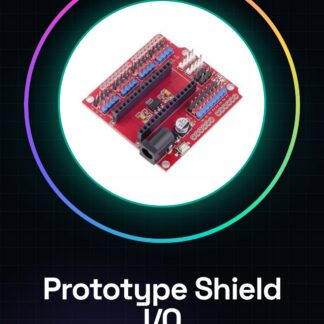
The Prototype Shield I/O is an expansion board for Arduino Nano V3.0 that extends its input/output capabilities, making it ideal for projects with multiple interfaces. It allows you to access all digital and analog inputs and outputs more conveniently. Follow the tutorial to use the I/O Shield with Arduino Nano V3.0. Connect the Shield I/O to the Arduino Nano by inserting it into the central socket of the Nano, ensuring it is properly positioned. Connect the Arduino Nano to your computer via a USB cable. Open Arduino IDE and create a new empty sketch. Upload the sketch to your Arduino Nano by pressing the ‘Upload’ button. Verify the correct connection by testing digital outputs with LEDs or analog inputs with sensors. Mini-project: Create an LED display that changes color based on values read from a light sensor connected to the analog input of the I/O Shield.
Reviews
There are no reviews yet.