 EN
 IT Italiano
 ES Español
 FR Français
 DE Deutsch
Description
What it is
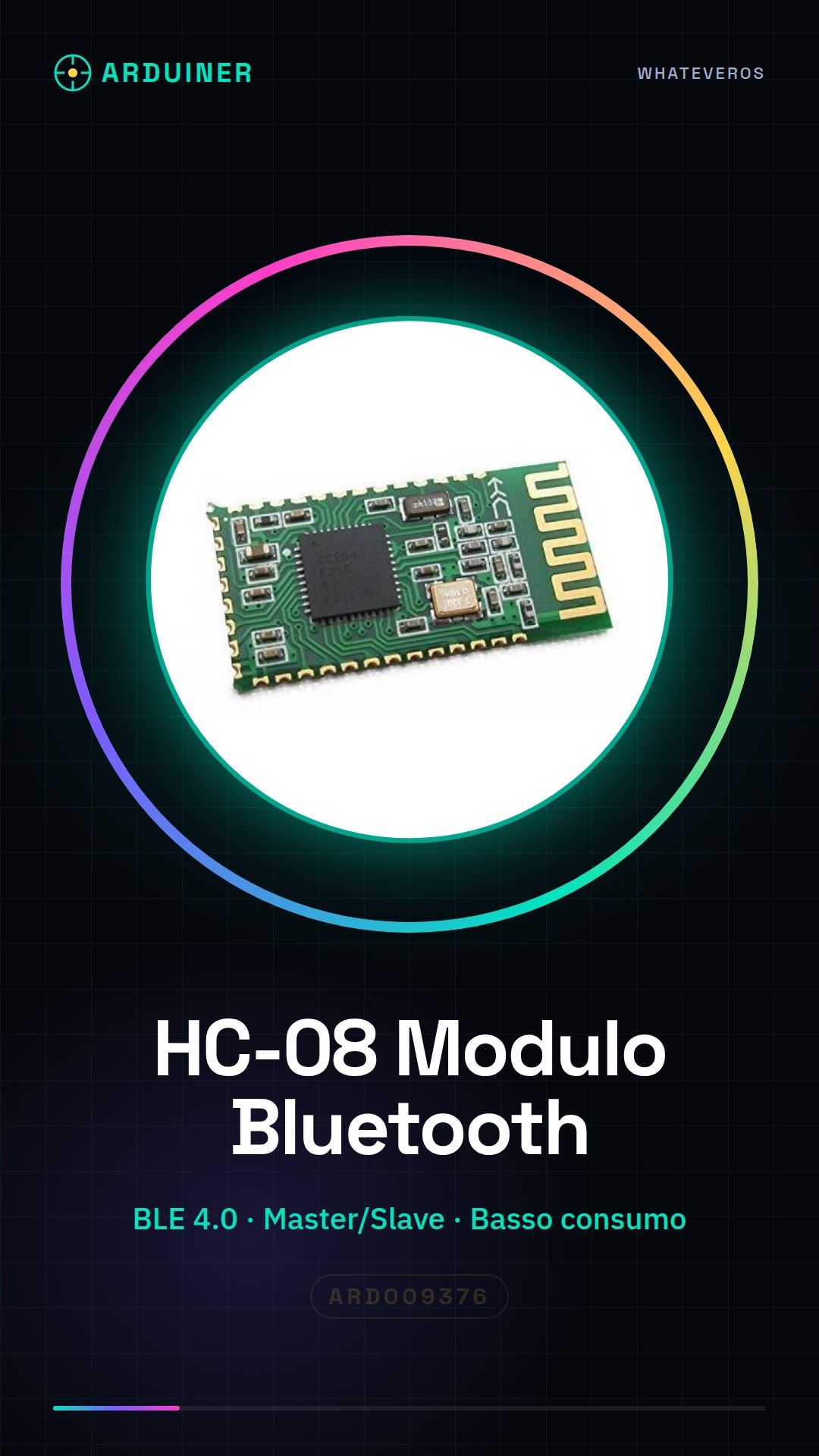
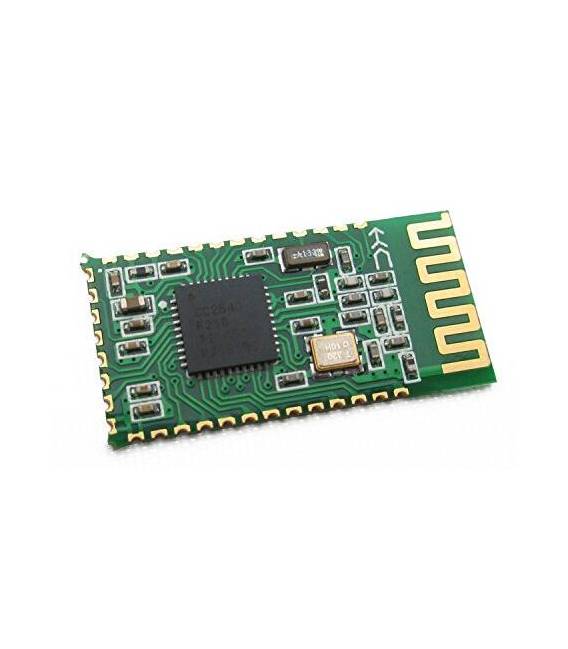
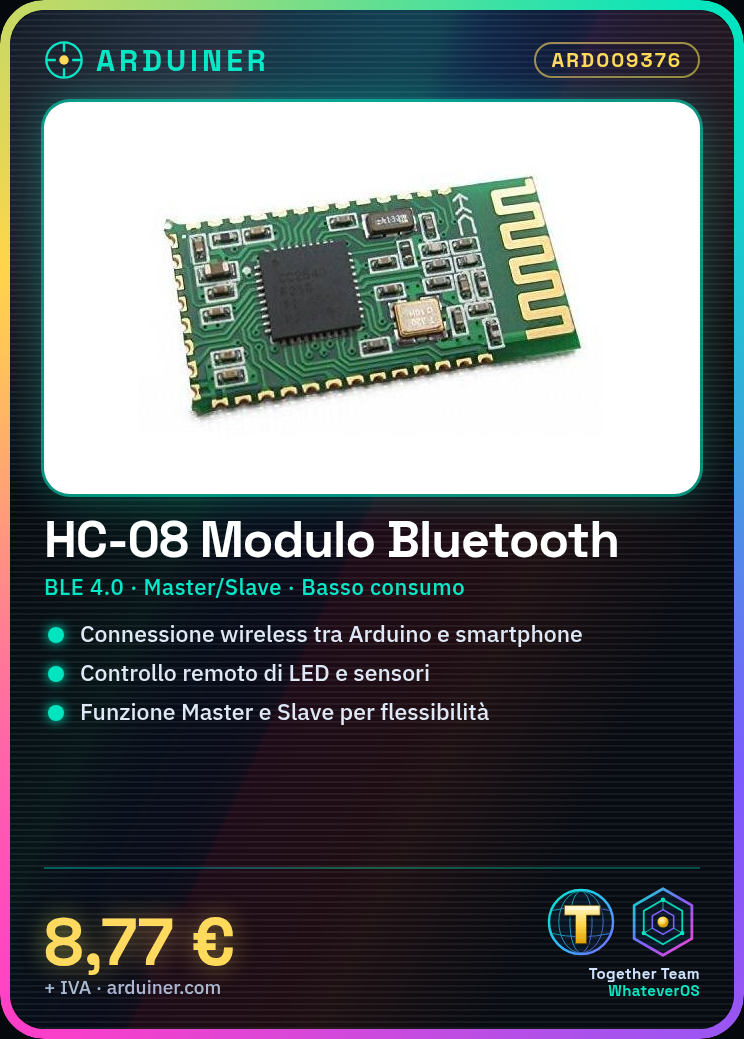
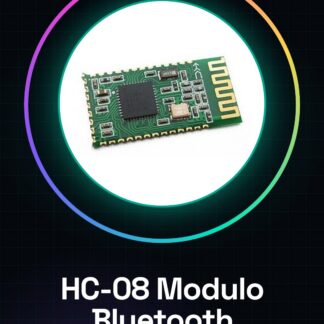
The HC-08 is a Bluetooth BLE 4.0 module designed for wireless communication between Arduino-based devices and Android or iOS smartphones and tablets. It allows the creation of wireless connections for IoT projects and remote control applications.
Features
- Bluetooth BLE 4.0
- Compatible with Arduino
- Master/Slave Functionality
- Low Power Consumption
What it is for
The HC-08 is ideal for applications such as remote control of LEDs, sensors, and other electronic components via smartphones or tablets. It can be used to create IoT devices, monitoring applications, and remote control systems.
Tutorial: How to Use HC-08 Bluetooth BLE 4.0 Module
The HC-08 is a Bluetooth module that enables wireless communication between Arduino and mobile devices. Useful for IoT and mobility projects.
What you need
- Arduino UNO or compatible
- USB cable
- PC with Arduino IDE
- Android or iOS mobile device
Steps
- 1. Connect the HC-08 to the Arduino via the TX/RX pins (3/8) and VCC/GND.
- 2. Load the example code ‘Serial Bluetooth’ onto the Arduino.
- 3. Configure the module on the Arduino: ‘AT’ + ‘MY’ + ‘BAUDRATE’ (e.g., AT+MY=123, AT+B9600).
- 4. On the mobile, install an app like ‘Serial Bluetooth’.
- 5. Set the same serial port as the Arduino.
- 6. Send ‘AT’ on the mobile device to check the connection.
- 7. Try sending messages between Arduino and mobile.
- 8. Configure the module to work as Master or Slave according to your needs.
Example code
```
#include <SoftwareSerial.h>
SoftwareSerial bluetooth(3, 4);

void setup() {
  bluetooth.begin(9600);
  Serial.begin(9600);
}

void loop() {
  if (bluetooth.available()) {
    Serial.write(bluetooth.read());
  }
  if (Serial.available()) {
    bluetooth.write(Serial.read());
  }
}
```
Mini project
Create a remote control device for an led with your smartphone. Connect an led to pin 13 of the Arduino and control it via the Bluetooth module.
Common mistakes
- Forget to check VCC and GND connections.
- Incorrect baud rate setting on both Arduino and mobile.
- Forget to install the Bluetooth app on mobile.
- Incorrect pin assignment in code.
Recommended accessories
- Led and resistor for functionality test
- USB cable for electronic charging
- Bluetooth app for smartphone
Frequently asked questions
How to set up the connection as Master or Slave?
Set it as Master by sending ‘AT+ROLE=1’ and as Slave by sending ‘AT+ROLE=0’.
What are the communication limits?
The maximum communication range is approximately 10 meters, depending on environmental conditions.
Can it work with Arduino Nano?
Yes, but check the compatibility of TX/RX pins.
What are the power supply requirements?
Power supply from 3.3V to 5V, check the datasheet for specific values.
Reviews
There are no reviews yet.