 EN
 IT Italiano
 ES Español
 FR Français
 DE Deutsch
Description
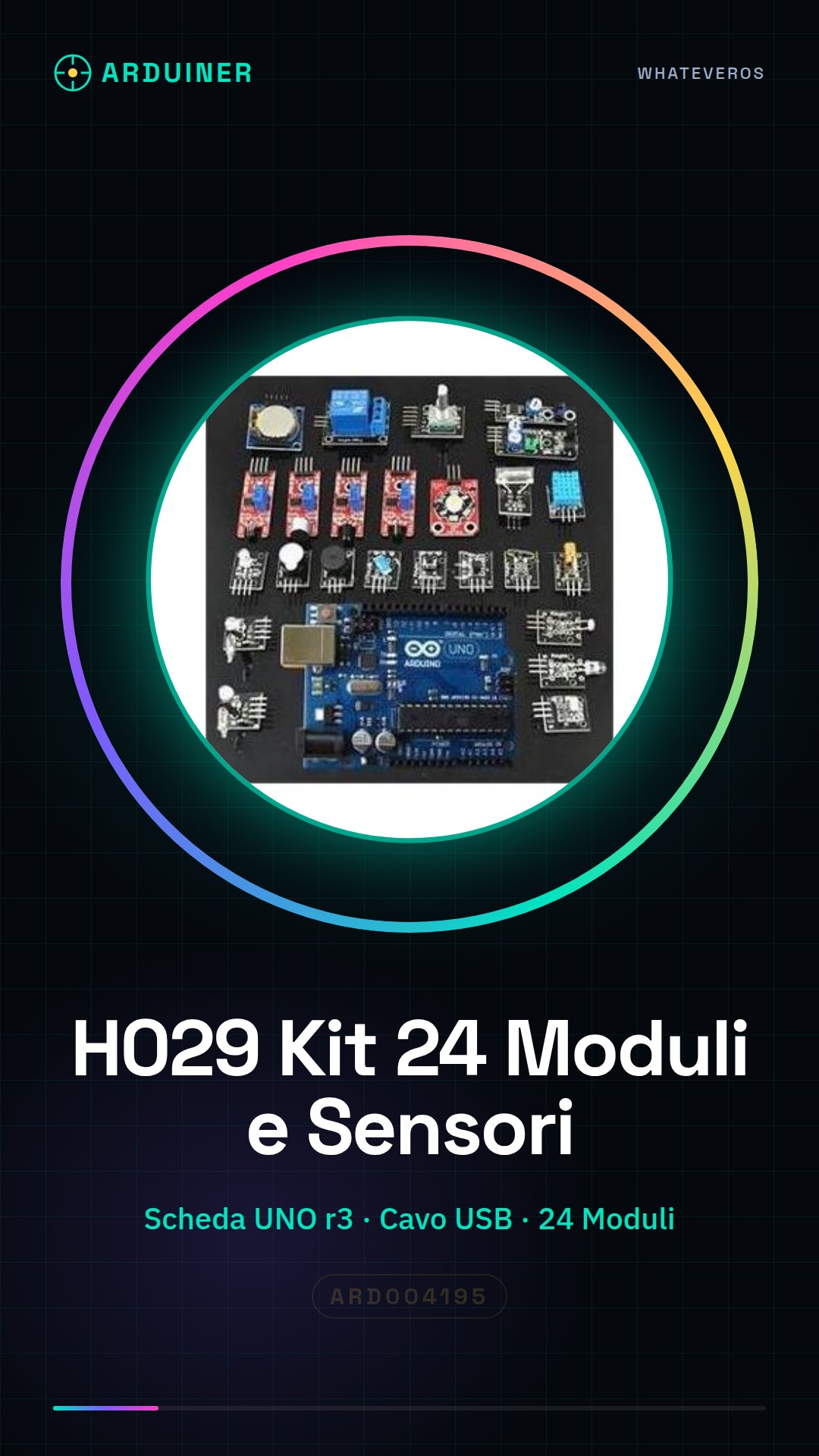
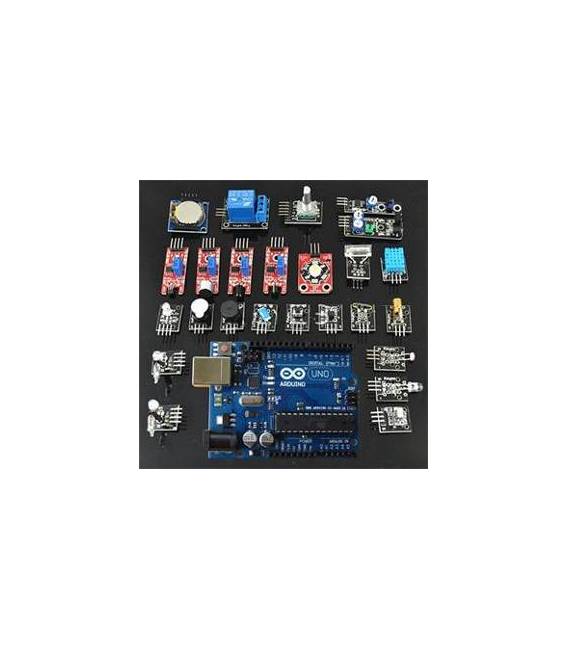
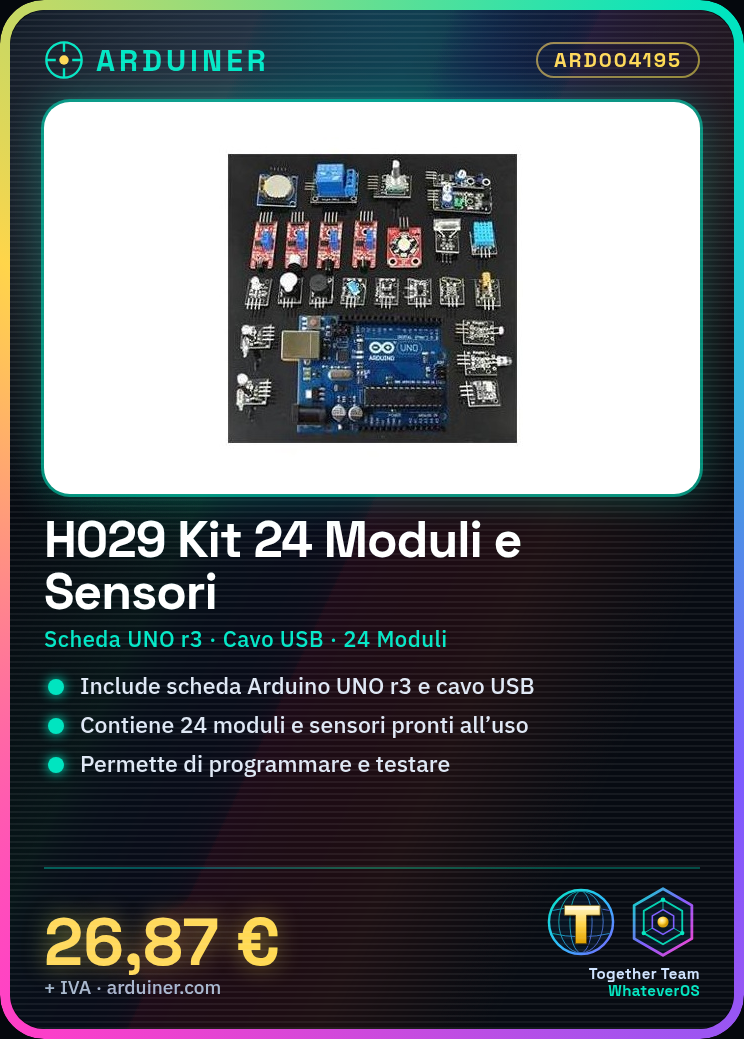
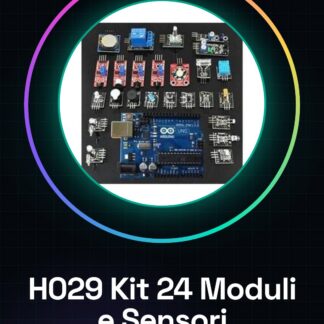
H029 Kit 24 Modules and Sensors for Arduino with UNO R3 Board
| Kit List | Qty |
| UNO R3 with USB cable | 1 |
| LED 3W module | 1 |
| 5V relay module | 1 |
| RTC DS1307 module | 1 |
| Push button module | 1 |
| Obstacle avoidance sensor module | 1 |
| Temperature module | 1 |
| Temperature and humidity sensor module | 1 |
| Passive buzzer module | 1 |
| Hall effect linear sensor module | 1 |
| Rotary encoder module | 1 |
| Line sensor | 1 |
| Active buzzer module | 1 |
| Infrared receive module | 1 |
| Flame sensor module | 1 |
| laser module | 1 |
| metal touch module | 1 |
| mini reed module | 1 |
| magic light cup | 1 |
| knock sensor | 1 |
| audio module | 1 |
| photoresistor | 1 |
| infrared emission module | 1 |
| tilt switch module | 1 |
| 3 color led module | 1 |
Tutorial: How to use the 24 Module and Sensor Kit for Arduino with UNO R3 Board
The H029 kit is ideal for beginners who want to explore the world of Arduino. It contains a wide range of ready-to-use modules and sensors, including the Arduino Uno R3 board.
What you need
- Kit H029
- Computer with USB connector
- Arduino IDE software installed
Steps
- Connecting the UNO r3 module to the computer via USB
- Installing the necessary library for the modules and sensors (check the datasheet)
- Connecting the various modules and sensors to the GPIO pins of the Arduino Uno R3
- Upload the example sketch provided with the kit to the Arduino Uno R3
- Check the functionality of the modules and sensors through the Arduino IDE serial console
- Modify the sketch to customize the features of the modules and sensors (check the datasheet)
- Create a simple project that integrates at least 3 components from the kit
- Testing and optimization of the project
Example code
void setup() {
 Serial.begin(9600);
}

void loop() {
 // Aggiungi qui il codice per leggere i dati dai sensori e inviarli alla console seriali
}
Mini project
Create a home alarm system that uses a motion sensor, a siren, and an LCD display. The project should be able to detect movements and display warning messages on the display.
Common mistakes
- Insert the UNO r3 module into the circuit without first uploading a sketch
- Connect the modules and sensors to the wrong pins of the Arduino Uno R3
- Do not install the necessary libraries for the modules and sensors
Recommended accessories
- Arduino prototyping kit
- AA batteries with USB connector
- Ethernet cable
- SD Shield for Arduino Uno R3
Frequently asked questions
Where can I find the detailed instructions?
Consult the product manual included in the kit or visit the official Arduino website.
What other modules and sensors can I add to my Arduino project?
You can explore our sensor and module category to find components that fit your specific needs.
I lost the datasheet, what should I do?
The datasheet is available online. Search on the official website or platforms like GitHub.
Reviews
There are no reviews yet.