 EN
 IT Italiano
 ES Español
 FR Français
 DE Deutsch
Description
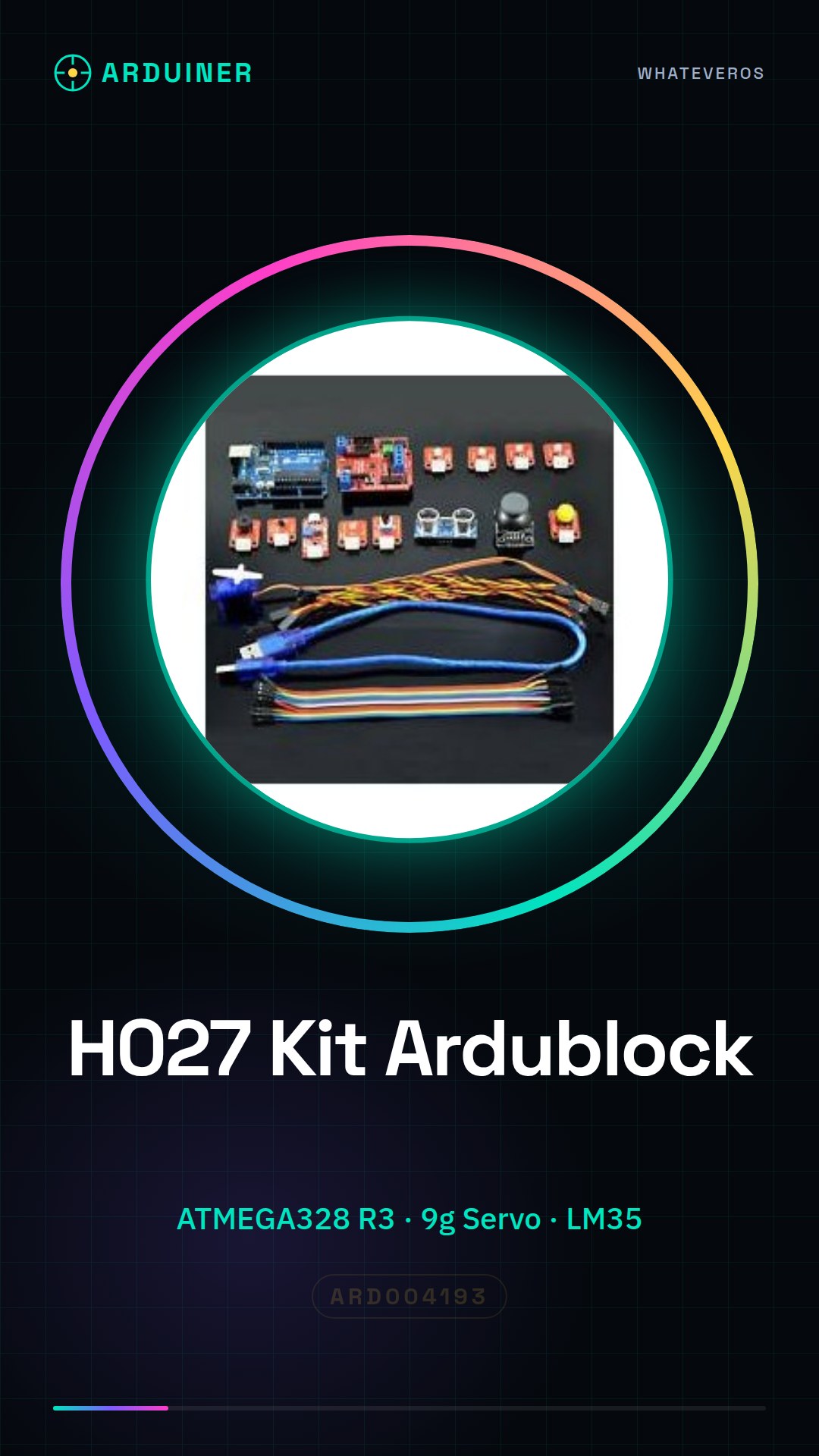
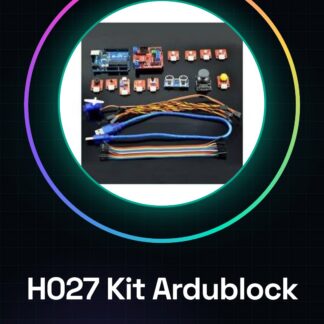
Ardublock Graphical Programming Kit H027
< tr>
Sensor Expansion Board
1 < tr>
White LED Module
1 < tr>
Yellow LED Module
1 < tr> Temperature Sensor LM35 1 < tr>
Audio Sensor
1 < tr>
Rotary Potentiometer Module
1 < tr>
Key Module
1 < tr>
Ultrasonic Module
1 < tr> XY Games Waist Pole Module 1 < tr>
Red LED Module
1 < tr>
Green LED Module
1 < tr>
Buzzer Module
1 < tr>
9g Servo
1 < tr> Sensor Cable 3P (220mm) 10 < tr> DuPont Wire (210mm) 20 < / tbody>
| Kit List | Qty < / strong> |
| ATMEGA328 R3 Development Board < / td> | 1 |
| Light Sensor | 1 |
| USB Cable (520mm) | 1 |
Tutorial: How to use Ardublock Visual Programming Kit
The Ardublock kit is an excellent choice for beginners who want to start programming Arduino without knowing C++. With a visual interface, it allows users to create and upload sketches directly to the microcontroller.
What you need
- Arduino Uno or compatible
- Computer with Windows, Mac or Linux
- USB A-MicroB cable
Steps
- Install Ardublock from the official website (check the datasheet)
- Open Ardublock and select Arduino as the target
- Connect the Arduino to the computer via USB cable
- Verify that the device is recognized in ‘Tools > Board’
- Create a new project by clicking on ‘New Project’
- Add code blocks from the left panel and assemble them like a puzzle
- Upload the program to the Arduino via ‘File > Upload’
- Verify the project execution
Mini project
Create a counter that increments every time you press a button connected to the Arduino’s digital interface
Common mistakes
- I can’t upload the Ardublock firmware
- My Arduino is not recognized by the computer
- The code blocks do not connect correctly
Recommended accessories
- Tactil push button
- RGB LED
- 16×2 LCD display
Frequently asked questions
How can I install Ardublock?
Download the file from arduino.cc and follow the installation instructions.
Can I use Ardublock with Raspberry Pi?
Ardublock is designed for Arduino, but there is a version compatible with Raspberry Pi called ‘BlocklyDuino’. Check the datasheet.
Reviews
There are no reviews yet.