 EN
 IT Italiano
 ES Español
 FR Français
 DE Deutsch
Description
What it is
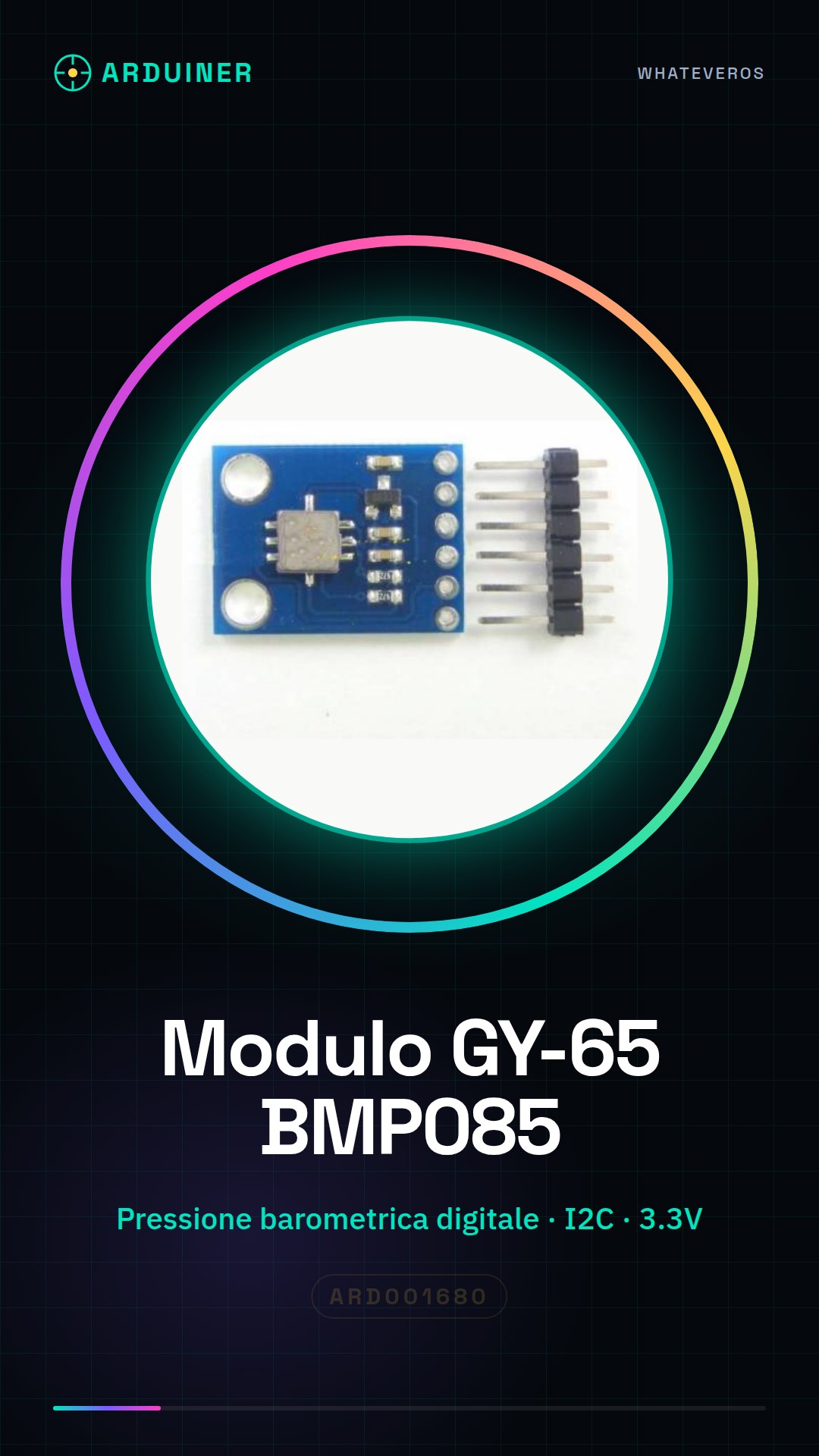
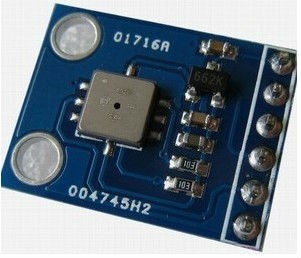
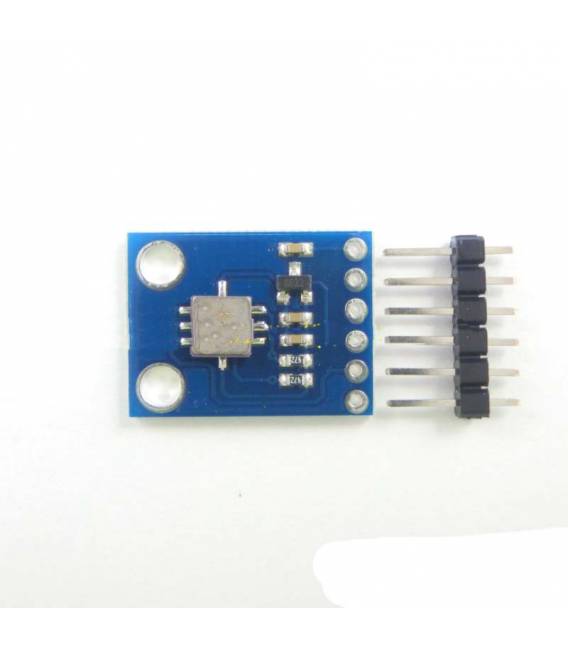
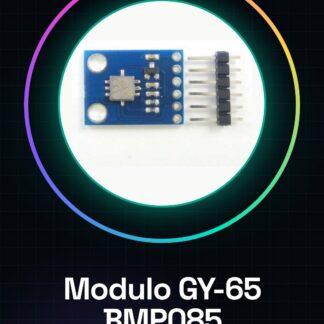
The GY-65 BMP085 module is a digital barometric pressure sensor. It allows measuring atmospheric pressure and providing a digital value that can be read and used by a microcontroller, such as Arduino.
Features
- Digital Barometric Pressure Sensor BMP085
- GY-65 Module
- I2C Connection
- Power Supply: 3.3V
What it is for
The GY-65 BMP085 module is ideal for weather and altimeter projects. It can be used to build a weather clock that displays atmospheric pressure and temperature, or to create a digital altimeter. It is compatible with Arduino and other microcontrollers that support I2C communication.
Tutorial: How to Use GY-65 BMP085
The barometric pressure sensor BMP085 is ideal for weather and altimeter projects. Useful for beginners and intermediates.
What you need
- Arduino UNO or compatible
- Power cable
- Multimeter
- Check the datasheet
Steps
- 1. Installation: Download and install the Arduino IDE.
- 2. Connection: Connect VCC to Arduino’s 3.3V, GND to GND, SCK to pin 13, MISO to pin 12, MOSI to pin 11, CS to pin 10, XCLR to pin 9.
- 3. Configure the pins in the code.
- 4. Include the Wire.h library.
- 5. Initialize the BMP085 object.
- 6. Read the pressure and temperature.
- 7. Print the values on Serial Monitor.
- 8. Verify the values with a trusted altimeter.
Example code
```c
#include <Wire.h>
#include <Adafruit_BMP085.h>

Adafruit_BMP085 bmp;

void setup() {
  Serial.begin(9600);
  bmp.begin();
}

void loop() {
  int32_t pressure = bmp.readPressure();
  float temperature = bmp.readTemperature();
  Serial.print("Pressure: "); Serial.println(pressure);
  Serial.print("Temp: "); Serial.println(temperature);
}
```
Mini project
Build a simple weather clock that shows atmospheric pressure and temperature.
Common mistakes
- Connect VCC to 5V instead of 3.3V.
- Forget to include the Wire.h library.
- Fail to initialize the BMP085 object correctly.
- Forget to verify the values with a trusted altimeter.
Recommended accessories
- Digital clock
- LCD display
- Raspberries
- 3.3V power supply cable
Frequently asked questions
How can I verify the values read from the sensor?
Compare it with a trusted altimeter or a smartphone app.
Does the sensor work with Arduino UNO?
Yes, but check the power supply voltage.
Can I use this sensor to measure height?
Yes, but take humidity and temperature into account.
What are the precision limits of the sensor?
Check the datasheet for specific details.
Reviews
There are no reviews yet.