 EN
EN IT Italiano
 ES Español
 FR Français
 DE Deutsch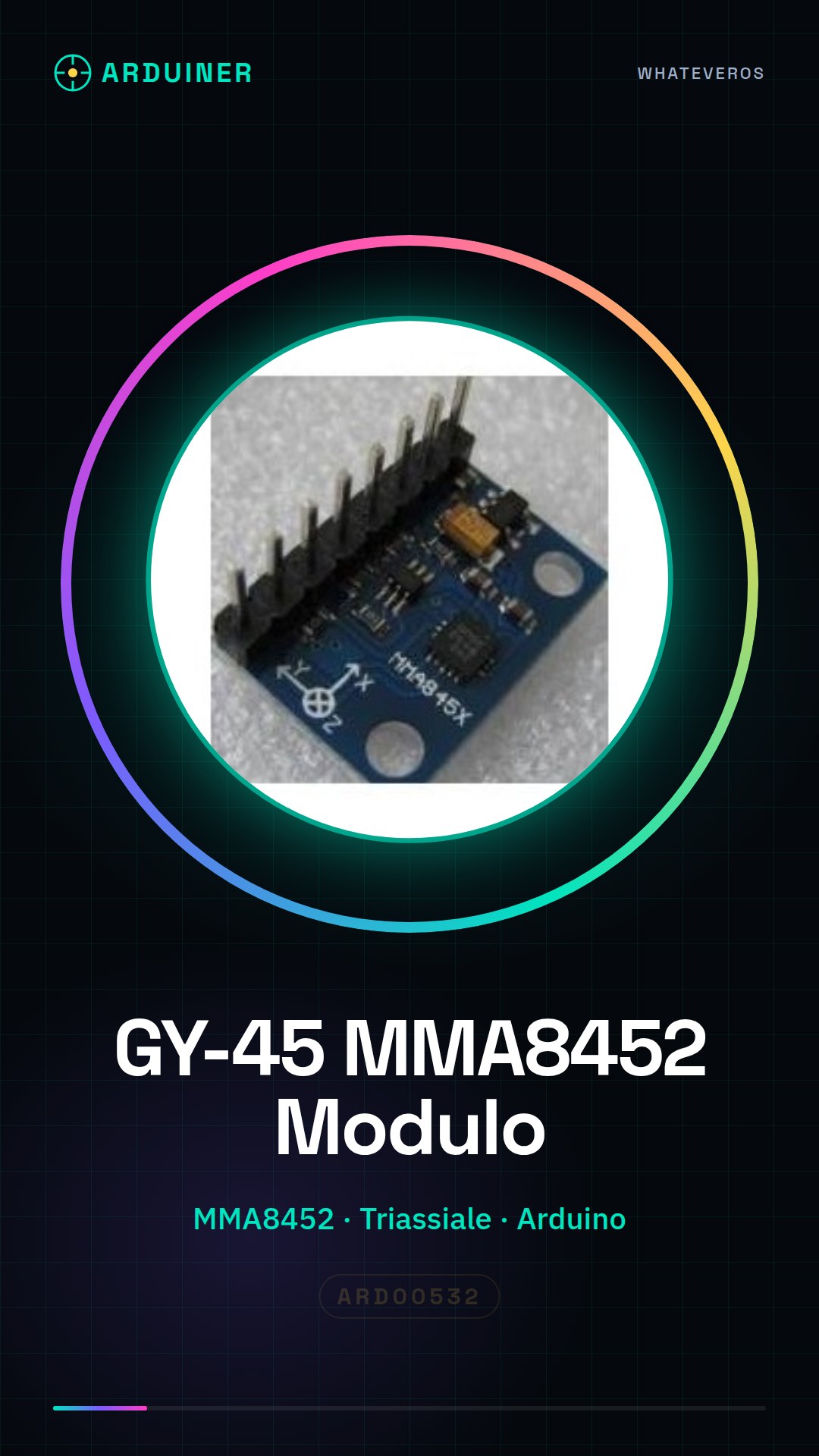
Description
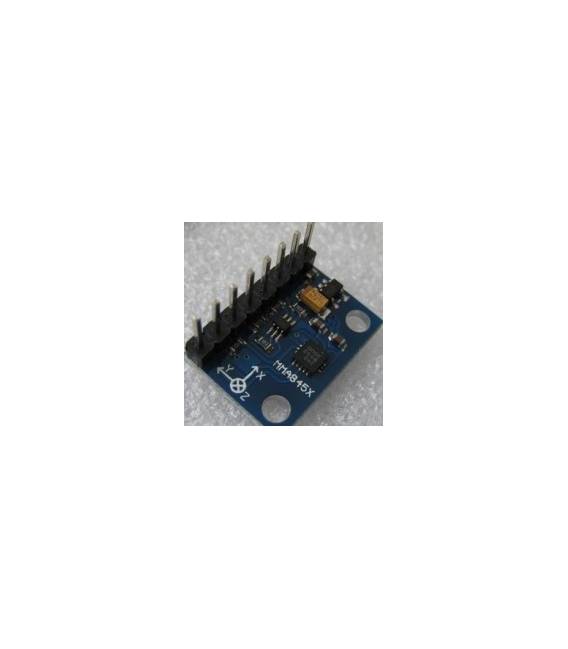
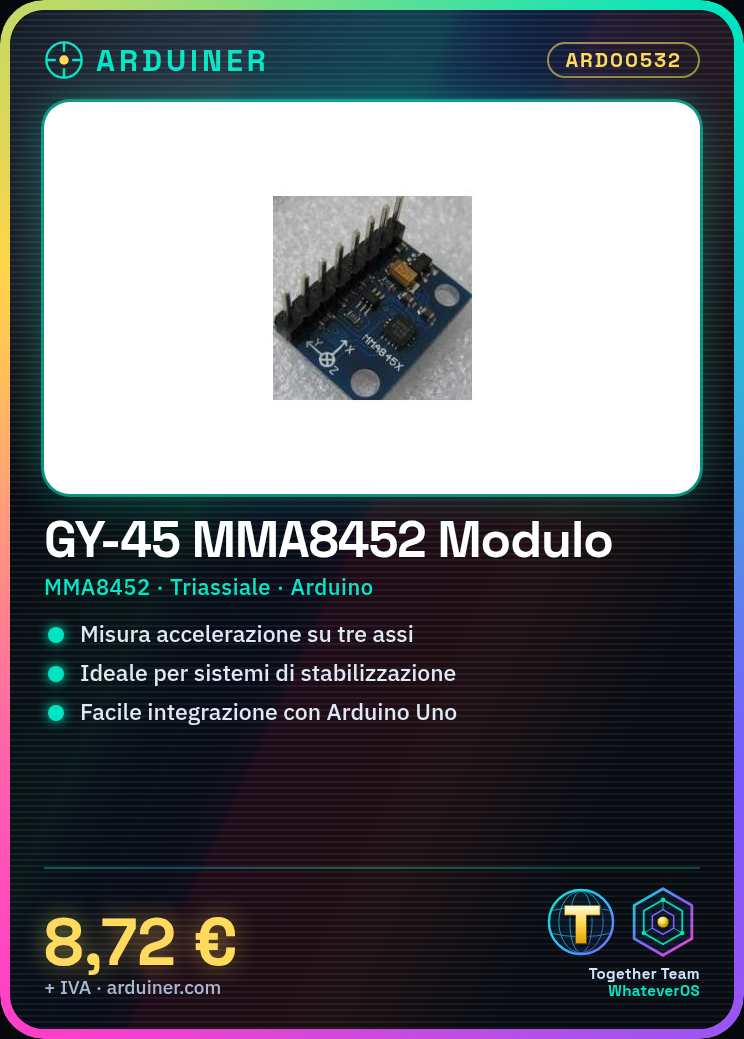
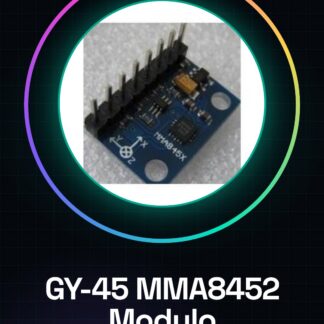
What is the GY-45 MMA8452? The GY-45 MMA8452 is a digital triaxial module for Arduino. It measures acceleration on three axes, providing data useful for projects requiring tilt and motion detection. Features Sensor: MMA8452 Type: Triaxial Format: Module Compatibility: Arduino SKU: ARD00532 Price: £8.72 What does it do? The GY-45 MMA8452 is ideal for motion and tilt projects. It can be used to build a stabilisation system for a quadcopter, detect the movement of an object or create an interactive interface based on tilt. Tutorial: How to use GY-45 The sensor GY-45 measures acceleration in three axes. Useful for motion and tilt projects. What do you need? GY-45 Arduino Power cable Pull-up resistor Multimeter Steps 1. Connect the GY-45 to Arduino via the following pins: SCL – A5, SDA – A4, VCC – 5V, GND – GND. 2. Add a pull-up resistor of 4.7kΩ between SCL and VCC, and between SDA and VCC. 3. Upload the following code to your Arduino. 4. Check acceleration readings via serial monitor. 5. Test tilt by moving it at various angles. 6. Add code to manage tilt data. 7. Refer to datasheet for further details. 8. Configure sensor for reference parameters. Example Code “`cpp #include void setup() { Wire.begin(); } void loop() { Wire.beginTransmission(0x1D); Wire.write(0x02); Wire.endTransmission(); Wire.requestFrom(0x1D, 6); if (Wire.available()) { int x = Wire.read() * 256 + Wire.read(); int y = Wire.read() * 256 + Wire.read(); int z = Wire.read() * 256 + Wire.read(); Serial.print(“X:”); Serial.println(x); Serial.print(“Y:”); Serial.println(y); Serial.print(“Z:”); Serial.println(z); } delay(1000); } “` Mini-project Build a quadcopter stabilisation project. In 30 minutes, connect the GY-45 to a rotation motor to maintain balance. Common mistakes Connecting pins incorrectly. Omitting pull-up resistor. Forgetting to install Wire driver. Not checking data on datasheet. Recommended accessories Arduino Uno Rotation motor Wooden frame for quadcopter Power cables Frequently Asked Questions What are the reference parameters of the sensor? Check the datasheet. Can I use an Arduino Mega? Yes, but check pin compatibility. Does the sensor work with Arduino Nano? Yes, but ensure you use correct pins.
Reviews
There are no reviews yet.