 EN
EN IT Italiano
 ES Español
 FR Français
 DE Deutsch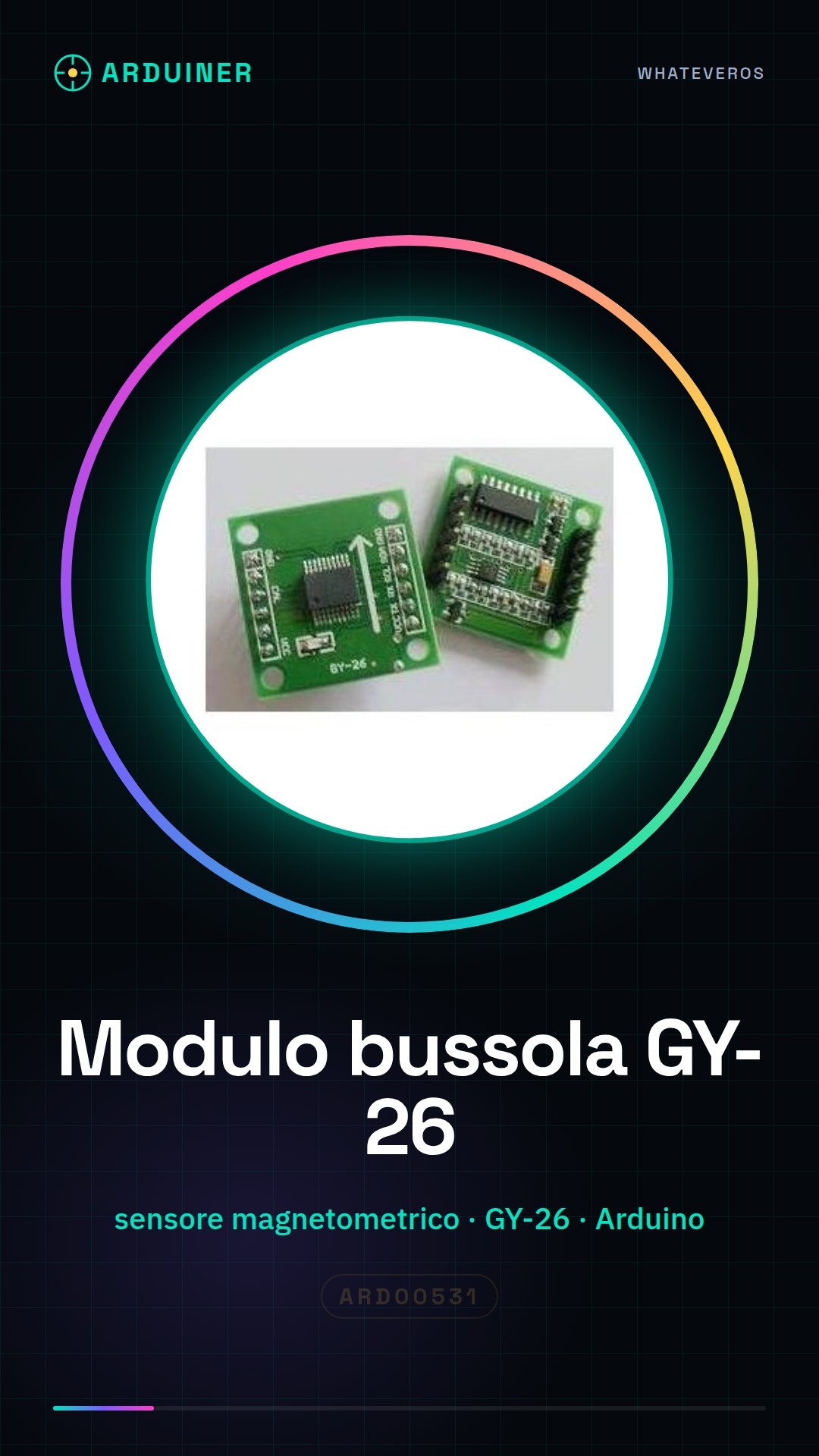
Description
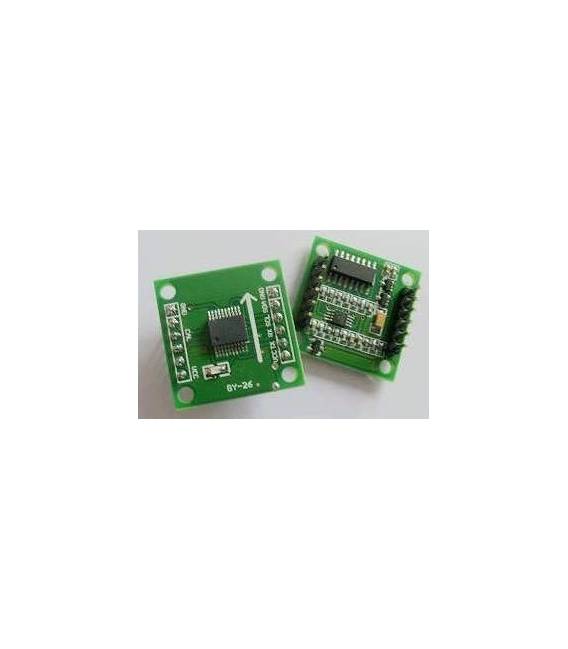
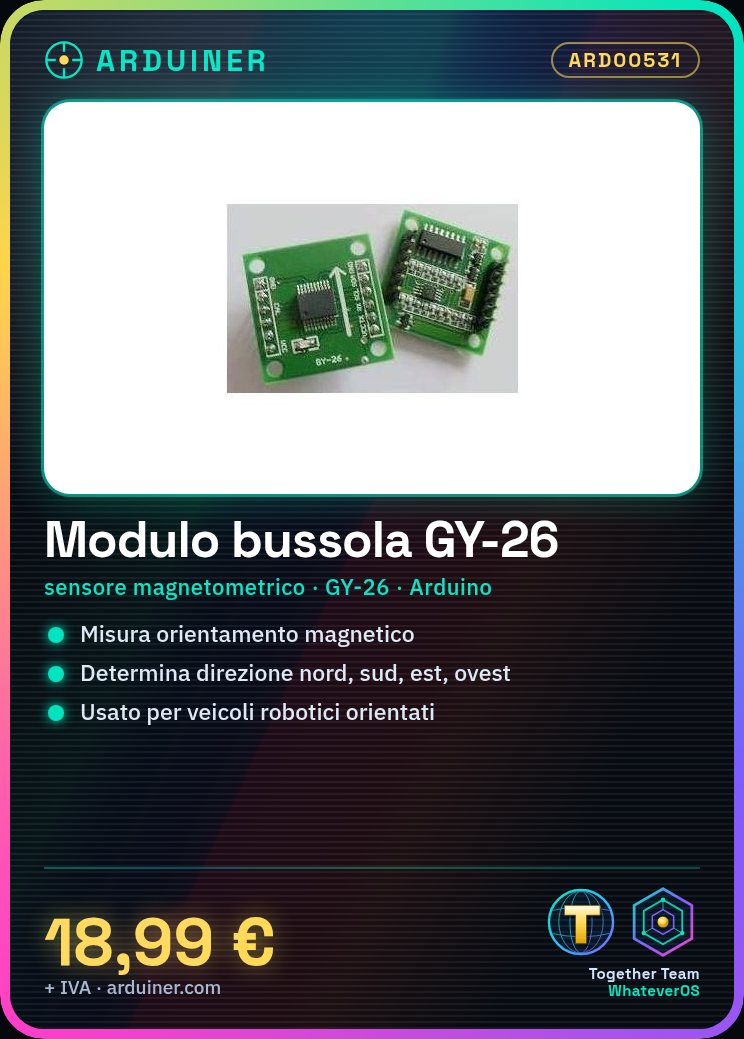
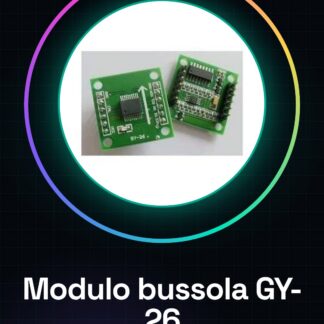
What is the GY-26 Compass Module? The GY-26 is a magnetic sensor that measures magnetic orientation. It can be used to determine north, south, east, and west directions. Features: Type – Magnetic Sensor; Model – GY-26; Compatibility – Arduino; SKU – ARD00531 Price – £18.99 What does it do? The GY-26 is ideal for robotics projects, orientation, and navigation. It can be used to create robots that move in a specific direction, determine the position of an object relative to a magnetic reference point or create autonomous navigation systems. Tutorial: How to use GY-26 The compass module GY-26 is essential for projects requiring orientation or navigation. Useful for beginner and intermediate makers. What do you need? Arduino or compatible board; Power cable; Mass cable; 10kΩ resistor Steps: 1. Connect the GY-26 module to your Arduino using VCC to 5V, GND to mass, SDA and SCL to respective I2C pins. 2. Add a 10kΩ resistor between VCC and SDA for bus protection. 3. Load the minimum Sketch code onto your Arduino. 4. Run the code to verify correct readings. 5. Install the GY-26 module in a robotic project to monitor orientation. 6. Test the module with a tracking program to check functionality. 7. Check the datasheet for further details on settings. 8. Configure the module for your specific application. Example Code “` #include #include MPU6050 gyroAccel; void setup() { Wire.begin(); gyroAccel.initialize(); } void loop() { float heading = gyroAccel.getHeading(); Serial.println(heading); } “` Mini-project Create a small robotic vehicle that moves in a specific direction when the GY-26 indicates a 90-degree angle. Common mistakes Connecting VCC to 3.3V instead of 5V; Omitting protection resistor; Using incorrect SDA and SCL pins; Ignoring configuration instructions on datasheet. Recommended Accessories Arduino Uno; USB cable for Arduino; Mass cable; 10kΩ resistor Frequently Asked Questions How do I verify the module connection? Run the minimum Sketch code and check if you receive correct data in Serial Monitor. Which pins should I use if my Arduino does not have I2C pins? Check the datasheet for alternative connections. Does the module work with Arduino Nano? Yes, but ensure to use the correct pins.
Reviews
There are no reviews yet.