 EN
 IT Italiano
 ES Español
 FR Français
 DE Deutsch
Description
What it is
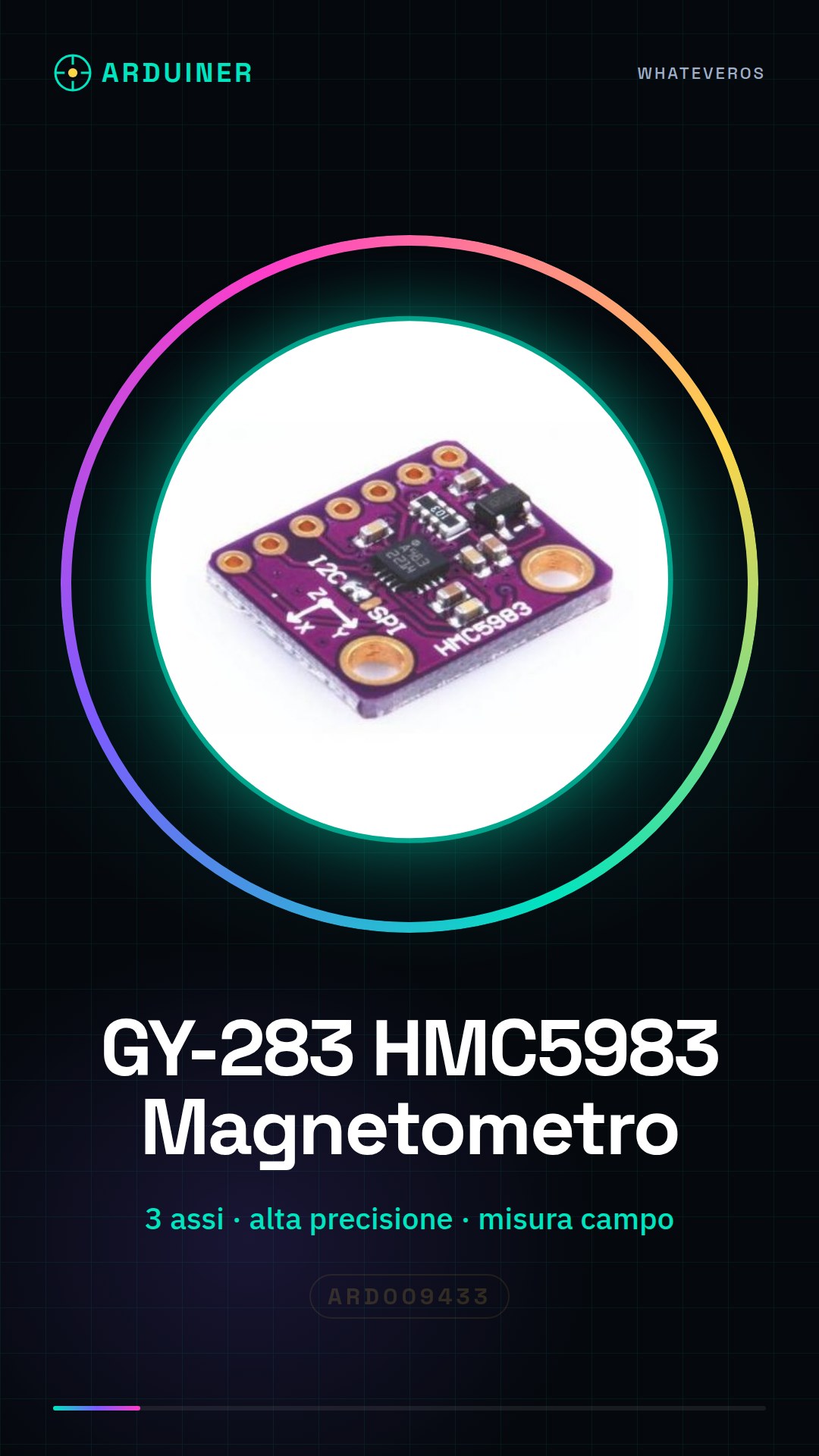
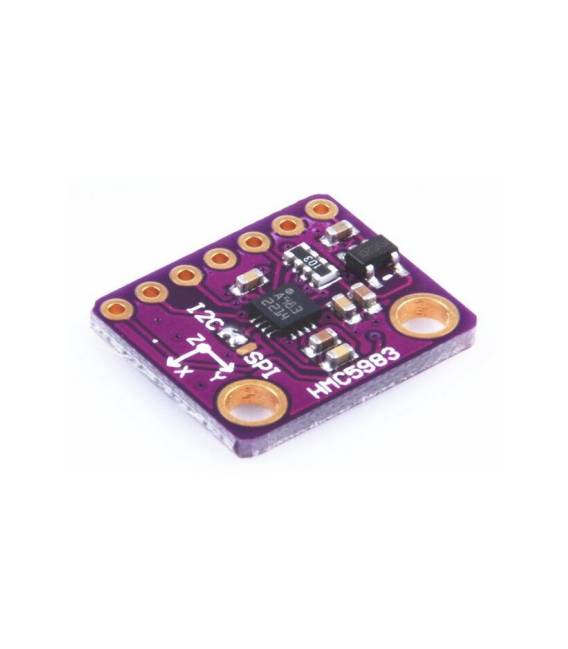
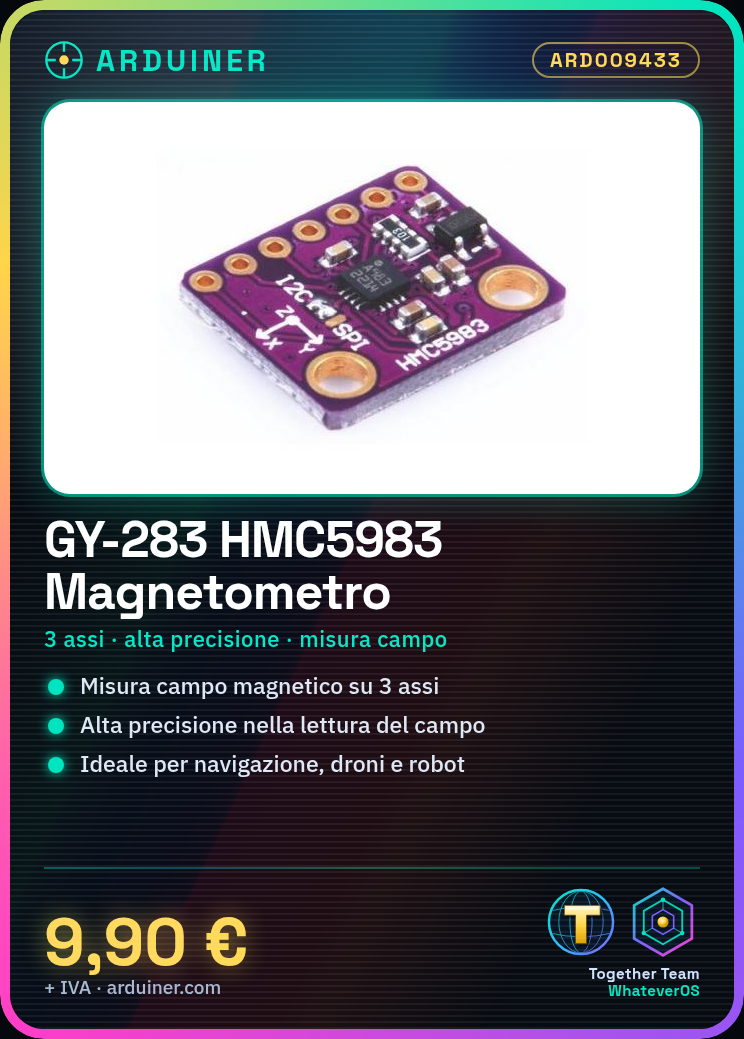
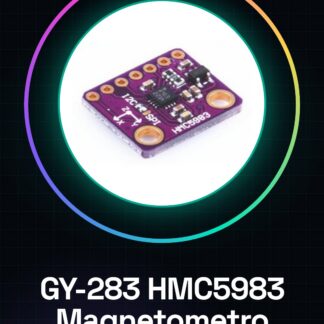
The GY-283 HMC5983 module is a high-precision 3-axis magnetic field magnetometer. It allows measuring the components of the magnetic field in three directions.
Features
- Sensor: HMC5983
- Measures magnetic field in 3 axes
- High precision
What it is for
The GY-283 HMC5983 module is ideal for navigation and orientation projects such as drones, robots, or portable devices. It can be used to create a small device that indicates the magnetic direction. Compatibility with Arduino and ESP should be verified in the datasheet.
Tutorial: How to use HMC5983 Magnetometer Module
The GY-283 HMC5983 module is a high-precision 3-axis magnetic field magnetometer that allows measuring the components of the magnetic field in three directions. Ideal for navigation and orientation projects such as drones, robots, or portable devices.
What you need
- Arduino
- USB cable
- Connection to the HMC5983 module
Steps
- Connect the HMC5983 module to the Arduino using the corresponding pins (check the datasheet).
- Install the I2Cdevlib library or a similar one to handle I2C communications.
- Include in the code the header file of the HMC5983 library.
- Configure the HMC5983 module by initializing the object with the pins and sampling rate (check the datasheet).
- Call the functions to read the values of the three magnetic field axes.
- Display the data on LEDs, serial monitor, or an LCD display.
Example code
// Includere la libreria HMC5983
#include <Wire.h>
#include "HMC5983.h"
// Definire l'oggetto del modulo
HMC5983 hmc;
void setup() {
  Wire.begin();
  Serial.begin(9600);
  if (!hmc.init()) { // Inizializzazione dell'oggetto HMC5983
    while (1); // Arresto il programma se l'inizializzazione fallisce
  }
}
void loop() {
  hmc.update();
  Serial.print("X: "); Serial.print(hmc.x);
  Serial.print(", Y: "); Serial.print(hmc.y);
  Serial.print(", Z: "); Serial.println(hmc.z);
}
Mini project
Create a small device that indicates the magnetic direction using the HMC5983 module and an LCD display. Connect the module to the microcontroller, display the magnetic field values in real-time on an LCD display.
Common mistakes
- Make sure the necessary library is installed correctly.
- Check that the I2C settings are correct (address and frequency).
- Check the physical connections between Arduino and HMC5983 module.
- Handle any data reading errors from the module.
Recommended accessories
- 16×2 LCD Display to show magnetic field data
- Prototype connection to use with the HMC5983 module and Arduino
- Battery power supply for Arduino (if working autonomously)
- Universal connection jumpers
Frequently asked questions
How can I calibrate the magnetometer?
To calibrate it, perform a full cycle by rotating the device around all axes to cover all possible directions.
What is the precision of the HMC5983 module?
Precision varies based on usage conditions. Check the datasheet for detailed information.
Reviews
There are no reviews yet.