 EN
 IT Italiano
 ES Español
 FR Français
 DE Deutsch
Description
What it is
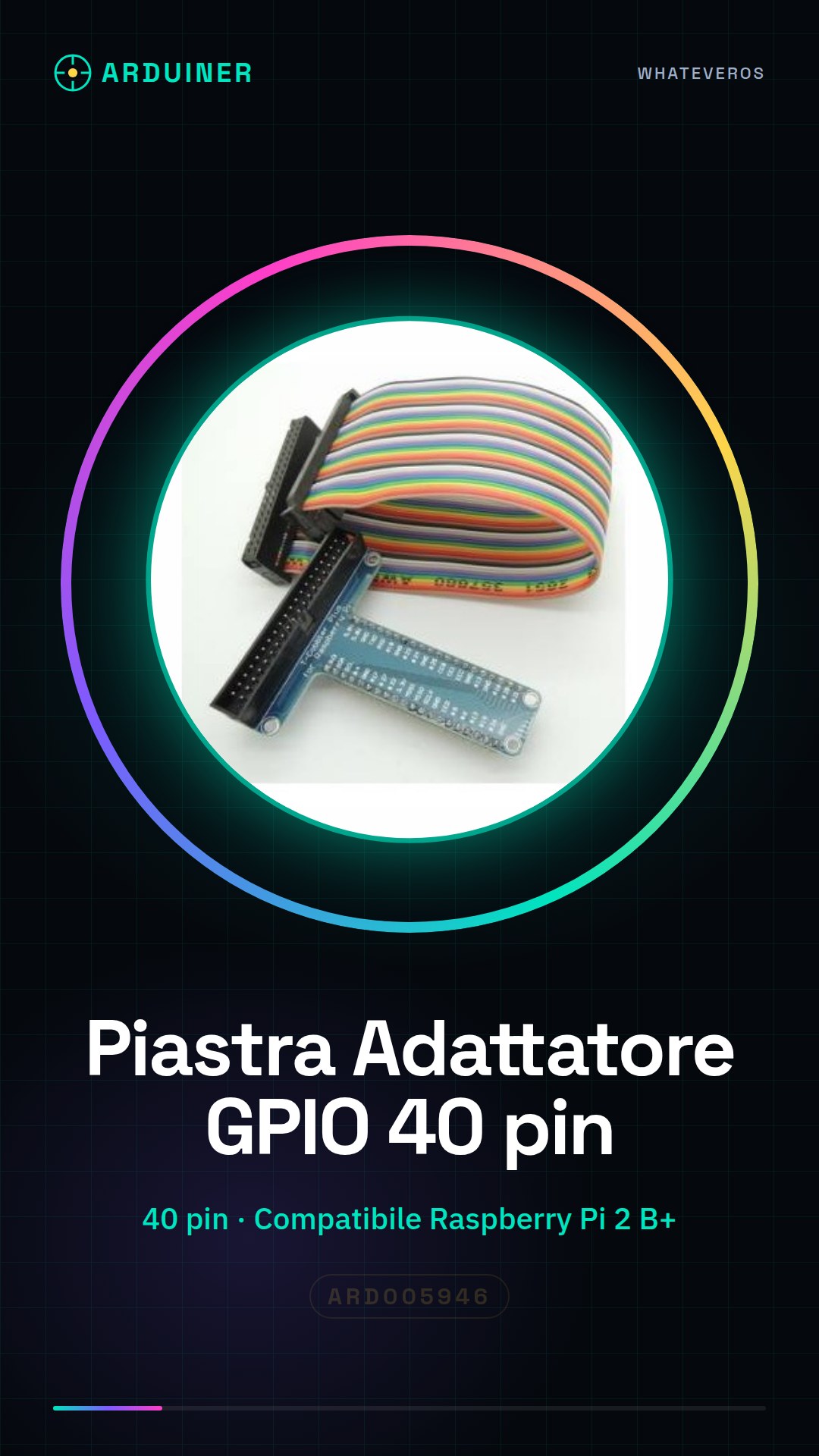
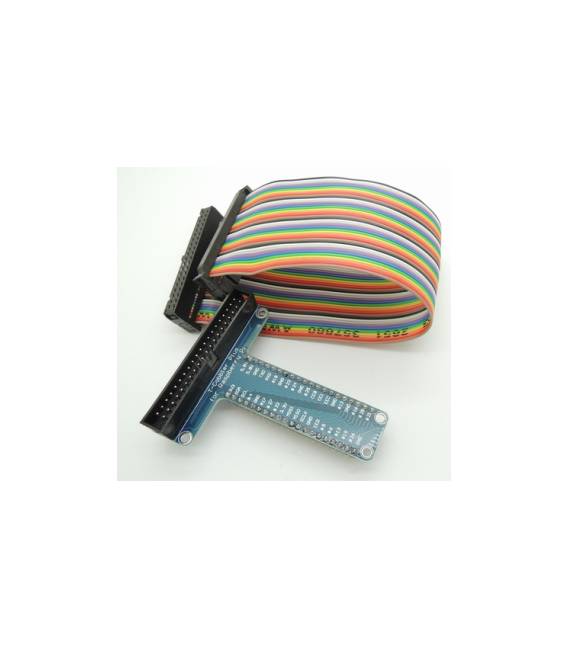
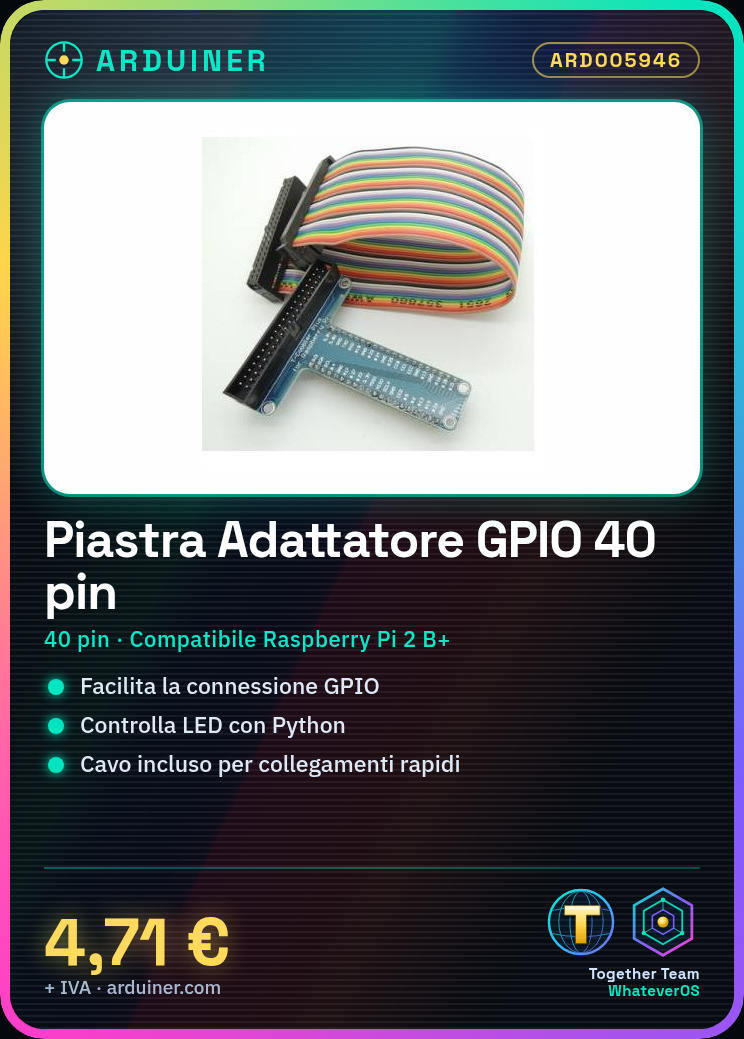
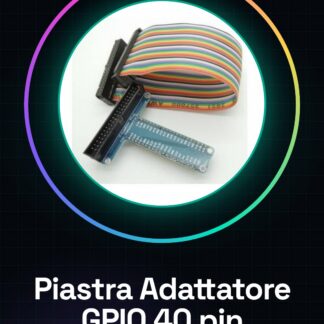
The GPIO T Type 40 pin adapter board for Raspberry Pi is a device that allows you to connect the GPIO connectors of your Raspberry Pi to external devices. This board facilitates the creation of advanced projects and prototypes.
Features
- GPIO T Type 40 pin adapter board for Raspberry Pi
- Compatible with Raspberry Pi 2 B+
- Connection cable included
What it is for
Ideally, this board is used for projects that require electronic interfacing between the Raspberry Pi and external devices. You can create simple lighting circuits controlled by Raspberry Pi, connect sensors or actuators to various GPIO pins.
Tutorial: How to use GPIO T Type 40 pin adapter board for Raspberry Pi + cable
The GPIO adapter board for Raspberry Pi allows you to easily connect the GPIO connectors of your Raspberry Pi to external devices. Ideal for electronics projects, home automation, or any other use that requires interfacing with GPIO components.
What you need
- Raspberry Pi
- Raspberry Pi T Type 40 Pin GPIO Adapter Board + cable (SKU: ARD005946)
- Optional rubber or head connections for power and data
Steps
- Check that your Raspberry Pi has a 40 pin GPIO connector.
- Place the adapter board over the Raspberry Pi GPIO connector, ensuring proper alignment of the pins.
- Gently insert the adapter board onto the GPIO connector to establish the connection.
- Verify that all pins are properly inserted and there are no protrusions or damages.
- If necessary, connect a rubber or silicone lead to the adapter board pins for power and/or data transfer.
- Connect any external devices to the GPIO connector of the adapter board.
Mini project
Create a simple lighting circuit controlled by Raspberry Pi. Connect an LED to one of the GPIO pins and write a Python script to turn the LED on and off.
Common mistakes
- Do not properly align the adapter board with the Raspberry Pi pins, causing damage.
- Force the insertion of the adapter board if it does not align perfectly with the GPIO pins.
- Omit checking that all pins are securely inserted before connecting external devices.
Recommended accessories
- USB A-MicroB cable for Raspberry Pi
- LED and resistor kit
- 3D printed case for Raspberry Pi
Frequently asked questions
What is the difference between this adapter board and the standard one?
This board offers a more robust design with a T-shaped protection that prevents damage to the GPIO pins.
Can I use this adapter with all models of Raspberry Pi?
Check the datasheet of your Raspberry Pi model to ensure it has a 40-pin GPIO connector type.
Reviews
There are no reviews yet.