 EN
 IT Italiano
 ES Español
 FR Français
 DE Deutsch
Description
What it is
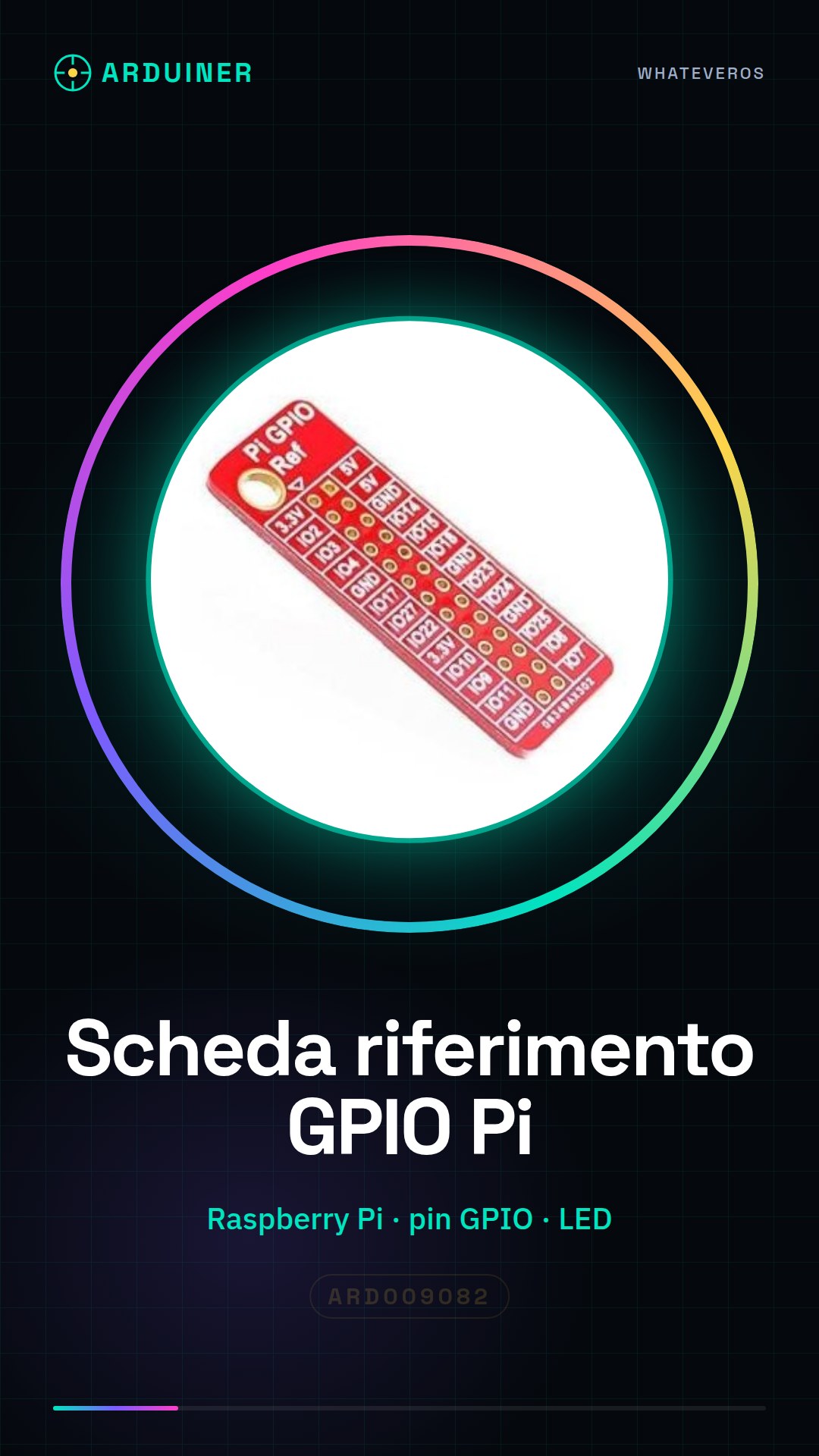
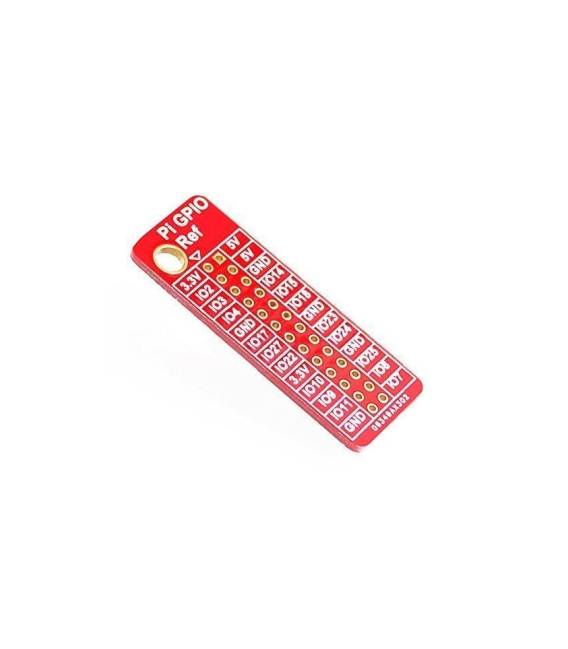
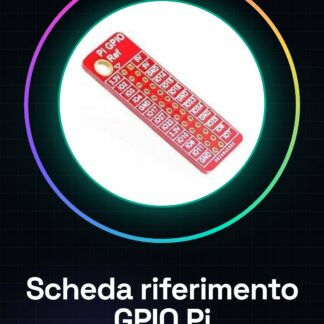
The GPIO pin reference card for Raspberry Pi is a device designed to facilitate the connection of electronic components to the GPIO pins of the Raspberry Pi. This tool is useful for both beginners and experts who want to start working with GPIO pins.
Features
- GPIO Reference Card for Raspberry Pi
- Helps in configuring GPIO pins
What it is for
The card is used to easily connect electronic components to the GPIO pins of the Raspberry Pi. Useful for projects that require the management of external devices such as LEDs, sensors, or other components.
Tutorial: How to use GPIO Pin Reference Card
This card helps you understand how to connect the GPIO pins of the Raspberry Pi. Useful for beginners and those who want to start working with pins.
What you need
- GPIO Pin Reference Card
- Raspberry Pi
- Connection cable
- Multimeter (optional)
Steps
- 1. Check the datasheet for the Raspberry Pi specifications.
- 2. Disconnect from the Raspberry Pi.
- 3. Connect the reference board to the GPIO pins.
- 4. Verify the connections with a multimeter.
- 5. Power on the Raspberry Pi.
- 6. Check the pins with a GPIO control program.
- 7. Disconnect properly.
- 8. Document the pin configuration.
Mini project
Configure a GPIO pin as output and turn on an LED in 30 minutes.
Common mistakes
- Do not verify connections before powering on.
- Connect pins to voltages higher than 3.3V.
- Ignore the multimeter.
- Do not save the pin configuration.
Recommended accessories
- LED
- Resistor
- Multimeter
- Connection wire
Frequently asked questions
How can I verify the connections?
Use a multimeter to verify the correct polarity and voltage.
Can I use any GPIO pin?
Check the datasheet to see which pins are available for your configuration.
Is the cost of the product too high?
Is the price competitive for a high-quality GPIO reference pin?
Reviews
There are no reviews yet.