 EN
 IT Italiano
 ES Español
 FR Français
 DE Deutsch
Description
What it is
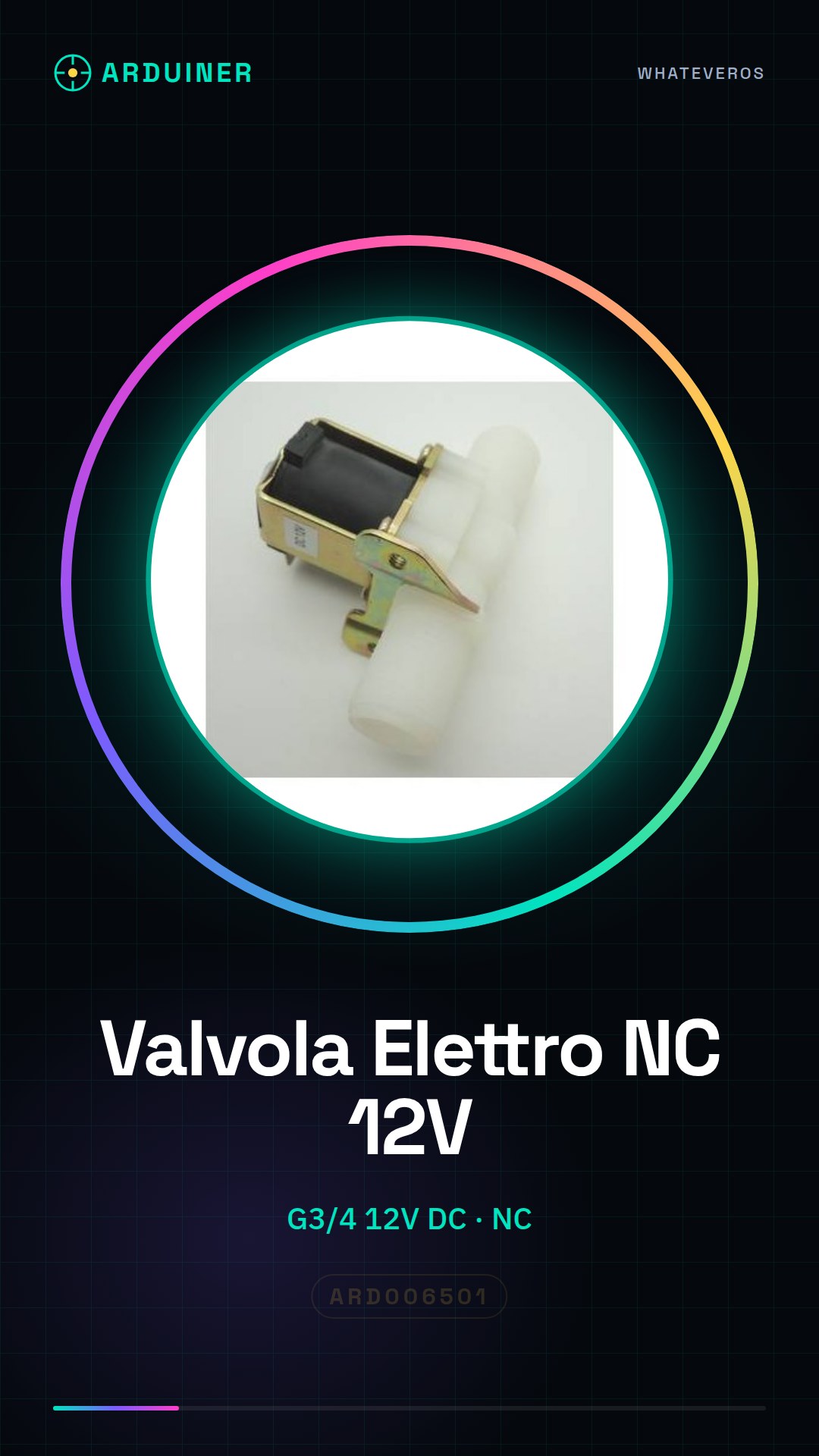
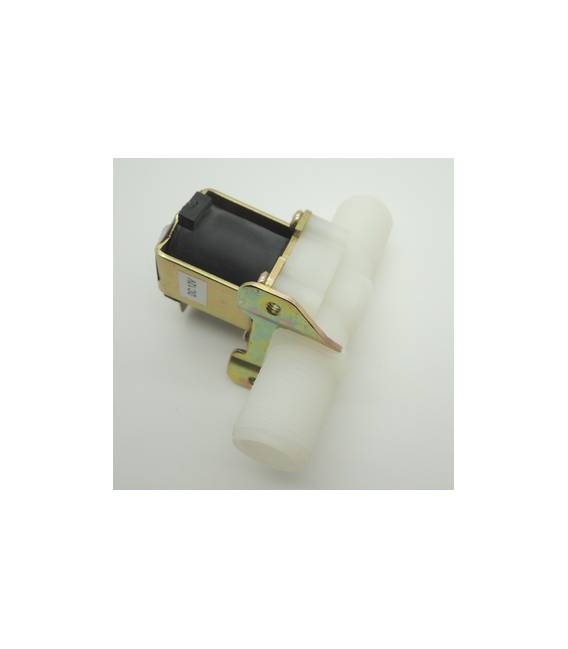
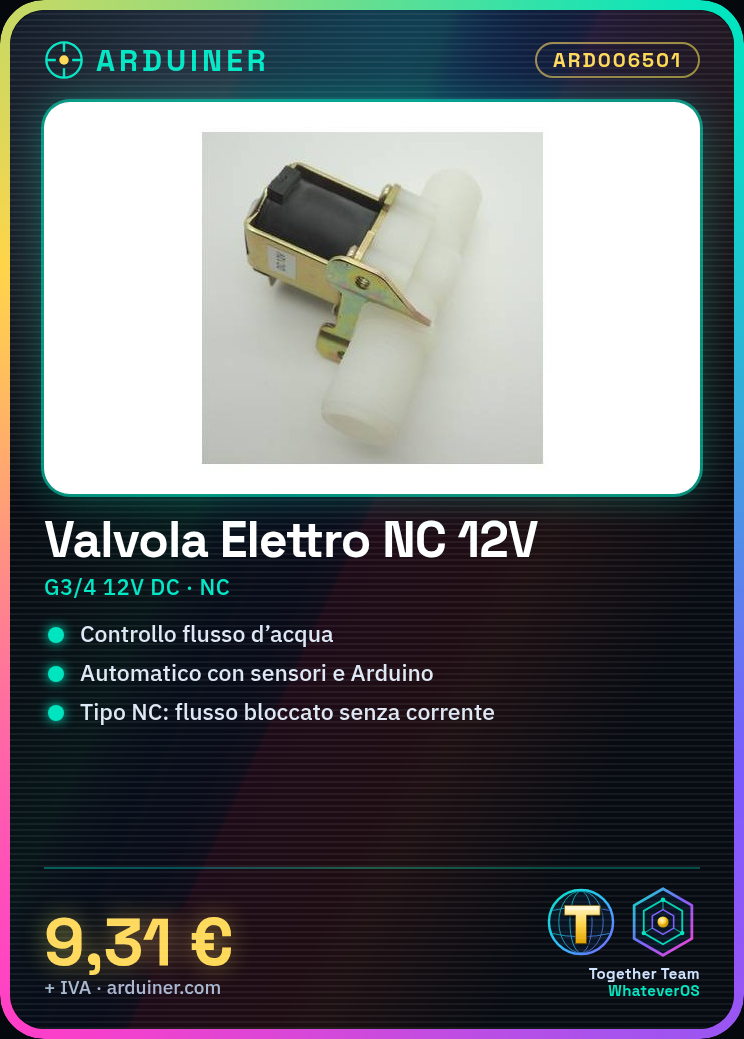
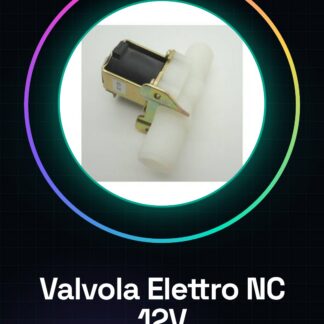
The G3/4 DC12V NC Electromagnetic Valve Water is an electronic component that allows controlling the flow of water in a hydraulic system. It is normally closed type, meaning the flow is blocked when the valve does not receive electrical current.
Features
- Dimensions: G3/4
- Operating Voltage: DC12V
- Type: Normally Closed (NC)
- Applications: Water, Air, Diesel
What it is for
The electromagnetic valve is ideal for controlling the water flow in irrigation and hydraulic systems. It can be used to automate the opening and closing of the water flow based on signals from sensors or control systems. It is compatible with Arduino and other microcontrollers.
Tutorial: How to Use G3/4 DC12V NC Electromagnetic Valve
This normally closed electromagnetic valve is ideal for controlling water flow in automatic irrigation or sensing systems. It’s perfect for beginners who want to automate small home projects.
What you need
- Arduino Uno
- Connection Cable
- 12V DC Battery or Power Supply
- Presence Sensors
Steps
- Check the irrigation system compatibility with the G3/4 valve diameter.
- Connect the 12V power supply to the positive (+) and negative (-) terminals of the valve.
- Connect one of the Arduino’s digital outputs (e.g., pin 7) to the CC command line of the valve.
- Write an Arduino sketch to control the water flow with a simple if/else loop.
- Verify that the valve opens when the Arduino’s digital output is high (HIGH) and closes when it is low (LOW).
- Test the system with a presence sensor connected to another pin of the Arduino to automatically activate the irrigation.
- Optimize the programming to regulate the durations and times of the irrigation based on the needs of the garden or installations.
- Ensure that the system functions correctly and is safe to use.
Example code
void setup() {
  pinMode(7, OUTPUT);
}

void loop() {
  digitalWrite(7, HIGH); // apre la valvola
  delay(5000);           // attesa di 5 secondi
  digitalWrite(7, LOW);  // chiude la valvola
}
Mini project
Design an automatic irrigation system for your garden that activates when the sensors detect low humidity.
Common mistakes
- Do not verify adequate power supply before installation.
- Connect the valve to incompatible voltages (not 12V DC).
- Omit testing the system on a small scale before completion.
- Use sensors or actuators not suitable for the intended application.
Recommended accessories
- ARD006502 Humidity Sensors
- ARD006503 12V DC Power Supply
- ARD006504 Arduino Uno
- ARD006505 Arduino Connection Kit
Frequently asked questions
Does the valve work with other voltages?
Check the datasheet to see if the valve is compatible with other voltages besides 12V DC.
How can I control multiple valves at the same time?
Use a multiplexer module or connect multiple Arduino output pins to the various CC commands of the valves.
Can I use the valve for other fluids besides water?
Check the datasheet for the material specifications of the valve and if it is compatible with the desired fluid.
Reviews
There are no reviews yet.