 EN
 IT Italiano
 ES Español
 FR Français
 DE Deutsch
Description
What it is
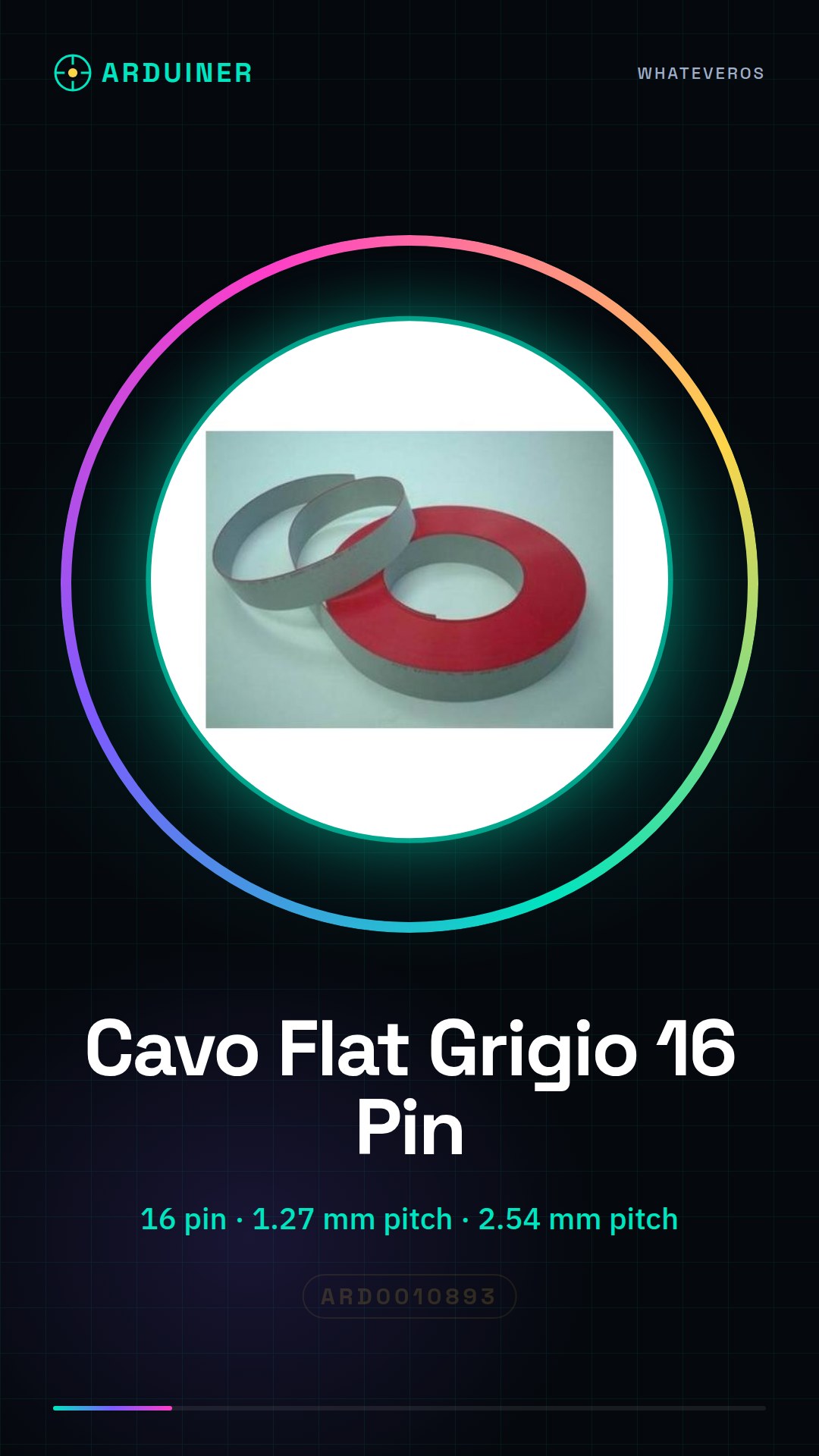
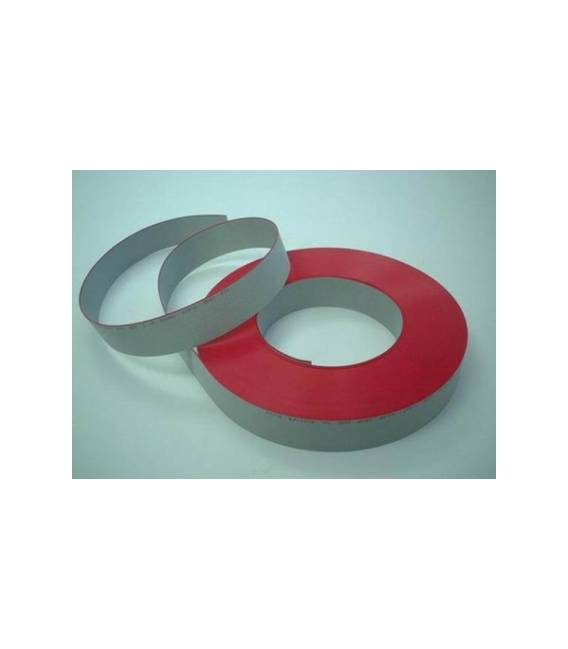
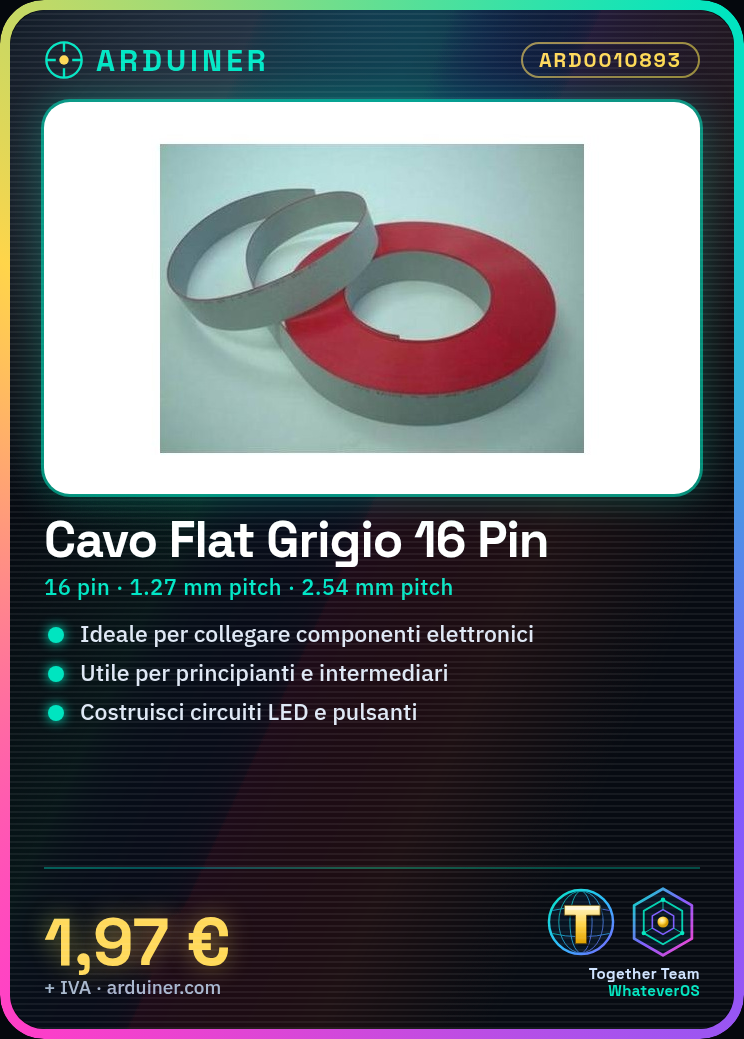
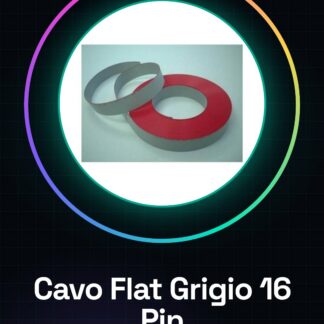
Flat Grey Ribbon Cable with 16 pins, ideal for connecting electronic components.
Features
- 16 pins
- Grey
- 2.54mm pitch
- 1.27mm pitch
What it is for
This flat cable is ideal for connecting electronic components such as Arduino to external circuits. Useful for beginners and intermediates. It can be used to build simple lighting circuits with LEDs and buttons, connecting the LED to pin 13 of Arduino and the button to a digital pin.
Tutorial: How to Use Flat Grey Ribbon Cable 16 Pin 1.27mm 2.54mm
This flat cable is ideal for connecting electronic components such as Arduino to external circuits. Useful for beginners and intermediates.
What you need
- Flat Grey Ribbon Cable 16 Pin 1.27mm 2.54mm
- Arduino or other device with 16 pins
- Arduino connector (optional)
- Electronic components to connect
Steps
- Check that the cable has 16 pins on both sides.
- Check the datasheet to ensure the cable width (1.27 mm) and the pin spacing (2.54 mm) are compatible with your components.
- Connect one end of the cable to an Arduino pin, making sure the pin numbers match.
- Connect the other end of the cable to an external component.
- Verify the correct connection with a multimeter.
- Test the connection with a sample program in Arduino IDE.
- If necessary, use an Arduino connector to facilitate connections.
- Ensure everything works correctly.
Mini project
Build a simple lighting circuit with an LED and a button. Connect the LED to pin 13 of Arduino and the button to a digital pin. Write a code to control the lighting with the button.
Common mistakes
- Do not check compatibility before connecting components.
- Connect incorrect pins between Arduino and components.
- Omit the test with a multimeter.
- Don’t forget to save the code on the Arduino.
Recommended accessories
- LED
- Button / Push / Switch
- Multimeter
- 2.54 mm Spacing Connections
Frequently asked questions
Is the cable compatible with all types of Arduino?
Check the datasheet to verify if the cable width and pin spacing are compatible.
Can I use the cable with non-Arduino components?
Yes, but check compatibility on the datasheet.
How long does it take to connect the components?
Up to 5 minutes per connection.
Reviews
There are no reviews yet.