 EN
 IT Italiano
 ES Español
 FR Français
 DE Deutsch
Description
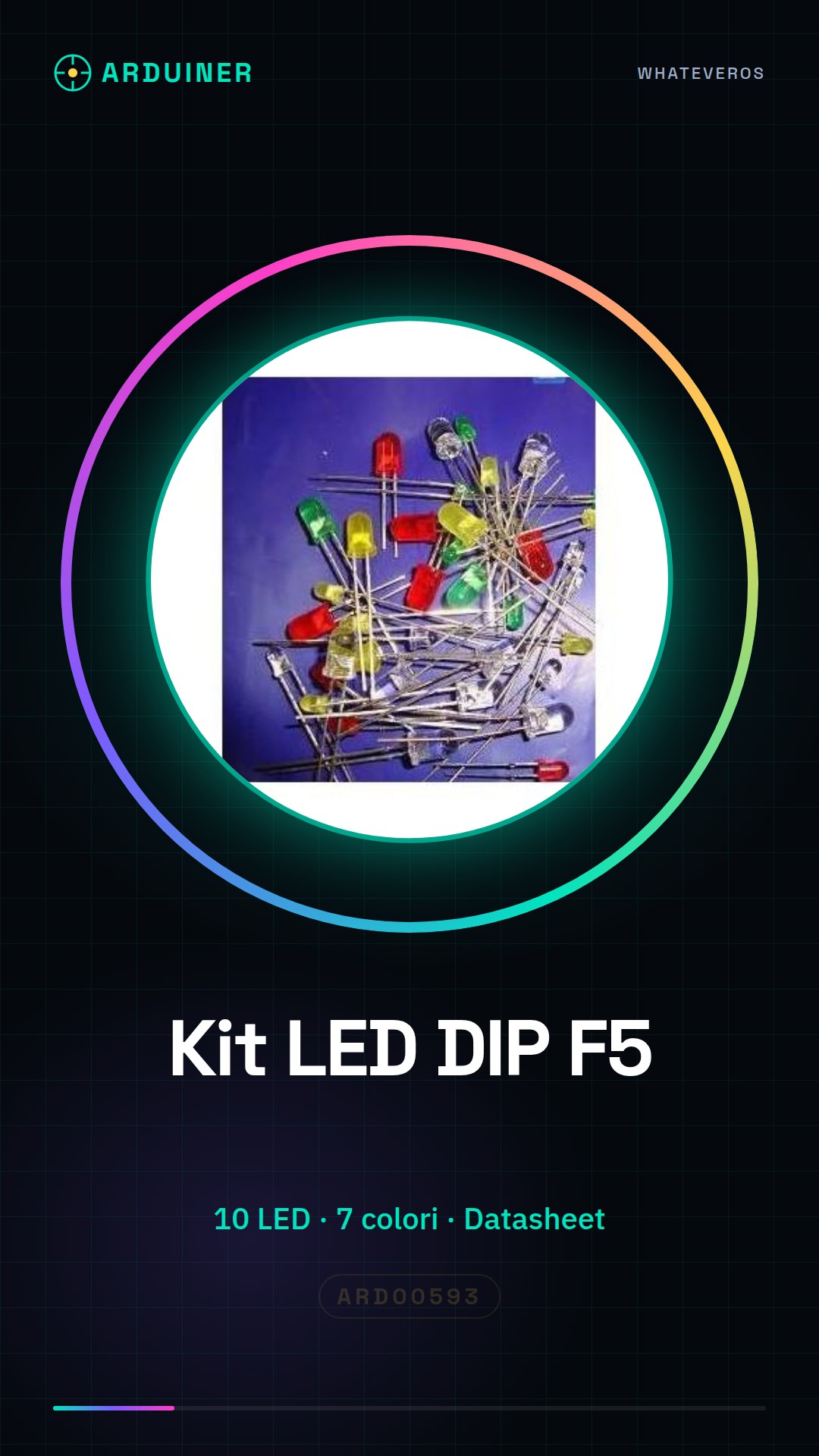
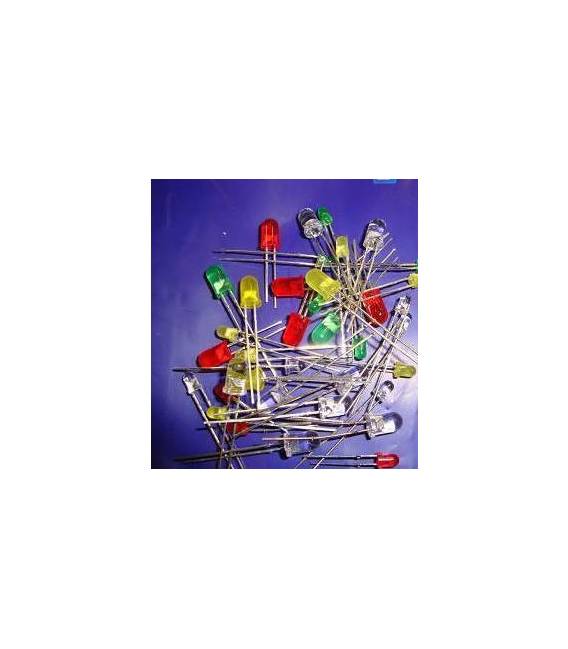
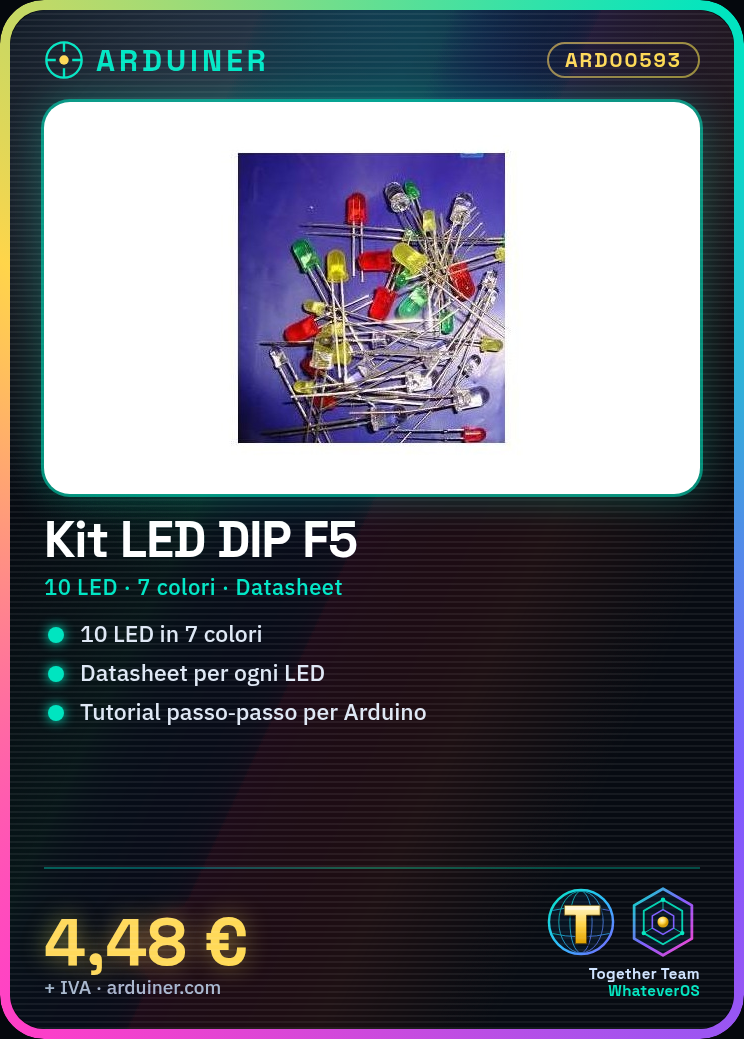
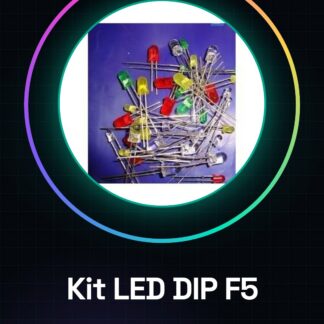
F5 DIP LED kits, 10pcs of 7kinds: Red,Green,Yellow,Blue,White,RG Dual, RGB.
We have datasheets available for all components, should it not be present in the product download card, send us a message through the contact us form and we will publish it as soon as possible on our website.
Tutorial: How to use F5 DIP LED Kit
This F5 DIP LED kit is ideal for lighting and state display projects. Useful for beginners and intermediates.
What you need
- Arduino
- Multimeter
- Power Supply Connection
- LED Resistor
Steps
- 1. Check the specifications on the datasheet.
- 2. Select an LED from the kit.
- 3. Select the correct resistor for the LED (check the datasheet).
- 4. Connect the LED and resistor to the Arduino.
- 5. Configure the pins in the Arduino code.
- 6. Upload the code to Arduino.
- 7. Check the operation.
- 8. Repeat for other LEDs.
Mini project
Create an emergency signal with RGB and static LEDs.
Common mistakes
- Connect LEDs directly without resistance.
- Use a resistance that is too low.
- Forget to upload the code.
- Fail to check the specifications on the datasheet.
Recommended accessories
- Variable resistors
- Multimeter
- Arduino Uno
- USB cable
Frequently asked questions
How to select the resistance for the LED?
Check the datasheet for the maximum current and select a resistance that limits the current to a value below it.
Can I use these LEDs with an Arduino?
Yes, but make sure to use the correct resistance.
Which LEDs are included in the kit?
Red, green, yellow, blue, white, RG Dual, RGB.
Reviews
There are no reviews yet.