 EN
 IT Italiano
 ES Español
 FR Français
 DE Deutsch

Description
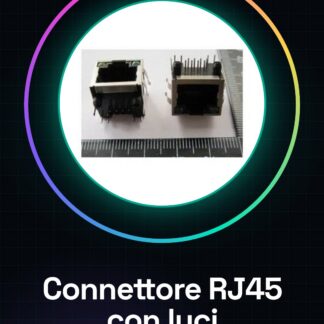
Tutorial: How to Use Ethernet RJ45 Connector
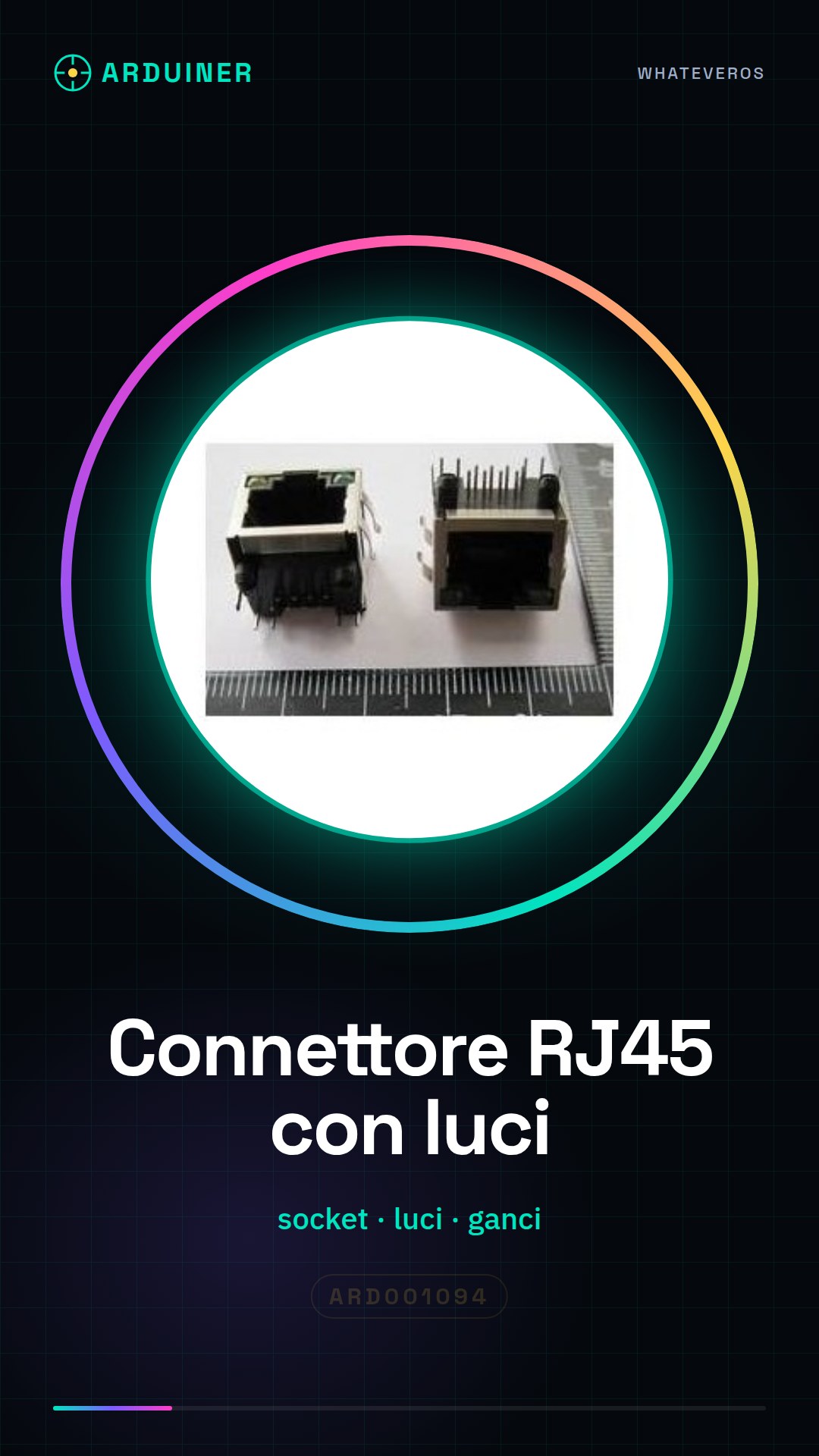
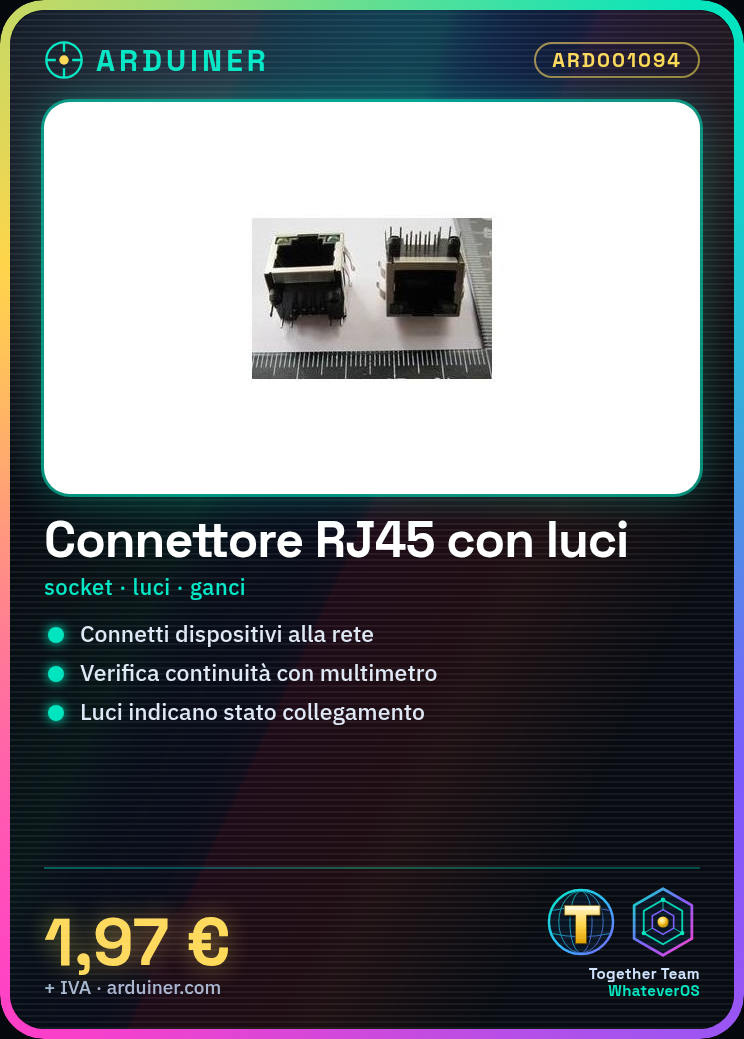
The Ethernet RJ45 connector is essential for connecting electronic devices to the network. This tutorial will guide you through the installation of this simple yet crucial component.
What you need
- Arduino
- Ethernet cable
- wire stripper
- multimeter
Steps
- Check the compatibility of the connector with your electronic project.
- Use a wire stripper to prepare the ends of the Ethernet cables, following the EIA/TIA 568B or 568A specifications.
- Gently insert the conductors into the RJ45 connector, ensuring that each conductor is in the correct position.
- Check the installation with a multimeter to verify the continuity of the cables.
- Secure the connector to the mounting or circuit board using the clips.
- Verify that the lights on the connector are lit correctly when the Ethernet cable is connected.
Mini project
Create a remote monitoring system for the temperature and humidity of your lab or office.
Common mistakes
- Leave the conductors not properly inserted into the connector.
- Do not check the continuity of the cables after installation.
- Use excessive force during cable insertion, damaging the connector or wire ends.
Recommended accessories
- Ethernet cable
- RJ45 wire stripper
- Multimeter
Frequently asked questions
How can I verify the correct installation of the cable?
Use a multimeter to check the continuity between the conductors and the connector.
What is the importance of the lights on the connector?
Indicate the electrical connection status of the Ethernet cable with the device.
Reviews
There are no reviews yet.