 EN
 IT Italiano
 ES Español
 FR Français
 DE Deutsch
Description
What it is
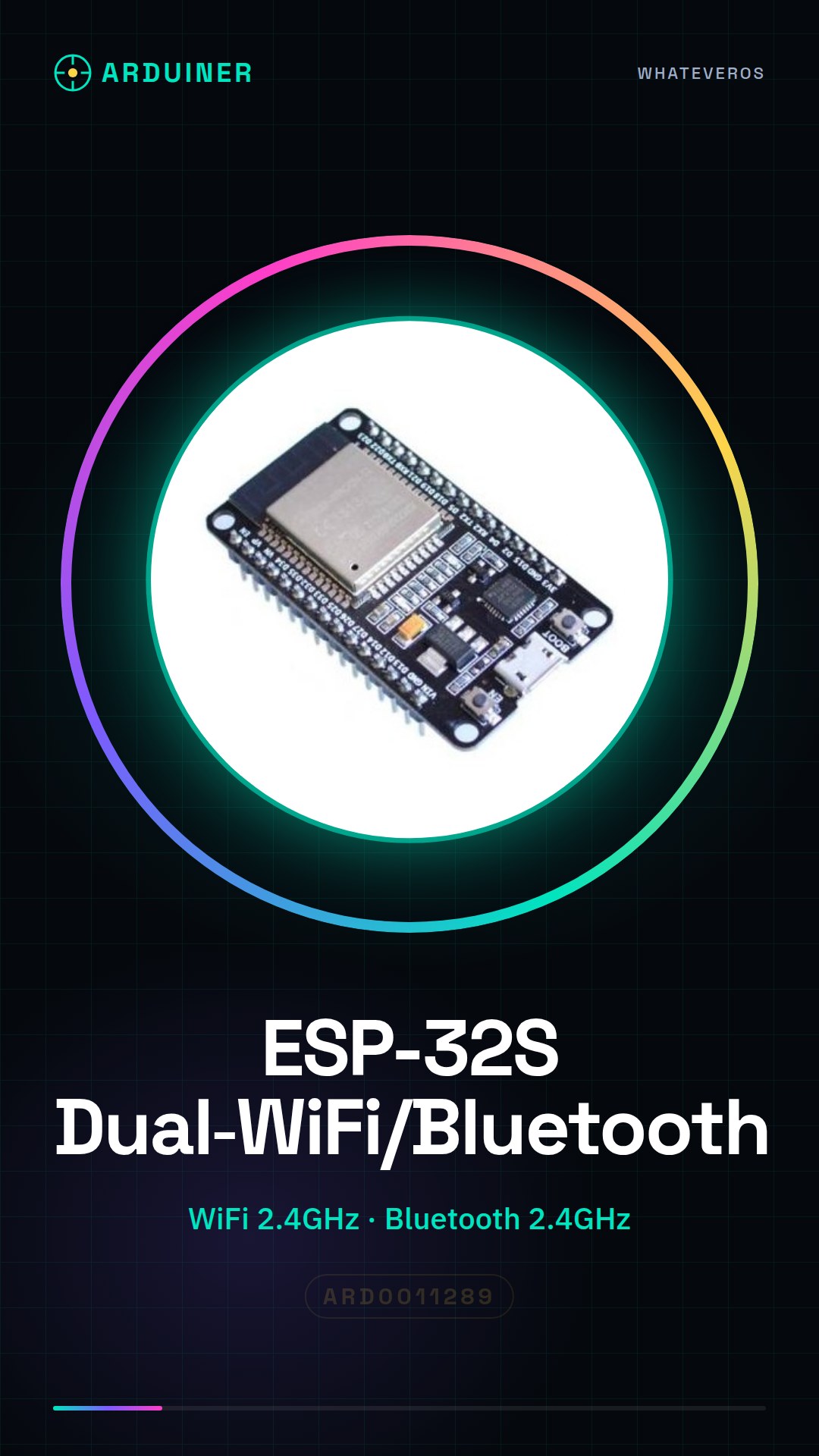
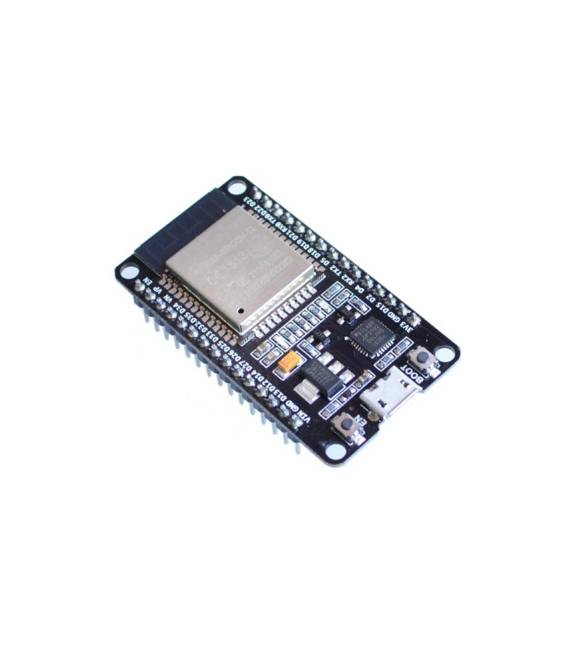
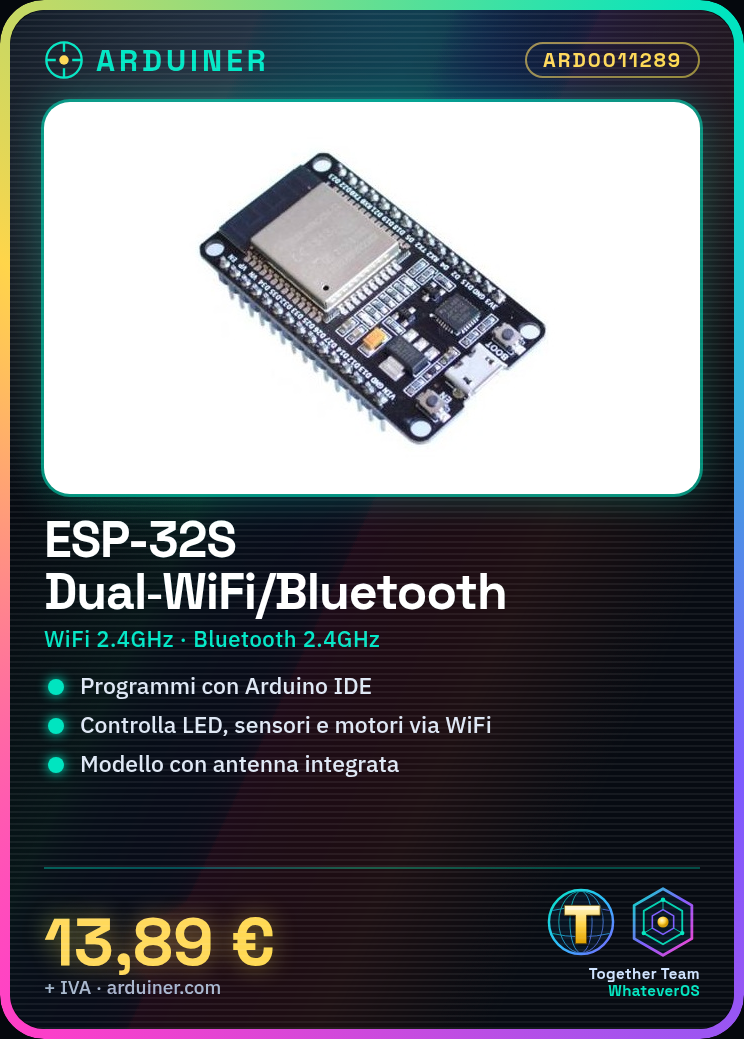
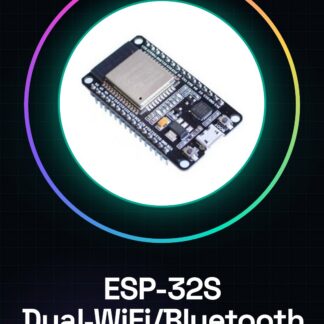
The ESP-32S ESP-32 2.4GHz Dual-Mode WiFi + Bluetooth Antenna Module is a module designed for IoT projects and wireless applications. It integrates an ESP-32S processor with 2.4GHz WiFi and Bluetooth functionality.
Features
- 2.4GHz WiFi Support
- 2.4GHz Bluetooth Support
- Integrated ESP-32S Module
- Integrated Antenna
What it is for
The board is ideal for projects requiring wireless communication, such as remote control systems, IoT sensors, and monitoring applications. It can be used with programming software like Arduino IDE and ESP-IDF.
Tutorial: How to Use ESP-32S
The ESP-32S is a versatile development module supporting WiFi and Bluetooth. Useful for IoT projects and wireless applications.
What you need
- Arduino IDE
- USB cable
- PC with Windows 10 or higher
Steps
- 1. Download and install the Arduino IDE.
- 2. Connect the ESP-32S to the PC via USB cable.
- 3. Select ‘ESP32’ as board and ‘ESP32 Dev Module’ as port.
- 4. Load the example code ‘Blink’ to control the LEDs.
- 5. Connect the ESP-32S to WiFi using the ‘WiFiScan’ code to find your network.
- 6. Try to send data to an MQTT server with ‘PubSubClient’.
- 7. Connect a sensor and read its data with ‘DHTSensor’.
- 8. Connect a motor and control its state with ‘ServoControl’.
Example code
void loop() { digitalWrite(LED_BUILTIN, HIGH); delay(1000); digitalWrite(LED_BUILTIN, LOW); delay(1000); }Mini project
Create a simple remote control system for an LED using WiFi.
Common mistakes
- Forget to install the USB driver.
- Choose the wrong board in the Arduino IDE.
- Connect the module backwards.
- Forget to install the necessary libraries.
Recommended accessories
- DHT22 sensor
- Servo motor
- LED
- Power cable
Frequently asked questions
How can I connect the ESP-32S to WiFi?
Use the ‘WiFiScan’ code to find your network and connect.
Which libraries do I need to install?
Install the ‘WiFi’, ‘PubSubClient’, and ‘DHT’ libraries to function correctly.
Does the module work with an old version of Arduino IDE?
Make sure to use the latest version of Arduino IDE.



Reviews
There are no reviews yet.