 EN
 IT Italiano
 ES Español
 FR Français
 DE Deutsch
Description
What it is
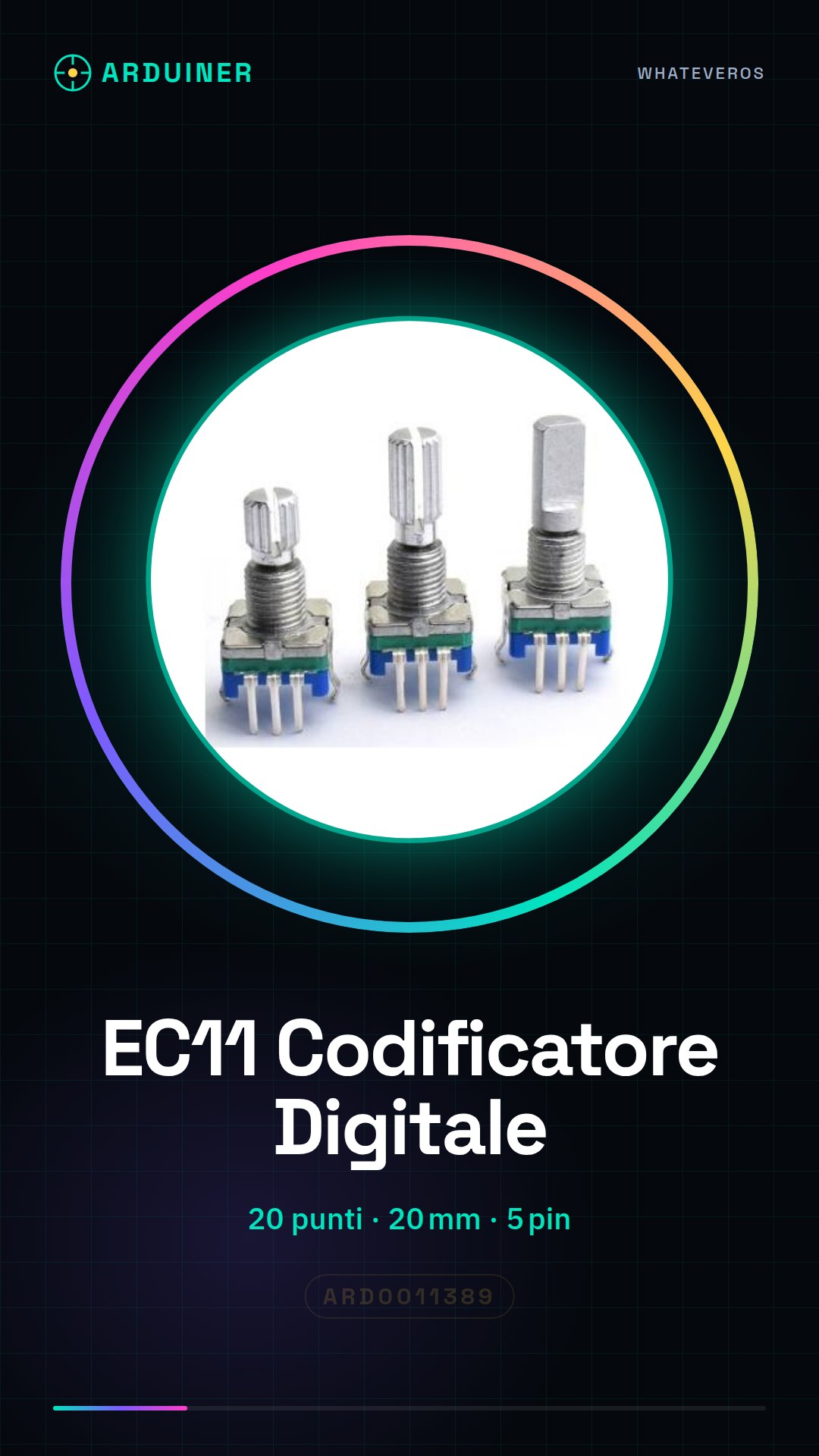
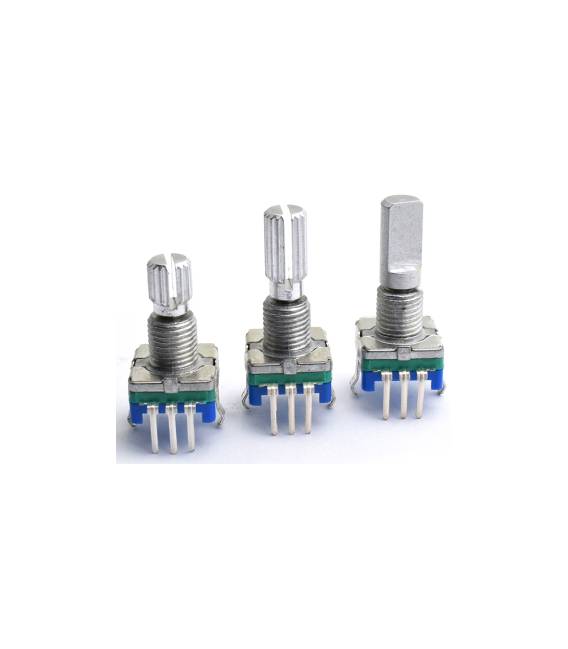
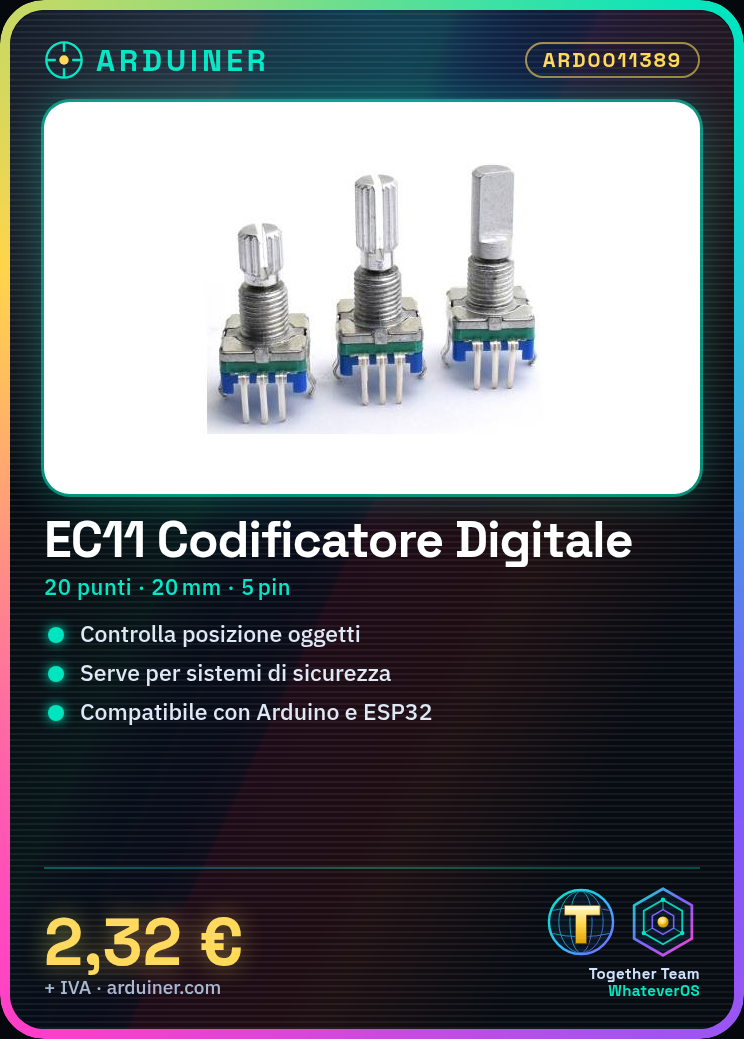
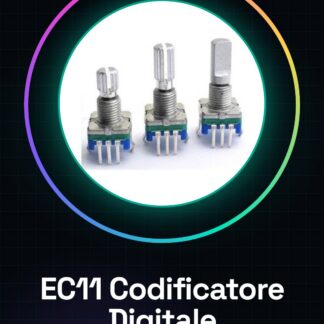
The EC11 20-point 20mm is a 5-pin digital audio encoder. It can be used as a digital potentiometer or code switch to control the position of an object or mechanism.
Features
- 20 points
- Dimensions: 20mm
- 5 pins
- Type: Encoder / code switch / digital audio potentiometer
What it is for
The EC11 is ideal for control and positioning applications. It can be used to create security systems, control the position of a servo, or implement control interfaces in electronic projects. Its compatibility with Arduino and ESP32 makes it versatile for maker projects.
Tutorial: How to use EC11
The EC11 is a 20-point 5-pin encoder, ideal for controlling the position of an object or mechanism. Useful for beginner and intermediate makers.
What you need
- EC11
- Arduino
- Power cable
- 10kΩ resistor
Steps
- 1. Mount the EC11 on a protoboard or breadboard.
- 2. Connect the GND pin of the EC11 to the GND of your circuit.
- 3. Connect the VCC pin of the EC11 to the VCC of your circuit (5V).
- 4. Connect the SDA pin of the EC11 to pin A4 or A5 of your Arduino.
- 5. Connect the SCL pin of the EC11 to pin A5 or A4 of your Arduino.
- 6. Connect the OUT pin to a digital pin of your Arduino.
- 7. Connect a 10kΩ resistor between VCC and SDA.
- 8. Load the provided Arduino code.
Example code
```void setup() { Serial.begin(9600); while (!Serial); Wire.begin(); Wire.beginTransmission(0x20); Wire.send(0x00); Wire.endTransmission();}void loop() { Wire.requestFrom(0x20, 1); if (Wire.available()) { int value = Wire.receive(); Serial.println(value); }}```Mini project
Create a control system for a gate. Connect the EC11 to a servo and monitor the gate position with an LCD display.
Common mistakes
- Do not use pins other than A4 and A5 for SDA and SCL.
- Omit the 10kΩ resistor.
- Do not verify the connection between VCC and SDA.
- Forget to initialize Wire.
Recommended accessories
- Servo
- LCD Display
- Arduino UNO
Frequently asked questions
How can I verify if the EC11 is working?
Connect the EC11 to a digital pin and check if the value changes when you move the encoder.
Which pins do I use for SDA and SCL?
Use A4 for SDA and A5 for SCL or vice versa.
Does the Arduino code work with Arduino Nano?
Yes, the code works with any Arduino with pins A4 and A5.
What should I do if I don’t receive data?
Check the connection between VCC and SDA, and make sure the EC11 is properly configured.



Reviews
There are no reviews yet.