 EN
 IT Italiano
 ES Español
 FR Français
 DE Deutsch
Description
What it is
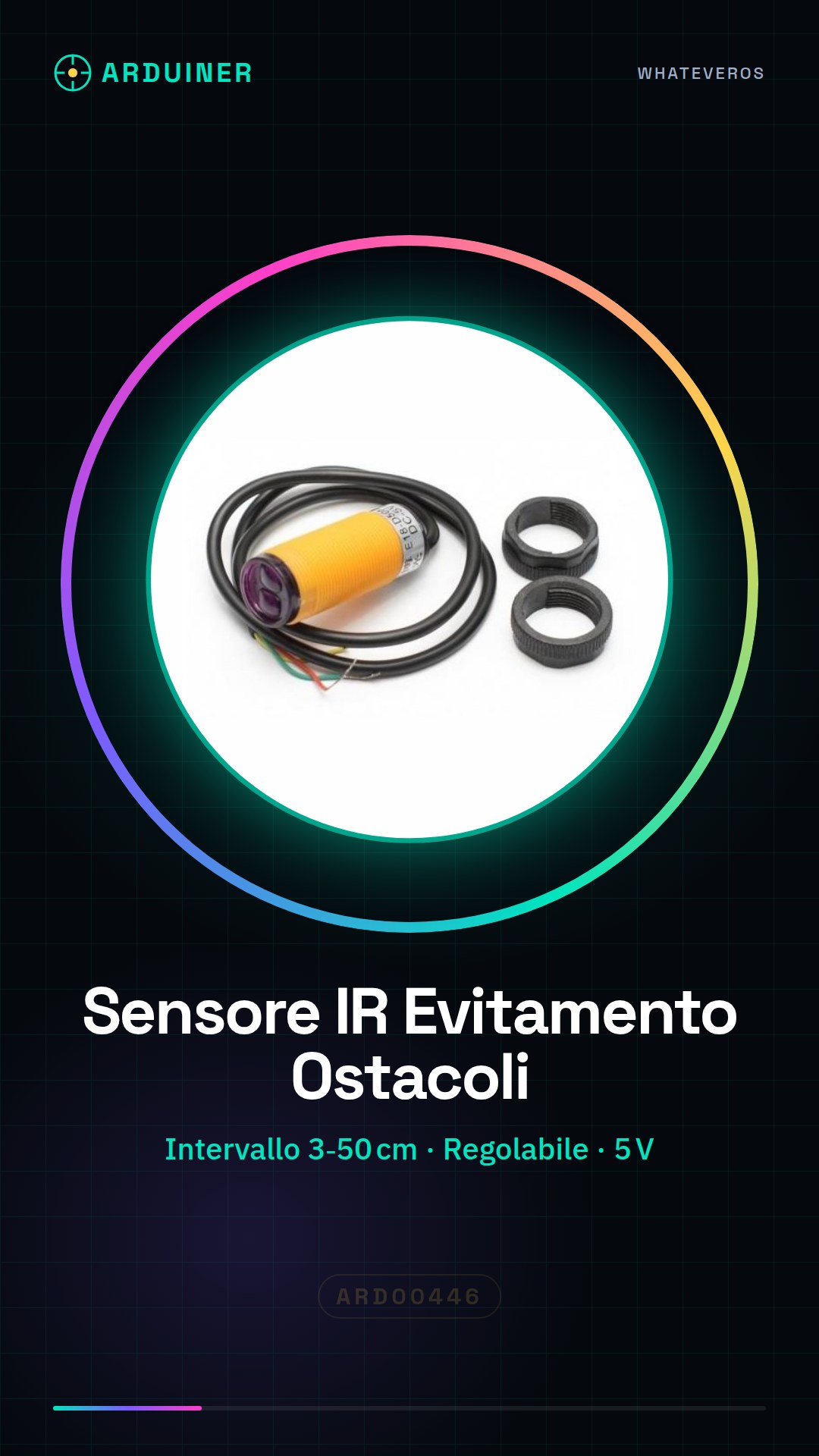
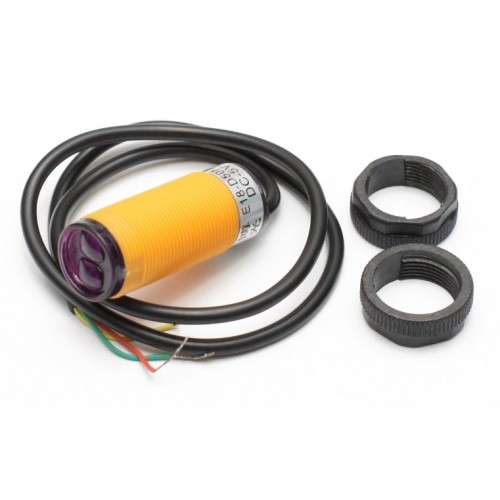
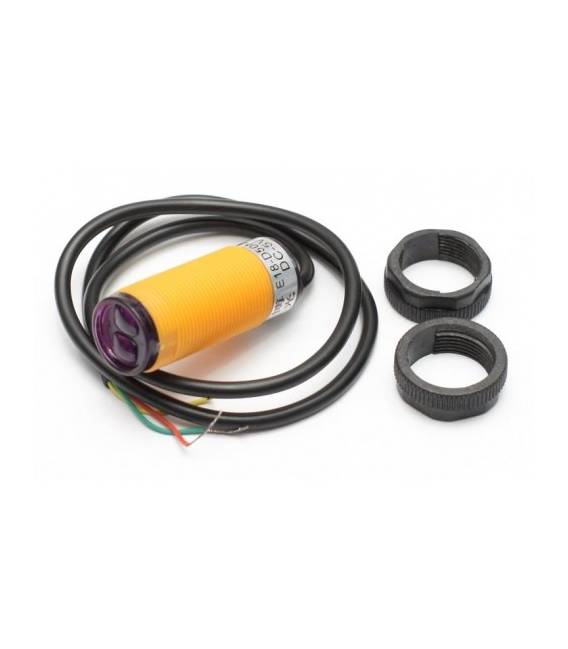
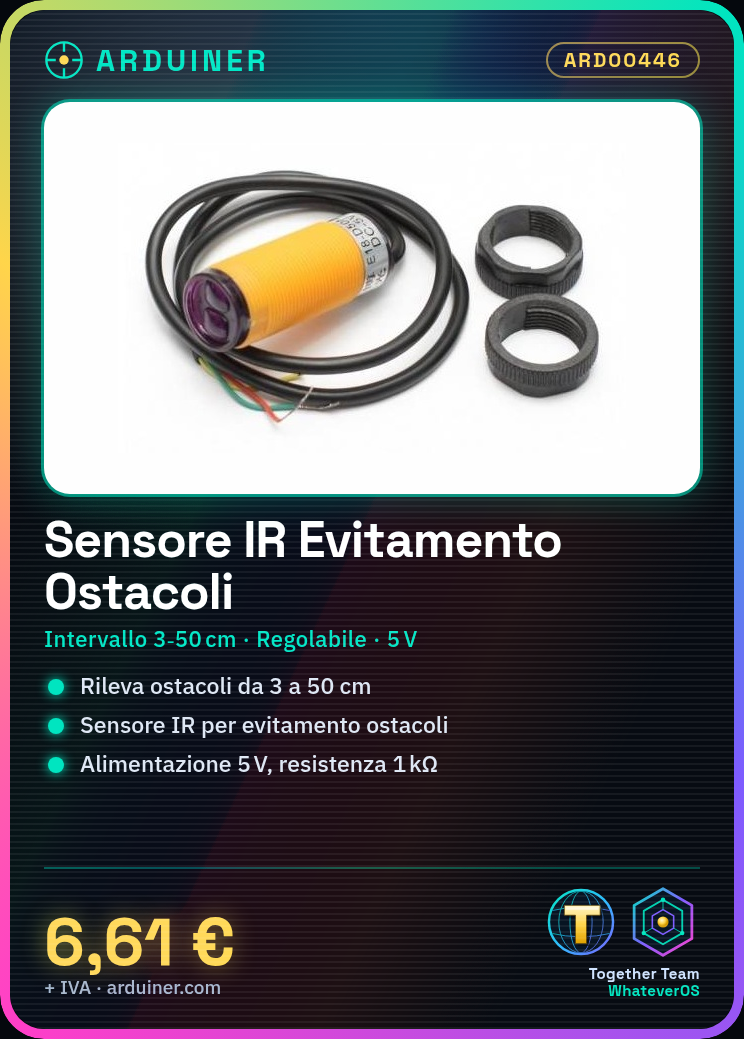
The E18-D50NK module is an infrared sensor designed to detect the presence of obstacles in a defined area. It can be adjusted to measure distances between 3 and 50 cm.
Features
- Infrared Sensor
- Obstacle Detection
- Measurement Range: 3 – 50 cm
- Adjustable
What it is for
The E18-D50NK module is ideal for robotics and obstacle avoidance projects. It can be used to move a robot along a line and stop it when it encounters an obstacle. Compatibility with Arduino and ESP should be verified in the datasheet.
Tutorial: How to Use the E18-D50NK Module
The E18-D50NK module is an infrared sensor ideal for obstacle avoidance projects. Useful for beginners and intermediates, it allows distance detection from 3 to 50 cm.
What you need
- Arduino or compatible
- 5V power cable
- 1 kΩ resistor
- Wiring
Steps
- 1. Connect the module to VCC and GND of the Arduino.
- 2. Connect the resistor between GND and the SIG pin.
- 3. Connect the OUT pin to a digital pin on the Arduino (e.g., D2).
- 4. Load the example code.
- 5. Check the datasheet for the read frequency.
- 6. Test the module with an LED to display signals.
- 7. Configure the sensor for your application.
- 8. Verify functionality.
Example code
```
int sensorPin = 2;
int sensorValue = 0;

void setup() {
  Serial.begin(9600);
}

void loop() {
  sensorValue = analogRead(sensorPin);
  Serial.println(sensorValue);
  delay(1000);
}
```
Mini project
Build a robot that moves along a line and stops when it encounters an obstacle.
Common mistakes
- Forget to connect the resistor to GND.
- Connect the SIG pin directly to VCC without a resistor.
- Set the read frequency too high.
- Do not verify the sensor’s functionality.
Recommended accessories
- Arduino Uno
- USB cable
- LED
- 1 kΩ resistor
Frequently asked questions
Which pins of the module should I use?
Use the SIG pin for reading and the OUT pin to connect to the microcontroller.
Does the sensor work well in different lighting conditions?
Check the datasheet for operating specifications in various lighting conditions.
How can I calibrate the sensor?
Follow the calibration instructions in the datasheet.
Reviews
There are no reviews yet.