 EN
 IT Italiano
 ES Español
 FR Français
 DE Deutsch
Description
What it is
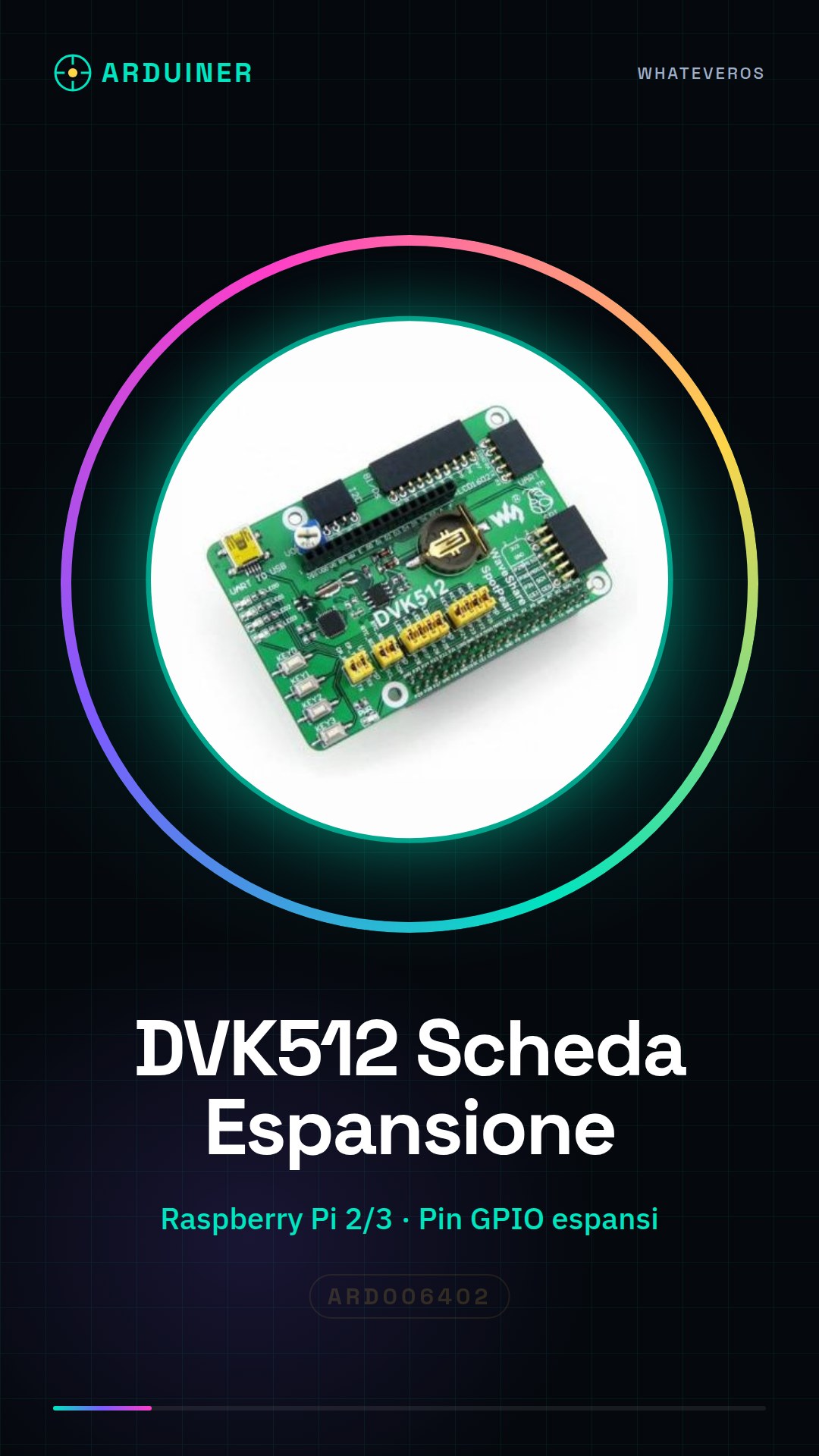
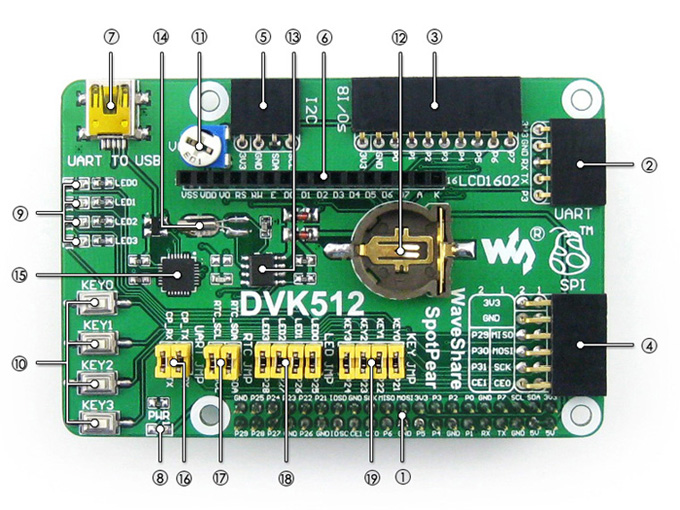
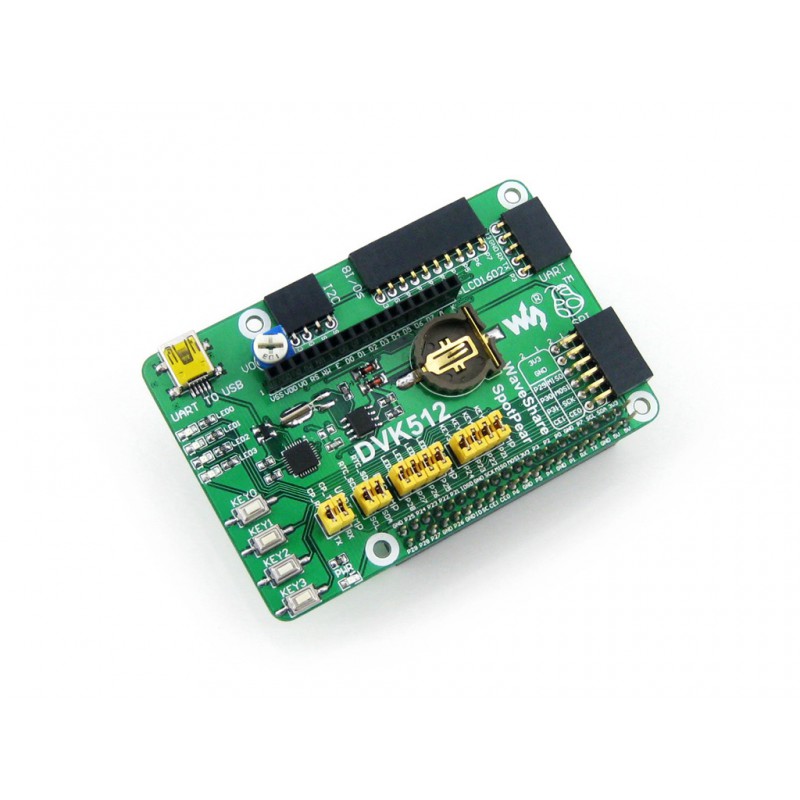
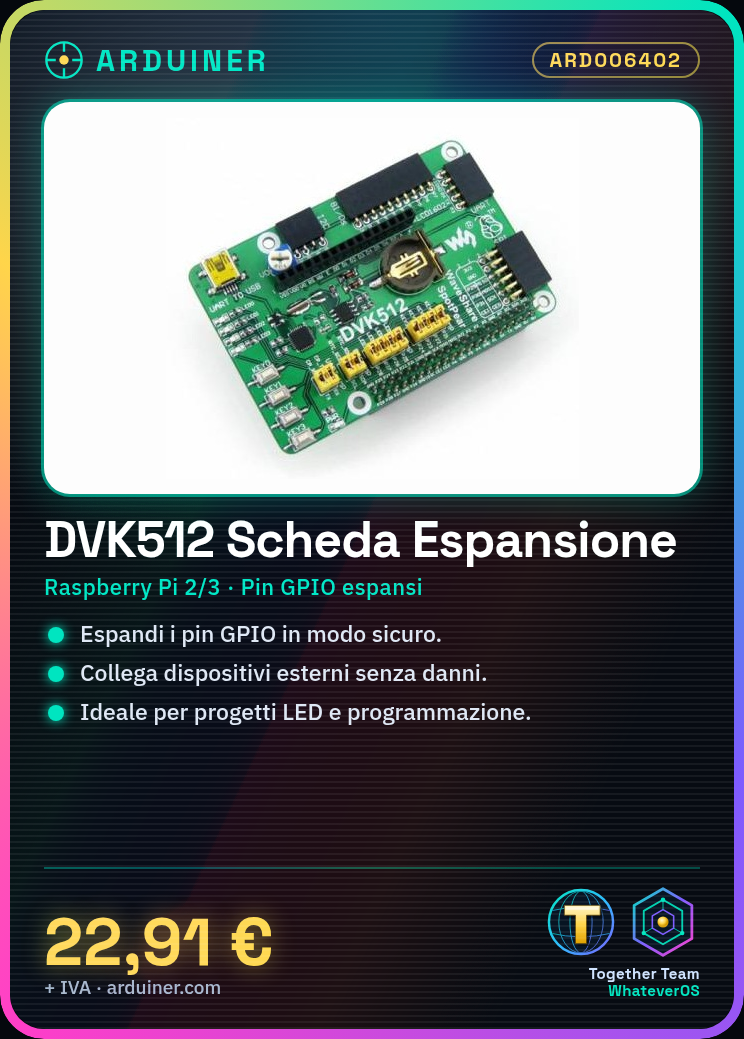
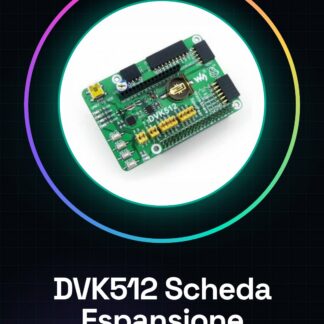
The DVK512 is an expansion board for the Raspberry Pi 2 and 3 that allows you to use the GPIO pins in a safer and more efficient manner. This accessory extends the functionality of your Raspberry Pi, allowing you to connect external devices without risking damage to the main device.
Features
- Expansion board for Raspberry Pi 2 and 3
- Safely expands GPIO pins
What it is for
The DVK512 is ideal for projects that require the use of GPIO pins, such as creating simple LED projectors controlled by Raspberry Pi. It is suitable for both beginners and experts who want to explore programming and electronics in a safe manner.
Tutorial: How to use DVK512 Raspberry Pi 2/3 GPIO Expansion Board
The DVK512 expansion board for Raspberry Pi 2 and 3 allows you to use the GPIO connector in a safer and more practical way. Ideal for beginners who want to explore programming and electronics without risking damage to the device.
What you need
- Raspberry Pi 2 or 3
- USB to micro-USB connection
- Raspberry Pi power supply
Steps
- Make sure your Raspberry Pi is turned off before you start.
- Connect the DVK512 board to the Raspberry Pi’s GPIO connector, ensuring that the pins match exactly.
- Use a small screwdriver to physically secure the board to the Raspberry Pi hardware if possible (check the datasheet).
- Connect the Raspberry Pi to the power supply using the micro-USB adapter provided.
- Access the Raspberry Pi via an SSH terminal or HDMI connector and verify that the board is recognized by the system (check the datasheet).
- Install any necessary drivers for proper card management (check the datasheet).
Mini project
Create a simple LED projector controlled by Raspberry Pi using the DVK512 card. Connect some LEDs to the GPIO connector via resistors and write a Python script to turn the LEDs on and off.
Common mistakes
- Connecting pins incorrectly
- Do not physically secure the card
- Omitting the installation of necessary drivers
Recommended accessories
- 330 Ohm resistors
- LEDs of various colors
- USB to micro-USB cable
Frequently asked questions
Is the DVK512 card compatible with Raspberry Pi 4?
Check the datasheet for specific compatibility.
Which GPIO connector pins are used by the card?
Consult the card’s datasheet for detailed information.
Reviews
There are no reviews yet.