 EN
 IT Italiano
 ES Español
 FR Français
 DE Deutsch
Description
What it is
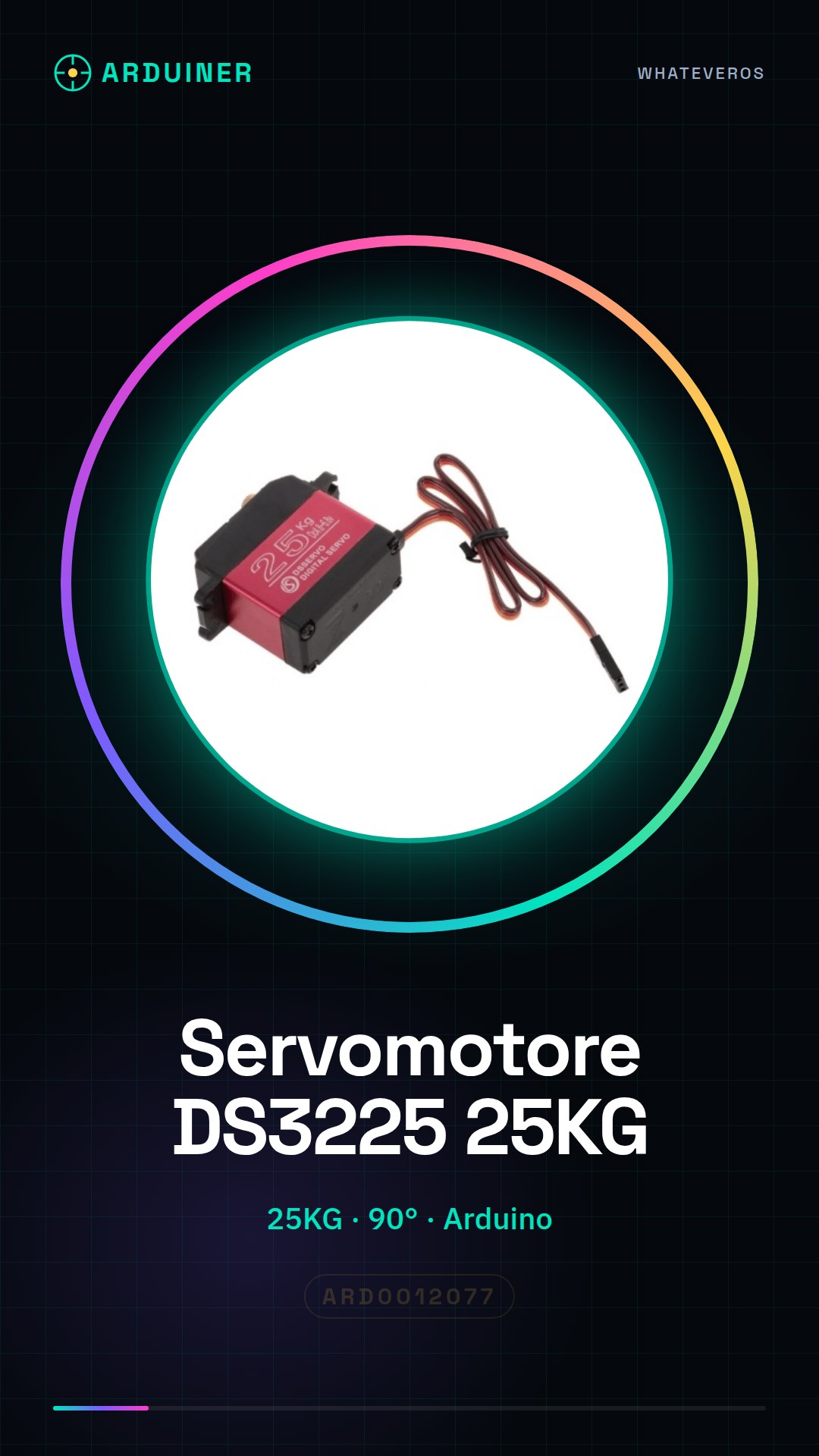
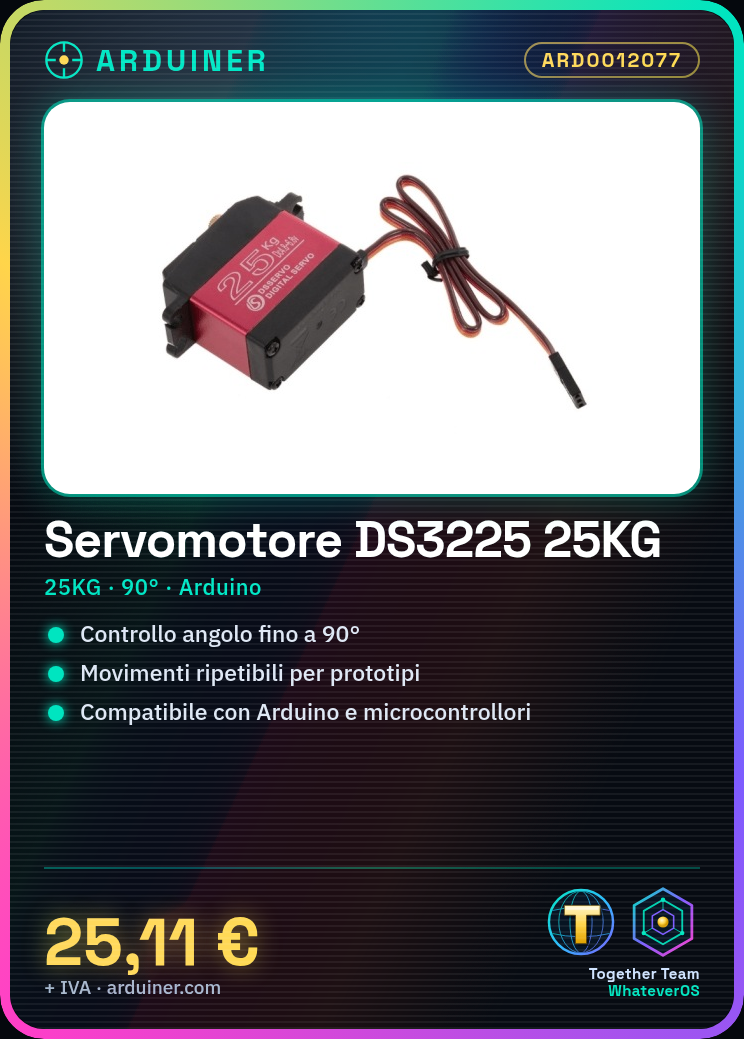
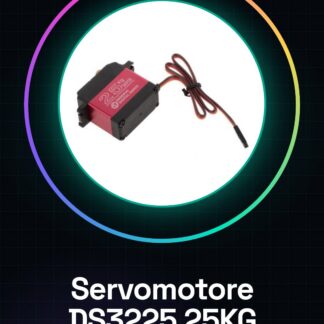
The DS3225 25KG servo motor is an electronic device designed to provide precise control of the rotation angle up to 90°. It is suitable for applications requiring repeatable and controlled movements, such as mechanical and robotic prototypes.
Features
- Model: DS3225
- Load Capacity: 25KG
- Rotation Angle: 90°
What it is for
This servo motor is ideal for Arduino and robotics projects that require precise control of the rotation angle. It can be used to create prototypes of automatic doors, interactive devices, and mechanical prototypes. It is compatible with Arduino and other microcontrollers.
Tutorial: How to Use DS3225 25KG Servo Motor – 90° Rotation
The DS3225 servo motor is ideal for projects requiring precise movement and control, such as robotics, mechanical prototypes, and interactive devices. This tutorial will guide you through the steps to connect and control it with an Arduino.
What you need
- Arduino Uno or compatible
- USB cable for Arduino
- Servo motor DS3225
- Breadboard
- Pull-up resistors (check the datasheet)
- Jumper wires
Steps
- Connect the servo motor to the breadboard and ensure that the jumper wires are ready for connections.
- Connect the servo motor to the Arduino control pin (for example, pin 9) and to the power pins (5V and GND).
- Load the provided Arduino sketch code.
- Check that the servo motor moves in response to the Arduino commands.
- Adjust the power and speed of the servo motor, if necessary, by modifying the values in the code.
- Verify that the servo motor can reach its maximum rotation of 90°.
- Test the servo motor with different angles to ensure it works correctly.
- If everything works well, you can proceed with the demo project or integrate the servo motor into a more complex project.
Example code
Servo myServo;

void setup() {
  myServo.attach(9);
}

void loop() {
  myServo.write(90);
  delay(1000);
  myServo.write(0);
  delay(1000);
}
Mini project
Create an automatic door prototype: connect the servo motor to the mechanism of a door and use the Arduino to open and close the door in response to an input signal.
Common mistakes
- Connect the servo motor to the wrong pin on the Arduino.
- Do not install the Servo library.
- Do not verify that the servo motor has the correct power supply voltage.
- Do not properly configure the rotation limits of the servo motor in the code.
Recommended accessories
- LiPo battery for Arduino
- Motion sensors
- Relay for Arduino
- Mechanical prototyping kit
Frequently asked questions
What is the power supply voltage of the servo motor?
Check the datasheet of the servo motor DS3225.
How can I control multiple servo motors with a single Arduino board?
Use a multiplexer or relay to control multiple servos.
What is the maximum rotation of the servo?
The servo has a maximum rotation of 90°.
Reviews
There are no reviews yet.