 EN
 IT Italiano
 ES Español
 FR Français
 DE Deutsch
Description
What it is
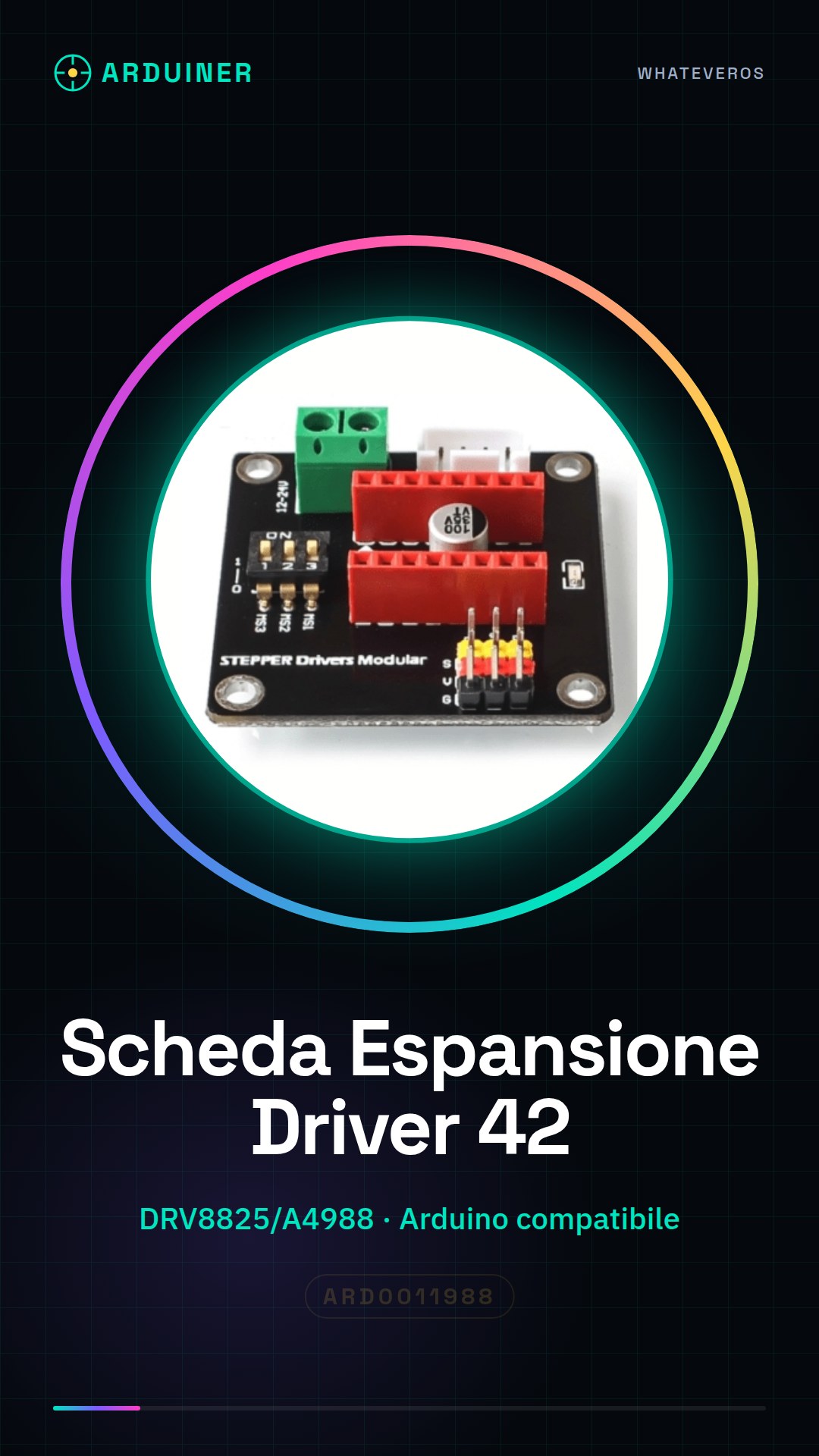
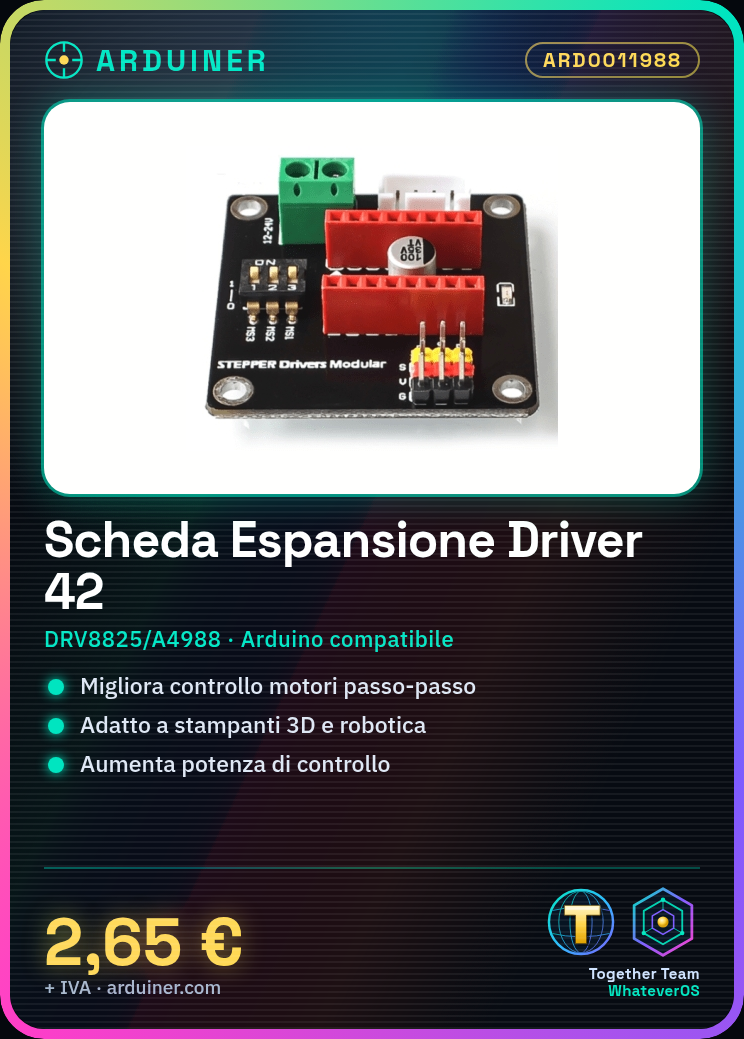
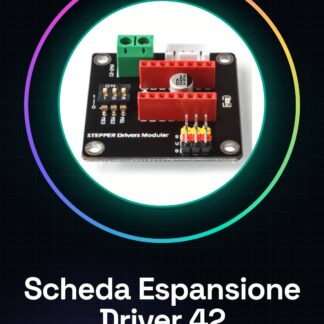
The DRV8825/A4988 motor driver expansion board for Arduino is an essential component to enhance the control of stepper motors in various projects, such as 3D printers and robotics. This board allows for more efficient management of motor power.
Features
- DRV8825/A4988 Motor Driver Expansion Board for Arduino
- Optimizes the control of stepper motors in 3D and robotics projects
What it is for
This board is ideal for creating linear motion with a stepper motor using the 42 board and the A4988 driver. It is compatible with Arduino and can be used in projects requiring greater motor control power, such as 3D printers with heavy loads.
Tutorial: How to use DRV8825/A4988 Stepper Motor Driver Expansion Board 42
This board allows you to increase the power of stepper motor drivers, ideal for 3D printers with heavy loads.
What you need
- 3D Printer
- Stepper motor driver (DRV8825 or A4988)
- Power cable
- Multimeter
Steps
- 1. Check the specifications of your driver in the datasheet.
- 2. Turn off the 3D printer.
- 3. Connect the power cable to board 42.
- 4. Connect the stepper motor driver to the appropriate pin.
- 5. Check the maximum current with the multimeter.
- 6. Verify the correct polarity of the signals.
- 7. Turn on the 3D printer.
- 8. Test the functionality with an Arduino sketch.
Example code
```
#include <Stepper.h>

const int stepsPerRevolution = 200; // Cambia se diverso dal tuo motore

Stepper myStepper(stepsPerRevolution, 2, 3, 4, 5);

void setup() {
  myStepper.setSpeed(60);
}

void loop() {
  myStepper.step(stepsPerRevolution);
  delay(1000);
}
```
Mini project
Create a simple linear movement with a stepper motor using board 42 and an A4988 driver in 30 minutes.
Common mistakes
- Connecting incorrect currents.
- Omitting the polarity check.
- Ignoring the driver specifications.
- Not using a multimeter to check the current.
Recommended accessories
- Stepper motor driver A4988
- Stepper motor driver DRV8825
- Multimeter
- Power cable
Frequently asked questions
Can I use this card with any 3D printer?
Yes, but check compatibility with your driver.
How long does it take to install the card?
A little more than 10 minutes.
Do I need a specific code?
No, a minimal code works well to test the functionality.
Reviews
There are no reviews yet.