 EN
 IT Italiano
 ES Español
 FR Français
 DE Deutsch
Description
What it is
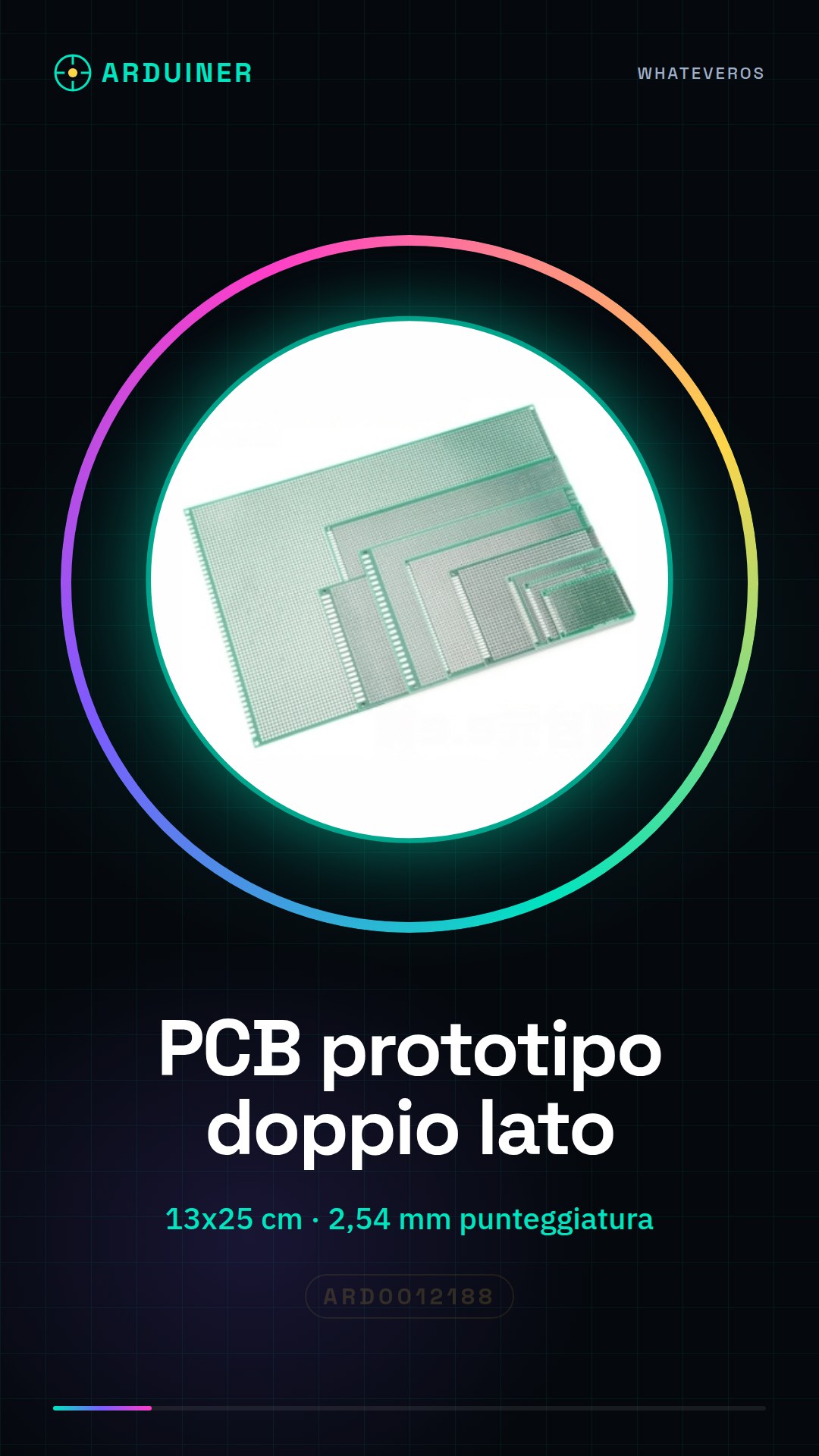
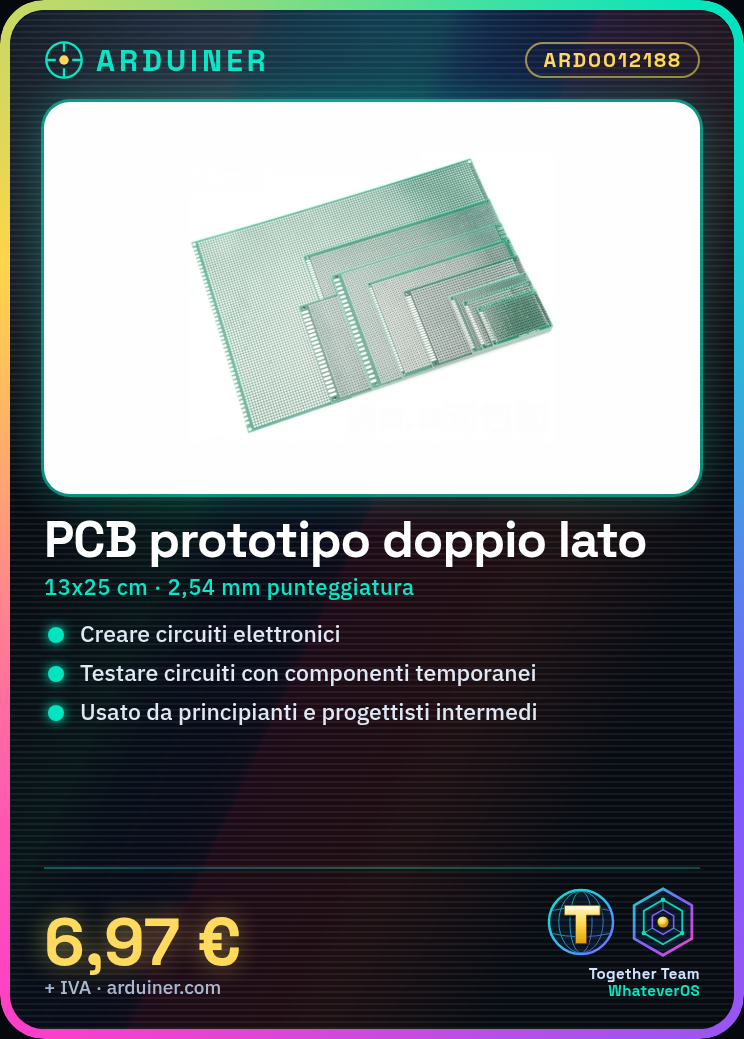
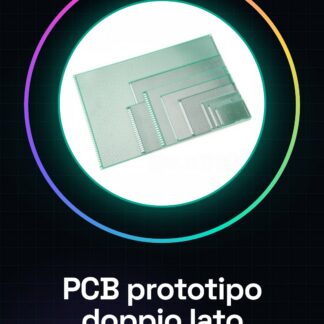
The double-sided PCB prototype is a universal printed circuit board ideal for creating and testing electronic projects. This breadboard base offers a surface on which to position components and temporary connections.
Features
- Type: Double-sided PCB prototype
- Size: 13 * 25 cm
- Pitch: 2.54 mm (0.1 inch)
What it is for
This PCB prototype is used to create and test simple electronic circuits. It is ideal for beginners and intermediate designers who want to explore the realization of small projects such as an LED lighting circuit with a resistor. Check the datasheet for further details on compatibility with Arduino or ESP.
Tutorial: How to use the PCB prototype ARD0012188
The PCB prototype ARD0012188 is ideal for creating and testing simple electronic circuits. Useful for beginners and intermediate designers.
What you need
- Printed circuit board ARD0012188
- Electronic Components (check the datasheet)
- Assembly Tools
- Arduino or similar board
Steps
- 1. Prepare your clean and organized workspace.
- 2. Mount the PCB on a support (check the datasheet).
- 3. Connect the electronic components to the PCB pins (check the datasheet).
- 4. Connect the Arduino board or similar to the PCB pins.
- 5. Download an example Arduino sketch (check the datasheet).
- 6. Upload the code to your Arduino.
- 7. Check the connections and components.
- 8. Test your circuit.
Example code
```
void setup() {
  // Configura i pin
}
void loop() {
  // Codice di esempio
}
```
Mini project
Create a simple lighting circuit with an LED and a resistor. Connect the LED to pin 13 of the PCB and the resistor between pin 13 and GND.
Common mistakes
- Connecting components in reverse to the pins.
- Forgetting to upload the code to Arduino.
- Forgetting to check the connections.
- Mounting the PCB on an unstable support.
Recommended accessories
- Test connections
- Pin headers
- LED
- Resistor
Frequently asked questions
How can I verify the pins of the PCB?
Check the datasheet or ask the supplier for support.
Can I use this PCB with a microcontroller other than Arduino?
Yes, but make sure the pins are compatible.
How long does it take to mount the PCB?
It varies depending on the complexity of the project, but 30 minutes are sufficient for simple projects.
Reviews
There are no reviews yet.