 EN
EN IT Italiano
 ES Español
 FR Français
 DE Deutsch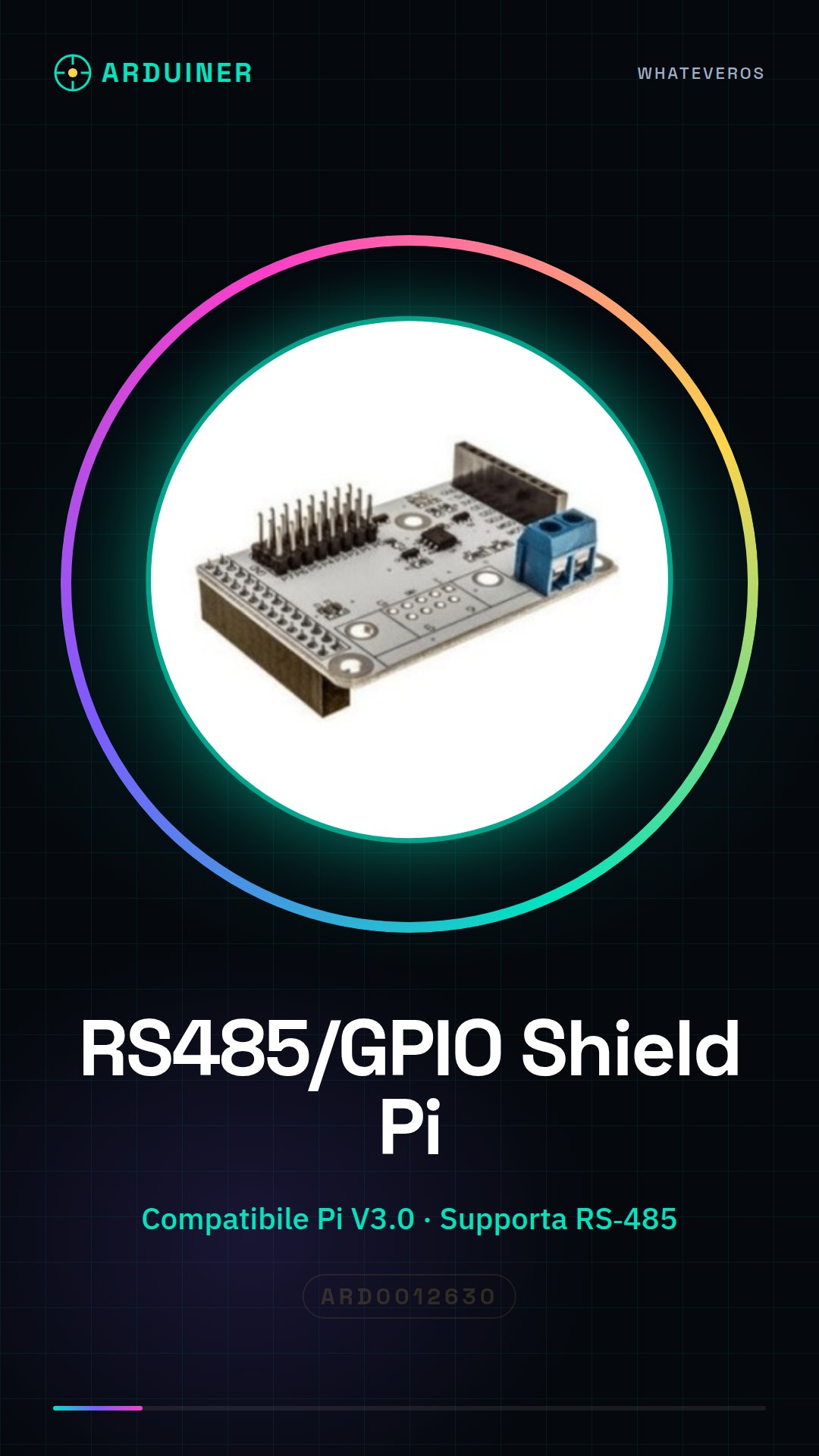
Description
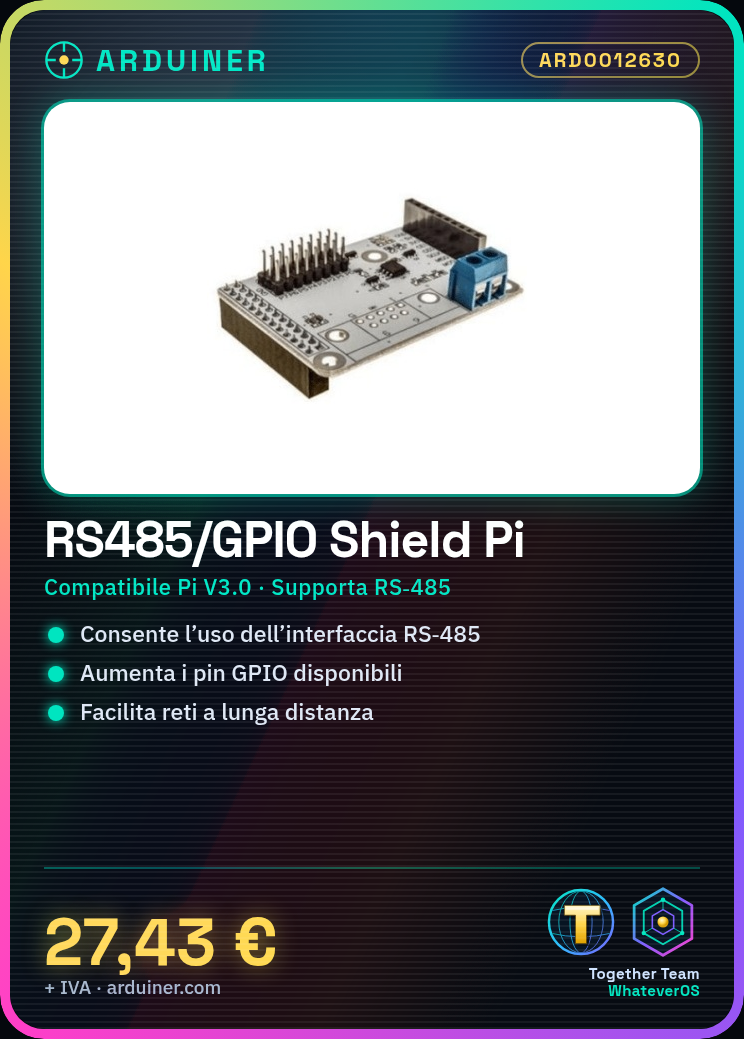
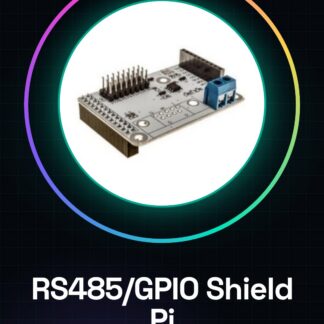
The RS485/GPIO Shield for Raspberry Pi V3.0 is an expansion module that allows the use of both the RS-485 interface and the GPIO pins on a Raspberry Pi. This shield is designed to enhance communication and control capabilities of the Raspberry Pi V3.0.
Features:
– Compatible with Raspberry Pi V3.0
– Supports RS-485 interface
– Expands GPIO pins
Use Cases:
This shield is ideal for industrial projects and advanced interfaces, enabling long-distance communication networks or controlling external devices. It can be used to create a remote monitoring system, such as sending temperature sensor data to a central Raspberry Pi.
Tutorial: How to use RS485/GPIO Shield for Raspberry Pi V3.0
The RS485/GPIO Shield is an expansion module that allows the use of both the RS-485 interface and GPIO pins on a Raspberry Pi, ideal for creating long-distance communication networks or controlling external devices.
What you need:
– Raspberry Pi V3.0
– MicroSD with Raspbian installed
– USB cable for power supply
– Ethernet cable or Wi-Fi for configuration
Steps:
1. Mount the RS485/GPIO Shield on the Raspberry Pi V3.0
2. Verify installation of necessary drivers for RS485 (check datasheet)
3. Configure Raspberry Pi to recognise the RS485 module
4. Connect RS-485 devices to the module
5. Verify RS-485 communication (check datasheet)
6. Use GPIO pins to control external devices
7. Install additional libraries for GPIO control (check datasheet)
8. Test complete RS-485 and GPIO communication
Example code:
import serial
ser = serial.Serial(‘/dev/ttyAMA0′, 9600)
ser.write(b’Hello World’)
Mini-project: Create a remote monitoring system using RS-485 to send temperature sensor data to a central Raspberry Pi.
Common errors:
– Ensure Raspberry Pi is up-to-date
– Verify correct installation of RS485 drivers
– Correctly configure GPIO pins
– Test RS-485 communication before connecting external devices

Reviews
There are no reviews yet.