 EN
 IT Italiano
 ES Español
 FR Français
 DE Deutsch
Description
What it is
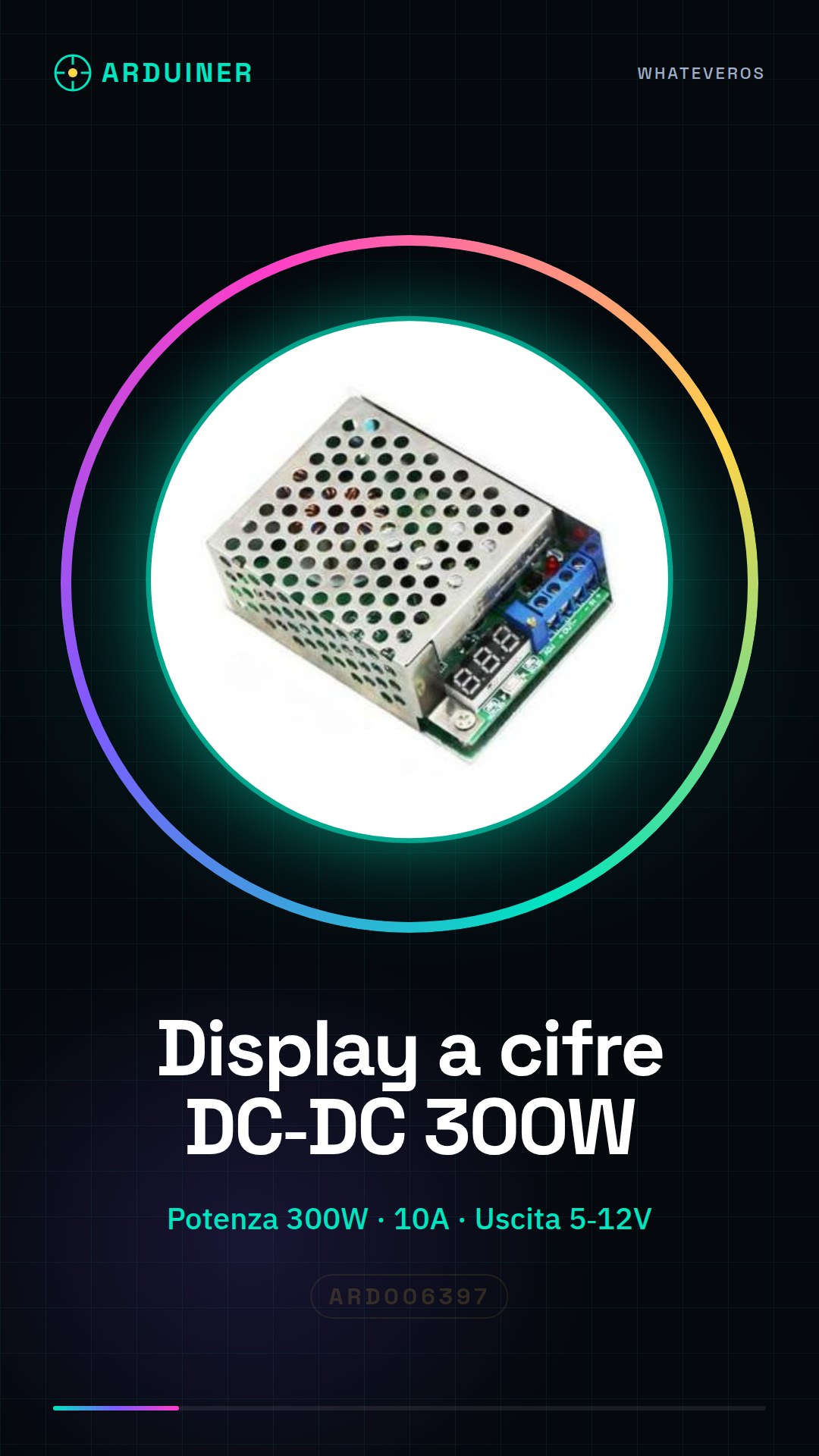
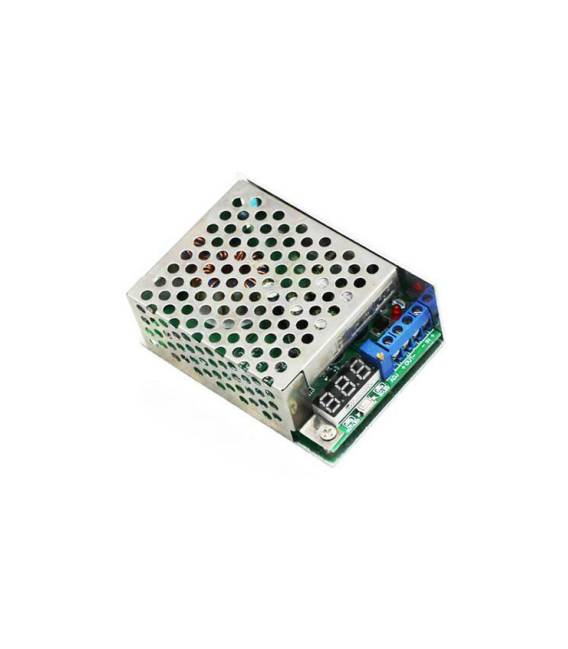
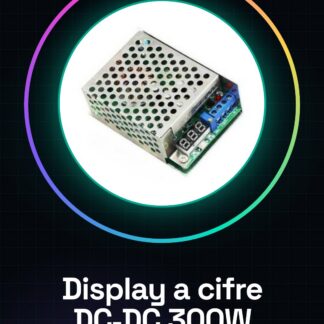
The DC-DC step-down module is a high-power adjustable power supply, ideal for projects requiring precise voltage management. This device can be used in various applications such as Arduino and high-power systems.
Features
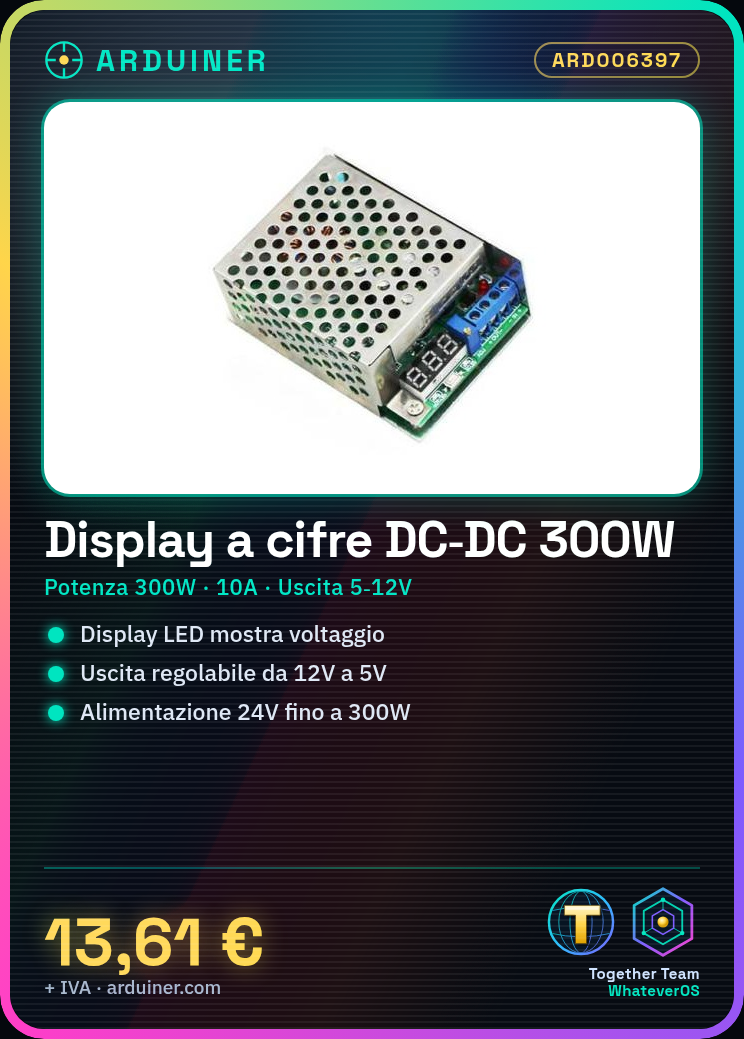
- Maximum Power: 300W
- Maximum Current: 10A
- Input Voltage: 24V
- Adjustable Output Voltage from 12V to 5V
- Includes a case to protect the module
- Integrated LED display showing the current voltage
What it is for
This DC-DC module is perfect for projects requiring precise voltage control, such as adjustable power supplies or voltage indicators. It can be easily integrated with Arduino and ESP to monitor and control voltage in real-time.
Tutorial: How to Use the Numeric Display DC-DC Module
This DC-DC module regulates power and displays voltage. Useful for projects requiring precise voltage control.
What you need
- Digit display
- Power supply cable
- Resistor (1kΩ)
- Arduino
Steps
- 1. Connect the power supply cable to the DC-DC module.
- 2. Connect the digit display to the DC-DC module.
- 3. Connect the resistor between the digit display and ground.
- 4. Connect the Arduino to the DC-DC module.
- 5. Upload the Arduino code to your Arduino.
- 6. Check the correct output voltage in the datasheet.
- 7. Turn on the power supply and check the display.
- 8. Adjust the voltage with the potentiometer if present.
Example code
```
void setup() {
  Serial.begin(9600);
}

void loop() {
  int tensione = analogRead(A0); // Leggi il potenziometro
  float tensione_voltaggio = tensione * 5.0 / 1024.0; // Converti in V
  Serial.println(tensione_voltaggio);
}
```
Mini project
Create a voltage indicator for a power supply project. Connect the DC-DC module to an Arduino and display the voltage on a digit display.
Common mistakes
- Do not verify the output voltage in the datasheet.
- Connect the digit display without resistor.
- Omit the potentiometer configuration.
- Do not use an Arduino to control the voltage.
Recommended accessories
- Potentiometer
- USB cable
- 7-segment digit display
- 1kΩ resistor
Frequently asked questions
The display does not turn on?
Check the correct power supply and connectors.
How to adjust the voltage?
Use the potentiometer if present, otherwise check the datasheet.
Is the module producing heat?
Normally yes, but check the thermal dissipation on the datasheet.
Can I use this module with an Arduino?
Yes, but check the output voltage compatibility.
Reviews
There are no reviews yet.