 EN
 IT Italiano
 ES Español
 FR Français
 DE Deutsch
Description
What it is
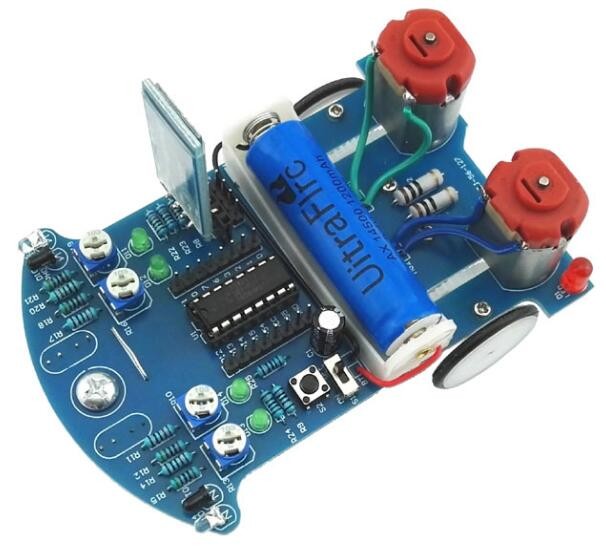
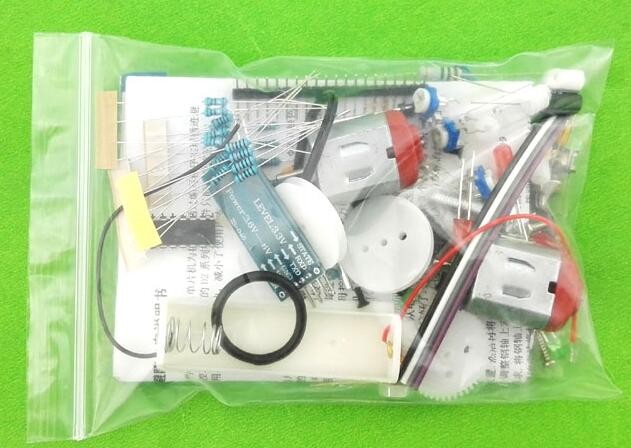
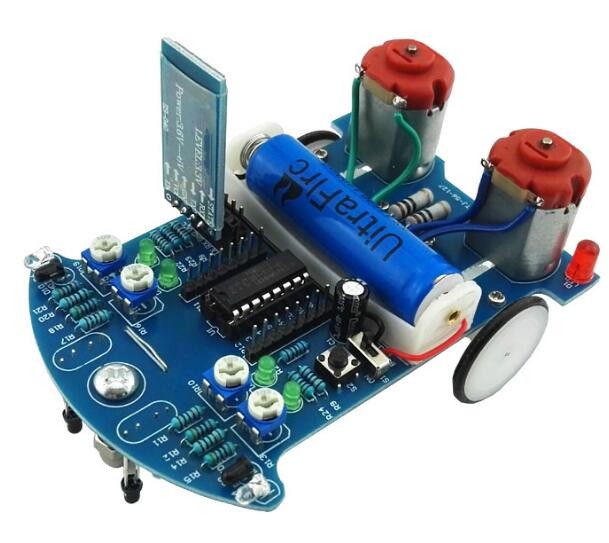
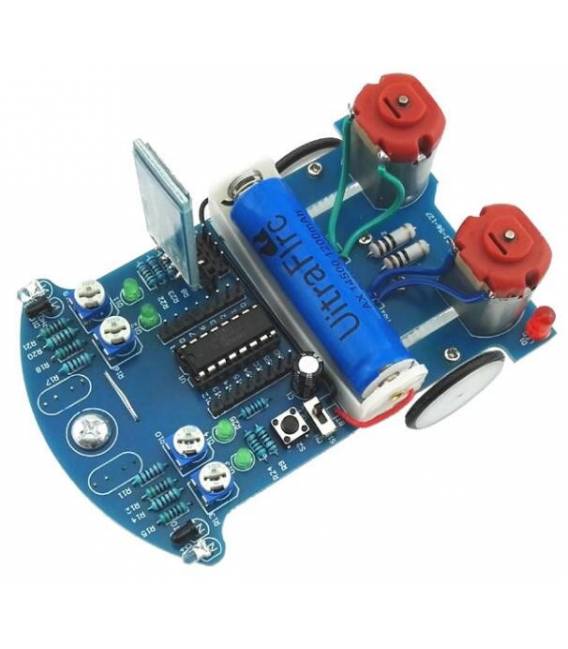
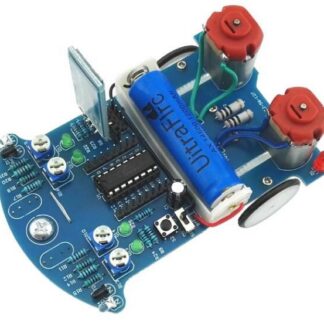
The D2-6 Bluetooth Car Kit is a smart vehicle that allows remote control via mobile device, thanks to its Bluetooth connectivity feature. It is equipped with sensors to detect gravity and avoid obstacles, making it ideal for educational or hobby projects.
Features
- Remote control via Bluetooth
- Gravity detection
- Obstacle detection and avoidance system
What it is for
The D2-6 is perfect for beginners or intermediate makers who want to explore mobile robotics. It can be used to create obstacle courses and test the vehicle’s avoidance capabilities. It is compatible with various Android devices.
Tutorial: How to use D2-6 Bluetooth Car Kit
The D2-6 Bluetooth Car Kit is perfect for beginner and intermediate makers who want to control a robotic vehicle with their smartphone. It allows you to manage functionalities such as remote control, accelerometer detection, and obstacle avoidance.
What you need
- Arduino
- Smartphone with Bluetooth
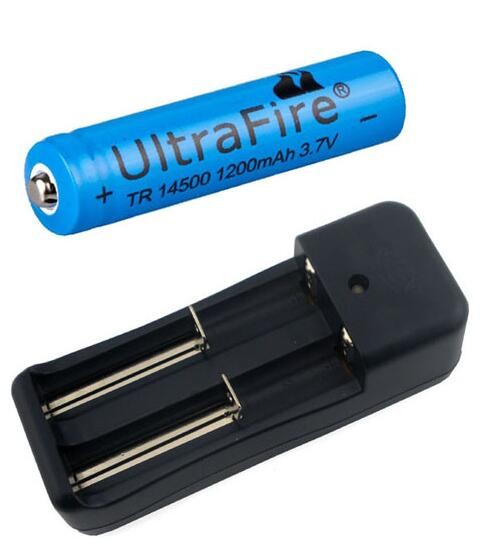
- Battery
- Micro USB for charging
Steps
- 1. Assemble the robotic vehicle according to the provided instructions.
- 2. Charge the battery.
- 3. Connect the Arduino to the robotic vehicle.
- 4. Download the provided Sketch code.
- 5. Load the code onto the Arduino.
- 6. Connect the robotic vehicle to your smartphone via Bluetooth.
- 7. Control the robotic vehicle through the Bluetooth app on your smartphone.
- 8. Check the datasheet for further settings
Example code
void setup() {
  Serial.begin(9600);
}

void loop() {
  if (Serial.available()) {
    char command = Serial.read();
    // Aggiungi il codice per gestire i comandi
  }
}
Mini project
Create a path with obstacles and control the robotic vehicle from your smartphone to make it avoid them correctly.
Common mistakes
- Forget to load the code onto the Arduino.
- Connect the robotic vehicle to the smartphone without properly setting up the Bluetooth.
- Use a wrong or outdated code.
- Do not check electrical connections before powering on the robotic vehicle.
Recommended accessories
- Arduino Uno
- Cell Phone Bluetooth
- 3.7V LiPo Battery
- Micro USB Cable
Frequently asked questions
How can I connect the robotic vehicle to my smartphone?
Check the user guide for Bluetooth configuration.
What is the data transfer speed?
The data transfer speed is 9600 baud.
Can the robotic vehicle work with other batteries?
Check the datasheet for battery specifications.
Is it necessary to update the code?
The provided code is up to date. Check the datasheet for further updates.
Reviews
There are no reviews yet.