 EN
 IT Italiano
 ES Español
 FR Français
 DE Deutsch
Description
What it is
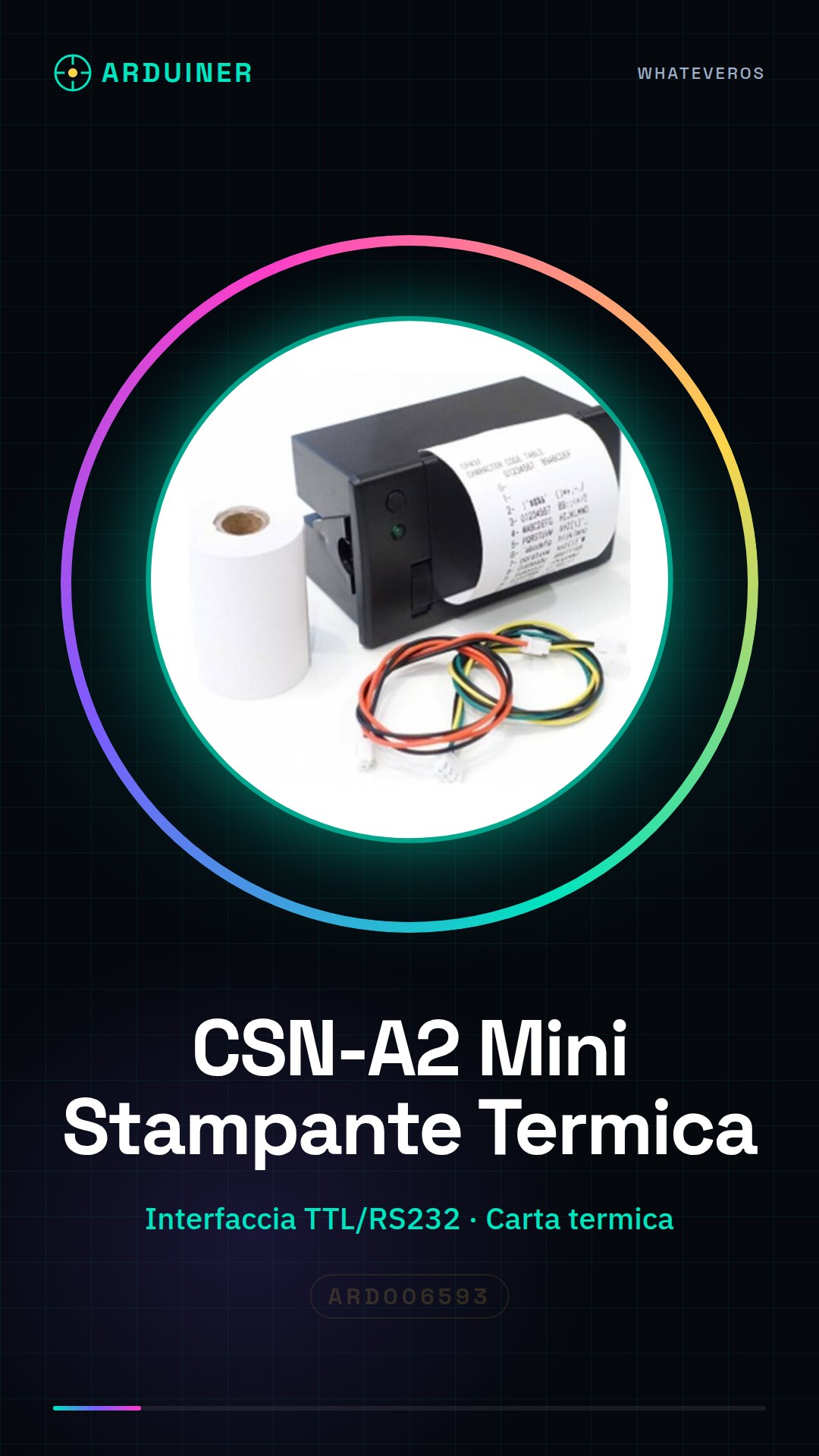
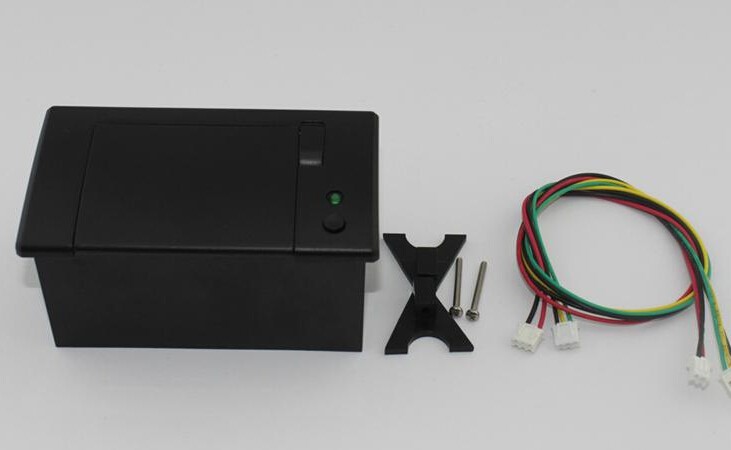
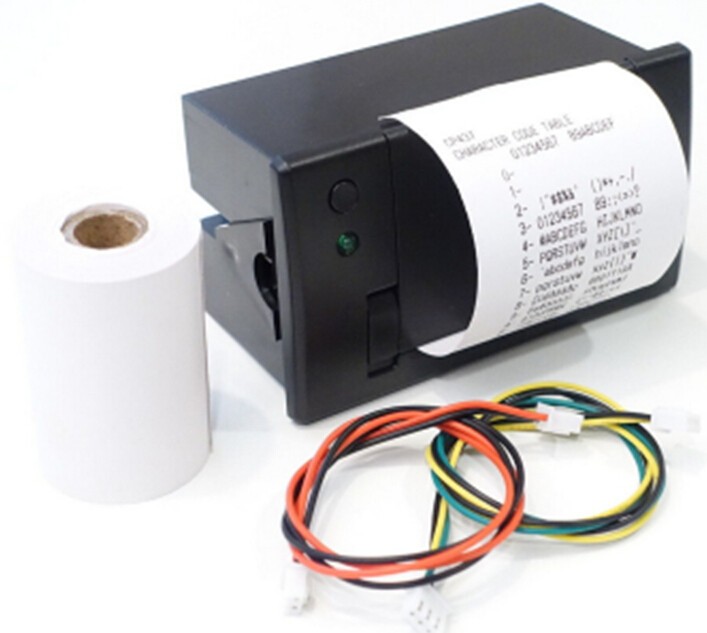
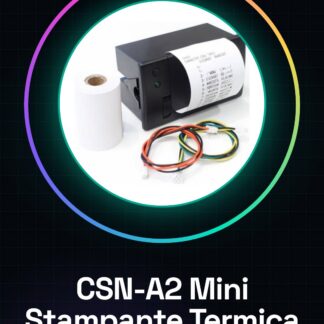
The CSN-A2 Mini Thermal Printer is a portable and quiet device ideal for makers and Arduino enthusiasts. With easy paper management thanks to the front panel, this printer offers practical solutions for labeling and creating receipts.
Features
- TTL/RS232 Interface
- Front Panel for Paper Loading
What it is for
The thermal printer CSN-A2 is perfect for creating labels, receipts, or physical reports. It is particularly useful for makers working on backlighting projects, counting systems, and feedback devices. It can be easily integrated with Arduino or ESP32 to automatically generate thermal receipts based on data collected from sensors.
Tutorial: How to Use CSN-A2 Mini Thermal Printer
The CSN-A2 thermal printer is ideal for anyone who wants to create labels, receipts, or physical reports. It is particularly useful for makers working on backlighting projects, counting systems, and feedback devices.
What you need
- Arduino Uno
- USB cable
- Thermal paper
- Pins to connect wires
Steps
- Connect the CSN-A2 printer to the Arduino using the TTL/RS232 cable
- Check that the power pins (VCC and GND) are correctly connected
- Install the serial communication library in the Arduino IDE software
- Write a simple sketch to send data to the printer
- Test the print with a test string
- Verify that the printer output meets expectations
- Adjust any parameters such as format and speed if necessary (check the datasheet)
- Implement the code in the final project
Example code
void setup() {
  Serial.begin(9600);
}

void loop() {
  Serial.println("Prova stampa");
}
Mini project
Create a sensor-based counting system that generates thermal receipts every time an object is detected.
Common mistakes
- Incorrect serial settings
- Incorrect pin connections
- Printer parameters not configured correctly (check the datasheet)
- Lower quality or incorrect thermal paper
Recommended accessories
- Arduino Uno
- USB cable
- Presence sensors
- Serial communication library
Frequently asked questions
How can I adjust the printer speed?
Check the settings on the datasheet and modify the corresponding parameter in the code.
What is the maximum length of a line I can print?
The maximum length varies depending on the model, check the datasheet for specific details.
Reviews
There are no reviews yet.