 EN
 IT Italiano
 ES Español
 FR Français
 DE Deutsch
Description
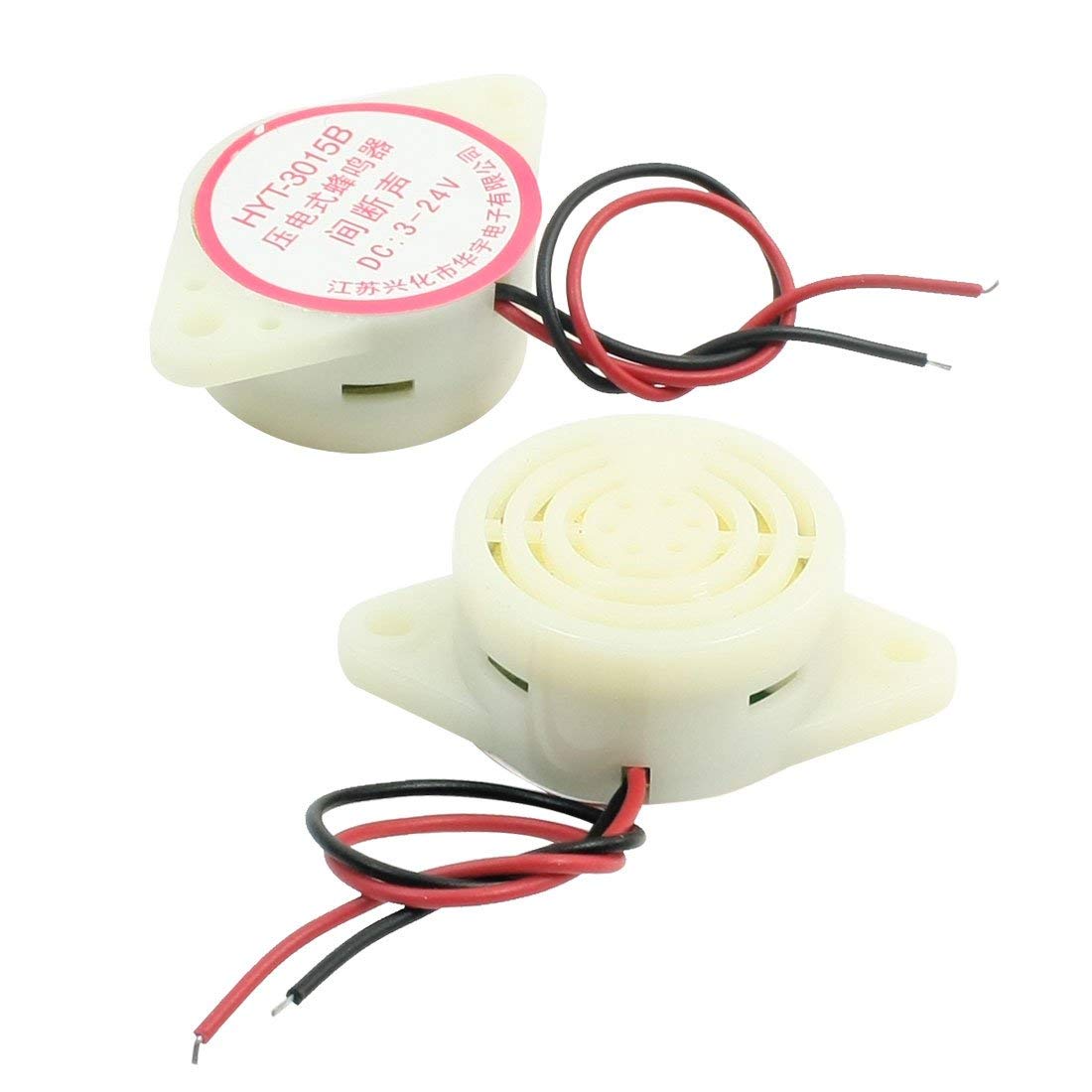
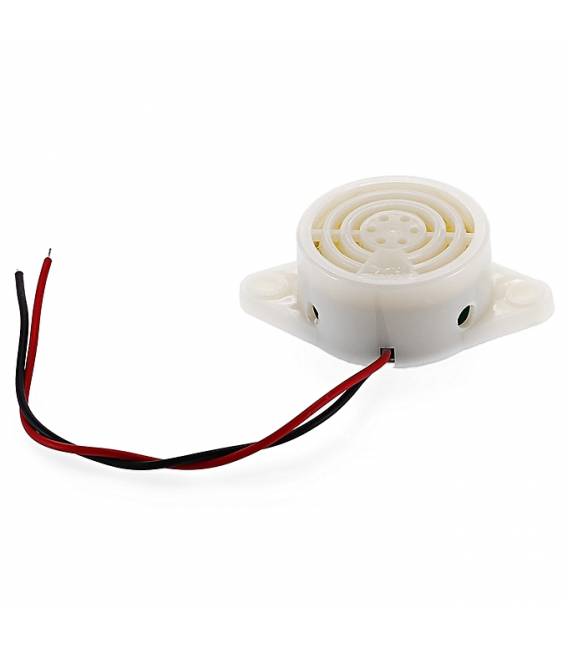
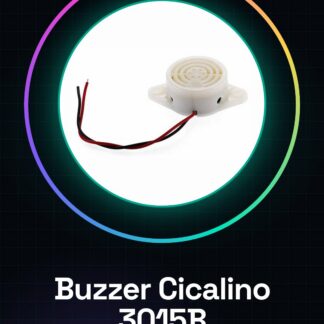
What is the Cicada Buzzer 3015B? A buzzer component that emits intermittent sounds for alerts or signals. Operates with a voltage range of 3V to 24V, making it versatile for various projects. Features: Voltage range: 3-24V, 80dB intermittent sound. What is it used for? Ideal for electronic projects such as door alerts, signals, or custom sounds. It can be easily integrated into Arduino circuits by connecting the buzzer to a digital pin (e.g., pin 9) and using a pull-up resistor with a button to trigger the sound when pressed. Tutorial: How to use Cicada Buzzer 3015B. Ideal for sound alerts in Arduino and maker projects. Useful for alerts, signals, or custom sounds. What is needed? Arduino or compatible microcontroller. 1kΩ resistor. Optional test connector. Steps: 1. Check the datasheet for buzzer specifications. 2. Connect the buzzer to the microcontroller: VCC to VCC, GND to GND, and the sound pin to a digital pin. 3. Connect a 1kΩ resistor between the sound pin and VCC. 4. Upload the source code to the microcontroller. 5. Test the buzzer operation. 6. Adjust the sound frequency with a timer or library. 7. Add custom features like control buttons. 8. Test the buzzer in various ways (continuous sound, intermittent sound). Example code: “` #include int buzzerPin = 9; void setup() { Timer1.initialize(1000000); Timer1.attachInterrupt(buzz); } void loop() { } void buzz() { digitalWrite(buzzerPin, HIGH); delay(500); digitalWrite(buzzerPin, LOW); delay(500); } “` Mini-project: Create a door alert sound. Connect the buzzer to pin 9, a button to pin 2, and a pull-up resistor. When you press the button, the buzzer emits an intermittent sound. Common errors: Connecting the buzzer directly to VCC without a resistor. Omitting the datasheet specification check. Setting the frequency too high or too low. Not testing the buzzer before uploading the code. Recommended accessories: Button, 1kΩ resistor, test cable, TimerOne library. Frequently asked questions: Does the buzzer emit a constant sound instead of intermittent? Check the timer or resistor configuration. What is the maximum sound frequency? Check the datasheet. Does the buzzer work with Arduino Uno? Yes, it is compatible with Arduino Uno.
Reviews
There are no reviews yet.