 EN
 IT Italiano
 ES Español
 FR Français
 DE Deutsch
Description
What it is
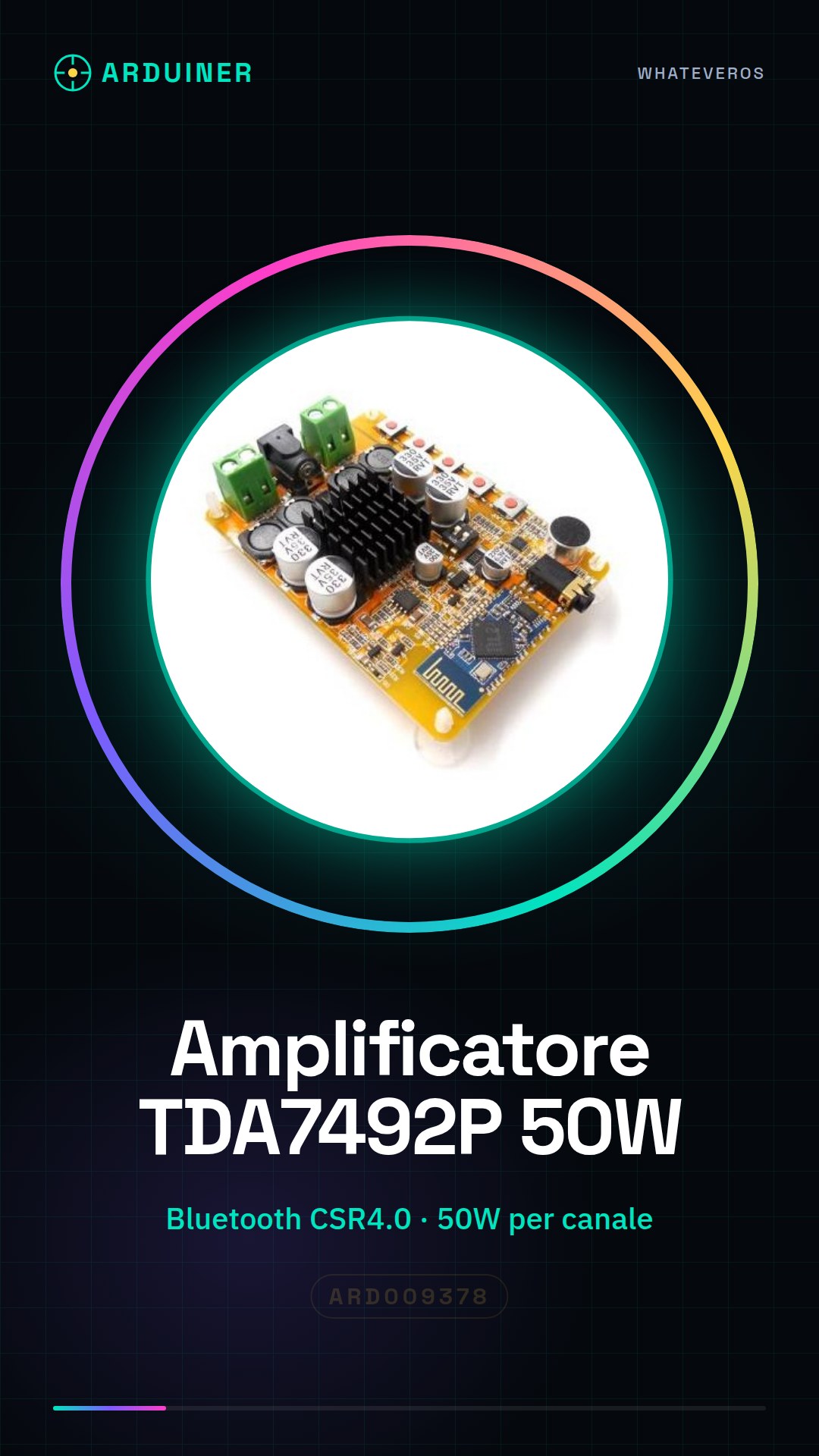
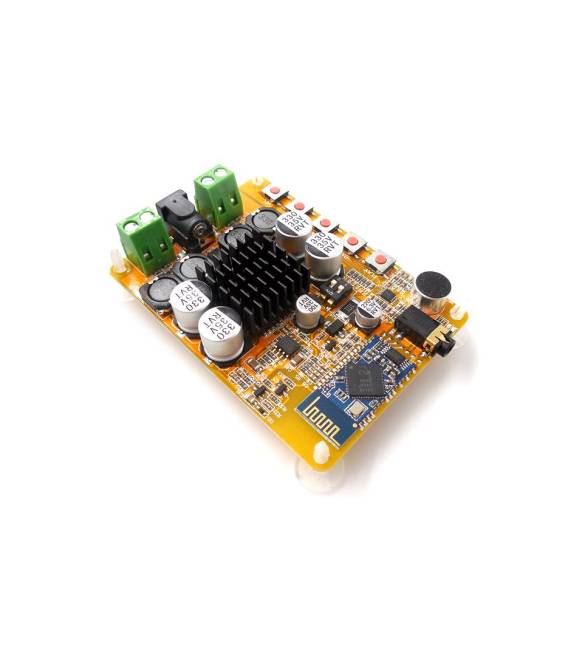
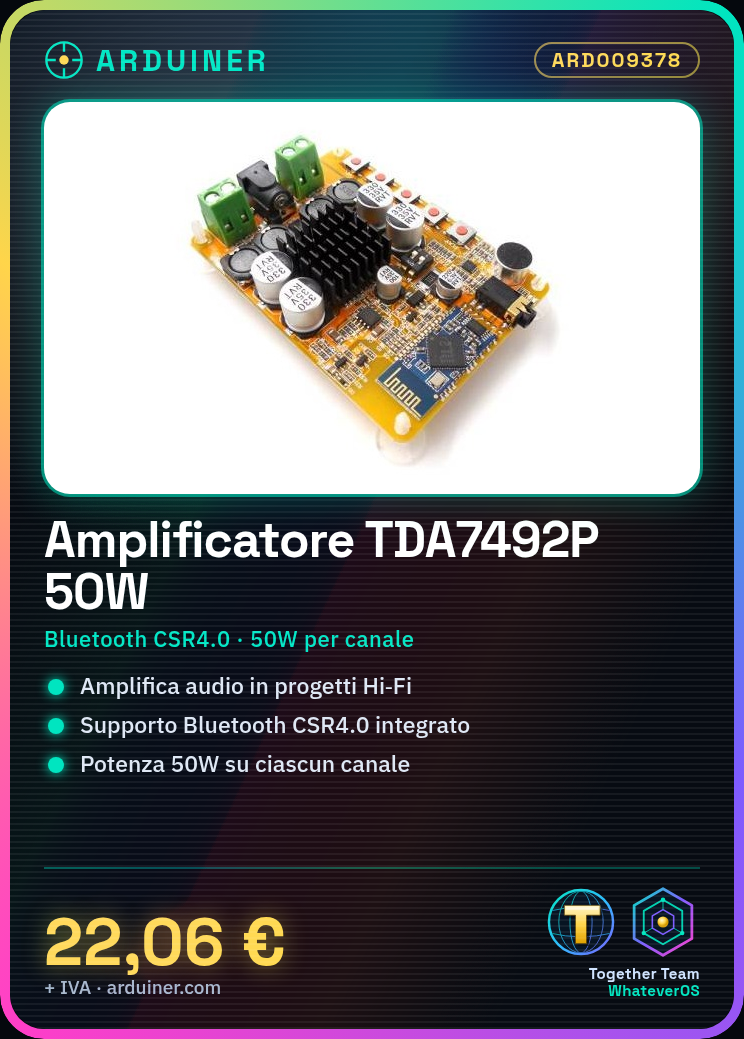
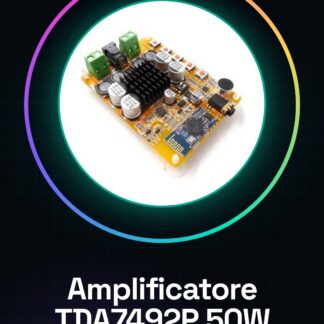
The TDA7492P audio amplifier board is an electronic component that allows integrating Bluetooth CSR4.0 and digital reception functionalities in Hi-Fi or custom audio projects. With a power output of 50W per channel, it offers performance suitable for various types of installations.
Features
- Digital amplifier board with Bluetooth CSR4.0
- Power: 50W + 50W (check the datasheet)
- TDA7492P as the main amplification component
What it is for
This board is ideal for creating custom stereo audio systems, integrating two TDA7492P boards with Arduino or other microcontrollers. It is suitable for both small installations and larger projects.
Tutorial: How to use TDA7492P Audio Amplifier Board
The TDA7492P audio amplifier board is ideal for those who want to integrate a Bluetooth audio system into electronic projects. With 50W of power per channel, it is suitable for both small and large installations.
What you need
- Arduino Uno or compatible
- USB connection for Arduino upload
- External power supply (check the datasheet)
- Bluetooth CSR4.0 interface
Steps
- Connect the audio amplifier board to the Arduino microcontroller using appropriate connectors.
- Download the audio receiver firmware from the official website or from a GitHub repository.
- Configure the Arduino to establish a Bluetooth connection with the audio device.
- Check that the volume is correctly adjusted through the Arduino library used.
- Test the amplifier with a speaker connected to the appropriate output pins.
Example code
// Esempio di codice per stabilire una connessione Bluetooth
#include <SoftwareSerial.h>
SoftwareSerial BTserial(10, 11); // RX | TX
void setup() {
  Serial.begin(9600);
  BTserial.begin(38400);
}
void loop() {
  if (BTserial.available()) {
    Serial.write(BTserial.read());
  }
}
Mini project
Create a stereo audio system for your room by connecting two TDA7492P amplifier boards to an Arduino and speakers.
Common mistakes
- Do not verify sufficient power supply before installation.
- Setting the volume too high causing audio distortion.
- Omitting the correct configuration of the Bluetooth connection.
- Using a low-quality microphone for audio recording.
Recommended accessories
- Speakers
- USB Microphone
- RCA Connector
- External power supply cable
Frequently asked questions
How can I increase the maximum volume?
Adjust the volume potentiometer on the board or use the Arduino library to manage volume control.
Can it connect to multiple Bluetooth devices simultaneously?
No, it supports a Bluetooth connection in master mode with only one device at a time.
Reviews
There are no reviews yet.