 EN
 IT Italiano
 ES Español
 FR Français
 DE Deutsch
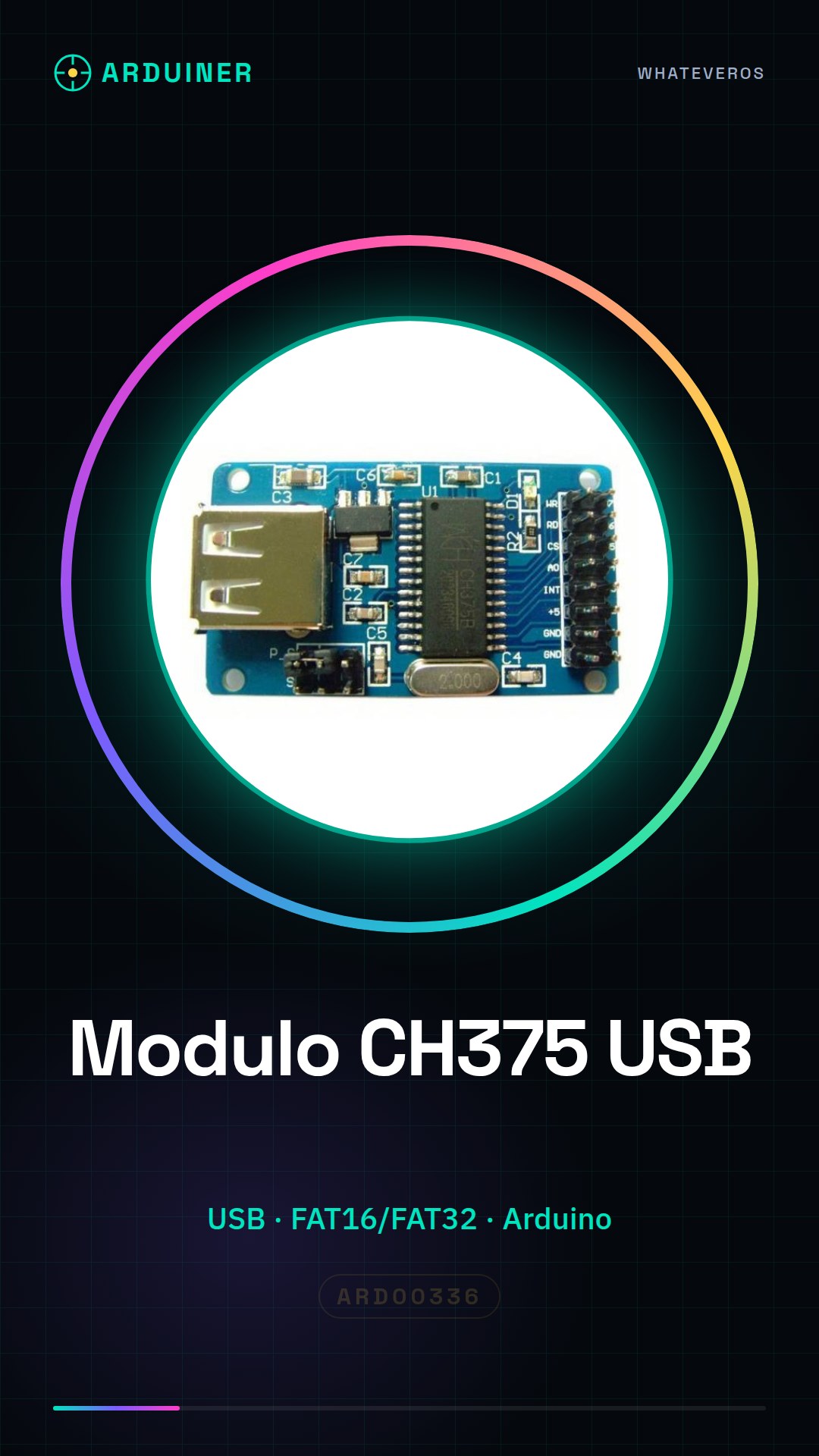
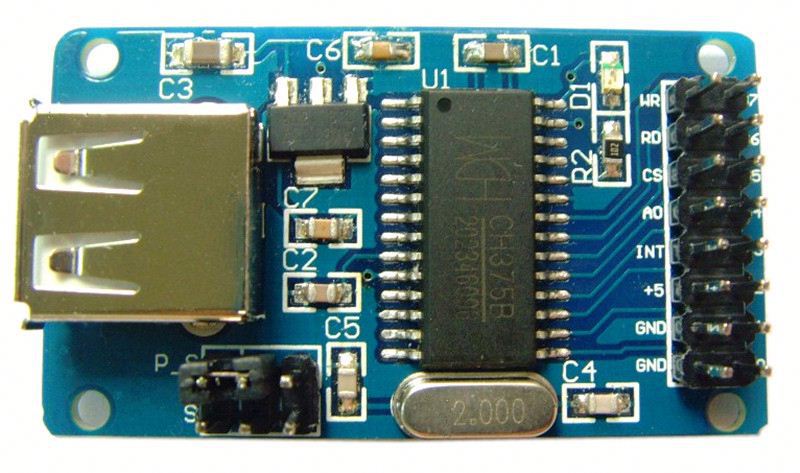
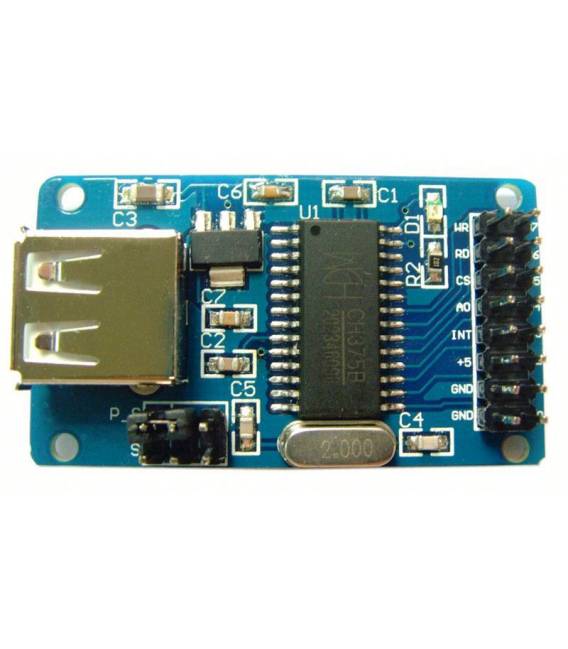
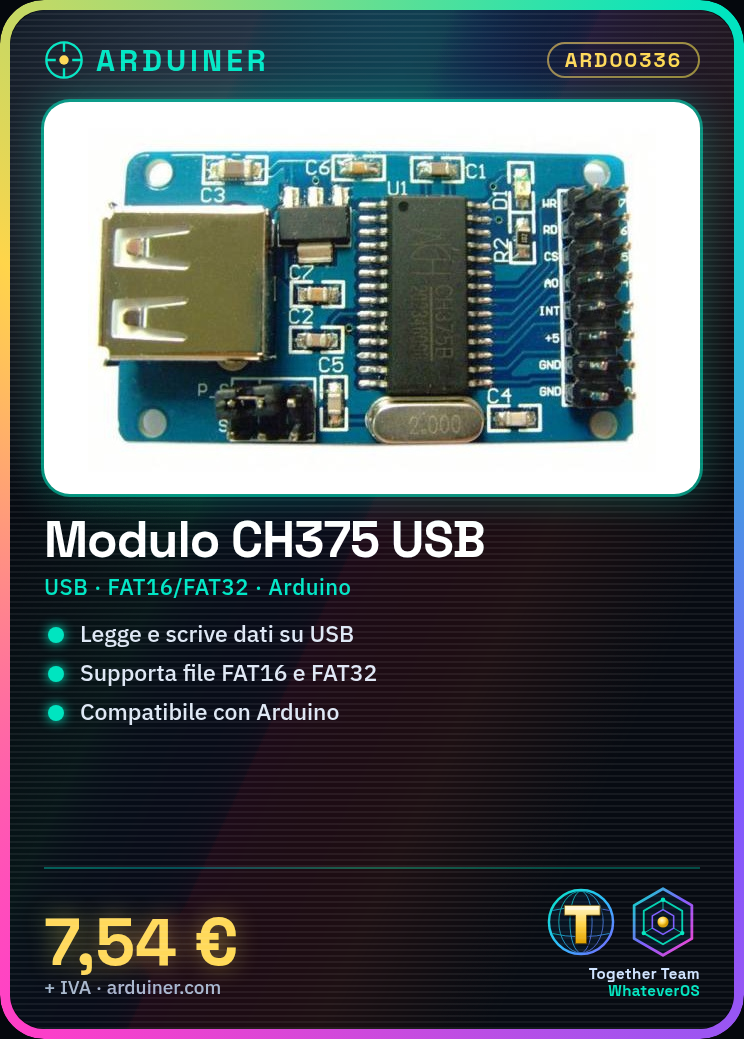
Description
What it is
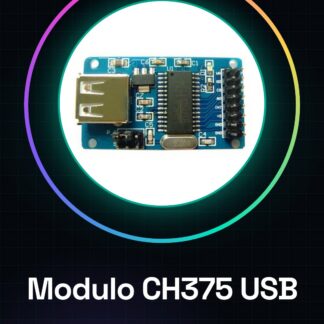
The CH375 module for Arduino is a device that allows reading and writing data on USB devices with support for FAT16 and FAT32 file systems. This module enables the user to interact directly with USB memories, making it possible to use in various projects that require the management of external data.
Features
- Supports FAT16 and FAT32 file systems
- Ideally suited for Arduino
What it is for
CH375 modules are useful for creating data logging systems that store sensor measurements on a connected USB memory. Additionally, they can be integrated into projects that require interaction with external USB devices. Direct compatibility with Arduino makes this module an essential component for those developing electronic applications.
Tutorial: How to use CH375 USB for Arduino
The CH375 module allows reading and writing to USB devices with FAT16/FAT32 file system. Ideal for projects requiring interaction with USB memory.
What you need
- Arduino
- CH375 Module
- USB Memory
- USB A-B Cable
Steps
- Connect the CH375 to the Arduino microcontroller using the pins specified in the datasheet (check the datasheet).
- Install the CH375 library for Arduino from the GitHub repository.
- Upload the example sketch provided with the library to Arduino.
- Verify that the module connects correctly to the computer via USB A-B.
- Modify the sketch to interact with the connected USB memory.
- Test the functionality by reading and writing files to the USB memory.
- Implement new functions such as creating, deleting, or copying files.
- Try integrating the CH375 into a larger project.
Example code
// Includi la libreria
#include <CH375.h>
// Inizializza l'oggetto CH375
CH375 ch375;
void setup() {
  Serial.begin(9600);
  if (ch375.init()) {
    Serial.println("Modulo CH375 inizializzato");
  }
}
void loop() {}
Mini project
Create a data logging system that saves sensor measurements to a connected USB memory.
Common mistakes
- Library installation error
- Incorrect connection between Arduino and CH375
- Issues with FAT16/FAT32 file system
Recommended accessories
- Temperature and humidity sensor DHT11
- LCD display for Arduino
- USB microSD Shield memory
- USB power supply cable
Frequently asked questions
How can I tell if the CH375 is properly connected?
Check the pin connection between Arduino and CH375, verify the Serial console output.
Which file systems does the CH375 support?
Supports FAT16 and FAT32. Check the datasheet for additional details.
Reviews
There are no reviews yet.