 EN
 IT Italiano
 ES Español
 FR Français
 DE Deutsch
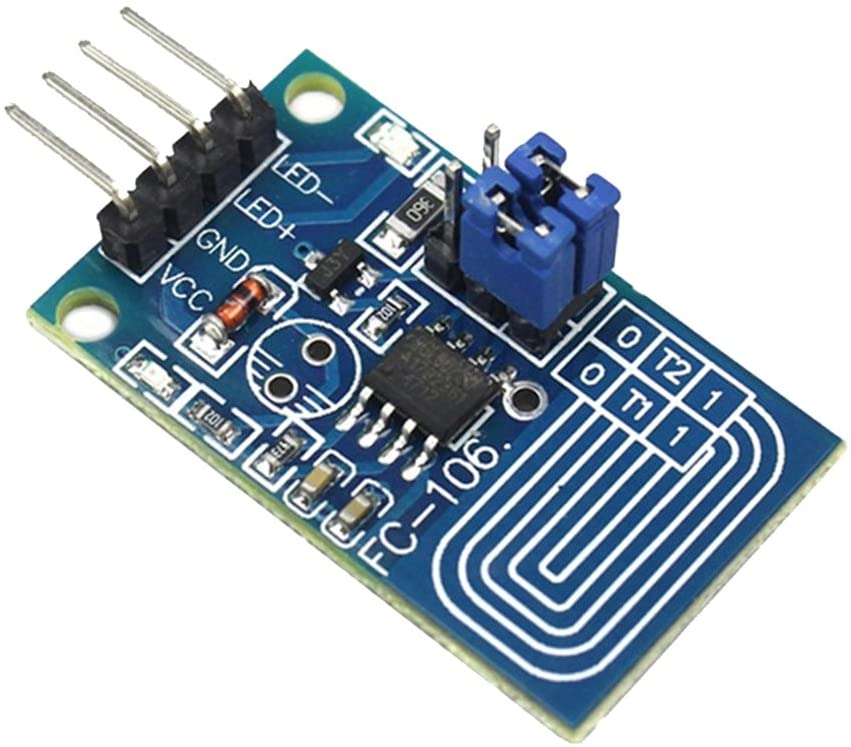
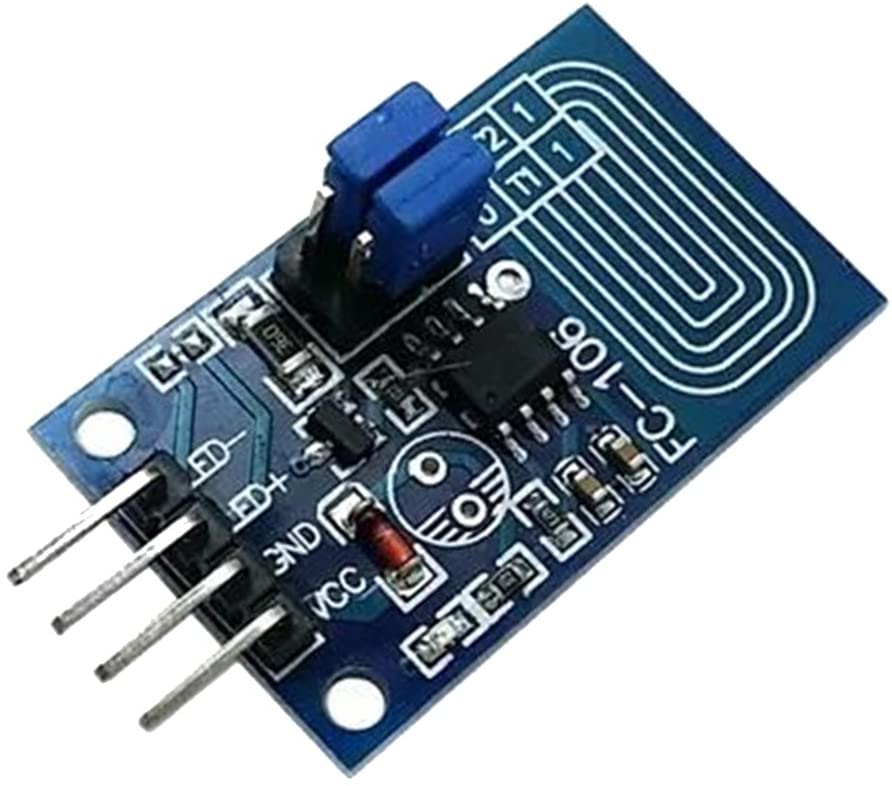
Description
What it is
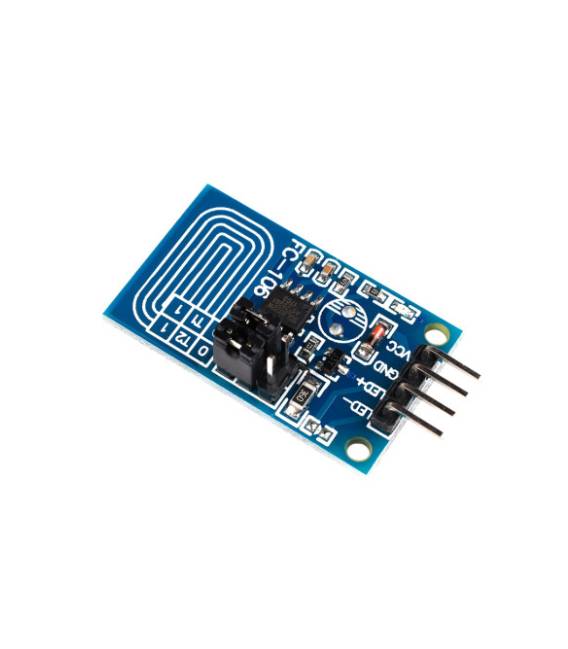
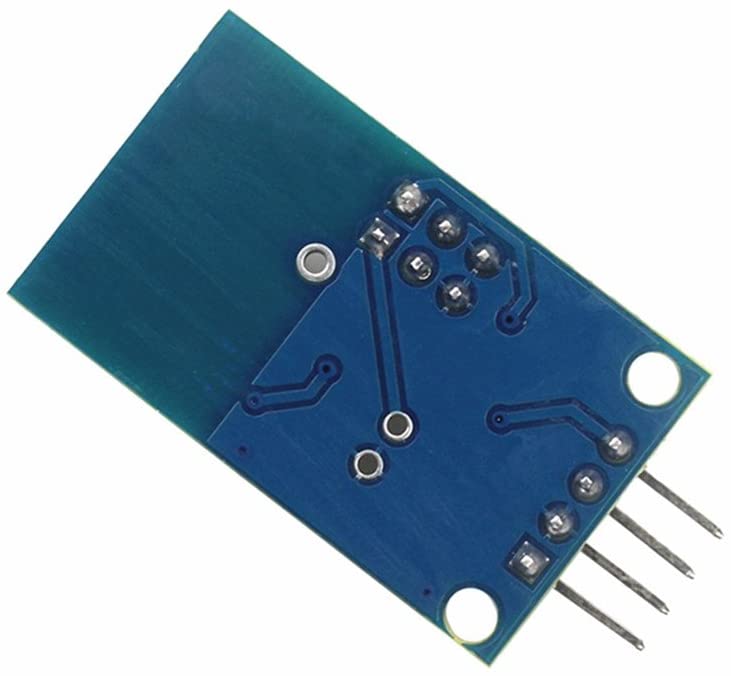
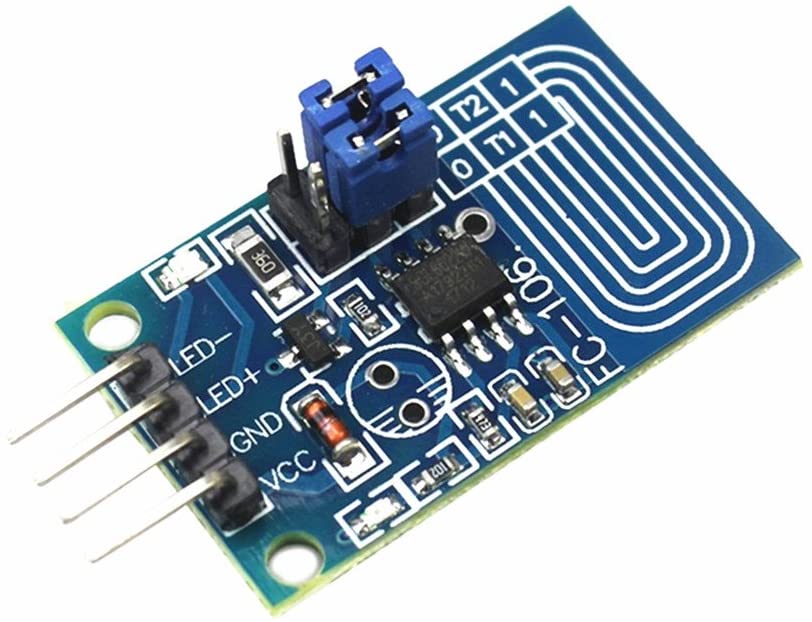
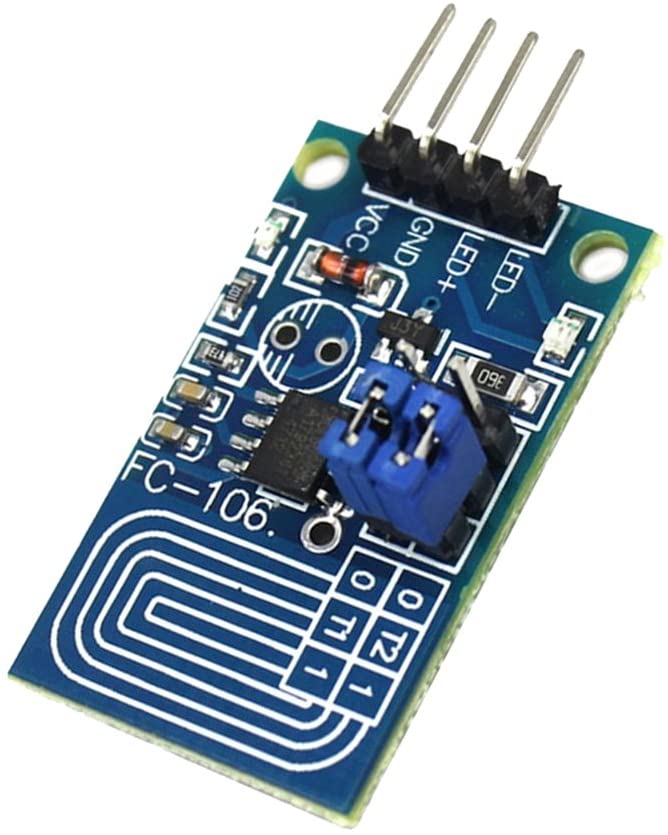
The Capacitive Touch Dimmer ARD0011624 is a control board that allows for continuous adjustment of the brightness of a constant voltage LED through a touch-sensitive interface.
Features
- Constant Voltage LED PWM Control
- Capacitive Touch Interface
- SKU: ARD0011624
- Price: 1.95 €
- Availability: Pre-order
What it is for
The dimmer is ideal for home or industrial lighting projects, allowing for the creation of brightness control systems with a single button for on/off and a dimmer for adjustment.
Tutorial: How to Use Capacitive Touch Dimmer
The Capacitive Touch Dimmer allows you to control the brightness level of an LED through a touch-sensitive interface. Useful for home or industrial lighting projects.
What you need
- Arduino
- LED
- 10kΩ Resistor
- Power Cable
Steps
- 1. Download the example code from the specific GitHub repository.
- 2. Connect the Dimmer to pin A0 of Arduino.
- 3. Connect the LED to digital pin 9 and VCC with a 10kΩ resistor between GND and the Ground pin of the Dimmer.
- 4. Connect the VCC of the Dimmer to the VCC of Arduino and GND to GND.
- 5. Upload the code to your Arduino.
- 6. Experiment with touch on the Dimmer to control the brightness level of the LED.
- 7. Adapt the code to customize the behavior of the Dimmer.
- 8. Check the datasheet for further details.
Example code
```void setup() {} void loop() { int value = analogRead(A0); analogWrite(9, value); }```Mini project
Create a lighting system with a single button to turn the lighting on/off and a dimmer to adjust the brightness.
Common mistakes
- Do not connect the Dimmer directly to VCC without a resistor.
- Set the correct read pin in the code.
- Verify the proper power supply of the Dimmer.
- Ensure that the code is correctly uploaded to the Arduino.
Recommended accessories
- Arduino UNO
- LED
- 10kΩ Resistor
- Power cable
Frequently asked questions
The Dimmer does not respond when touched.
Check the connection and the code. Make sure the pin is correctly configured.
The code does not work as expected.
Check the syntax and configurations in the code. Verify the hardware connection.
Which Arduino pins to use?
Use pin A0 for the Dimmer and pin 9 for the LED.
Does the Dimmer work with Arduino Nano?
Yes, but it might require a small adjustment in the code.



Reviews
There are no reviews yet.