 EN
 IT Italiano
 ES Español
 FR Français
 DE Deutsch
Description
What it is
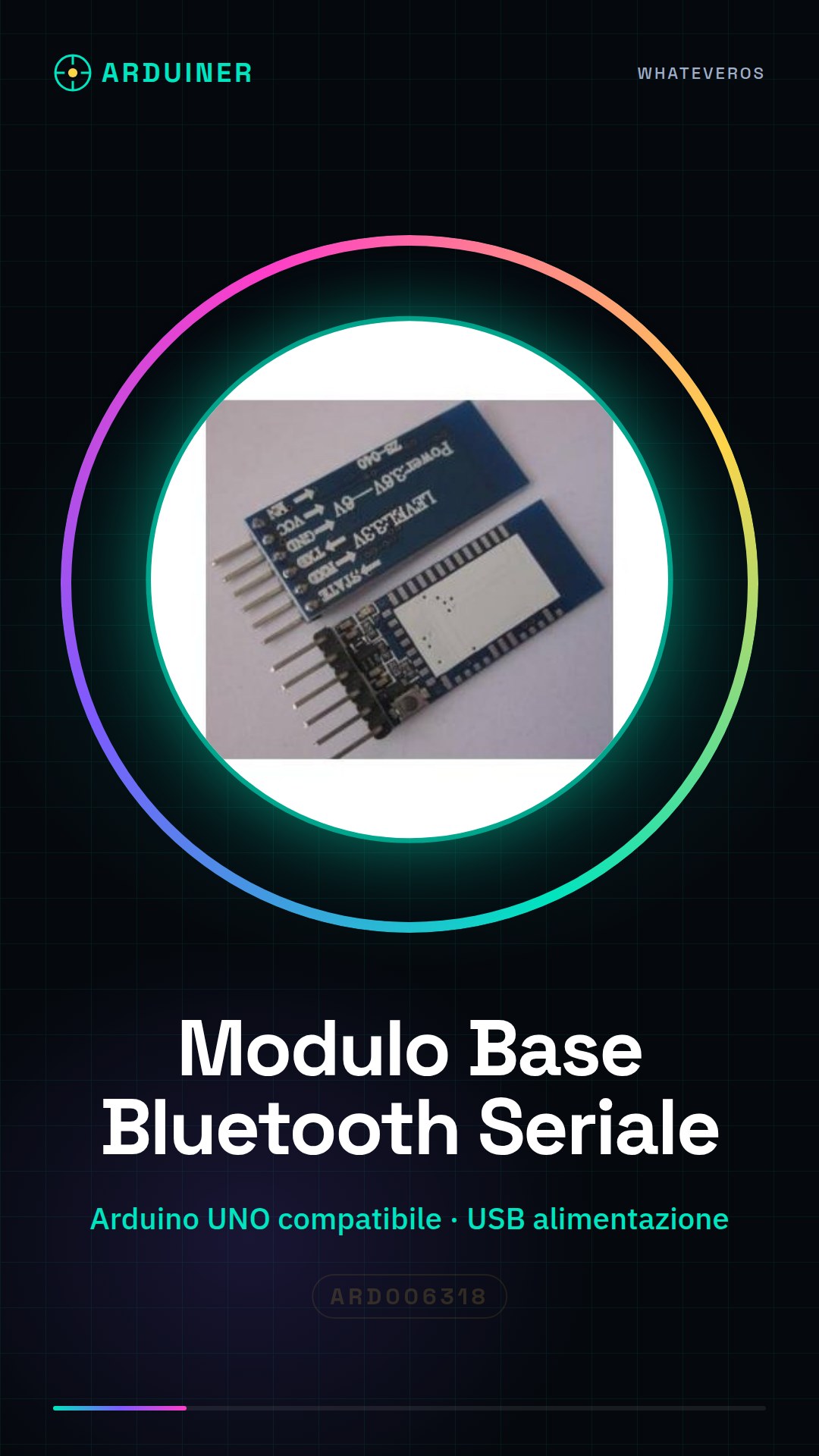
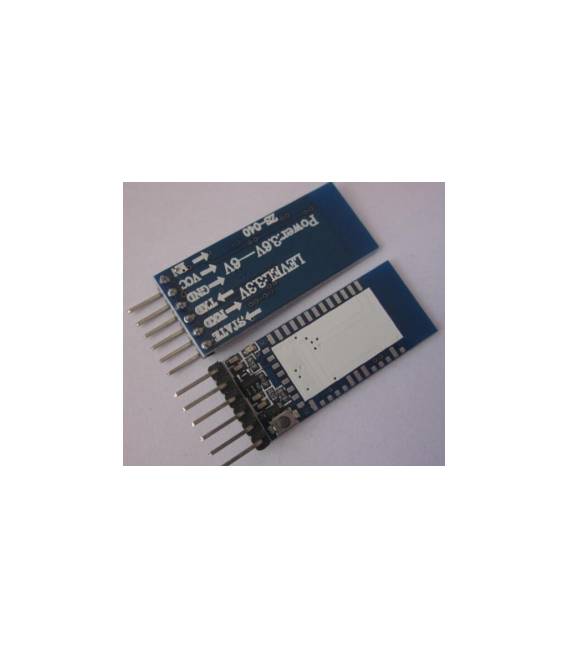
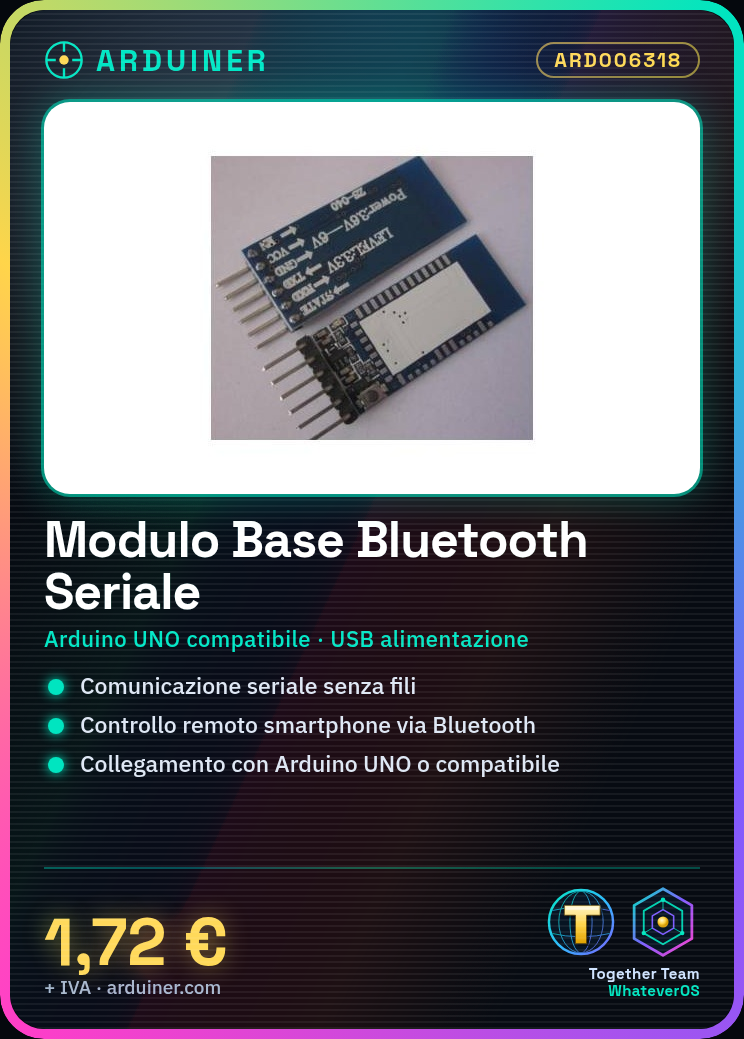
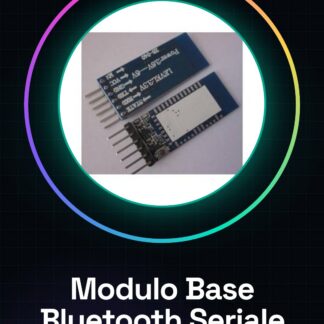
The Base Module for Bluetooth Serial Transceiver Module for Arduino is a component that allows adding Bluetooth functionality to Arduino-based projects. This module facilitates wireless serial communication between mobile devices, computers, and other devices.
Features
- Enables serial communication
- Ideally suited for IoT and robotics projects
What it is for
Allows you to create a simple remote control system using your smartphone as a Bluetooth interface. Useful for both beginners and experts, it enables wireless connection between Arduino and external devices.
Tutorial: How to use the Base Module for Bluetooth Serial Transceiver Module for Arduino
This module allows you to add Bluetooth functionality to your Arduino project, ideal for wirelessly connecting mobile devices or computers. Useful for beginners and intermediates.
What you need
- Arduino UNO or compatible
- USB Cable for Power Supply
- Bluetooth Antenna
- Arduino IDE Software
Steps
- 1. Install Arduino IDE and create a new project.
- 2. Connect the Bluetooth module to Arduino via the specified pins.
- 3. Check the datasheet for power supply specifications.
- 4. Load the example code onto the module.
- 5. Configure the Bluetooth device name.
- 6. Connect a Bluetooth device to test the connection.
- 7. Verify communication by serializing data.
- 8. Try sending and receiving data between your Bluetooth device and Arduino.
Example code
```cpp
#include <SoftwareSerial.h>
SoftwareSerial bluetooth(10, 11);
void setup() {
  bluetooth.begin(9600);
  Serial.begin(9600);
}
void loop() {
  if (bluetooth.available()) {
    Serial.write(bluetooth.read());
  }
  if (Serial.available()) {
    bluetooth.write(Serial.read());
  }
}
```
Mini project
Create a simple remote control system for a servo motor using your smartphone as a Bluetooth interface.
Common mistakes
- Fail to configure the Bluetooth device name correctly.
- Power the module with an incorrect voltage.
- Connect the module to unsupported Arduino pins.
- Forget to load the example code.
Recommended accessories
- Servo Motors
- Smartphone Remote Control
- Bluetooth Antenna
- Proximity Sensors
Frequently asked questions
Does the module require a specific voltage?
Check the datasheet for power supply specifications.
Which pins to use?
Follow the datasheet instructions for power and communication pins.
How to configure the device name?
Check the module documentation for configuration instructions.
Does the module work with all types of Arduino?
Check the datasheet for compatibility with various types of Arduino.

Reviews
There are no reviews yet.