 EN
 IT Italiano
 ES Español
 FR Français
 DE Deutsch
Description
What it is
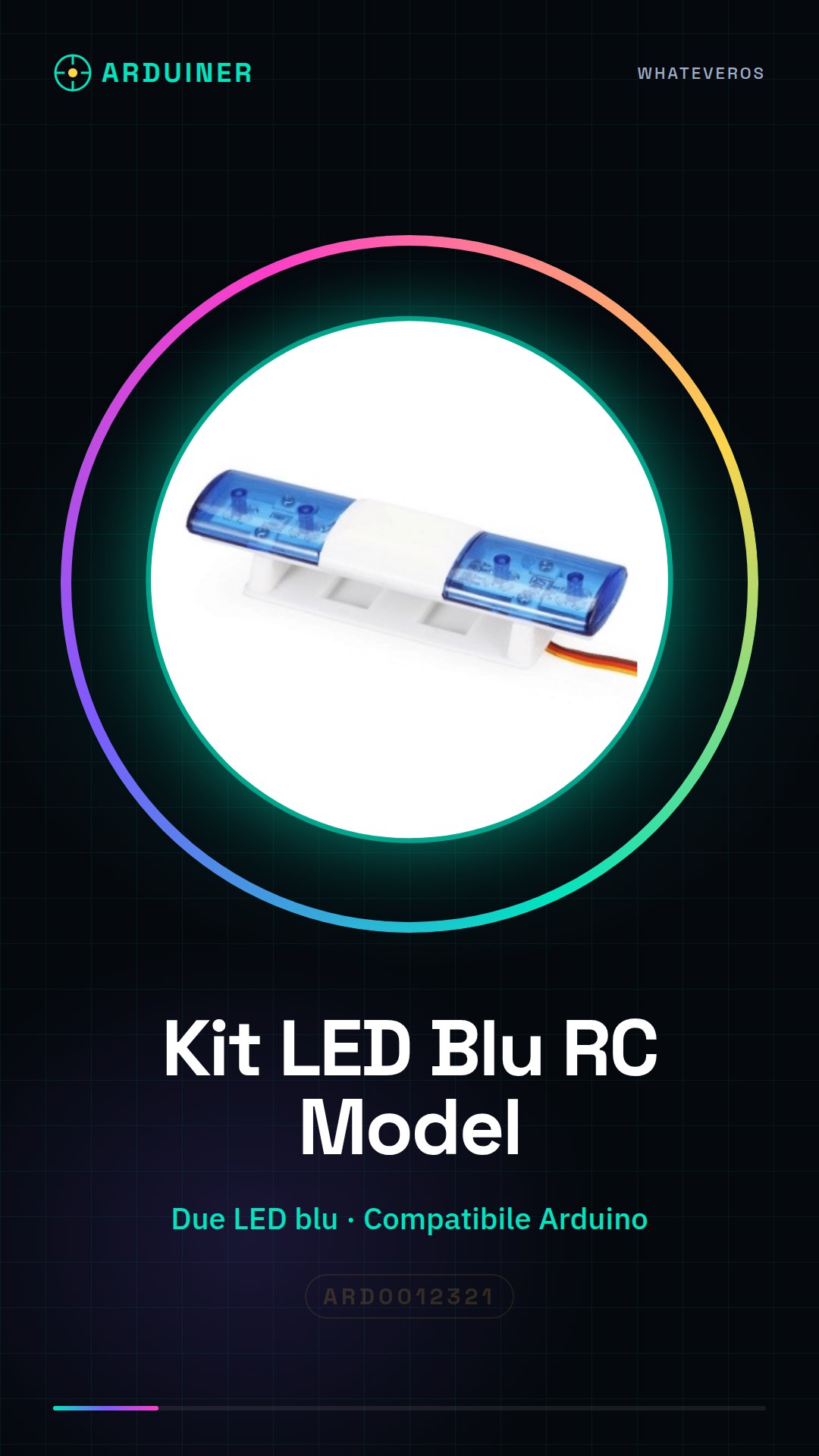
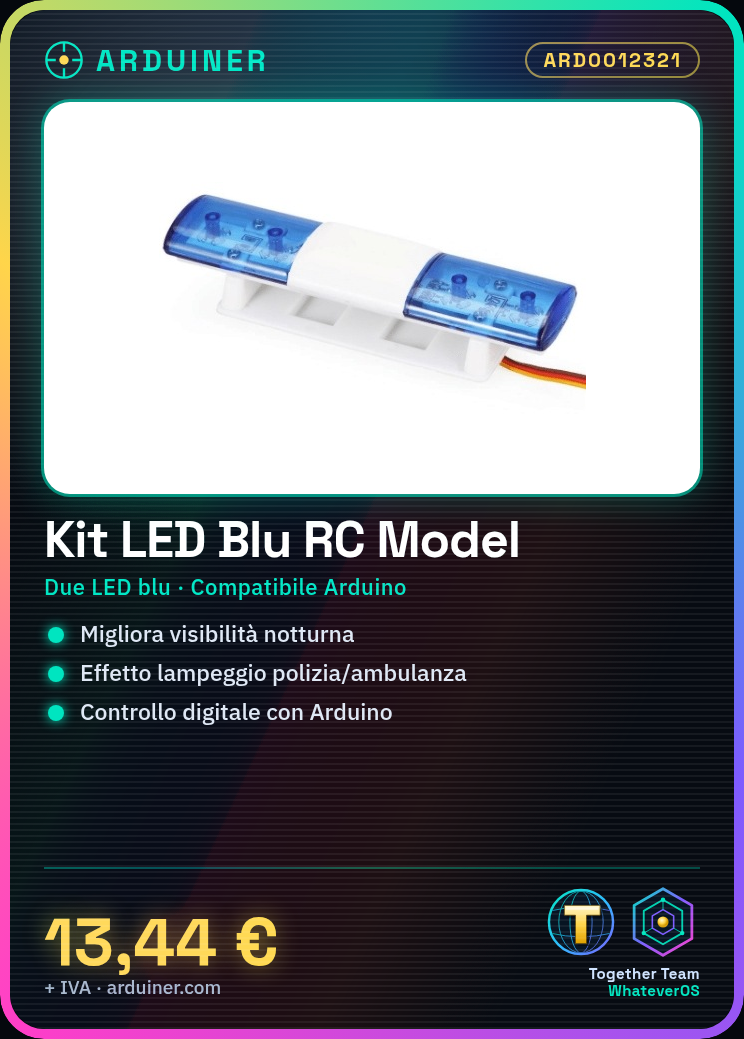
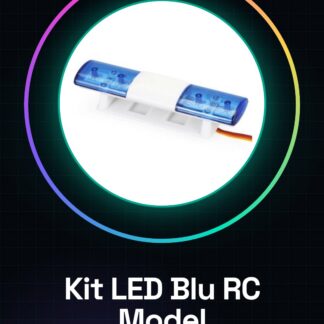
The AX-501 RC Model Car Flashing Blue LED Kit is a package of electronic components designed to improve the nighttime visibility of RC models. This kit allows for an alternating flashing effect between two blue LEDs, similar to that of a police car or ambulance.
Features
- Two blue LEDs
- Kit to create an alternating flashing system
- Suitable for beginners and hobbyists
- Compatible with Arduino for separate control of the two LEDs
What it is for
This kit is used to enhance the appearance and functionality of RC models, making them more visible at night. It can be used to create an alternating flashing effect between two blue LEDs. It is compatible with Arduino for more sophisticated control.
Tutorial: How to use the AX-501 RC Model Car Flashing Blue LED Kit
This blue flashing LED kit for RC model car is perfect for adding a touch of personalization and safety to your RC models. It is suitable for both beginners and hobbyists who want to enhance the appearance and functionality of their vehicles.
What you need
- Blue Flashing LED Kit AX-501
- Arduino Uno
- Power Connections
- Control Connections
- Resistors
Steps
- 1. Check the compatibility of the kit with your RC model car.
- 2. Connect the LEDs to the control circuit of your model car.
- 3. Verify the operation of the LEDs with a simple test.
- 4. Connect the LEDs to the Arduino for digital control.
- 5. Test the provided Arduino sketch for flashing.
- 6. Adjust the duration of the flash according to your preferences.
- 7. Physically install the LEDs on your model car.
- 8. Test the entire system to ensure everything works correctly.
Example code
void setup() {
  pinMode(ledPin, OUTPUT);
}

void loop() {
  digitalWrite(ledPin, HIGH);
  delay(500);
  digitalWrite(ledPin, LOW);
  delay(500);
}
Mini project
Create an alternating flashing system between two blue LEDs for a police or ambulance effect. Use two LEDs and an Arduino to control the two LEDs separately.
Common mistakes
- Connect the LEDs to the power circuit without resistors.
- Use a blue LED where a red LED is required.
- Do not check the kit compatibility with the model car.
- Do not test the system before physical installation.
Recommended accessories
- Variable resistors
- Arduino Nano
- RC model car connector kit
- Circuit protection kit
Frequently asked questions
How can I customize the flashing?
Modify the Arduino code to adjust the duration of the flashing and the order of LED activation.
Can I use other colors?
Check the datasheet for the compatibility of LEDs of other colors.
What tools are needed for installation?
Pliers, plastic cutter and electrical tape.

Reviews
There are no reviews yet.