 EN
 IT Italiano
 ES Español
 FR Français
 DE Deutsch
Description
What it is
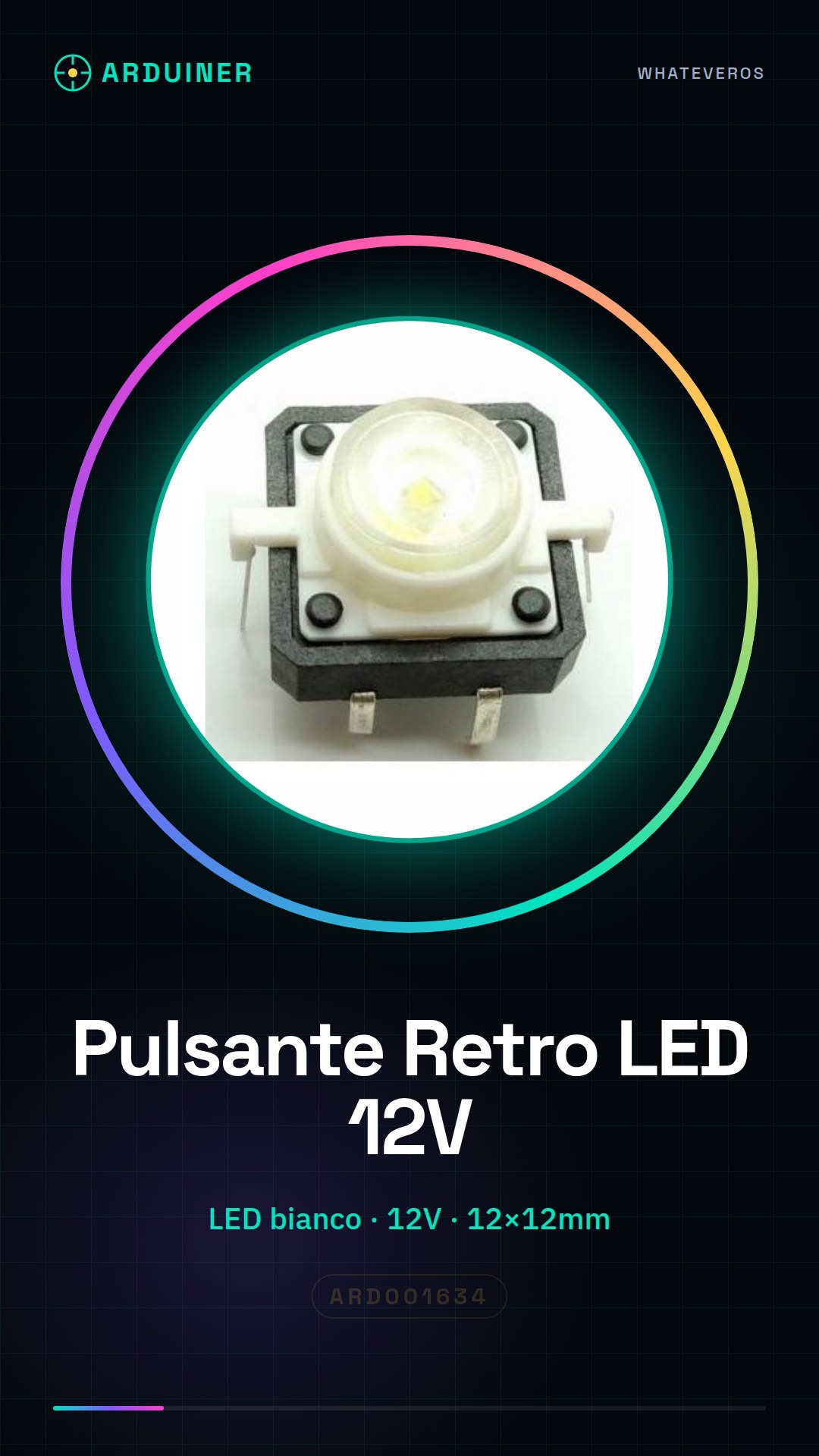
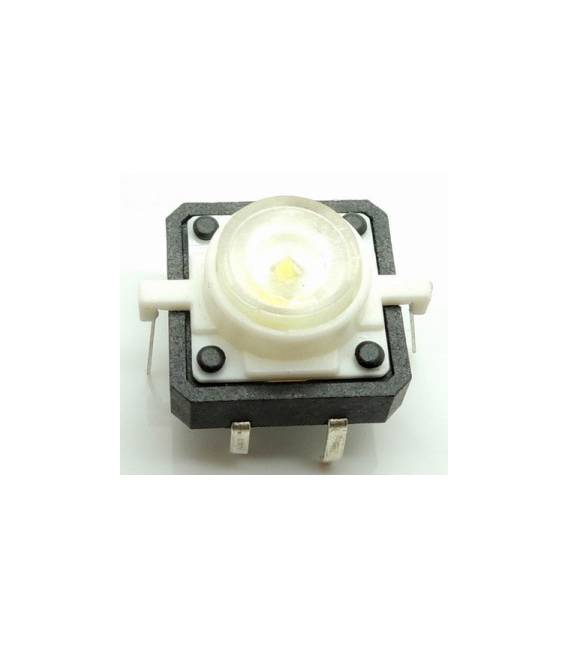
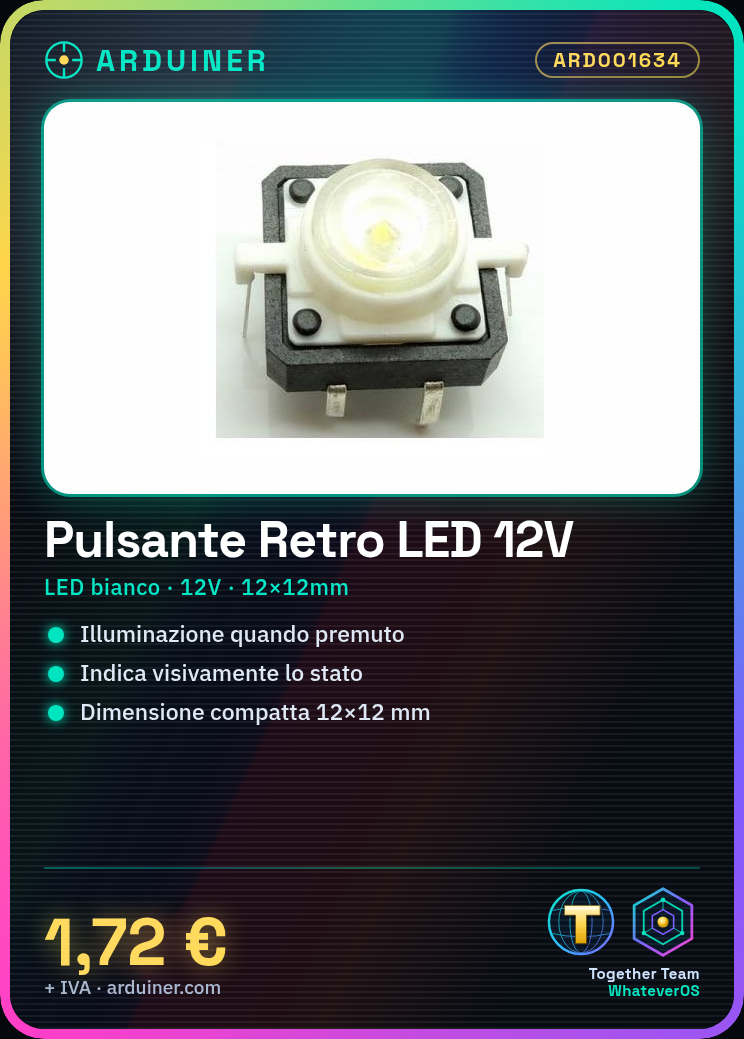
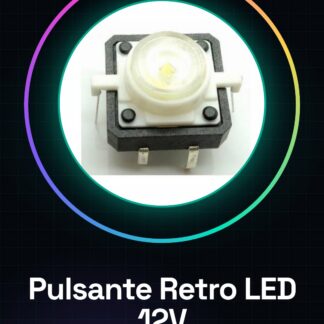
Backlit button with integrated white LED at 12V, ideal for Arduino and maker projects. This button, featuring an integrated white LED, lights up when pressed, providing a visual indication of its state.
Features
- LED Color: White
- Operating Voltage: 12V
- Dimensions: 12×12 mm
What it is for
This backlit button is perfect for projects requiring a switch with visual indication. You can use it to create simple light switches, turn LEDs on/off, or signal the state of a circuit. Compatibility with Arduino and ESP is ensured thanks to the standard operating voltage.
Tutorial: How to Use Backlit Button
This backlit button with integrated white LED at 12V is ideal for projects requiring a button with lighting functionality. Perfect for beginners and intermediate makers.
What you need
- Backlit Button
- Arduino
- Resistor
- Connection Cable
Steps
- 1. Check the datasheet for the button specifications.
- 2. Connect the button to the Arduino through the input pins.
- 3. Connect the LED to the output pin of the Arduino.
- 4. Connect the resistor between the LED and VCC (12V).
- 5. Verify the correct polarity of the LED.
- 6. Upload the following code to the Arduino.
- 7. Test the functionality of the button and the lighting.
- 8. Adapt the code to your project.
Example code
```void setup() {} void loop() { if (digitalRead(2) == HIGH) { digitalWrite(3, HIGH); } else { digitalWrite(3, LOW); } }```Mini project
Create a simple light switch with this button. Connect the LED to the output of the button and turn the light on/off when you press the button.
Common mistakes
- Connect the LED directly to VCC without a resistor.
- Do not verify the polarity of the LED.
- Do not use the correct code for the button.
- Do not test the project before uploading it to the Arduino.
Recommended accessories
- Arduino
- Resistor
- LED
- Connection cable
Frequently asked questions
Does the button work only with Arduino?
No, it works with any microcontroller that supports input pins.
Can I use a different power supply than 12V?
Check the datasheet to see if the button supports other voltages.
Can the LED be a different color?
Check the datasheet to see if the button supports LEDs of other colors.
Reviews
There are no reviews yet.