 EN
 IT Italiano
 ES Español
 FR Français
 DE Deutsch
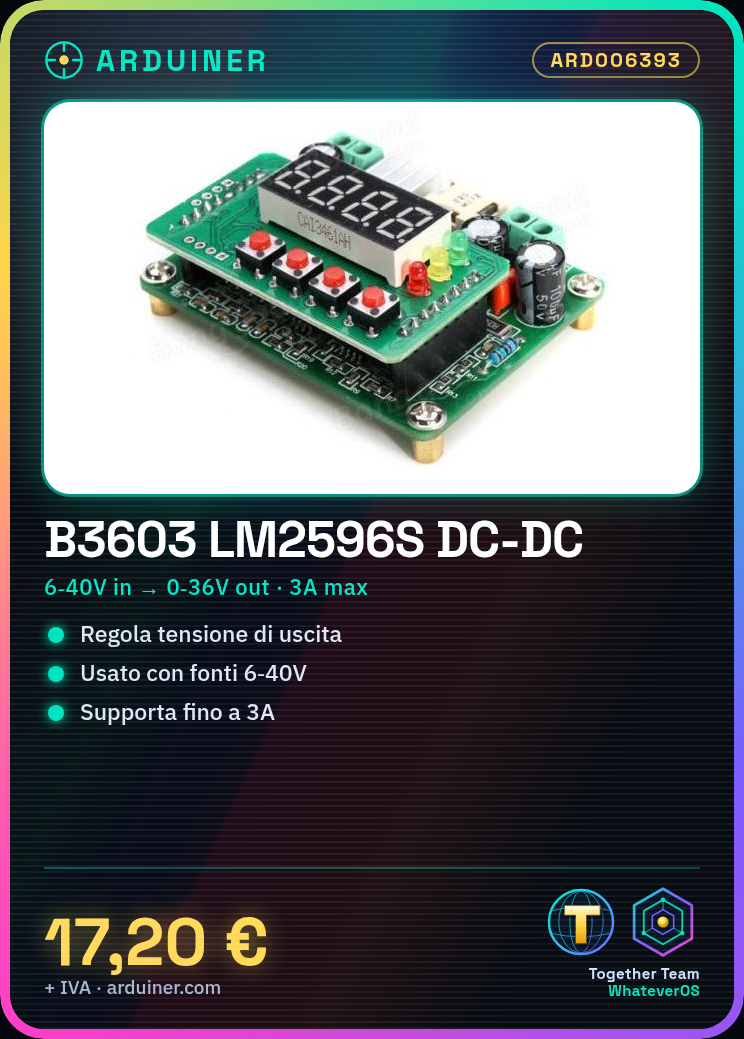
Description
What it is
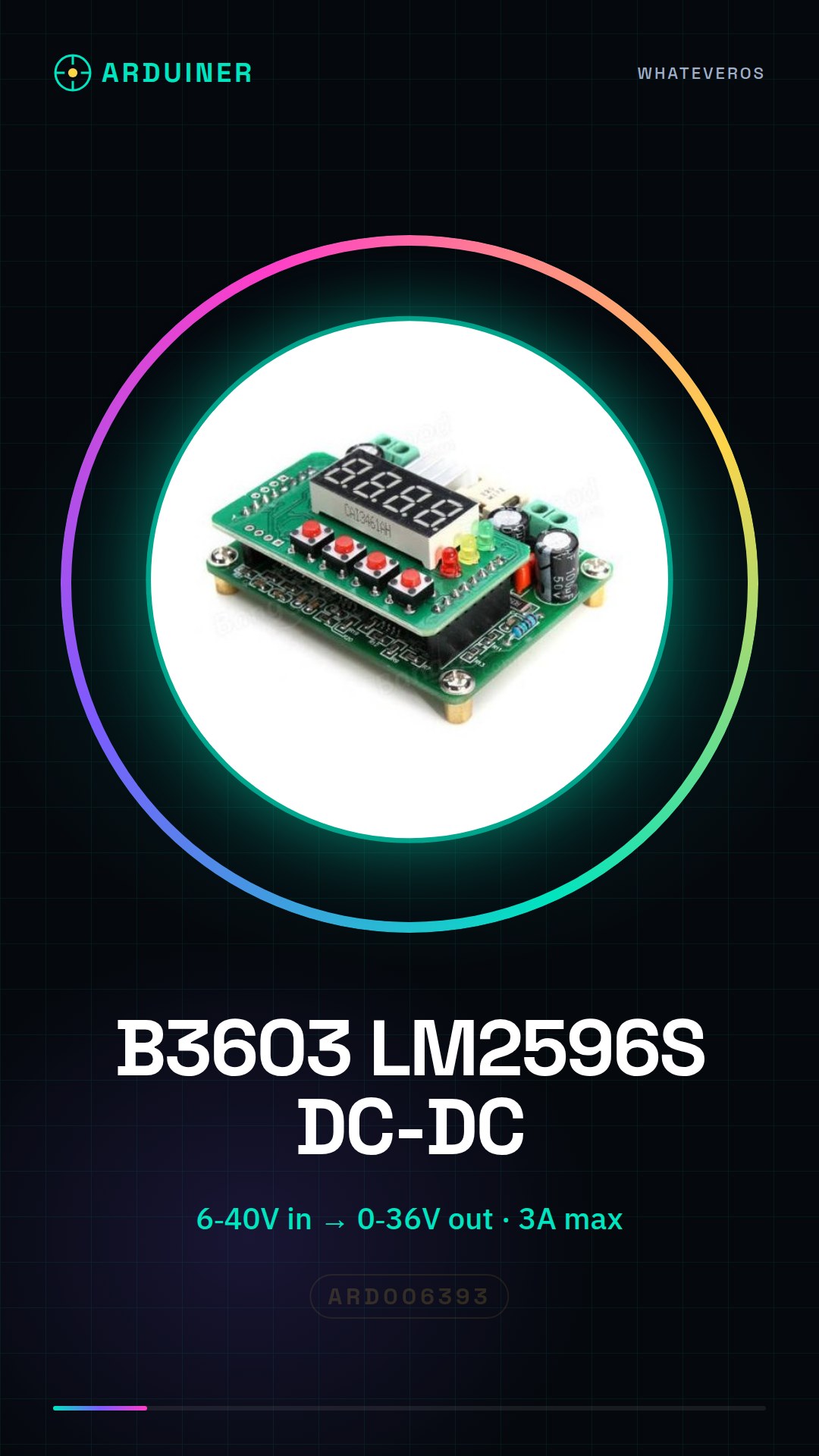
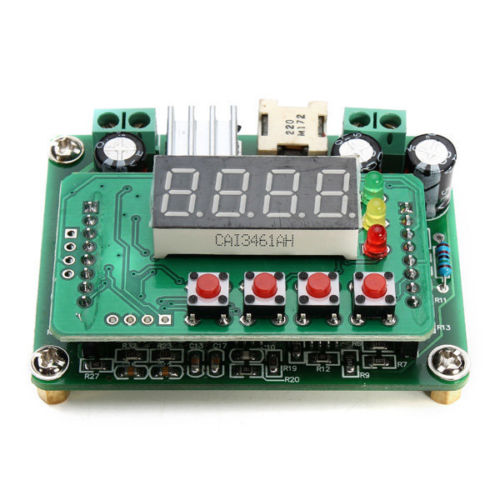
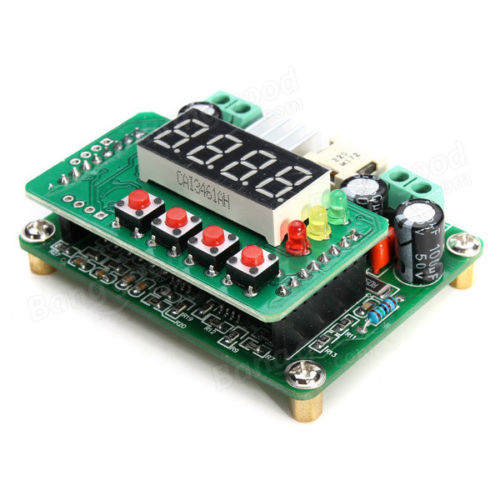
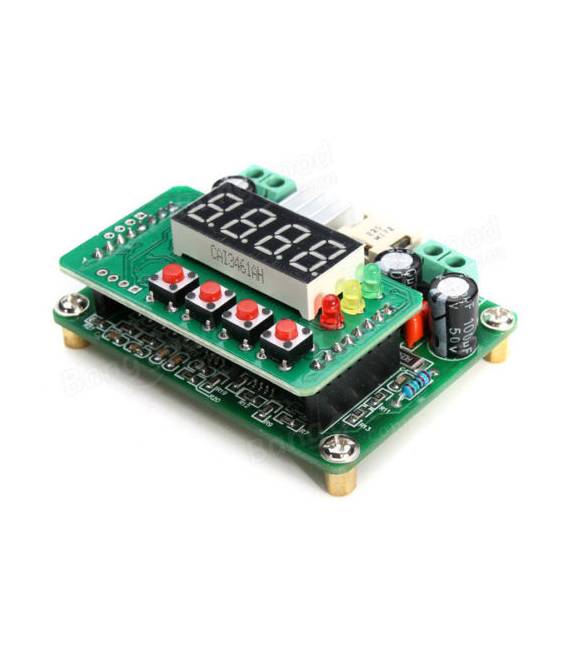
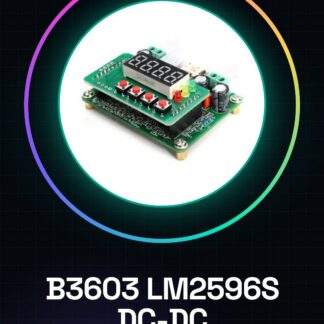
The B3603 LM2596S is a digital DC-DC Step Down converter that allows reducing the voltage from a power supply ranging from 6V to 40V, providing a variable output up to 36V with a maximum current of 3A.
Features
- Input voltage: 6V to 40V
- Variable output voltage: up to 36V
- Maximum current: 3A
What it is for
This module is ideal for providing stable and adjustable power to your Arduino or ESP projects, for example in microcontroller-controlled lighting systems that change the light intensity based on the time of day.
Tutorial: How to use B3603 LM2596S DC-DC Converter
The B3603 LM2596S module is a digital step-down voltage converter ideal for projects requiring stable power from 6V to 40V with a variable output up to 36V and 3A. It is perfect for beginner and intermediate makers.
What you need
- B3603 LM2596S Module
- External power supply from 6V-40V
- Arduino Uno or compatible
- Straight connectors (pin header)
- Soldering tool
- Variable voltage regulator
Steps
- Connect the pin header connectors to the LM2596S module.
- Check the external power supply voltage and ensure it is within the range of 6V-40V.
- Connect the external power supply to the VIN and GND pins of the module.
- Adjust the potentiometer on the module to set the desired output voltage (refer to the datasheet).
- Connect Arduino Uno or compatible to the LM2596S module through the pin header connectors.
- Verify with a multimeter that the output of the LM2596S module is correct.
- If necessary, use the variable voltage regulator to fine-tune the output voltage.
- Test the circuit with a simple project such as turning on an LED with Arduino.
Mini project
Create an Arduino-controlled lighting system that changes light intensity based on the time of day.
Common mistakes
- Set the output voltage to maximum without checking the load.
- Use an external power supply outside the range of 6V-40V.
- Do not check the output voltage after adjusting the potentiometer.
- Omit the use of a filter capacitor near the LM2596S module.
Recommended accessories
- Electrolytic capacitor 100µF
- LEDs of various colors
- Resistors of various values
- Digital multimeter
Frequently asked questions
How can I adjust the output voltage?
Use the potentiometer on the module and verify with a multimeter.
What is the difference between LM2596S and other step-down modules?
LM2596S offers a more precise adjustable output voltage compared to analog models.
Reviews
There are no reviews yet.