 EN
 IT Italiano
 ES Español
 FR Français
 DE Deutsch
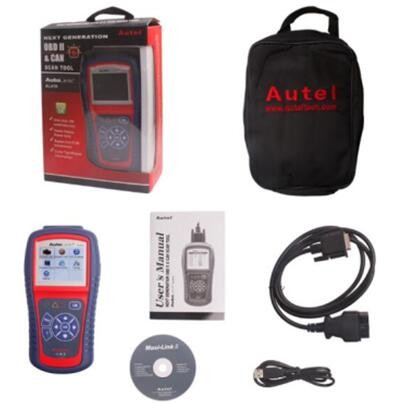
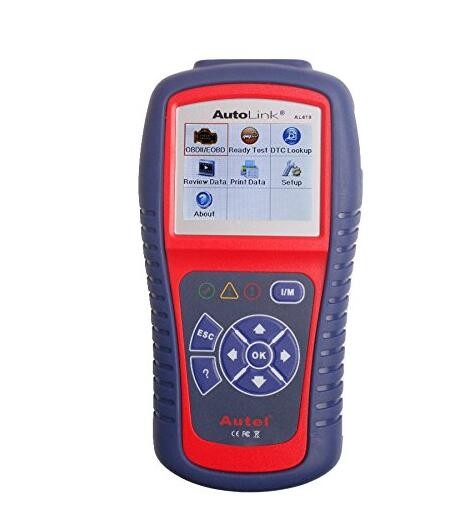
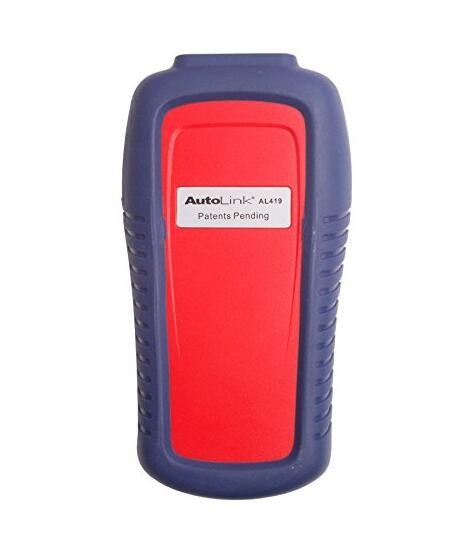
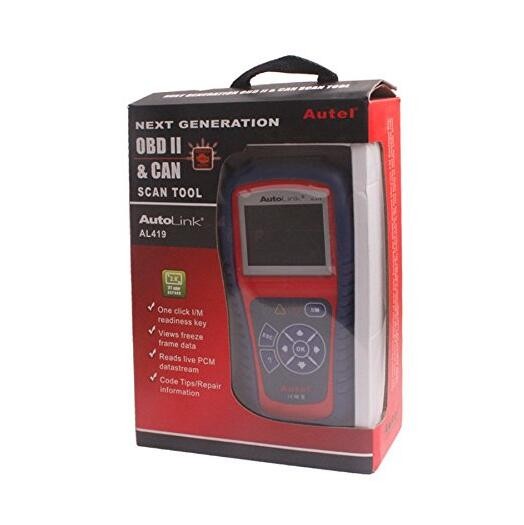

Description
What it is
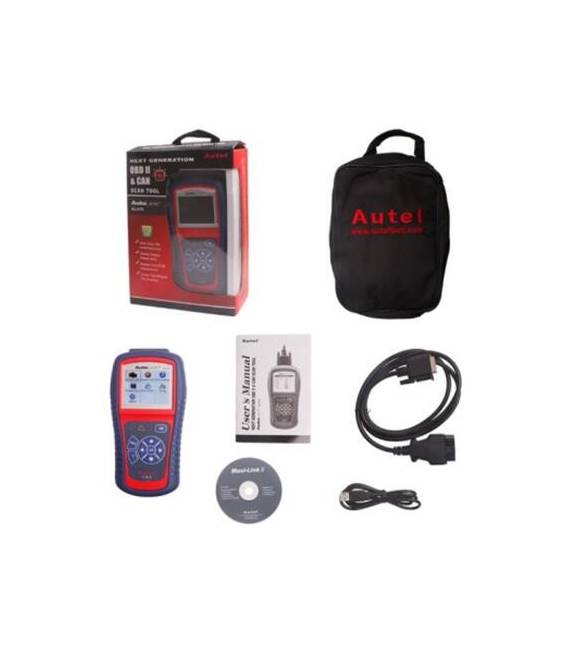
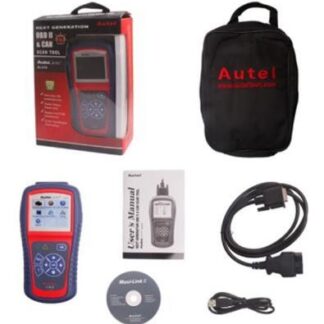
Autel AL419 AutoLink is an OBDII 2 CAN diagnostic tool for reading error codes in vehicles.
Features
- OBDII and CAN support
- Compatible with OBDII vehicles
- Autel Connect software (check the datasheet)
What it is for
The Autel AL419 is useful for mechanics and enthusiasts to diagnose and solve problems in vehicles. It allows reading error codes and using the Autel Connect software for further information.
Tutorial: How to use Autel AL419
The Autel AL419 is an OBDII 2 CAN scan tool that helps diagnose and solve problems in vehicles. It is useful for basic mechanics and hobbyists.
What you need
- Autel AL419
- Vehicle
- USB cable
- OBDII cable
Steps
- 1. Check the datasheet for the specifications of the OBDII cable.
- 2. Connect the OBDII cable to the Autel AL419.
- 3. Connect the OBDII cable to the vehicle (usually under the dashboard).
- 4. Connect the Autel AL419 to the computer via USB cable.
- 5. Start the Autel Connect software on a computer.
- 6. Select the Autel AL419 device.
- 7. Select the vehicle and start the diagnosis.
- 8. Read and follow the error codes displayed.
Mini project
Connect the Autel AL419 to your vehicle and use the Autel Connect software to read the error codes. Estimated time: 30 minutes.
Common mistakes
- Incorrectly connecting the OBDII cable.
- Not having the Autel Connect software installed.
- Not selecting the vehicle correctly.
- Not having a compatible OBDII cable.
Recommended accessories
- Compatible OBDII cable
- Autel Connect software
- Vehicle owner’s manual
- Vehicle
Frequently asked questions
How can I check if the OBDII cable is compatible?
Check the datasheet of the OBDII cable.
Is the Autel Connect software free?
Yes, it is free.
Can I use the Autel AL419 on any vehicle?
Check the vehicle compatibility on the datasheet.
How long does the battery last on the Autel AL419?
Check the datasheet for battery life.
Reviews
There are no reviews yet.