 EN
 IT Italiano
 ES Español
 FR Français
 DE Deutsch
Description
What it is
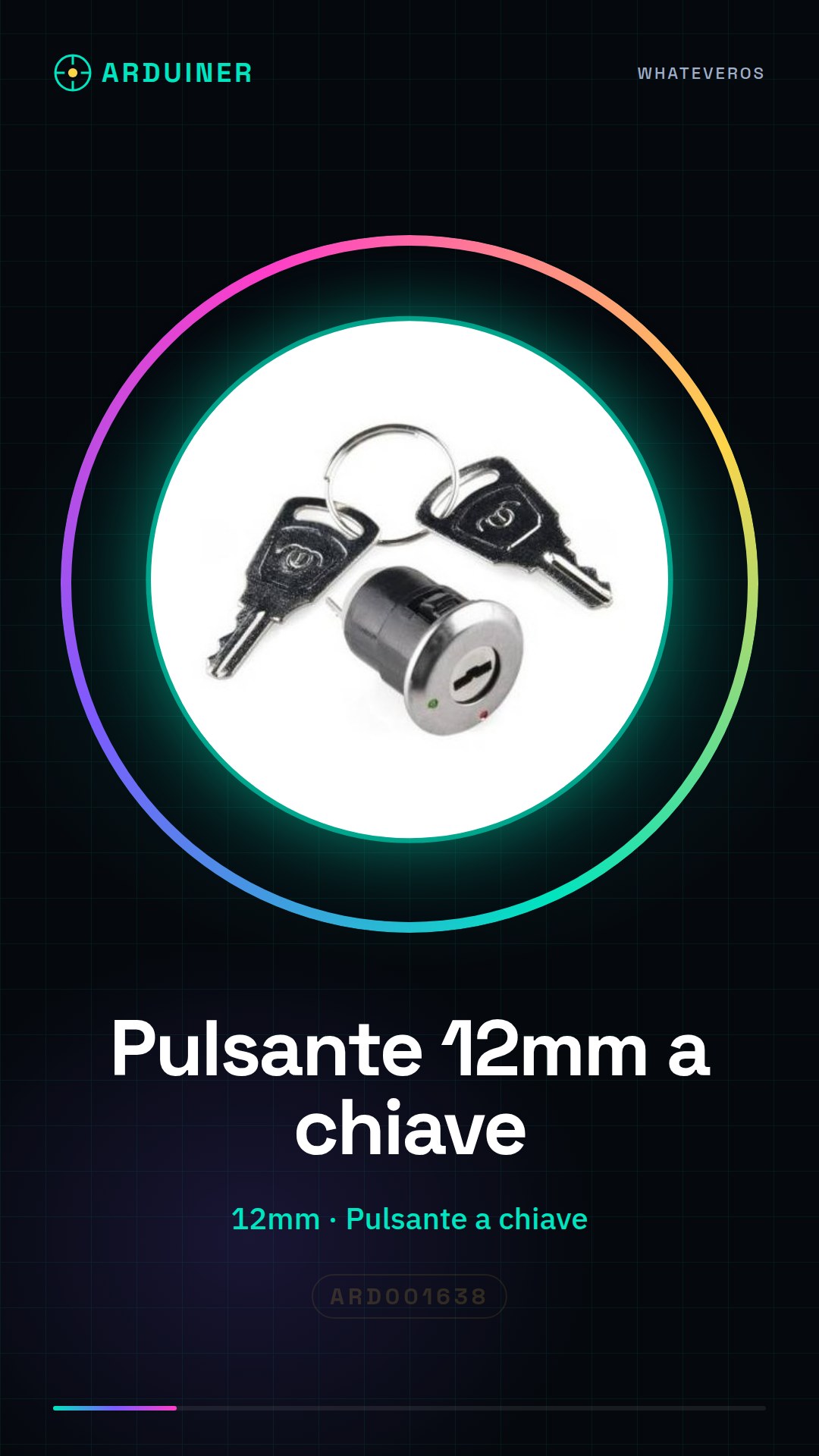
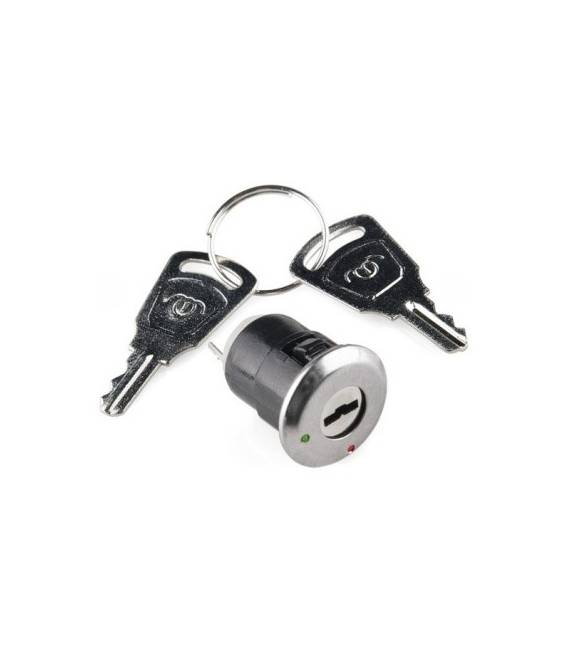
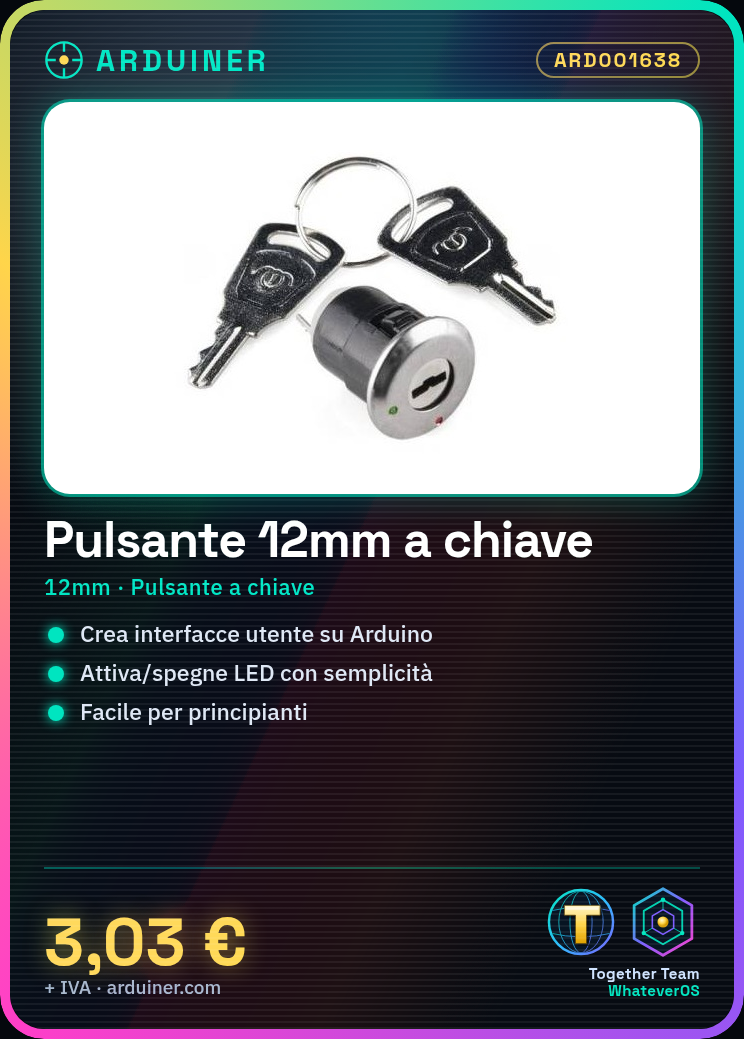
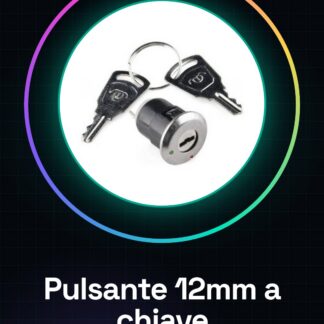
The 12mm Key Switch is an electronic component used to activate or deactivate functions in a circuit. It is a fundamental component for electronic projects, especially for Arduino projects.
Features
- Dimensions: 12 mm
- Type: Key Switch
What it is for
The 12mm key switch is ideal for creating custom user interfaces in Arduino projects. It can be used to activate or deactivate specific functions, such as turning on or off an LED. It is a simple and versatile component, perfect for beginners learning interactive electronics.
Tutorial: How to Use 12mm Key Switch
The 12mm key switch is a fundamental component for electronic projects, primarily used to activate or deactivate specific functions. It is ideal for beginners learning interactive electronics.
What you need
- Arduino Uno
- Prototyping Board
- Jumper Wires
Steps
- Connect the 12mm key switch to the circuit following polarity: one of the two legs is slightly longer and should be connected to the negative (-) side of the battery or power supply. Check the datasheet for specifications.
- Use jumper wires to connect the 12mm key switch to the Arduino board, ensuring a good connection.
- Write an Arduino sketch that reads the state of the switch and prints ‘Button pressed’ or ‘Button released’ to the serial monitor.
- Verify the correct function of the switch using the Arduino serial monitor.
Example code
const int bottone = 2; // definisci la pin
void setup() {
  pinMode(bottone, INPUT);
}
void loop() {
  if (digitalRead(bottone) == HIGH) {
    Serial.println('Pulsante premuto');
  } else {
    Serial.println('Pulsante rilasciato');
  }
}
Mini project
Create a simple light switch that turns an LED on or off when the 12mm key switch is pressed. Use Arduino to manage the LED state.
Common mistakes
- Do not check the polarity of the switch.
- Connect the switch without a pull-down resistor, causing incorrect readings.
- Ignore the necessary debounce input to avoid button bouncing.
- Use jumper wires that are too short or have inadequate connections.
Recommended accessories
- 10kΩ resistor
- LED and appropriate resistor
- Prototype board
- Arduino Uno
Frequently asked questions
Can the key switch be used for other purposes besides activating functions?
Yes, the switch can be used as a general switch or to control variables in a circuit.
What is the difference between this switch and a push button?
The key switch has a press-and-return feel, while the push button remains pressed until released.
Reviews
There are no reviews yet.