 EN
 IT Italiano
 ES Español
 FR Français
 DE Deutsch
Description
What it is
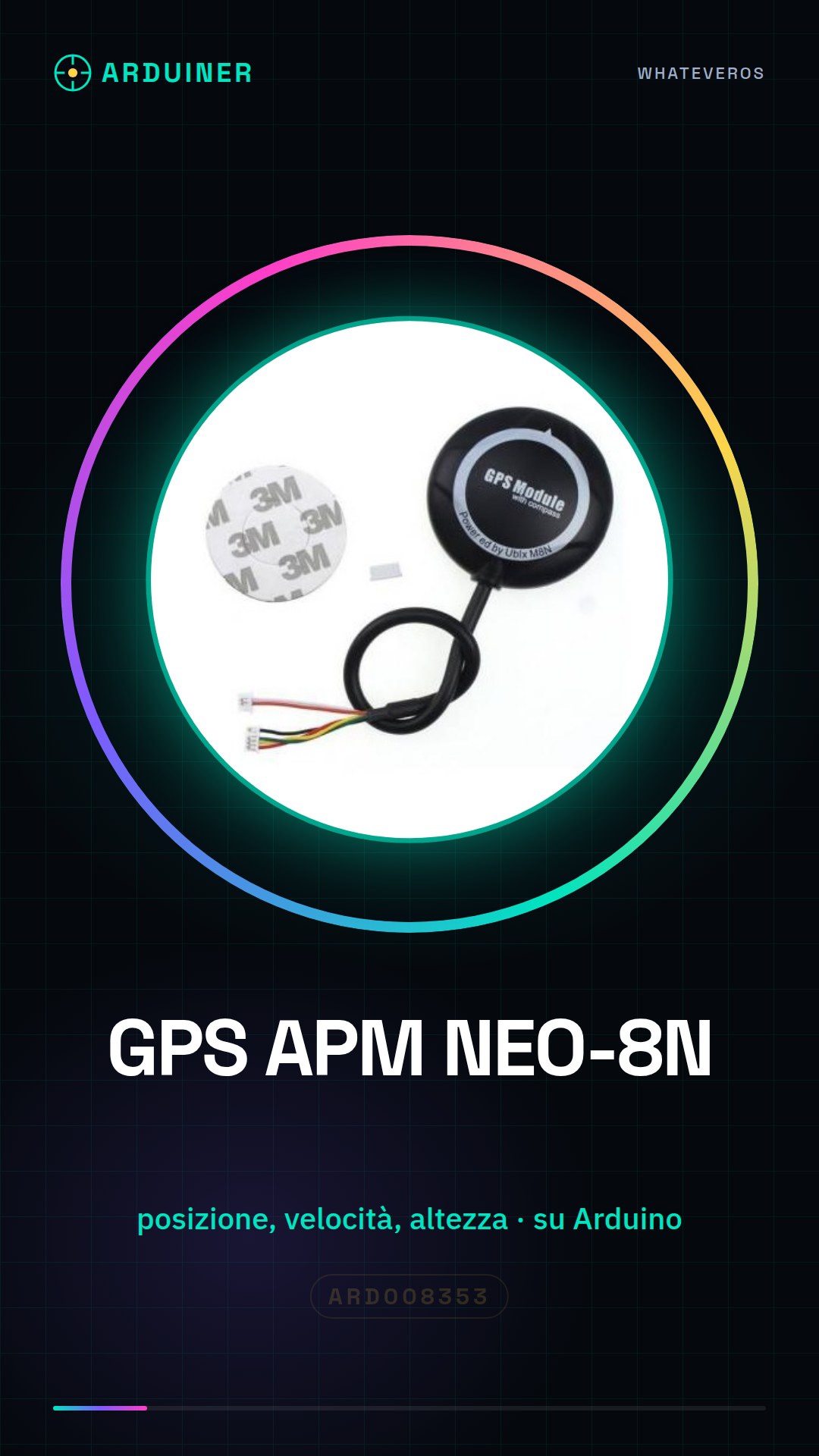
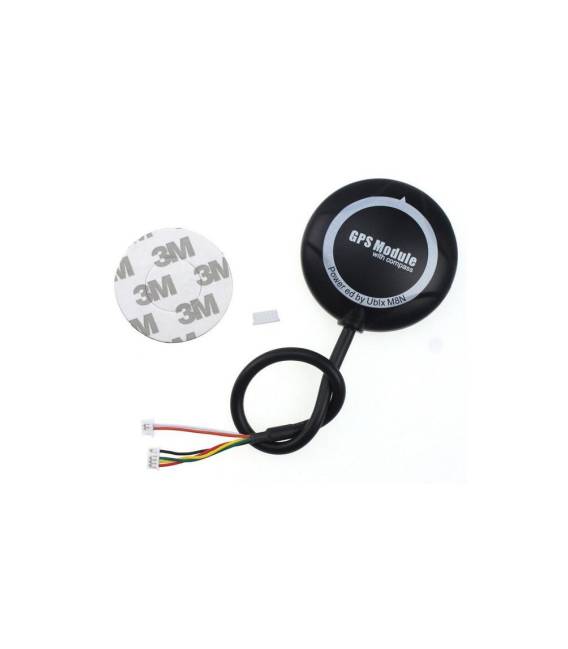
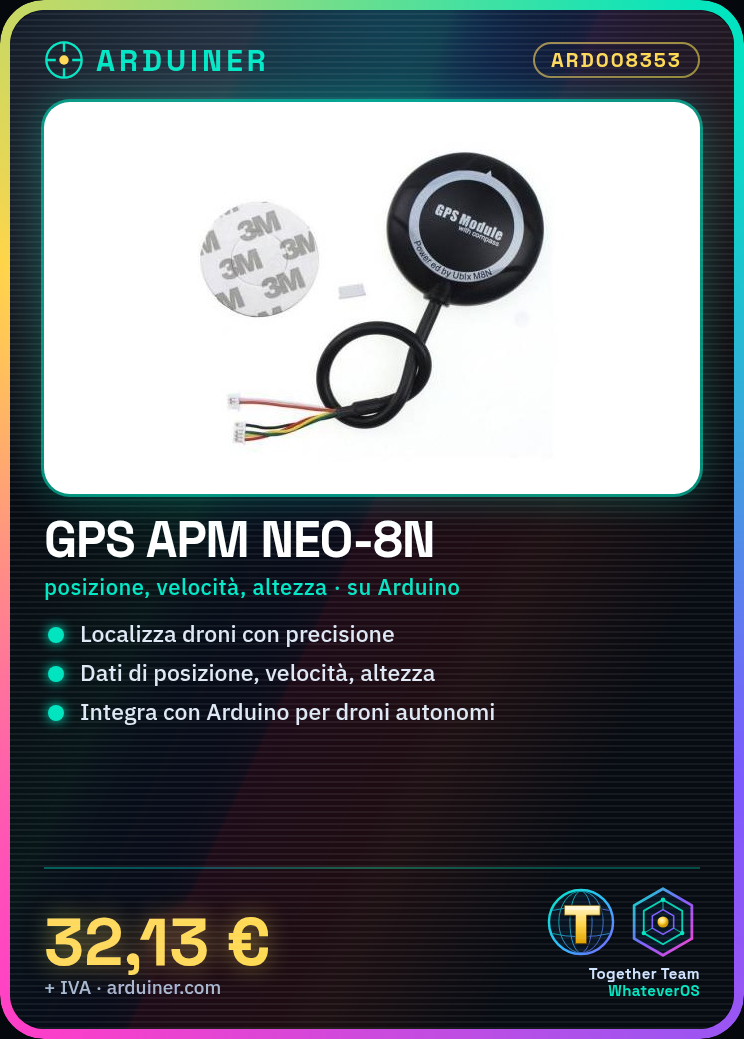
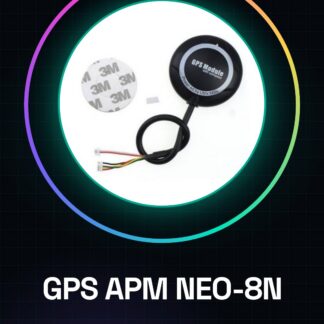
The GPS APM NEO-8N is a satellite navigation device designed to be integrated into autonomous flight systems such as drones and model aircraft. This component provides precise data on position, speed, and altitude, significantly improving flight accuracy.
Features
- Integrable on various Arduino platforms
What it is for
The GPS APM NEO-8N is essential for drone localization and tracking, allowing the creation of precise and stable paths. Useful for both beginners and experts, it enables the development of advanced projects such as drones that follow a predefined path automatically.
Tutorial: How to use GPS APM NEO-8N
The GPS APM NEO-8N is essential for the localization and tracking of your drones. Useful for beginners and intermediates, it provides high precision and stability.
What you need
- GPS APM NEO-8N
- Arduino board
- Drone compatible
- Connection cables
Steps
- 1. Check the datasheet for the GPS APM NEO-8N specifications.
- 2. Mount the GPS on the drone, making sure not to block the view of the sky.
- 3. Connect the GPS to the Arduino board using the following pins: VCC to 5V, GND to GND, TX to RX of the Arduino, RX to TX of the Arduino.
- 4. Verify the stability of the GPS, waiting for it to acquire satellite stations.
- 5. Load the source code onto the Arduino.
- 6. Try moving the drone and verify the accuracy of the GPS.
- 7. Configure the GPS settings in the Arduino code.
- 8. Test the GPS system in flight.
Example code
```
#include <APM_Pilot.h>

void setup() {
  Serial.begin(9600);
  GPS.begin(9600);
}

void loop() {
  if (GPS.newData()) {
    Serial.print("Lat: ");
    Serial.println(GPS.latitude);
    Serial.print("Lon: ");
    Serial.println(GPS.longitude);
  }
}
```
Mini project
Create a small drone that moves automatically following a predefined path using the GPS APM NEO-8N for localization.
Common mistakes
- Connect the GPS to the wrong VCC.
- Do not wait long enough for satellite station acquisition.
- Ignore the GPS power supply specifications.
- Omit configuring the Arduino code.
Recommended accessories
- 3S battery
- Lightweight wooden frame
- Arduino MEGA Microcontroller
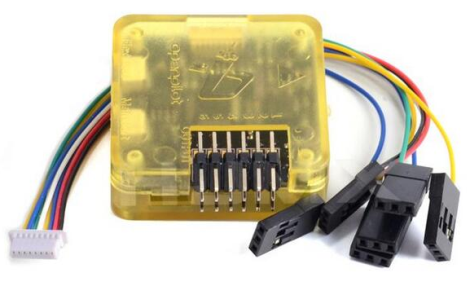
- Control Unit APM2.5
Frequently asked questions
How can I verify the stability of the GPS?
Wait for the number of satellite stations to reach at least 5.
Which pins to use to connect the GPS?
VCC to 5V, GND to GND, TX to RX of Arduino, RX to TX of Arduino.
Does the GPS work with AA batteries?
No, check the datasheet for power supply specifications.
Reviews
There are no reviews yet.