 EN
 IT Italiano
 ES Español
 FR Français
 DE Deutsch
Description
What it is
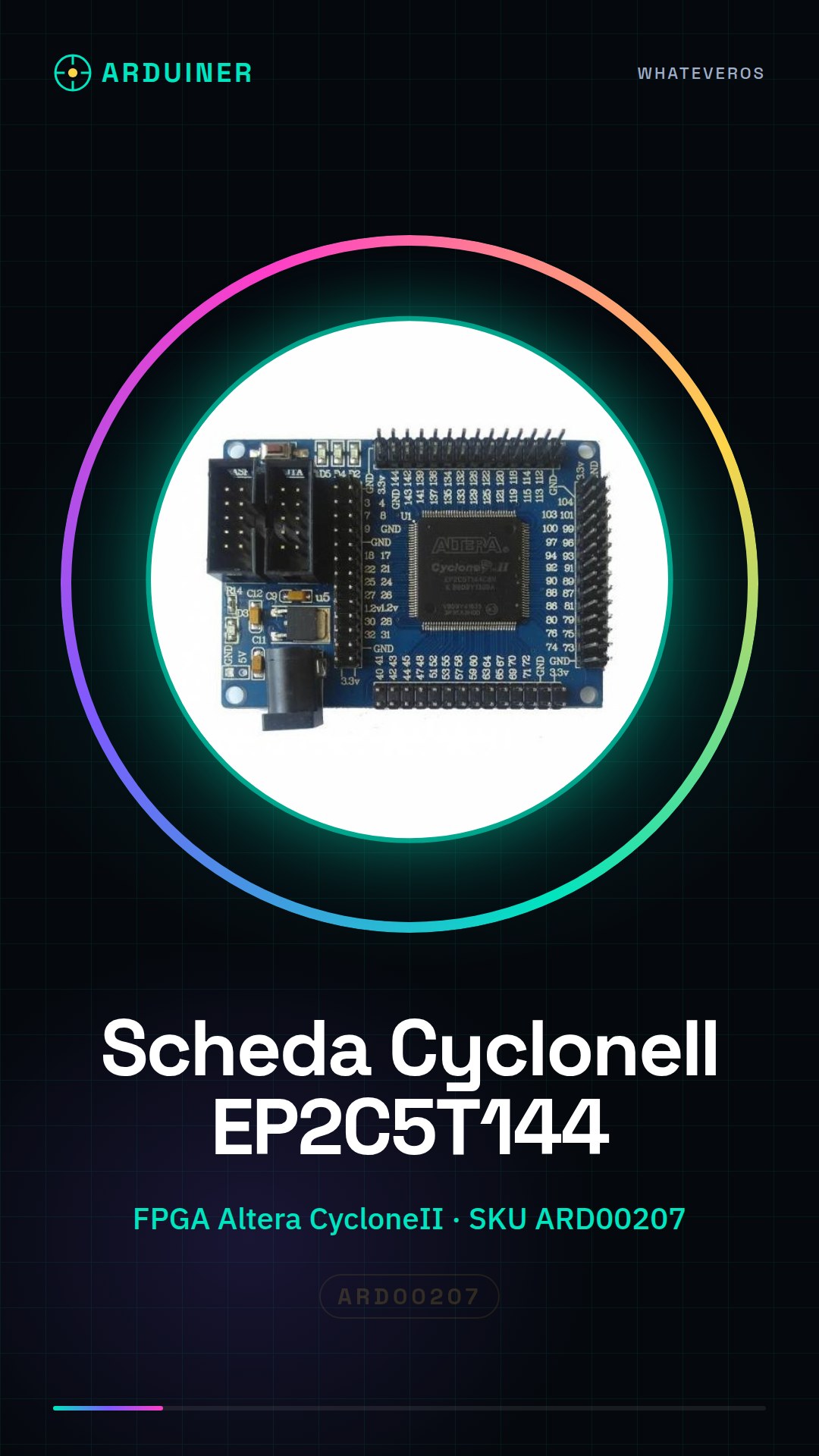
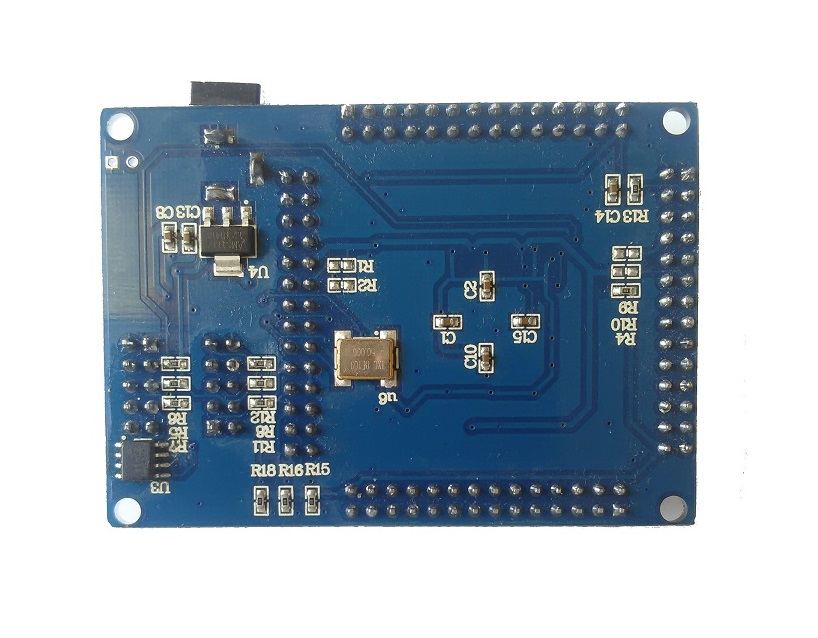
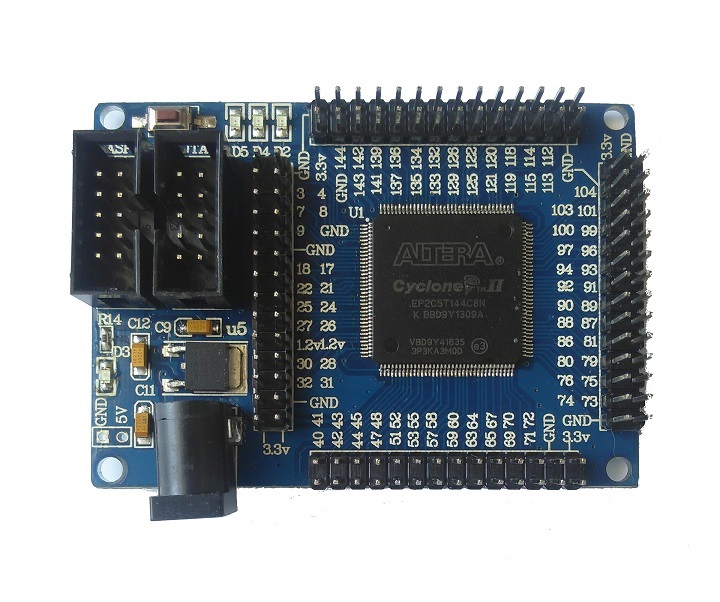
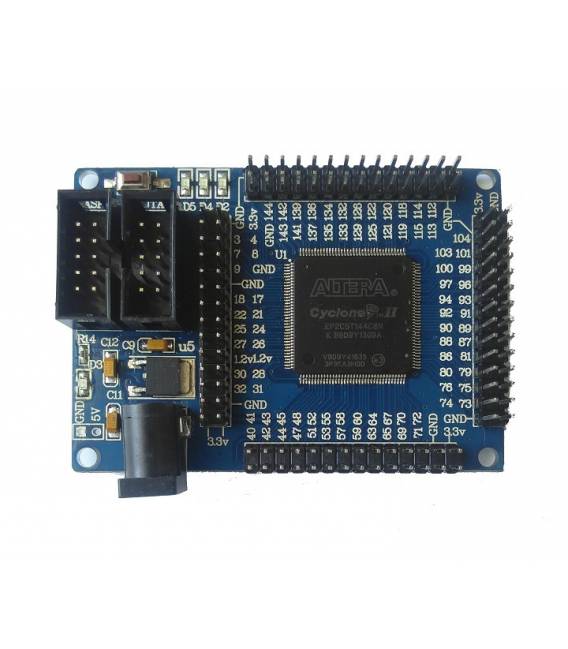
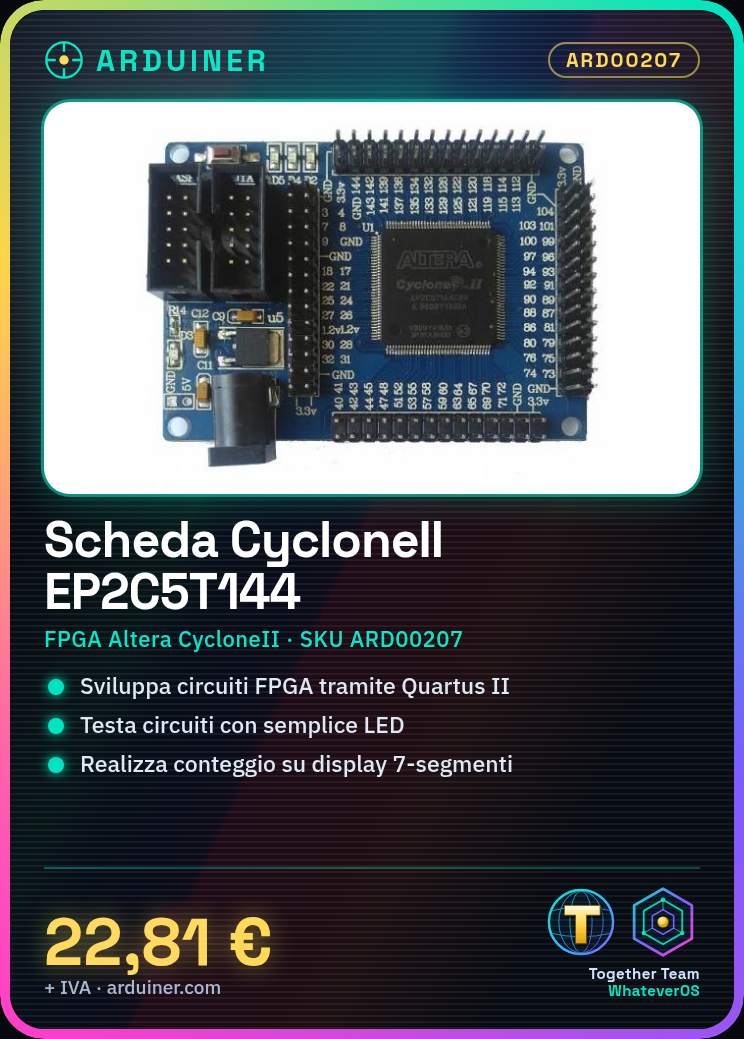
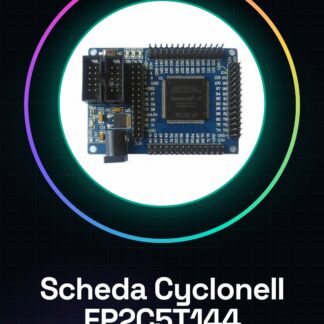
The Altera FPGA CycloneII EP2C5T144 development board is a printed circuit board that integrates an Altera CycloneII EP2C5T144 FPGA (Field-Programmable Gate Array). It allows for the development and testing of FPGA circuits through a dedicated software development environment.
Features
- Altera CycloneII EP2C5T144 FPGA
- SKU: ARD00207
- Price: 22.81 €
What it is for
The board is ideal for digital circuit designers and electronic programmers who want to experiment with FPGA circuit programming. It can be used to create custom digital circuits, such as a simple 7-segment display counter with a button. Compatibility with Arduino or ESP is not specified.
Tutorial: How to Use the Altera FPGA CycloneII EP2C5T144 Development Board
This board allows you to develop and test FPGA circuits using a software development environment. Ideal for electronic programmers and digital circuit designers.
What you need
- PC with Windows or Linux
- Install Quartus II software
- USB cable
- Test circuit (check the datasheet)
Steps
- 1. Install the Quartus II software on the PC.
- 2. Connect the board to the PC with the USB cable.
- 3. Start the Quartus II software.
- 4. Open a sample project or create a new one.
- 5. Load the code onto the FPGA using the software.
- 6. Test the circuit with a simple LED.
- 7. Explore the FPGA pins for further connections.
- 8. Save the project and make a backup.
Mini project
Create a simple counting circuit using a 7-segment display and a button.
Common mistakes
- Do not connect the board to the PC correctly.
- Install an obsolete version of the software.
- Omit loading the code onto the FPGA.
- Do not use an incorrect power supply for the circuit.
Recommended accessories
- 7-segment display
- Button
- 5V power supply
- Connection cables
Frequently asked questions
How can I check if the board is properly connected?
Check the error LED light on the front of the board. If it is off, the board is properly connected.
Which FPGA pins can I use for my project?
Check the datasheet for the complete list of available pins.
Is the Quartus II software free?
Yes, the Quartus II software is free for non-commercial users.
Can I use this board with Arduino?
No, this board is designed for the Quartus II software and is not compatible with Arduino.
Reviews
There are no reviews yet.